


How to Download Minecraft for Bedrock Edition APK Latest Version 5.1.1 for Android 2024
2024-05-17
Read through this guide to learn how to download and install Minecraft for Bedrock Edition apk latest version 5.1.1 on mobile in 2024. Follow the step-by-step tutorial to download Minecraft for Bedrock Edition apk for Android.
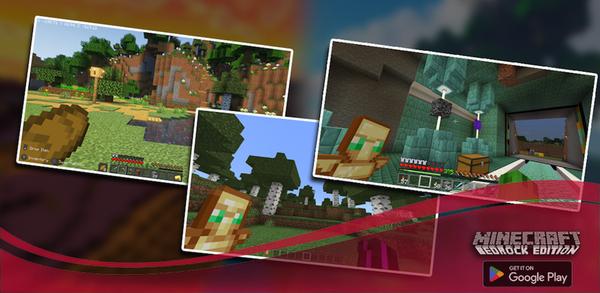
About Minecraft for Bedrock Edition
The app offers over 30 maps with different categories and addons for Minecraft Bedrock Edition, allowing users to build, survive, explore and play in various modes. It also provides daily updates by specialists who test the new content before delivering it to ensure a great experience. Moreover, the add-on replaces Chain Armor with more powerful Bedrock Armor that makes survival easier.

Minecraft for Bedrock Edition is a companion app that curates maps and addons for Bedrock players.
How to download Minecraft for Bedrock Edition on Mobile
Step 1: Visit APKPure.com and search for Minecraft for Bedrock Edition.
Step 2: Press the Download APK button to begin downloading it to your phone.
Step 3: Once Minecraft for Bedrock Edition has been downloaded, begin the installation process on your phone.
Step 4: Once the installation is completed, launch the game and start playing Minecraft for Bedrock Edition on your mobile device immediately.
What's New in the Latest Version 5.1.1
Last updated on Mar 10, 2023
- update privacy policy urk
- deactivated QUERY_ALL_PACKAGES
- fixed Hi-res icon and tittle app
If you're looking for more popular mobile games, then look no further than APKPure. Our editors have carefully selected the following three articles for you to read and discover more:
- How to Download AddOns Maker for Minecraft PE APK Latest Version 3.8.11 for Android 2026
- How to Download Touchgrind Scooter APK Latest Version 1.3.11 for Android 2026
- How to Download Triple Blossom APK Latest Version 4.0.8 for Android 2026
 NEWS
NEWS REVIEWS
 HOWTO
HOWTO









