How to Contact Roblox Customer Support Service

2024-05-28
Learn how to contact Roblox customer support through phone, email, and their help center to resolve account, billing, and technical issues.

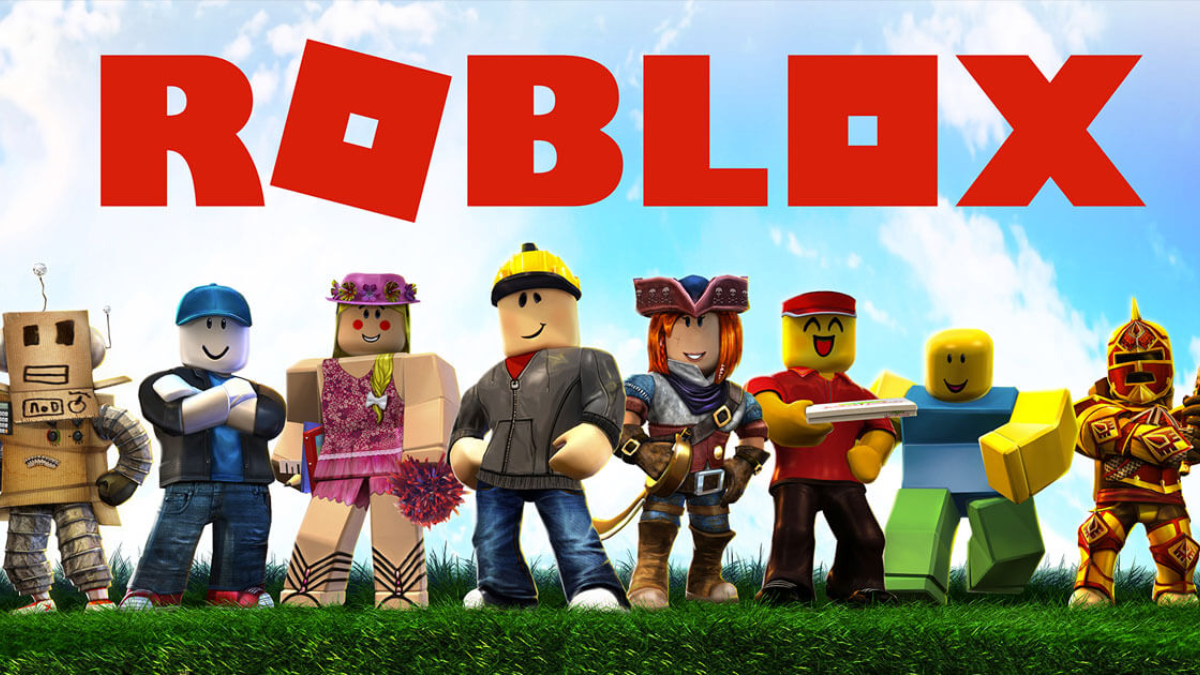
Roblox is a user created gaming app that lets you play, create, and share 3D experiences with friends across devices.
Roblox is a popular online platform where users can create and play games. However, players may encounter issues that require assistance from Roblox customer support. This guide will help you navigate the various ways to contact Roblox customer support to resolve your issues efficiently.
1. Contacting Roblox via Phone
Roblox offers a toll-free customer service number that is available 24/7. To contact Roblox by phone, dial (888) 858-2569. When you call, you will be forwarded to a voice menu system where you can choose the required category and leave a voicemail message with your username and device details. A Roblox customer support representative will call you back to assist with your issue. For business support, you can call 1-844-821-2349, and for legal issues, the number is +494 099 999 3430.
2. Emailing Roblox Support
While Roblox does not prominently display a customer support email on their website, you can still reach them via email. For general inquiries, use info@roblox.com. For business support and gift card inquiries, email robloxgiftcardsforbusiness@cashstar.com. If you have privacy concerns, contact privacy@roblox.com. Note that responses via email may take some time, so be patient.
3. Using the Roblox Help Center
The Roblox Help Center is a comprehensive resource for resolving various issues. To access it, go to roblox.com, sign in to your account, and click on Roblox Support. Here, you can choose from categories such as safety concerns, billing, payments, gift cards, and technical issues. After selecting a category, you can enter a brief description of your problem in a dialogue box. A customer support representative will get back to you via email with further instructions. Additionally, you can find solutions in the Help Center FAQ section.
4. Additional Tips for Effective Support
Provide Detailed Information: When contacting support, always include your Roblox username, the device you are using, and a detailed description of the issue. Attaching screenshots can also be helpful.
Check Operating Hours: While phone support is available 24/7, email responses and other support services may have specific operating hours. For example, emails and calls are typically returned during business hours, Monday to Friday, 9 AM to 9 PM EST.
Use Multiple Channels: If you do not receive a timely response via one method, try another. For instance, if you emailed and haven't heard back, consider calling the toll-free number or using the Help Center.
Roblox is a user created gaming app that lets you play, create, and share 3D experiences with friends across devices.
By following these steps, you can effectively contact Roblox customer support and get the help you need to enjoy a seamless gaming experience.
 NEWS
NEWS REVIEWS
 HOWTO
HOWTO