
In a plain text document, you can simply hit the spacebar button to add multiple spaces. However, it’s not that easy to insert spaces in HTML web pages. It doesn’t matter how many times you press the spacebar in HTML, the browser just displays one whitespace.
Therefore, you should add HTML tags before and afterward of text to locate their format.
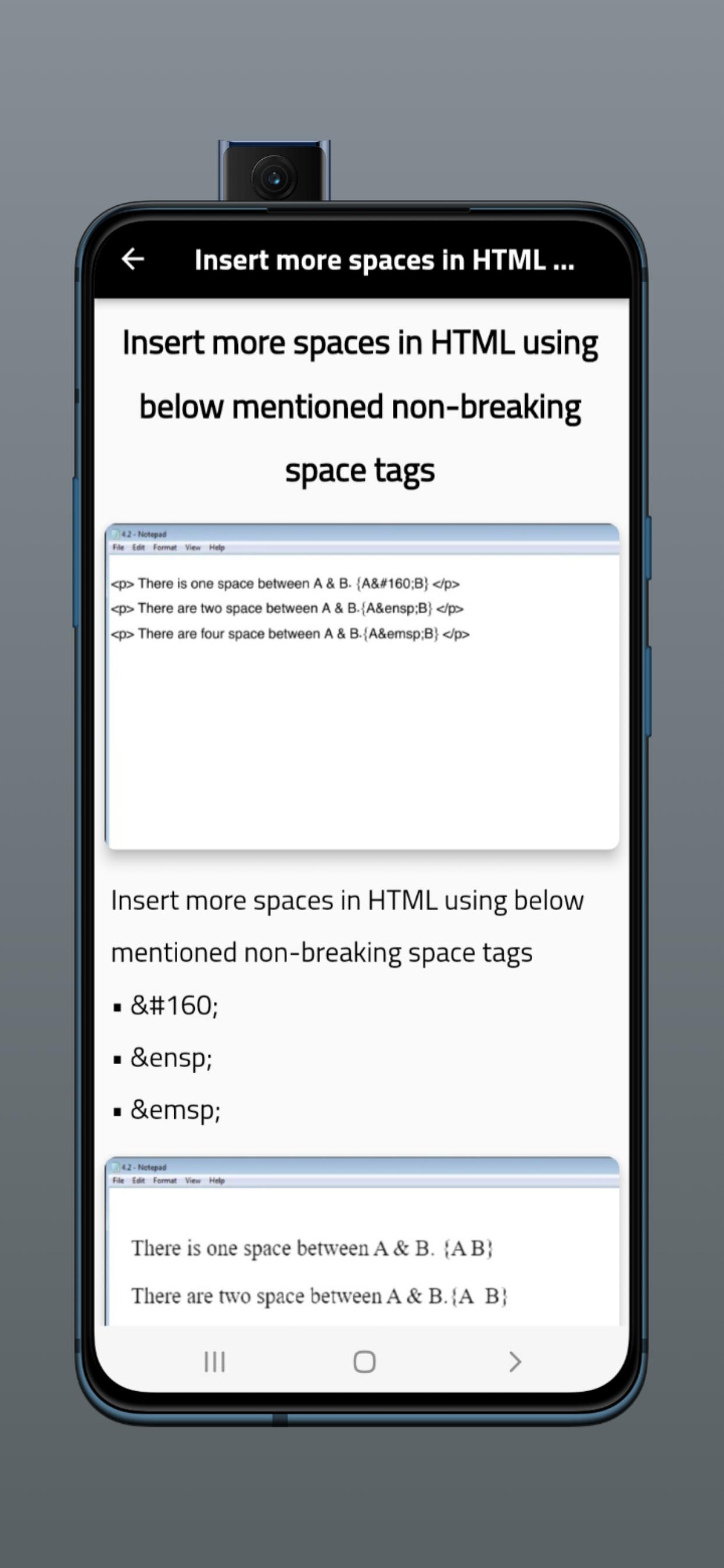
HTML, unlike an MS Word document, does not recognize an extra space that is simply typed with the space bar. Instead, you have to use the language and symbols of HTML to get the result you want. To insert a non-breaking space in your HTML, type " " after the place where you want the extra space. Then it will recognize it as a space that you want in that location of your document. Keep in mind that you should not overuse this technique too many times in a row as it may confuse the browsers.
Latest Version
2Requires Android
5.0
Category
Free Tools AppContent Rating
Everyone
Report
Flag as inappropriateLast updated on Oct 25, 2022
Minor bug fixes and improvements. Install or update to the newest version to check it out!







APKPure - A multi-platform app store primarily focused on Android, providing extensive app-related content. Discover the app you want easier, faster, and safer, with quick and efficient downloads and installations.












