Scan Date:Jan 26, 2026
Show More

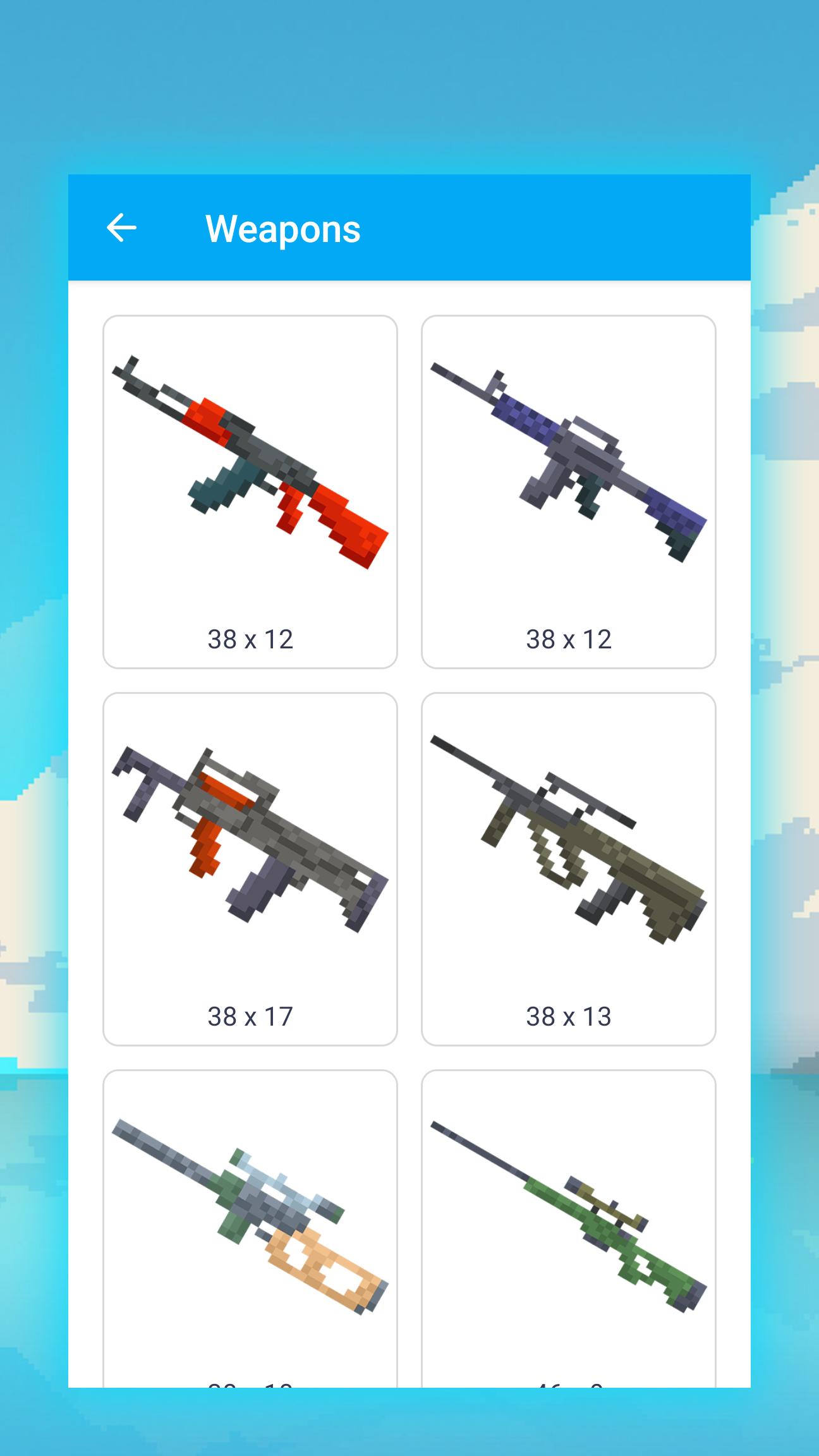
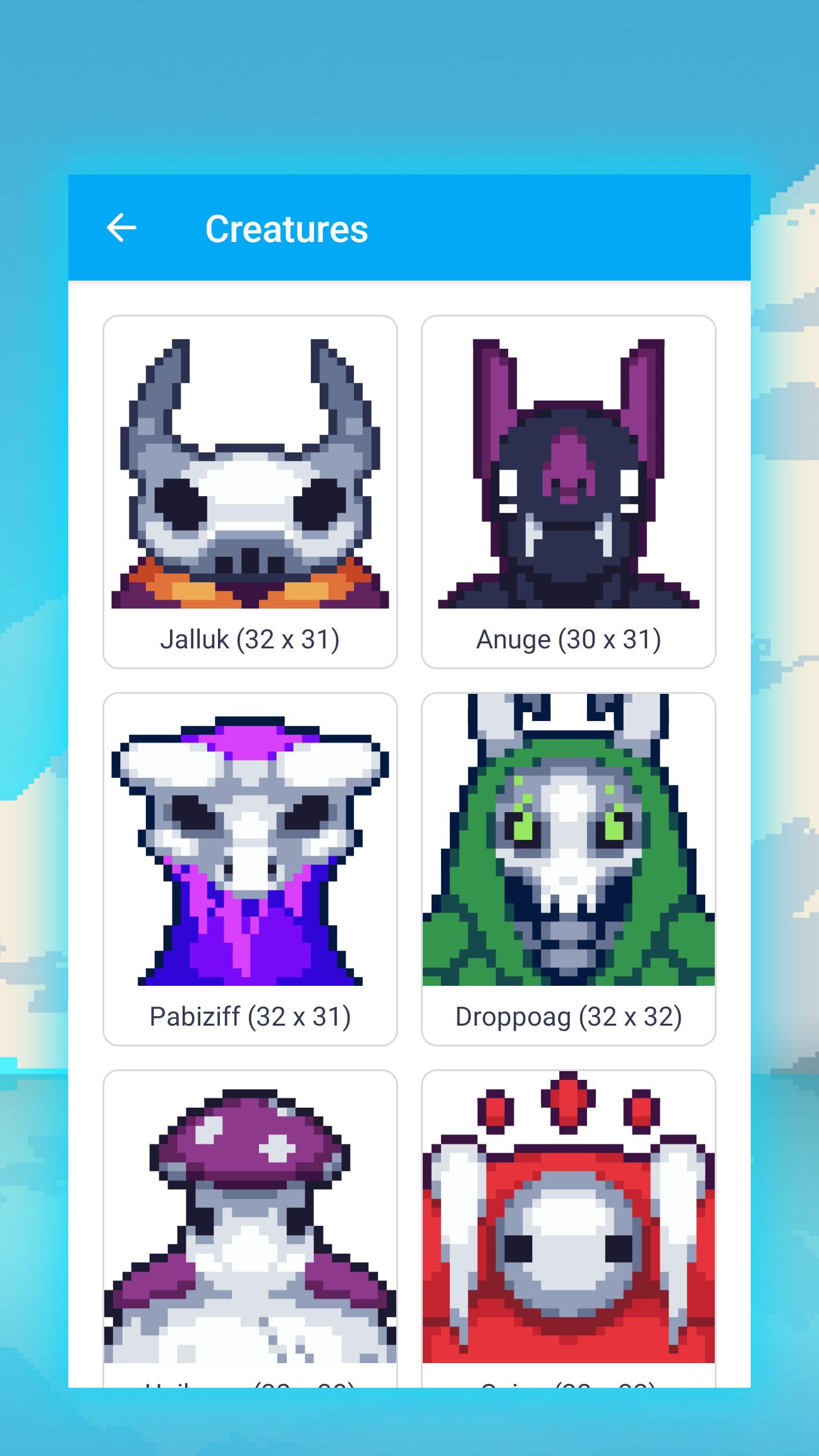
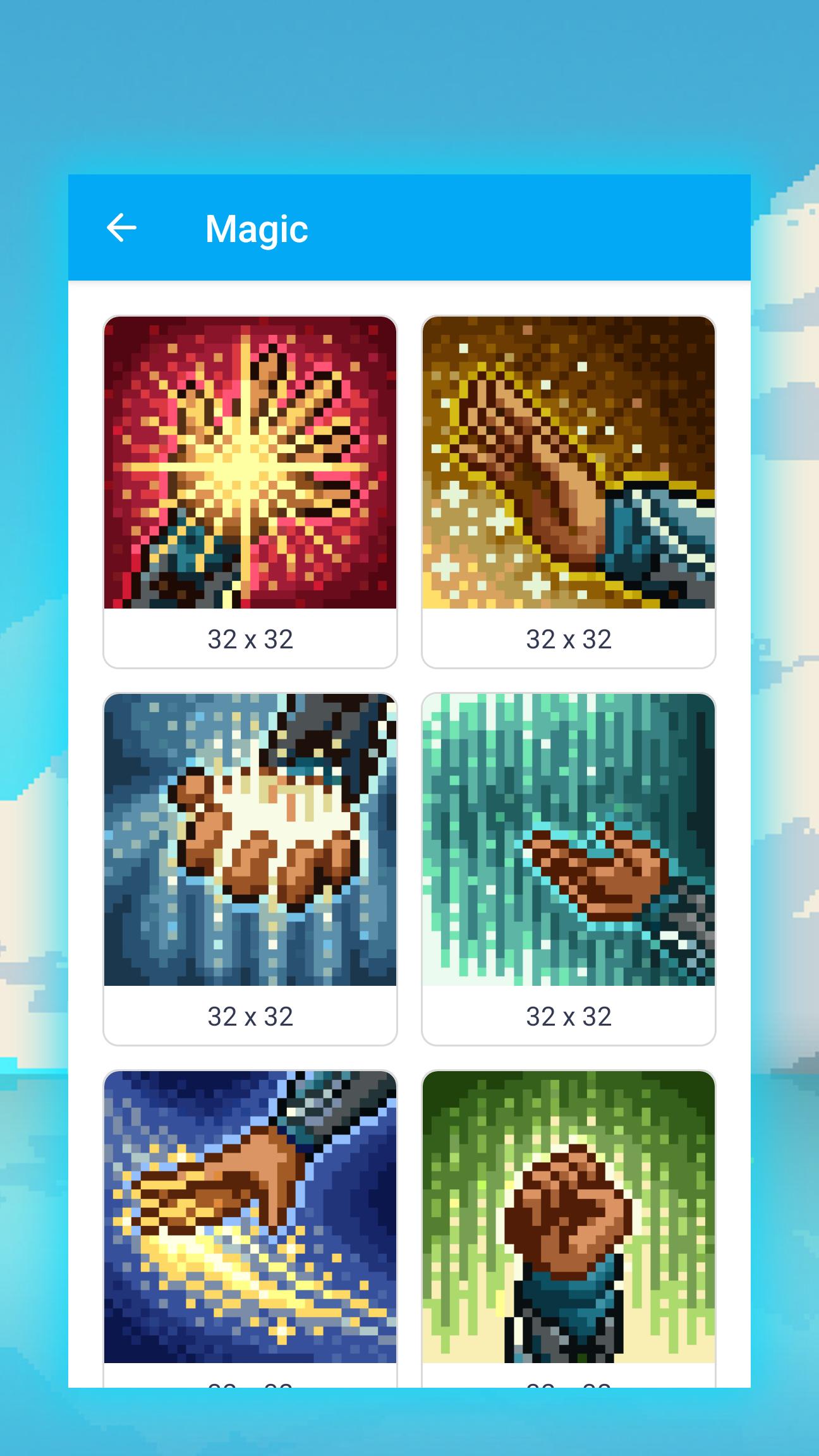
😝 A large number of cool pixel art drawings such as weapons, monsters, mythical creatures, game objects, magic and much more. Step by step drawing lessons will help you understand how to draw pixel art. Starting with pixel markings and ending with coloring.
Most beginners have no idea how to draw beautiful pixel art or turn drawings into a pixelated look. In this application, each of them will receive detailed step-by-step instructions created by professional illustrators for beginners. All illustrations are absolutely free and can be used immediately after installing the application.
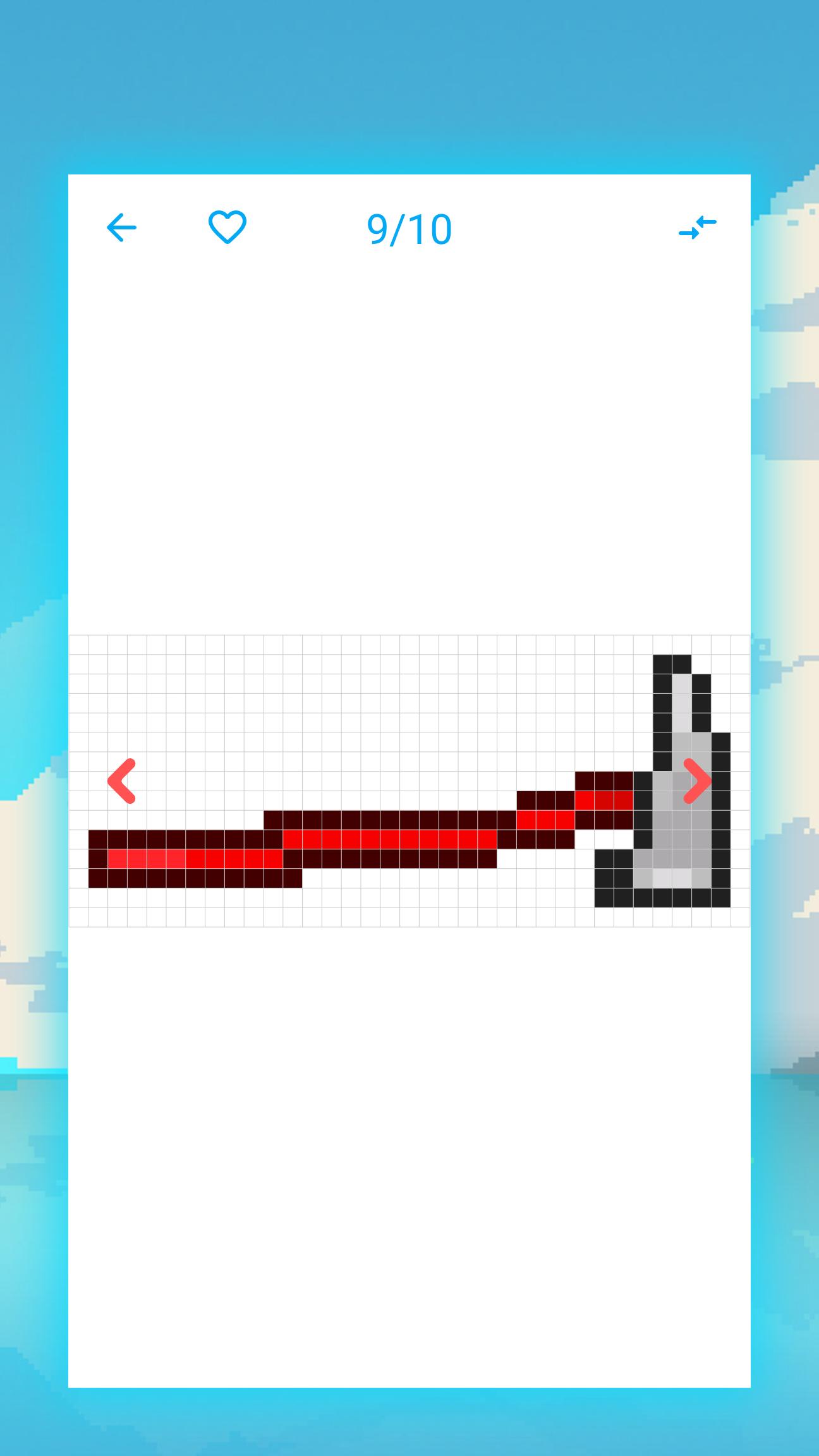
At all stages of drawing, one color is selected for coloring the cells. Coloring each stage, step by step, the structure of the pixel image emerges. After completing all the steps from the drawing lesson, you will get a finished pixel art. Daily pixel art drawing workouts will help you improve your drawing skills. You will understand what you want to do, how to draw it, how to color the result beautifully. You can also use the resulting images to create cartoons or comics.
The application contains a huge number of pixel art drawing lessons. All of them are categorized. Weapons, monsters, mythical creatures, game items, magic and many other categories are presented in the application. Choose what you like the most. The number of drawing lessons in categories is constantly increasing, and their quality is improving. These categories include assault rifles, pistols, demons, magical creatures, melee weapons and more.
For practice, take felt-tip pens with a sheet of checkered paper. Open the application, select one of the appropriate categories. Monsters, game items, weapons, mythical creatures, magic or any other category. Choose any drawing lesson, follow the instructions and you will be able to draw a beautiful pixel art. Follow step by step drawing lessons every day and you will become a great artist.
⭐ Application Features
★ A huge number of pixel images for learning. Assault rifles, pistols, demons, magical creatures, melee weapons. This is just a small list of what is in the application.
★ The app works completely offline.
★ Wide range of categories. Weapons, monsters, mythical creatures, game objects, magic and more.
★ Random selection of pictures to draw if you don't know or can't figure out which pixel art to draw.
★ Step by step drawing lessons. A detailed description of how to draw and what to draw step by step to get a great drawing.
★ Absolutely free application. All instructions are available immediately for use. Choose pixel art, draw, have fun.
★ The minimum set of tools. Markers with a checkered sheet of paper.
Whichever category of instructions you choose. Monsters, game items, weapons, mythical creatures, magic. It will contain a huge number of step by step tutorials on how to create pixelated images. Assault rifles, pistols, demons, magical creatures, melee weapons and others. Each of the pixel art will help you improve your drawing, coloring and image editing skills.
Draw wonderful pixel art, enjoy it, rejoice in your success. Improve your skills to become the best artist. Good luck to you!
⚠️ Warning
All materials available in this app are protected by copyright laws and the provisions of international copyright treaties. This material was posted solely for the purpose of viewing the materials by users in this app. If you have any questions about copyright infringement, please contact the developer.
Latest Version
5.8Uploaded by
Michael Jacobsson
Requires Android
Android 6.0+
Category
Free Art & Design AppContent Rating
Everyone
Security Report
Report
Flag as inappropriateLast updated on Jan 19, 2026
Minor bug fixes and improvements. Install or update to the newest version to check it out!






APKPure - A multi-platform app store primarily focused on Android, providing extensive app-related content. Discover the app you want easier, faster, and safer, with quick and efficient downloads and installations.