

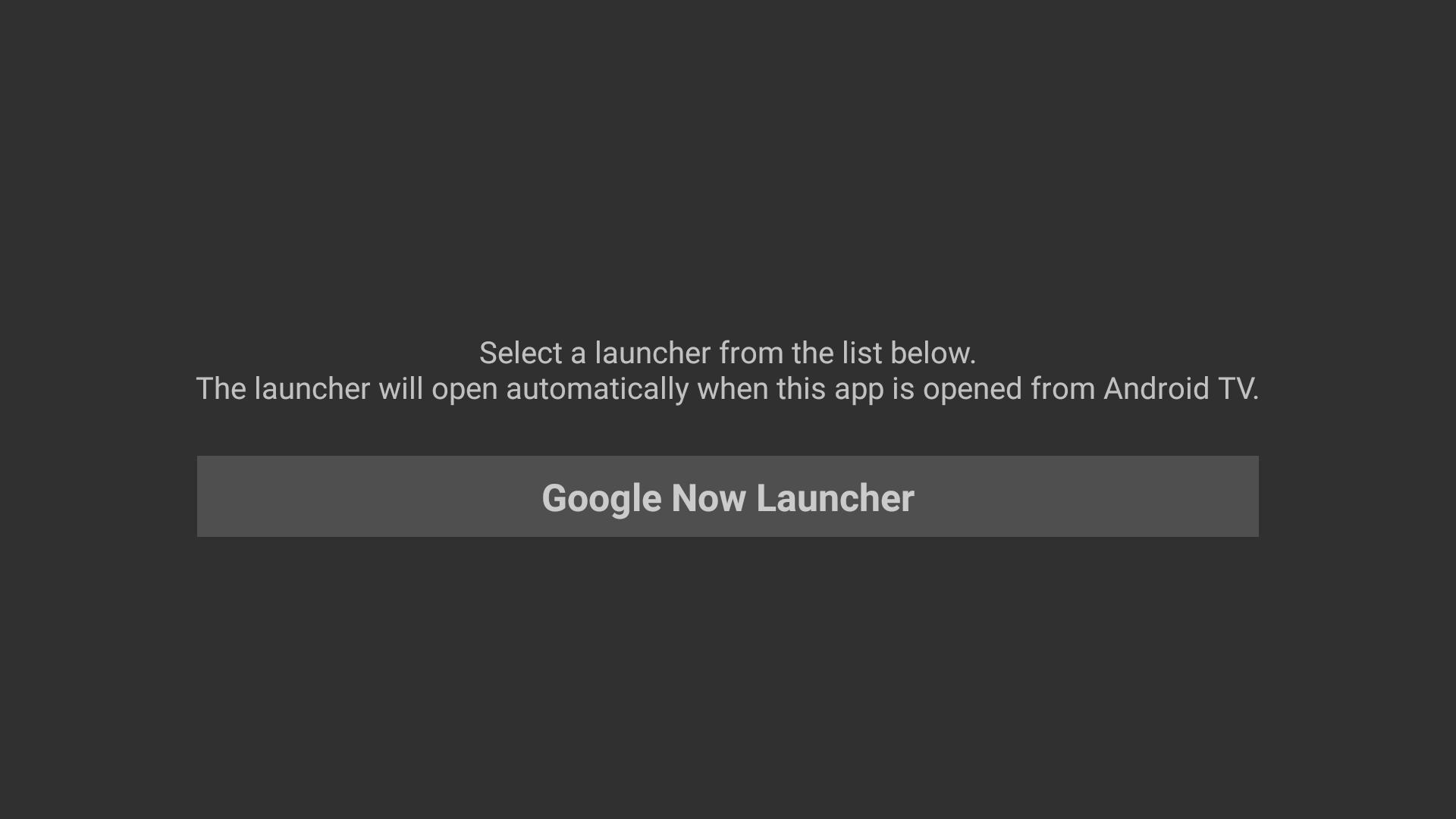
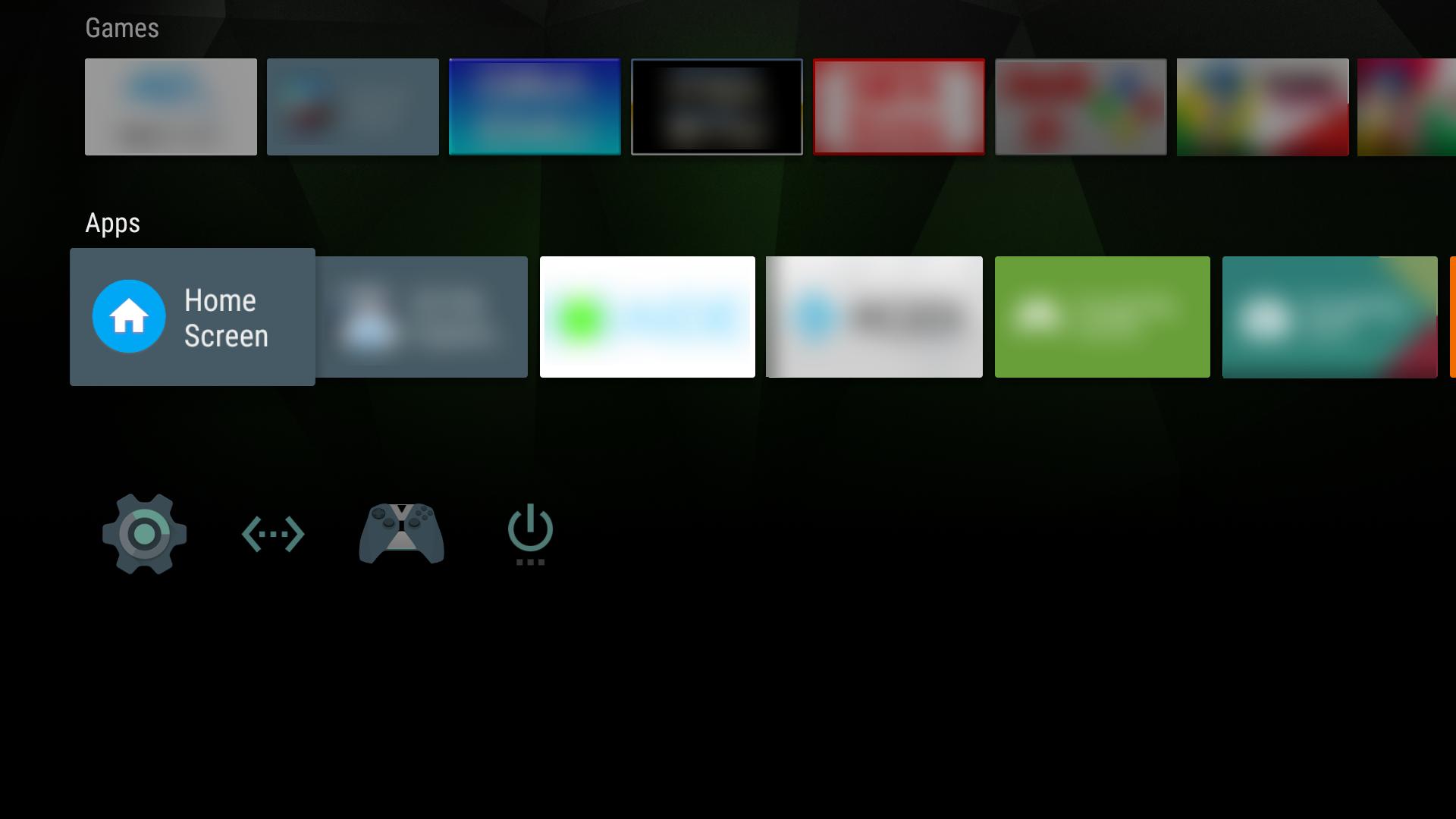
Home Screen Launcher helps users who install alternative launchers on Android TV but still want the familiar TV interface. It provides a simple way to use a sideloaded launcher when needed, while the default Android TV home remains unchanged. With one action from the Home tile, you can open the standard Android launcher you prefer. This keeps navigation clear for everyone at home, and it avoids complex setup. For quick access and consistent behavior, Home Screen Launcher APK is designed for everyday TV use.
Keep Android TV as default
Home Screen Launcher preserves the standard Android TV home screen as your default interface. You use the sideloaded launcher only when you choose, so regular TV apps and recommendations stay in their usual place. This approach suits households that share the device, since the familiar TV layout remains available whenever the system starts.
Open your chosen launcher from the Home tile
To access a different launcher, select the Home tile on your Android TV. Home Screen Launcher routes that action to the standard Android launcher you prefer, then returns control to the TV environment when you exit. This keeps switching focused on a single step and avoids changing system settings each time.
Use the same launcher across devices
If you already use a favorite launcher on a phone or tablet, you can bring the same launcher to TV for sideloaded apps. Home Screen Launcher lets you keep a familiar setup without replacing the Android TV interface. As a result, you manage sideloaded apps in a way that feels consistent. This helps reduce confusion when moving between devices.
Start using Home Screen Launcher to keep Android TV as default while opening a sideloaded launcher when needed. Setup is straightforward and switching happens from the Home tile. For a consistent TV experience across devices, download Home Screen Launcher and follow on screen prompts to open your preferred standard Android launcher.
Latest Version
1.1.3Uploaded by
Kukuh Sa
Requires Android
Android 5.0+
Category
Free Tools AppContent Rating
Everyone
Report
Flag as inappropriateLast updated on Feb 21, 2020
• Fixed help and about buttons not showing on Nexus Player


APKPure - A multi-platform app store primarily focused on Android, providing extensive app-related content. Discover the app you want easier, faster, and safer, with quick and efficient downloads and installations.












