

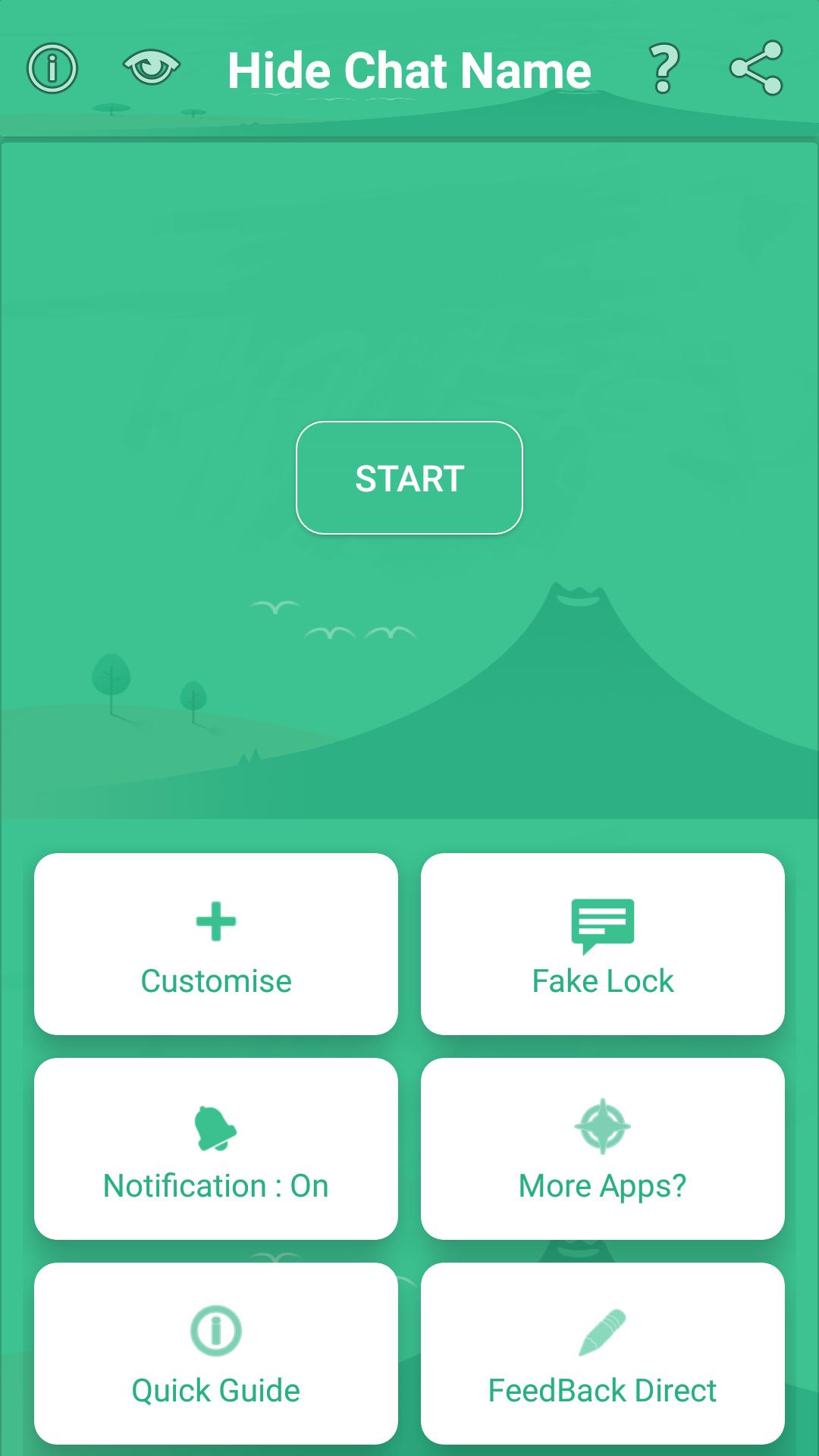
Hide Chat Name helps users who chat in buses, trains, classrooms, and offices keep on-screen details private. People nearby often peek at phones, so this app reduces exposure by masking identity cues during conversations. It is useful when you need to reply quickly yet prefer not to show who you are chatting with. With simple controls, it works alongside your everyday messaging. For users searching for Hide Chat Name APK, the focus is practical privacy during normal use rather than visual effects.
Instant privacy guard
Hide Chat Name lets you hide the contact name and profile picture with a single tap. A floating icon stays available on the screen, and tapping it helps prevent nearby people from seeing who you are chatting with. It works while you continue your conversation without adding extra steps.
Fake details for discretion
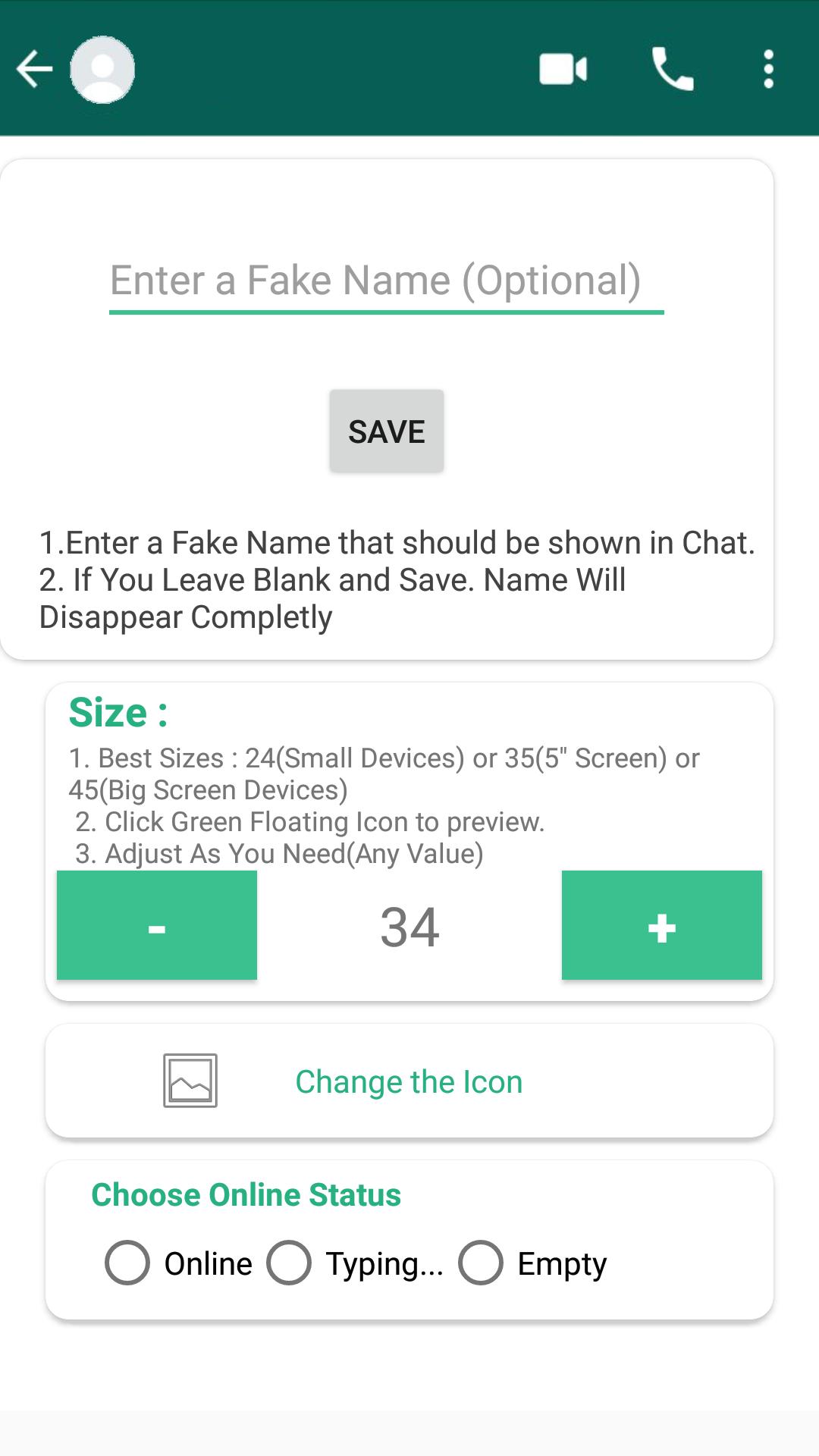
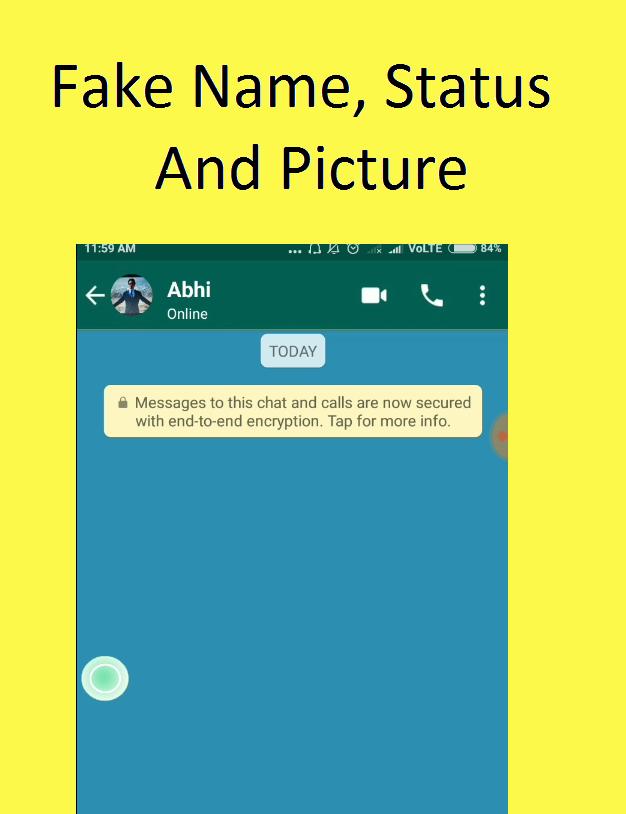
You can assign a fake name, set a fake profile picture, and show a fake status for the person you are chatting with. People around you may think you are talking to someone else, which reduces casual screen peeking. This feature changes what is shown on your screen and does not alter messages.
Movable floating icon
Move the floating icon to any convenient spot so it does not block buttons or text. Adjust its placement for different apps or screen sizes. This keeps quick access close at hand and avoids interruption while you type.
Direct chat with the developer
Contact the developer inside the app for questions or suggestions. Use this channel to report issues or request improvements. This can be helpful once you download Hide Chat Name and begin regular use.
This app focuses on masking identity details during chats and offers flexible controls for public environments. It is straightforward to use and fits daily routines. For a stable experience, check that you are on the Hide Chat Name latest version and use fake details responsibly.
Latest Version
2.0Uploaded by
Antonio Gomes
Requires Android
Android 4.0.3+
Category
Free Social AppContent Rating
Teen
Report
Flag as inappropriateLast updated on Oct 28, 2018
* Now You Can Use FB and Insta Modes.
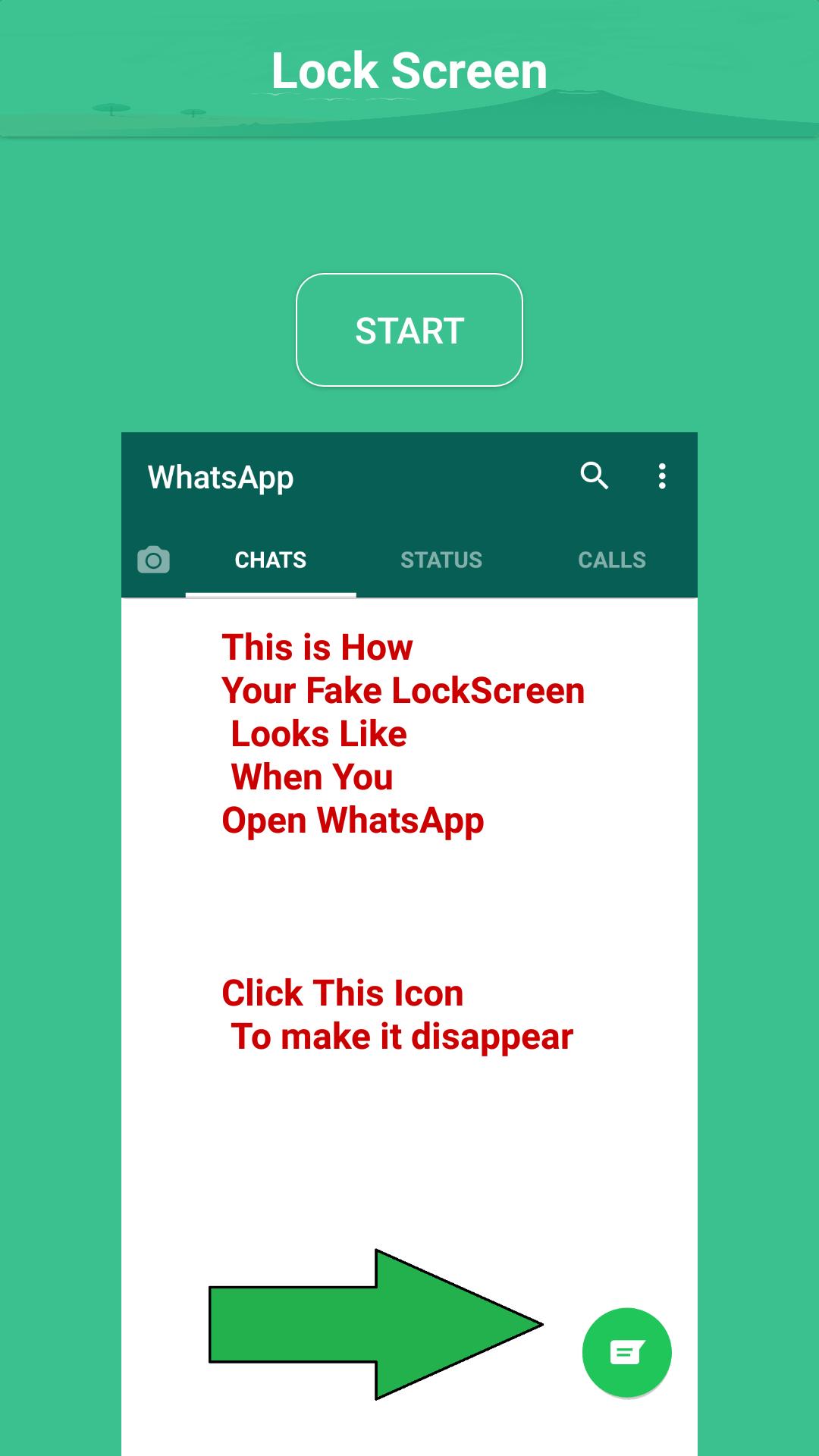
* Fake LockScreen Is available.
* Stable Version by removing Major Bugs.
* Green Icon Appears Only Inside the Chatting App.
* App is available in English, German And Arabic Languages.





APKPure - A multi-platform app store primarily focused on Android, providing extensive app-related content. Discover the app you want easier, faster, and safer, with quick and efficient downloads and installations.