
#1 Battery Saving technique!
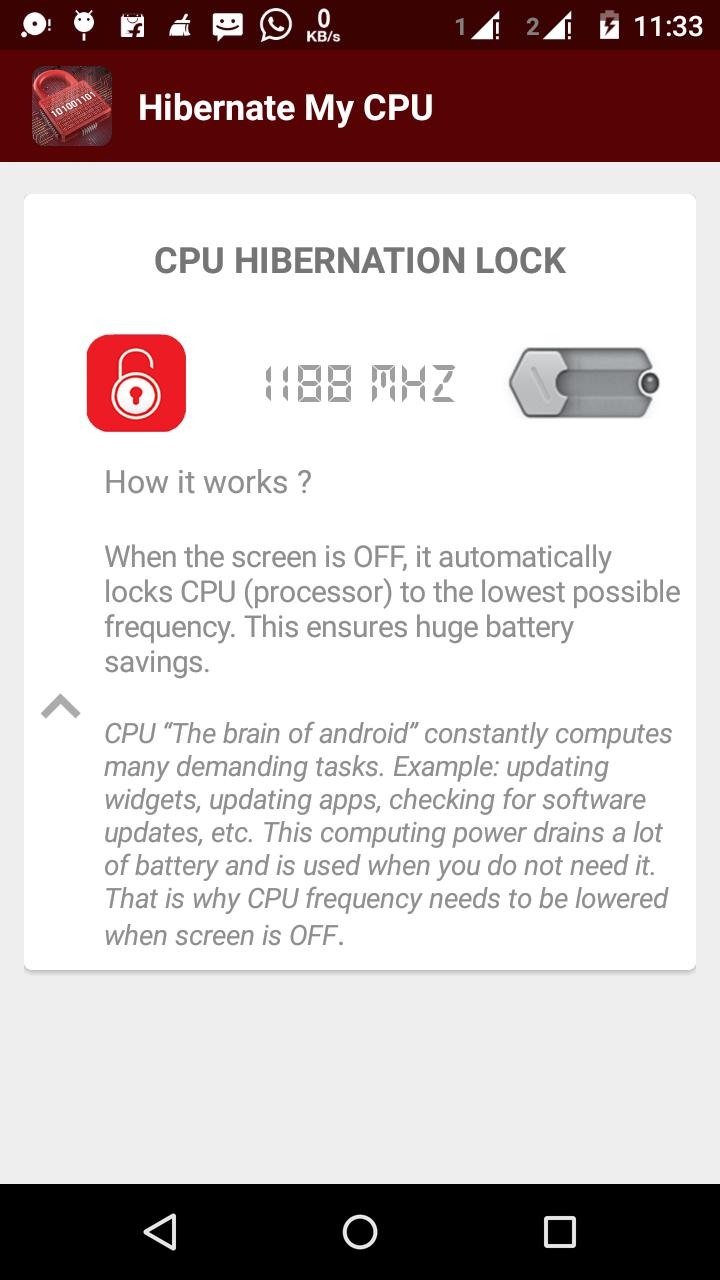
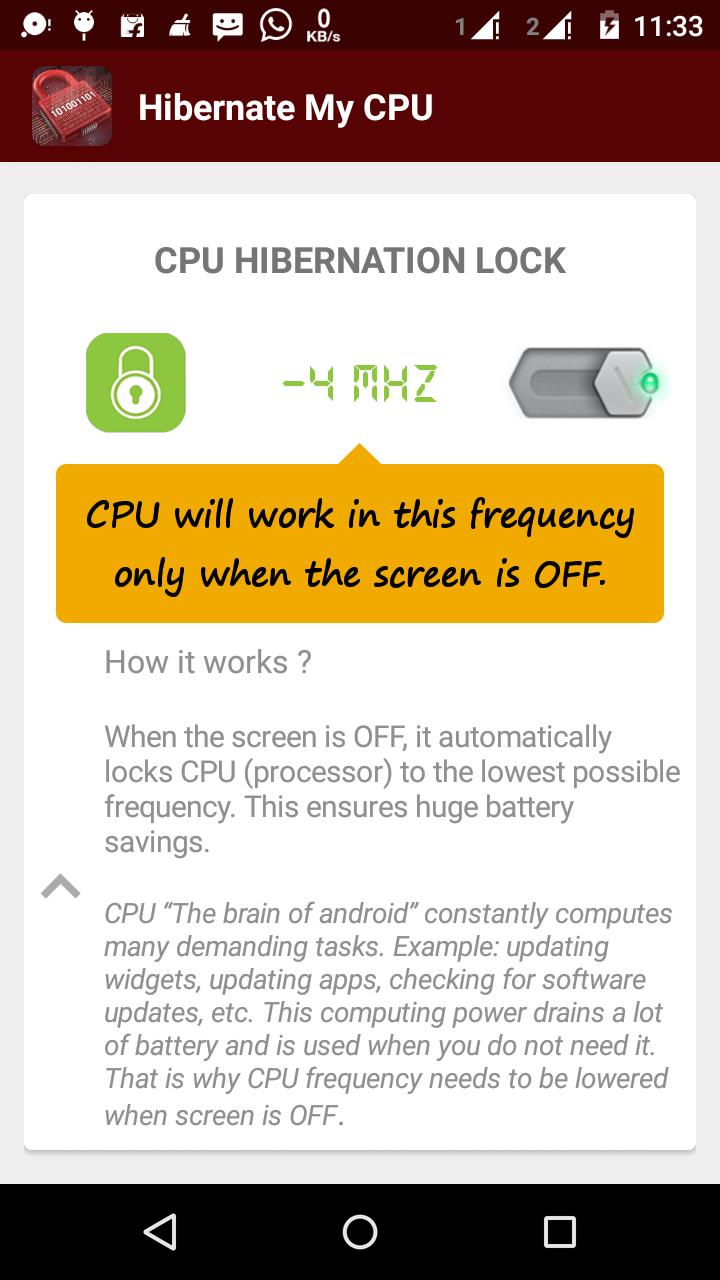
Just enable the CPU Hibernation Lock, then we will take care the rest.
How it works?
When the screen is OFF, it automatically locks CPU processor to lowest possible frequency. This ensures huge battery savings.
CPU "The brain of android" constantly computes many demanding tasks.
For Example: Updating widgets, updating apps, checking for software updates, etc. This computing power drains a lot of battery & is used when you do not need it. That's why CPU frequency need to be lowered when the screen is OFF.
Latest Version
1.2Uploaded by
Rakotomanga Jean Veno
Requires Android
Android 2.3.2+
Category
Free Tools AppContent Rating
Everyone
Report
Flag as inappropriateLast updated on Jan 27, 2017
v 1.2
- Performance Improvement of CPU with low frequency.
v1.1
- Error causing widget removed !








APKPure - A multi-platform app store primarily focused on Android, providing extensive app-related content. Discover the app you want easier, faster, and safer, with quick and efficient downloads and installations.