
Free Hello Kitty Launcher☆
■Compatible OS
Android OS 2.1 and above
■Supported Devices (updated as necessary)
http://android.atm-plushome.com/theme/supported
* Testing has been completed for the devices listed on the above website.
Note: Available settings may vary slightly according to device and theme.
■Launcher Features
Free Hello Kitty Launcher: "Tiny Chum" version.
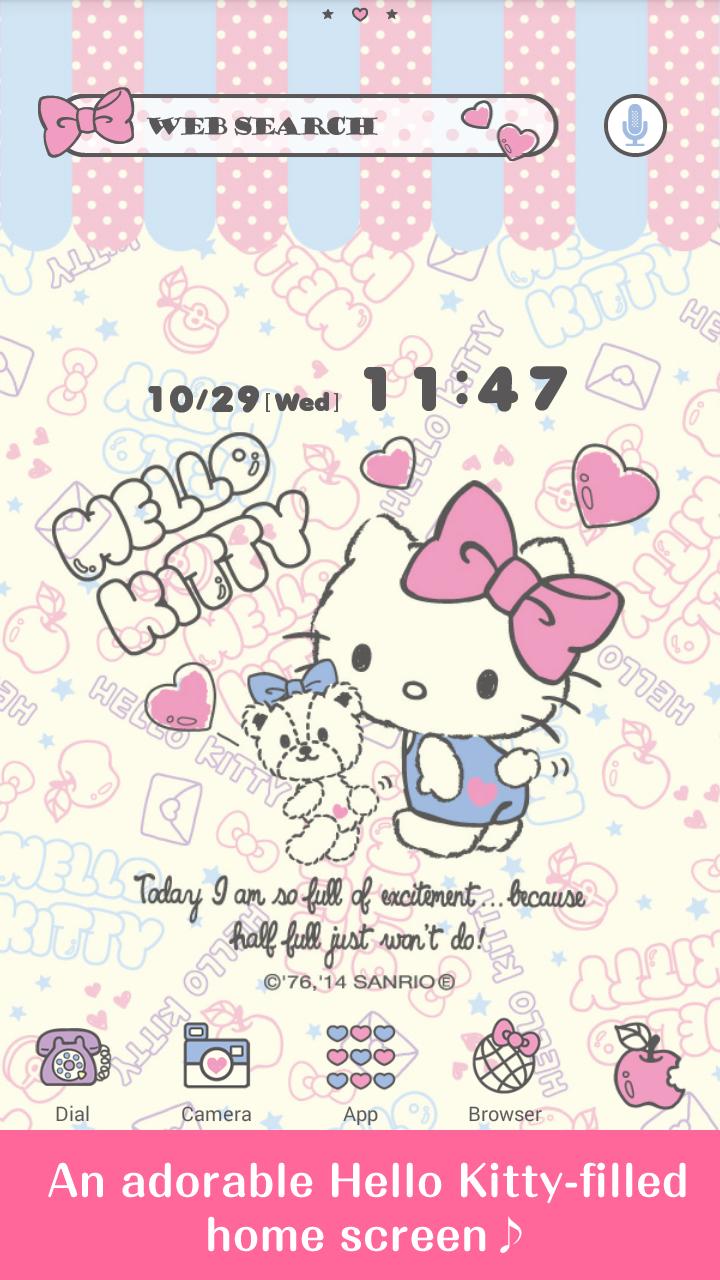
Transform your home screen with Hello Kitty!
Features of this launcher include...
★An adorable Hello Kitty-filled home screen
★Packed full of Hello Kitty and her Ribbons! Simple and fashionable♪
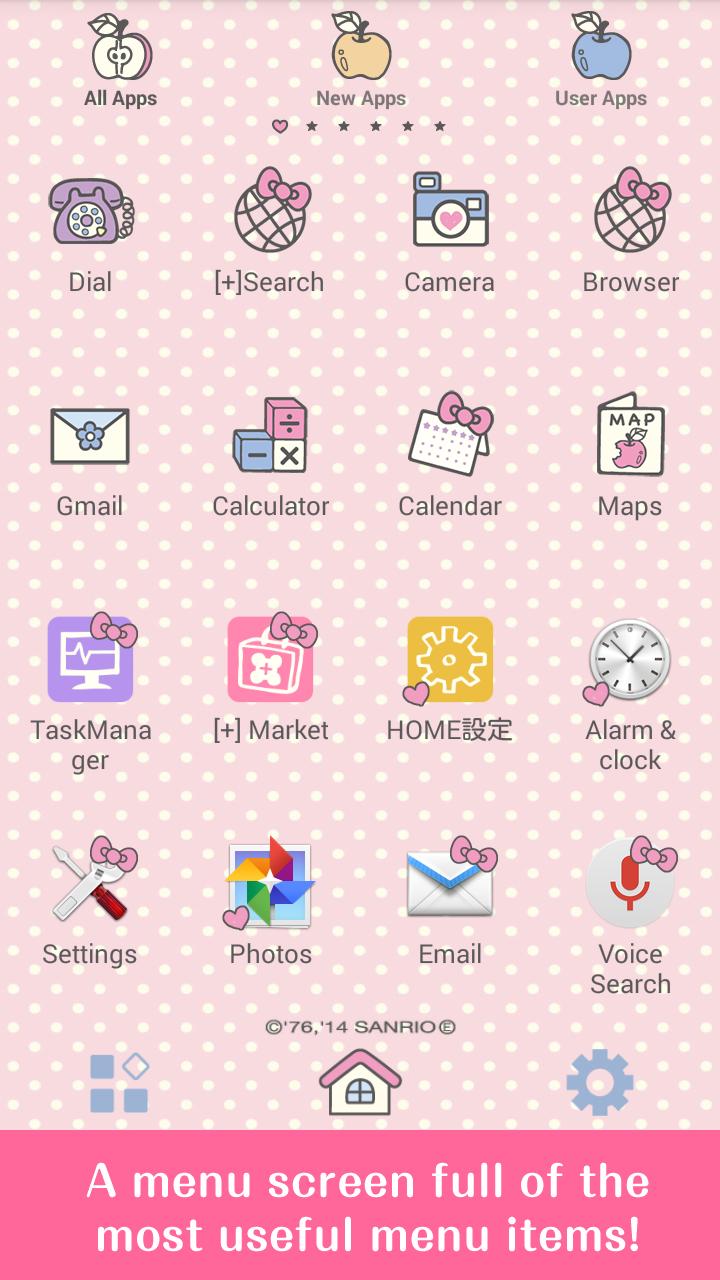
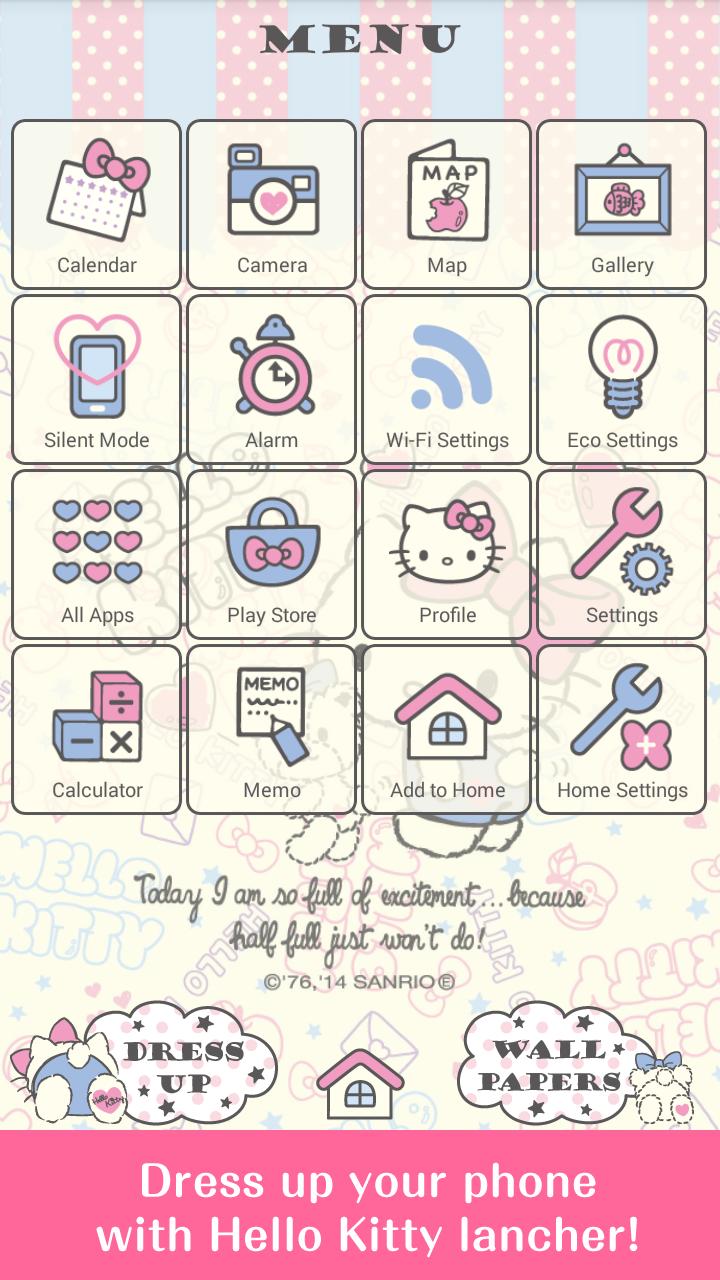
★A menu screen full of the most useful menu items.
★Fantastic clock and search widgets!
*To use this launcher, the [+] HOME (Plus Home) app is required.
▼[+] HOME 【FREE】 Download▼
https://market.android.com/details?id=jp.co.a_tm.android.launcher
■How to set the theme on your phone
1) Install Hello Kitty "Tiny Chum".
2) Select Hello Kitty "Tiny Chum" from APP overview (drawer).
3) Click OK on the window displaying the "Cannot find [+]HOME" message, and go to Google Play.
4) Install "[+]HOME FREE"and open.
5) Return to the home screen and select "MENU", then select "Theme".
6) Select Hello Kitty "Tiny Chum" from among the themes.
7) Setting Complete.
Existing [+]HOME users can start from step 5 after completing the APP overview (drawer) settings.
(C)1976, 2014 SANRIO CO., LTD. (E)
Latest Version
1.0.1Uploaded by
Nohj OjeragLem
Requires Android
Android 2.1+
Category
Free Personalization AppContent Rating
Everyone
Report
Flag as inappropriateLast updated on Aug 26, 2015
■News
If you experience iss+L41ues with improper display or errors, please close and restart the app. Most issues can be fixed with this simple step.
■Any Questions?
http://android.atm-plushome.com/theme/qa.html?=am_plushome_ds_1
* Correspondence available in English or Japanese
■Supported Devices (updated as necessary)
http://android.atm-plushome.com/theme/supported?=am_plushome_ds_1



APKPure - A multi-platform app store primarily focused on Android, providing extensive app-related content. Discover the app you want easier, faster, and safer, with quick and efficient downloads and installations.




![Hello Kitty Launcher [+]HOME APK](https://image.winudf.com/v2/image/anAuY28uc2Fucmlvd2F2ZS5hbmRyb2lkLnp1Y2tzLnBsdXNob21lX2t0MDAzX2ljb25fMF8xOGU0ZTdhMQ/icon.png?w=102&fakeurl=1)


![PomPomPurin Launcher [+]HOME APK](https://image.winudf.com/v2/image/anAuY28uc2Fucmlvd2F2ZS5hbmRyb2lkLnp1Y2tzLnBsdXNob21lX3BuMDAxX2ljb25fMF9lM2U1MmY2Yg/icon.png?w=102&fakeurl=1)

![「キキ&ララ☆フローラル」for[+]HOMEきせかえ APK](https://image.winudf.com/v2/image/anAuY28uc2Fucmlvd2F2ZS5hbmRyb2lkLnp1Y2tzLnBsdXNob21lX3RzMDAxX2ljb25fMF9kNjExMWRh/icon.png?w=102&fakeurl=1)









