Scan Date:Apr 11, 2026
Show More
Using a 64-channel hearing aid audiometry products and programs that can be used for various functions
Programs that can use hearing tests and various functions using 64 channel hearing aid products
This app is via a smartphone using Bluetooth technology, use the various features of the product.
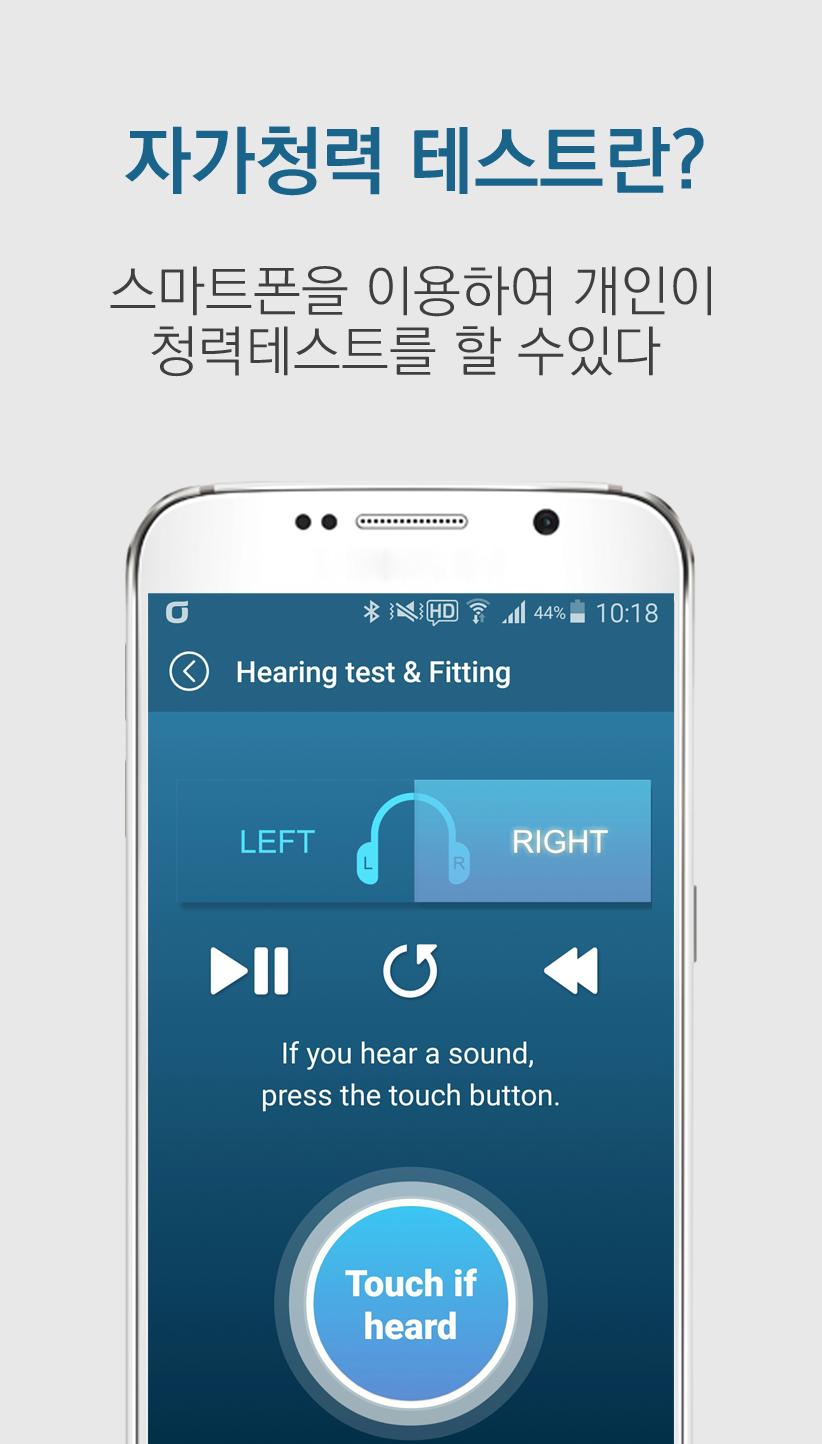
It supports a variety of functions such as audiometry, mode settings, and volume settings.
This app uses Bluetooth technology to enable various functions of the product through the smartphone.
Hearing test, mode setting, volume setting, etc. It is supported.
main function
- Hearing
- Auto Fitting
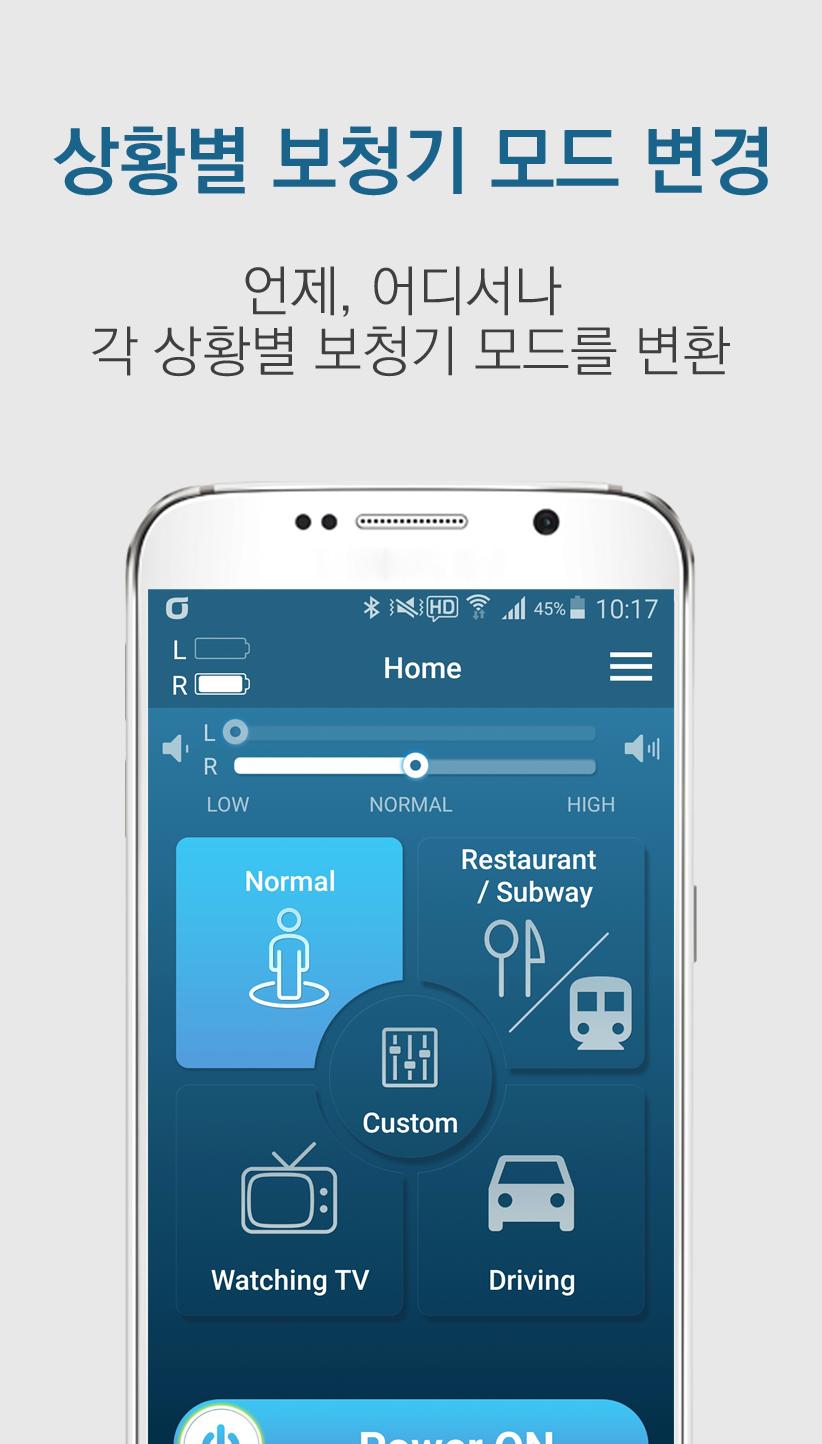
- by ambient mode settings (normal, restaurant / Metro, TV watching, driving)
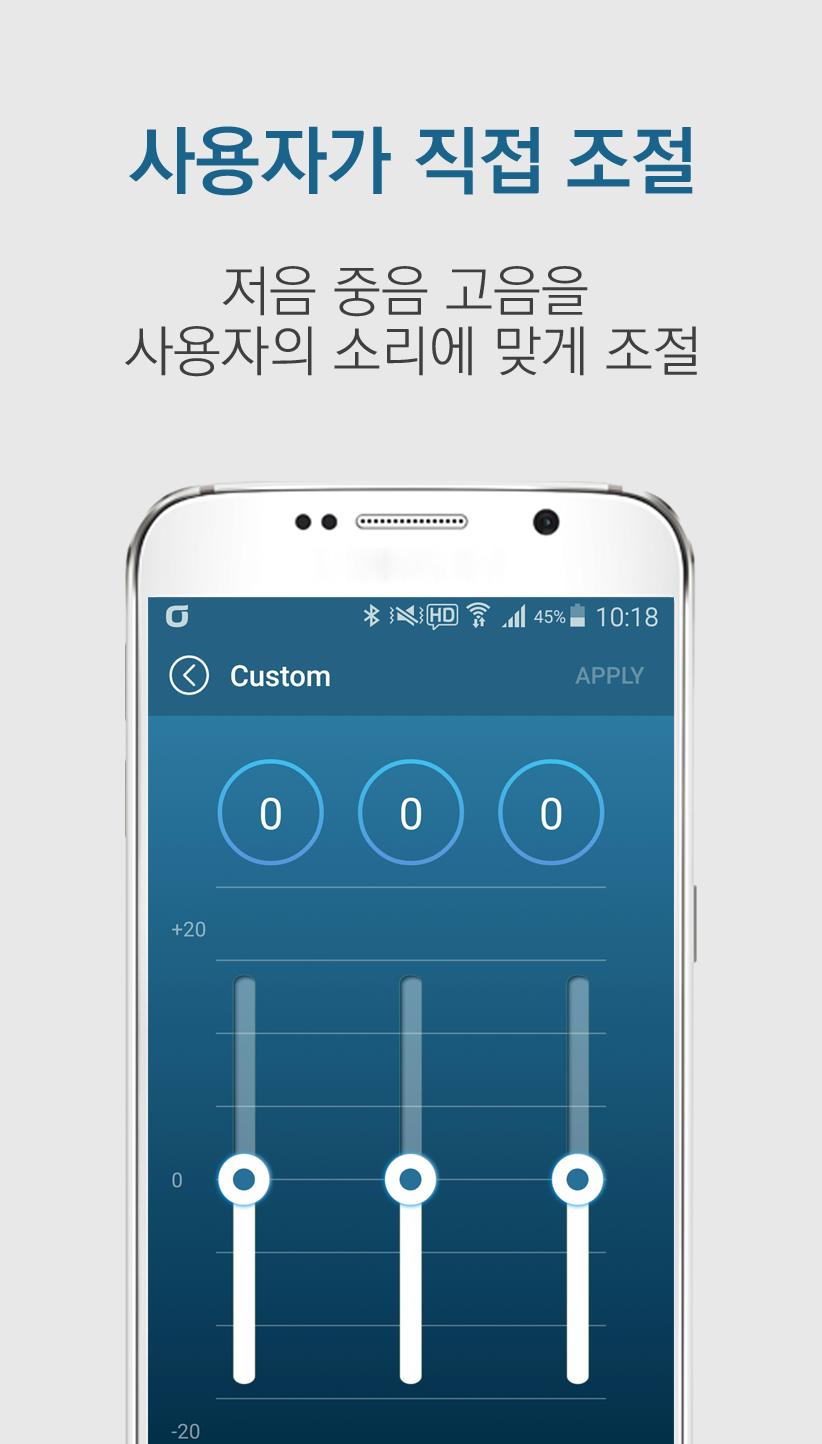
- Custom mode
- bolryum jojeol
- Power Management
- Check the battery power level
main function
- Hearing test
- Automatic Fitting
- Mode setting per surroundings (general, restaurant / subway, watching TV, driving)
- Custom mode
- Volume control
- Power management
- Check battery level
Depending on your smartphone's language (country) settings, automatically change the Korean and English
Depending on the language (country) settings of your smartphone,
Supported devices
- Android OS version 4.3.1 or later
Supported Devices
- Android OS version 4.3.1 or later
Latest Version
1.2.6Uploaded by
Павел Нугис
Requires Android
Android 8.0+
Category
Free Lifestyle AppContent Rating
Everyone
Security Report
Report
Flag as inappropriateLast updated on Jul 21, 2025
1. Support for Android version 15 and above
2. UI updated to fix overlap issues with status bar and navigation bar on some newer Android devices
3. Removed the top action bar and replaced it with a menu button (functionality remains the same)
4. Update tutorial


APKPure - A multi-platform app store primarily focused on Android, providing extensive app-related content. Discover the app you want easier, faster, and safer, with quick and efficient downloads and installations.