

Headshot and GFX Tool For FF Sensitivity APK focuses on smoother play and steadier aim for popular battle royale modes. It suggests sensitivity values that many players prefer for headshots, and it offers basic GFX options that help balance visuals and performance. The interface keeps everything straightforward so you can apply settings quickly and get back to matches. Moreover, the app includes a small gallery of pro player wallpapers for fast device personalization. Therefore, if you want a simple way to test sensitivity ideas and reduce visual stutter, download Headshot and GFX Tool For FF Sensitivity and start with ready suggestions.
One tap headshot sensitivity presets
Headshot and GFX Tool For FF Sensitivity provides recommended sensitivity values for Free Fire and FF MAX in a single tap. You can start with these suggestions and adjust gradually until aim feels natural. This approach helps you test different control speeds without manual guesswork.
Basic GFX adjustments for clarity and smoothness
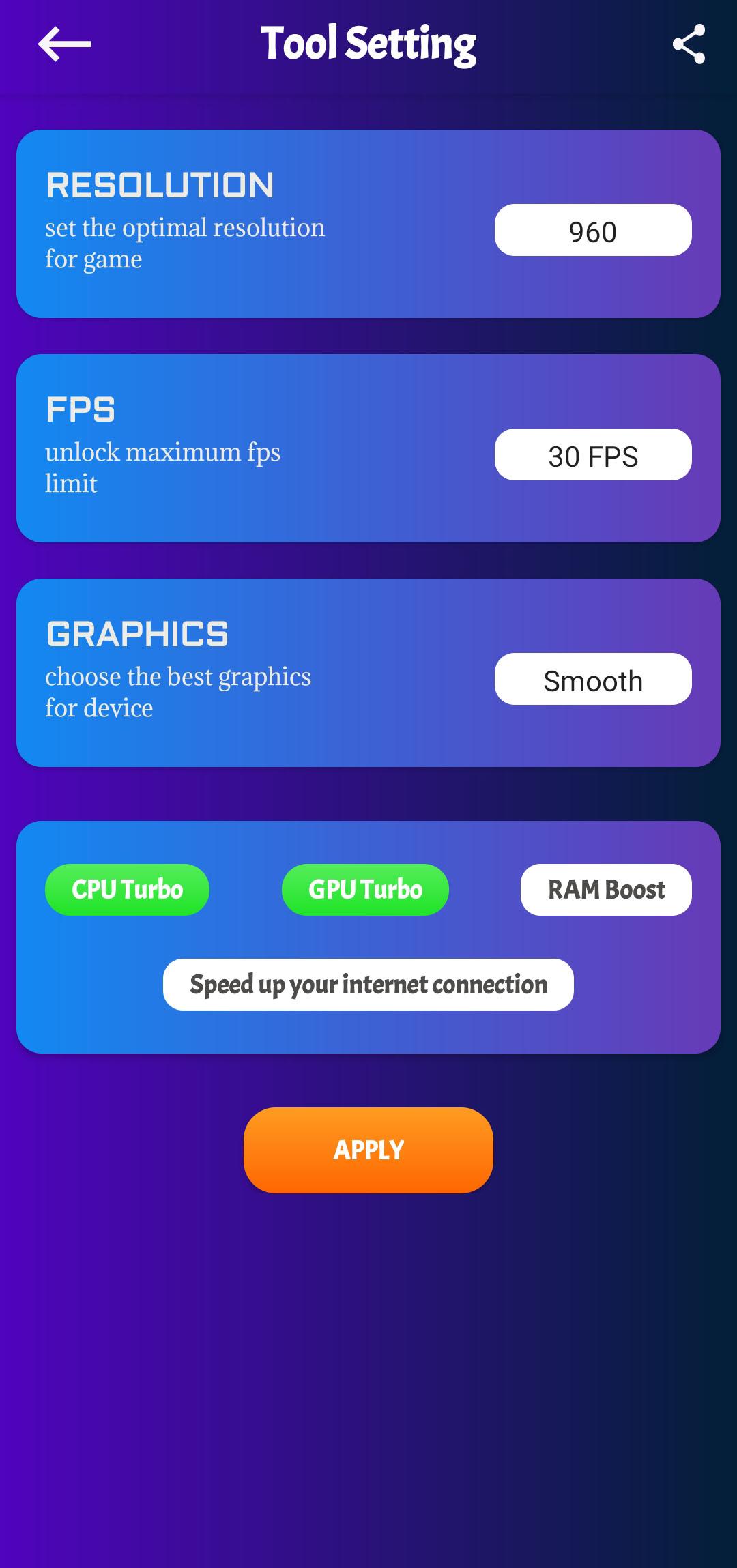
The app includes simple graphics controls that aim to reduce frame drops while keeping scenes readable. You can pick visual levels that suit your device and your play style. As a result, gameplay feels more consistent during busy fights.
Lag reduction focus for more stable play
Headshot and GFX Tool For FF Sensitivity centers on settings that may lower stutter during matches. It helps you choose options that often lead to steadier frames. Therefore, movements and camera turns can feel more predictable.
Lightweight interface and quick apply flow
The layout uses clear buttons and short labels so you do not spend time searching for controls. Settings are grouped logically for fast changes. This means you can test a preset, jump into a match, then return to tweak in minutes.
Free to use with no complicated setup
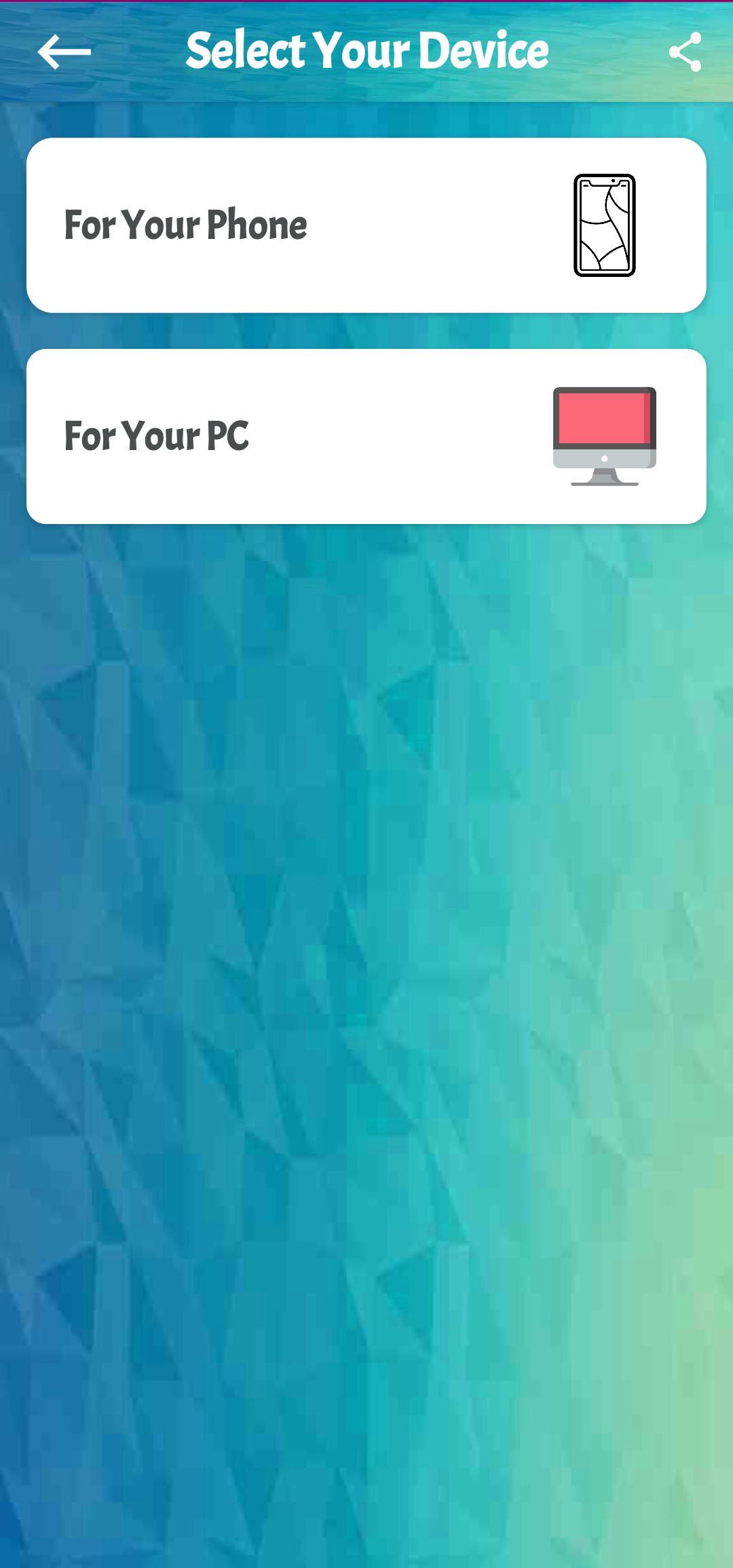
There is no long configuration process. You open the app, pick a preset, and confirm. In addition, you can refine values directly if you want precise control.
Pro player wallpaper collection
Headshot and GFX Tool For FF Sensitivity includes a small set of pro style wallpapers for quick personalization. You can set a favorite image with one tap. This keeps your device theme aligned with your game interests.
We verify uploads before publishing. APKPure performs file checks and security scanning to help keep downloads clean. Headshot and GFX Tool For FF Sensitivity does not offer mods and does not alter game files. It focuses on sensitivity suggestions and device side graphics options only. Therefore, it stays within the scope of guidance and display preferences. If you see any suspicious build elsewhere labeled as a mod, avoid it and get the Headshot and GFX Tool For FF Sensitivity APK latest version from APKPure for a trusted source.
This tool is built for Free Fire and Free Fire MAX sensitivity and basic GFX tweaks. It does not inject cheats and does not bypass game systems. You can use it to try aim speeds that many players prefer, then refine them based on your screen size and device performance.
The wallpaper gallery highlights pro player inspired images in portrait format. You can preview each image in full size and apply it directly. This way, you refresh your lock screen or home screen without opening a separate photos app.
This short guide shows how to pick a sensitivity idea, apply it, and test it in a match. You can repeat the cycle until you find a comfortable balance for both aim and movement.
Headshot and GFX Tool For FF Sensitivity helps you try practical sensitivity ideas and simple GFX choices in minutes. Get the latest Headshot and GFX Tool For FF Sensitivity APK on APKPure and refine settings at your own pace.
How do I download and install Headshot and GFX Tool For FF Sensitivity APK?
To install, download Headshot and GFX Tool For FF Sensitivity APK from APKPure, open the file, and confirm installation. If your device prompts for unknown sources, enable it for APKPure. After setup, open the app and apply a preset.
Is Headshot and GFX Tool For FF Sensitivity safe and does it include mods?
Headshot and GFX Tool For FF Sensitivity on APKPure is provided without mods and focuses on sensitivity suggestions and basic graphics options. We run security checks before publishing to help ensure a clean APK. Avoid any build labeled as a mod apk from unverified sources.
Will I get banned for using Headshot and GFX Tool For FF Sensitivity?
The app does not modify game files or inject cheats and it only offers device side settings and guidance. Bans are governed by the game’s own rules, so play fairly and avoid any tools that promise unfair advantages.
Does Headshot and GFX Tool For FF Sensitivity work with Free Fire MAX?
Yes. The app provides sensitivity suggestions and basic GFX options for both Free Fire and Free Fire MAX. You can pick a preset for the version you play and then fine tune it.
What should I do if the recommended sensitivity feels off?
Start with a preset in Headshot and GFX Tool For FF Sensitivity, test it in a training area, and adjust in small steps. Increase values if turns feel slow, and decrease them if crosshair movement feels jumpy. Repeat until aim is steady.
Latest Version
1.7.6Uploaded by
أنور حميدي
Requires Android
Android 4.1+
Category
Free Tools AppContent Rating
Everyone
Report
Flag as inappropriateLast updated on Aug 8, 2021
Some Bugs Fixed



APKPure - A multi-platform app store primarily focused on Android, providing extensive app-related content. Discover the app you want easier, faster, and safer, with quick and efficient downloads and installations.