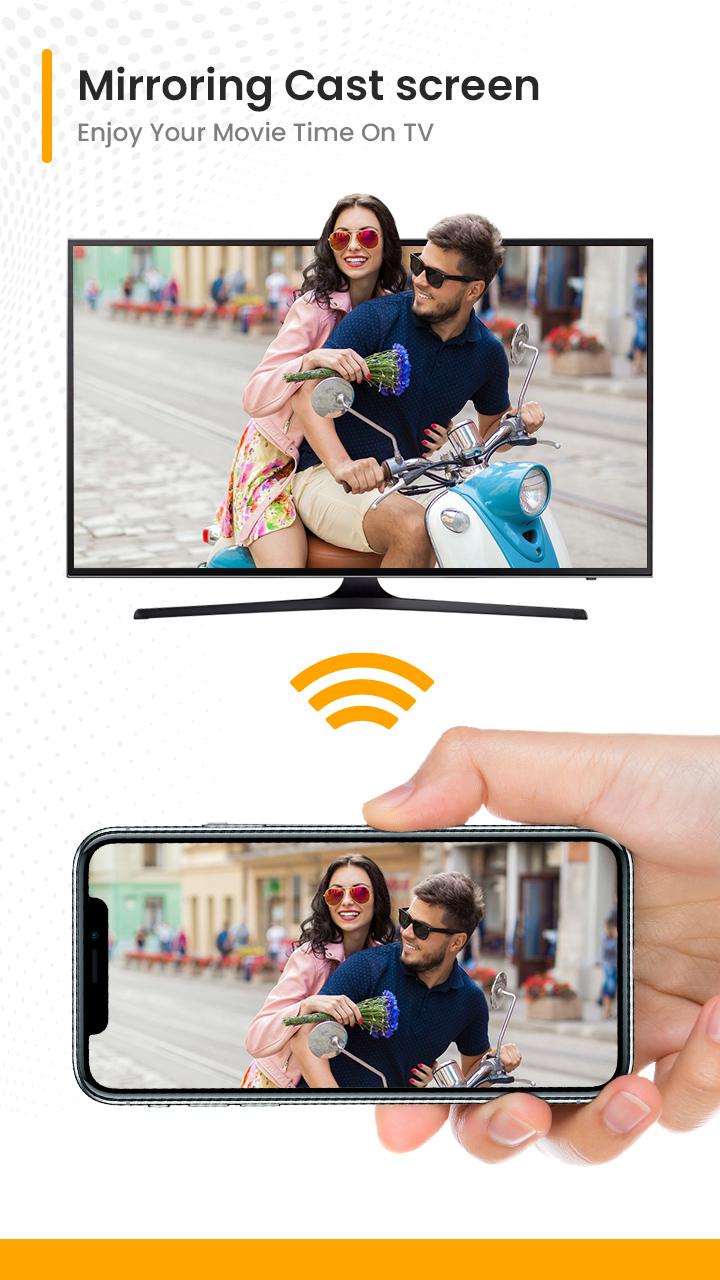
This allows you to mirror your smartphone on the TV screen in high quality. You will be able to play videos, music, photos, etc to your big TV screen.
How to Use :
1. Make sure your phone/tablet and smart TV are connected to the same Wi-Fi network.
2. Enable “Wireless display” on your phone.
3. Enable “Miracast” on your smart TV.
4. Search and pair the device.
Thanks for downloading App. Any other feedback feel free to contact us at gmail.
Thank You
Latest Version
1.0Uploaded by
Adan Hernandez
Requires Android
Android 5.0+
Category
Free Tools AppContent Rating
Everyone
Report
Flag as inappropriateLast updated on May 24, 2022
Minor bug fixes and improvements. Install or update to the newest version to check it out!



APKPure - A multi-platform app store primarily focused on Android, providing extensive app-related content. Discover the app you want easier, faster, and safer, with quick and efficient downloads and installations.