Scan Date:Apr 7, 2026
Show More

Access your organization’s data securely anywhere, anytime with Hitachi Content Platform Anywhere, which safely synchronizes files among your mobile devices, Macs, and PCs. When you use Hitachi Content Platform Anywhere to synchronize and share files, you know that you are not putting organizational assets at risk by using applications and cloud storage services that have not been sanctioned by your employer.
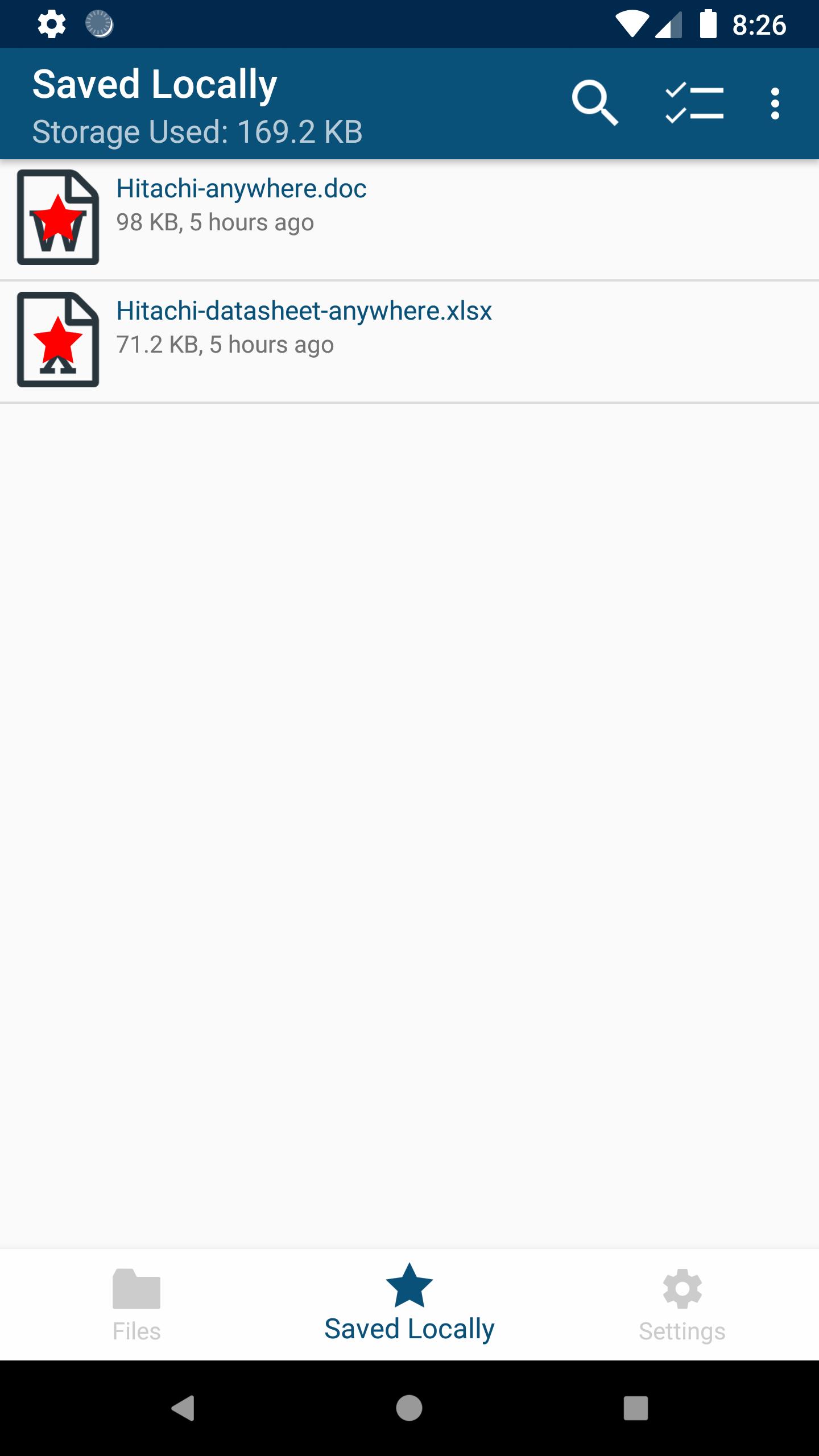
Simply put a file into HCP Anywhere and it is immediately available on all your devices via the cloud. Save files locally and they will be stored on your mobile device so you can work with them when you are not connected to the Internet. Share files or entire folders with fellow employees, or audiences outside your organization safely and securely. The data is stored within your IT organization rather than in an outside cloud.
With your files stored in Hitachi Content Platform Anywhere, your data is automatically protected, preserved, secured and managed throughout its lifecycle and is always available. Lost your mobile device? Replace the device, download this app and all your data is back. No restores, no system checkpoints, no calls to the helpdesk; just you, your device and your data. Hitachi Content Platform Anywhere makes life easier: No more full email inboxes, no more wrestling with heavyweight content management applications, no more struggling to share large files. Just put the file into Hitachi Content Platform Anywhere and it will be available securely anywhere, at any time, on any device, and easily shared via a link rather than sending the entire file.
Prerequisites - For you to be able to use this app:
* Your company needs to have an HCP Anywhere system.
* You need to log into the HCP Anywhere User Portal and register your user account.
This app offers Mobile Device Management (MDM) functionality, via the Android Device Administration API. The Device Administration API provides device administration features at the system level. These APIs allow Administrator to set security policies (e.g. enable password, set a minimum password length) in accordance with the enterprise requirements. To be able to use Device Administration API, this app requires the BIND_DEVICE_ADMIN permission.
See your IT administrator for the information you need to begin using this app. For more information on HCP Anywhere, please click here.
Supported Clients: Android phones, tablets
Latest Version
4.6.0.1Uploaded by
ابو كيان
Requires Android
Android 8.1+
Category
Free Business AppContent Rating
Everyone
Security Report
Report
Flag as inappropriateLast updated on Jul 27, 2024
Several bug fixes
Several usability enhancements





APKPure - A multi-platform app store primarily focused on Android, providing extensive app-related content. Discover the app you want easier, faster, and safer, with quick and efficient downloads and installations.