
!!!! N O T I C E !!!!
If you are using Android 8.x and it constantly shows you the "displaying over other apps" notification, you need to navigate to "Settings" -> "Apps & Notifications" -> "App Notifications" -> "Show All"
then naigate to bottom and select "System apps" -> "Android System" and under the "Display over other apps" section disable the "HandsFree Wear" service
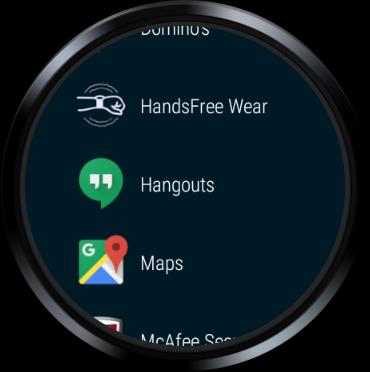
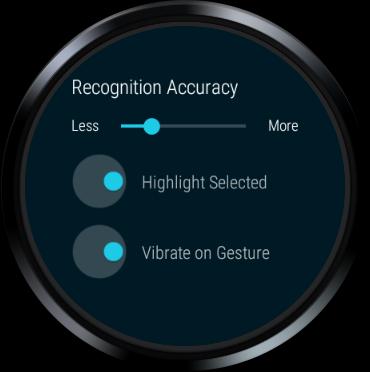
HandsFree Wear is an Accessibility service for Android Wear, in order to be able to use your smartwatch through wrist gestures.
It is distributed as Free Open Source Software and you can read more about it at
https://jsalatas.ictpro.gr/handsfree-wear-a-wrist-gesture-input-method-for-android-based-smartwatches
Latest Version
0.4.6Requires Android
8.0 and up
Category
Free Tools AppContent Rating
Everyone
Report
Flag as inappropriateLast updated on Apr 11, 2020
Minor bug fixes and improvements. Install or update to the newest version to check it out!




APKPure - A multi-platform app store primarily focused on Android, providing extensive app-related content. Discover the app you want easier, faster, and safer, with quick and efficient downloads and installations.