
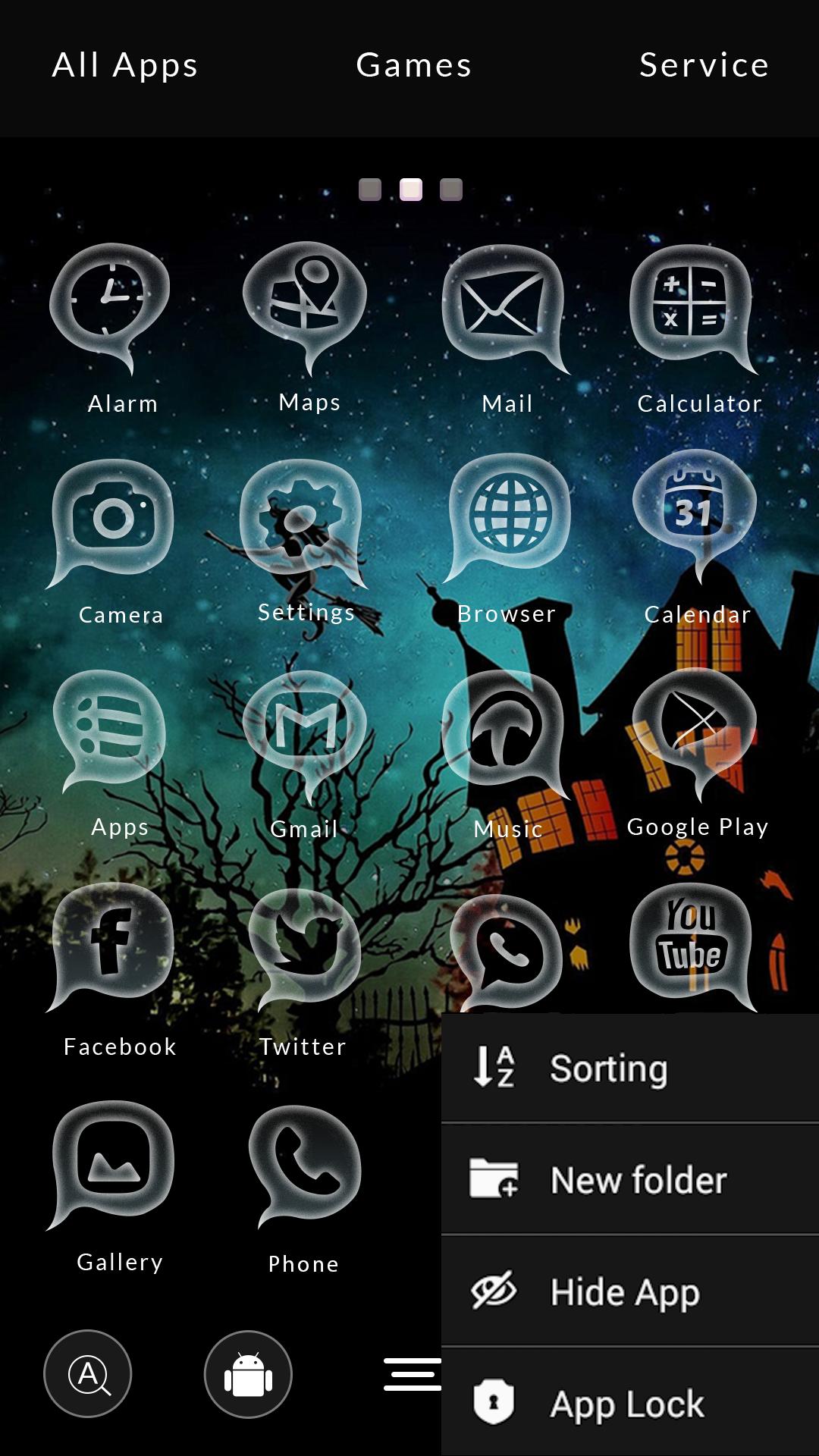
Pumpkin pie, cinnamon, caramelized apples and all of those sweets! Halloween is coming! And we got the perfect skin for you: Halloween Launcher theme!
*** How to use this theme ***
Download theme -> Press Open -> Press Apply Theme
*** How to add clock widget ***
Depending on your version of Launcher:
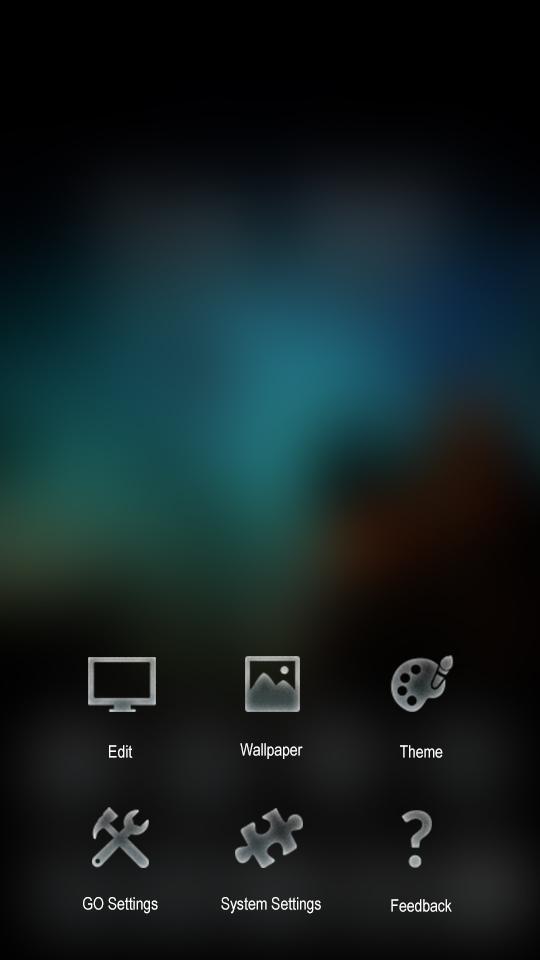
Menu> Edit> System Widget > Clock: Halloween theme
or
Menu> Add > Widget > Clock: Halloween theme
You can also tap on the widget and it will take you to the alarm menu
Download Halloween Launcher theme for free and enjoy!
Latest Version
1.0.5Uploaded by
Jamie S. Knight
Requires Android
Android 2.3.2+
Category
Free Personalization AppContent Rating
Everyone
Report
Flag as inappropriateLast updated on Feb 18, 2017
Minor bug fixes and improvements. Install or update to the newest version to check it out!



APKPure - A multi-platform app store primarily focused on Android, providing extensive app-related content. Discover the app you want easier, faster, and safer, with quick and efficient downloads and installations.











