Scan Date:Jan 23, 2025
Show More


Guitar Pro on Android helps you learn songs, rehearse parts, and capture ideas whenever inspiration strikes. It opens native Guitar Pro files so your scores look and sound consistent across devices. The mobile app fits into the broader Guitar Pro ecosystem, so you can practice on the go and finish arrangements on desktop when you get back to your studio. It also supports content access through mySongBook, which gives you more material to study and play. Therefore, you can keep a single workflow for tabs at home, in rehearsal, and on stage.
Read native Guitar Pro tabs
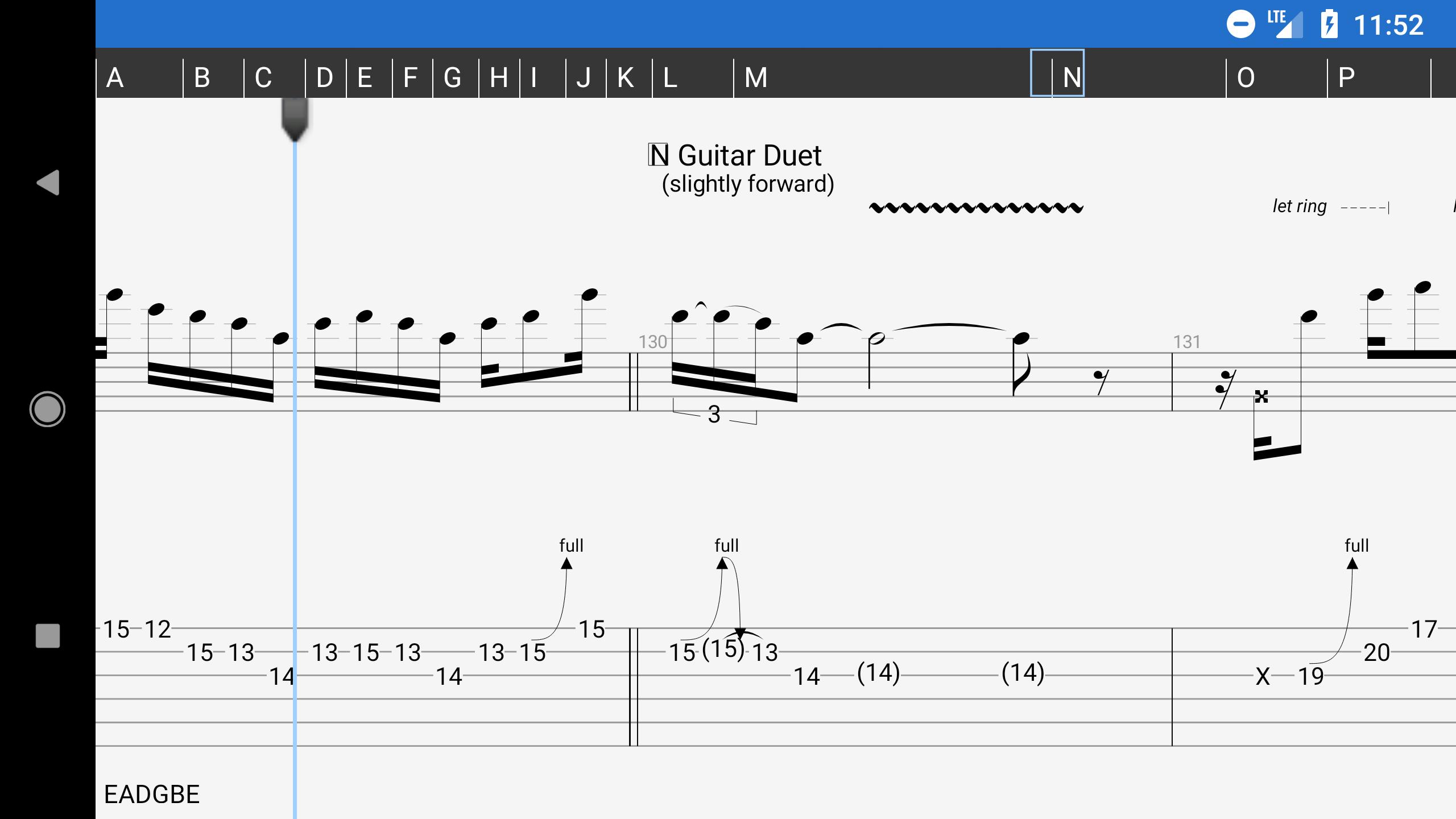
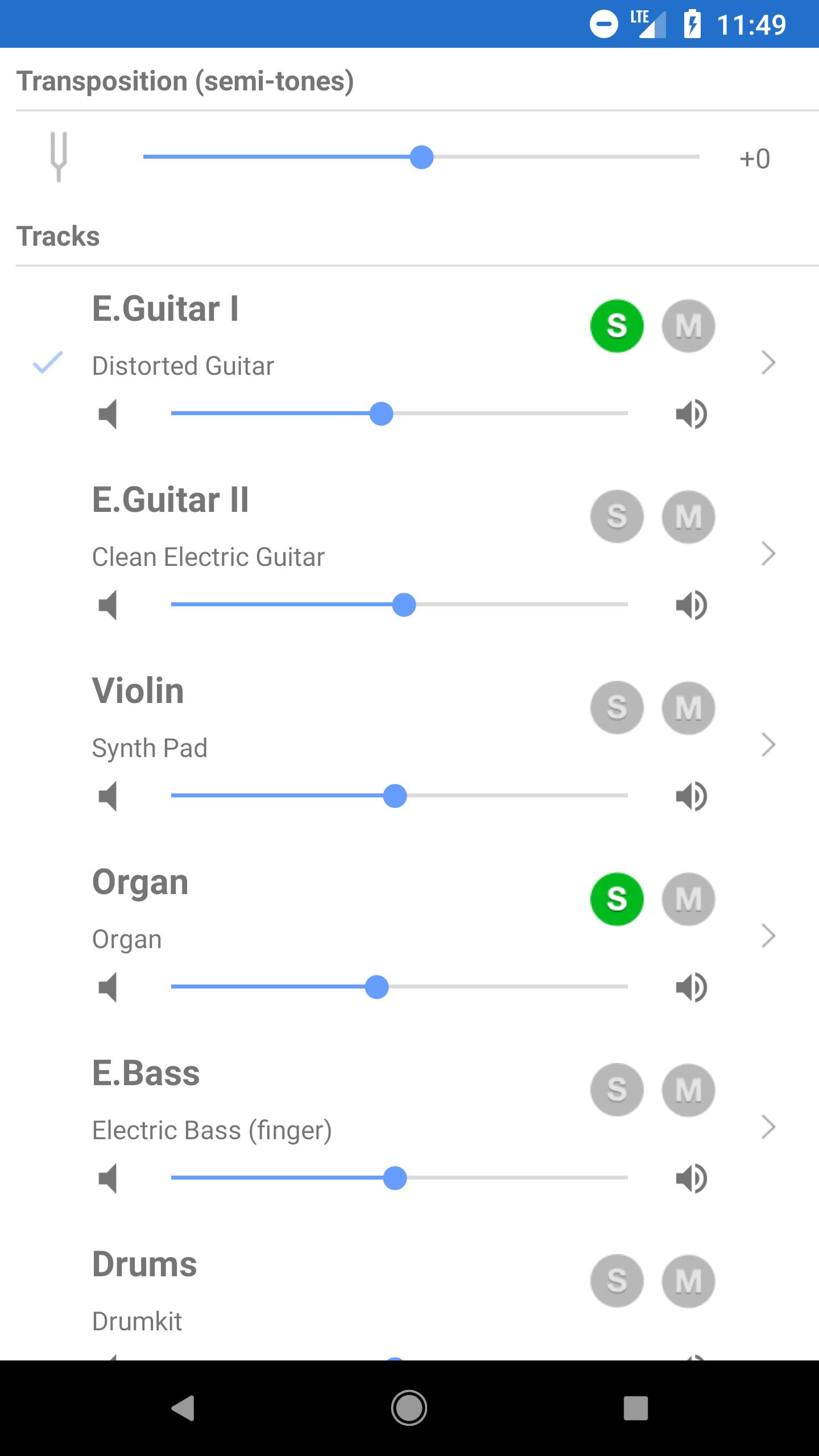
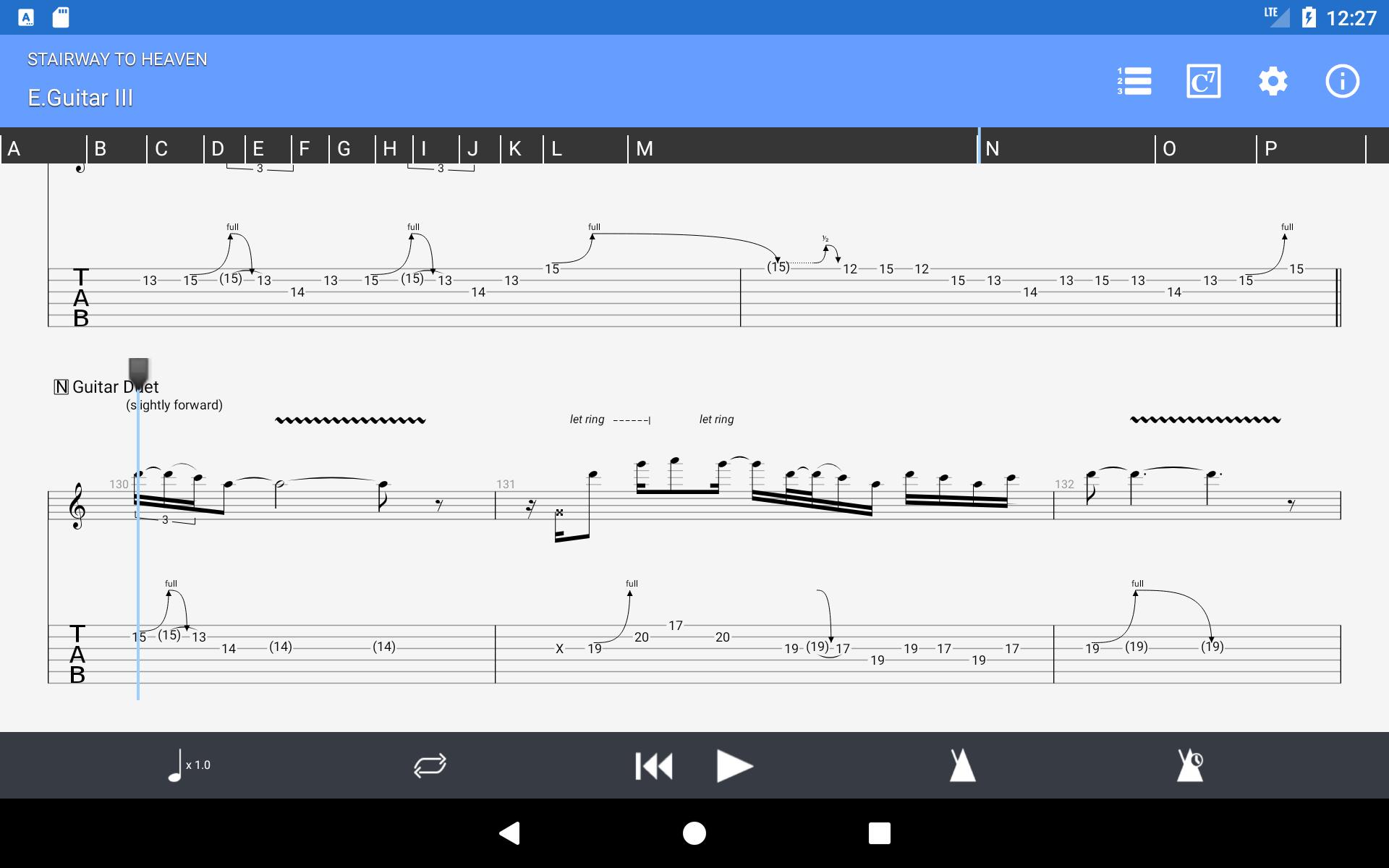
Guitar Pro loads GP3 to GP8 .gp files with tablature, slash notation, and standard notation. You can listen with multitrack playback and control each instrument from a soundboard. Adjust volume, solo or mute parts, and select soundbanks to focus on the track you need.
Practice tools for learning
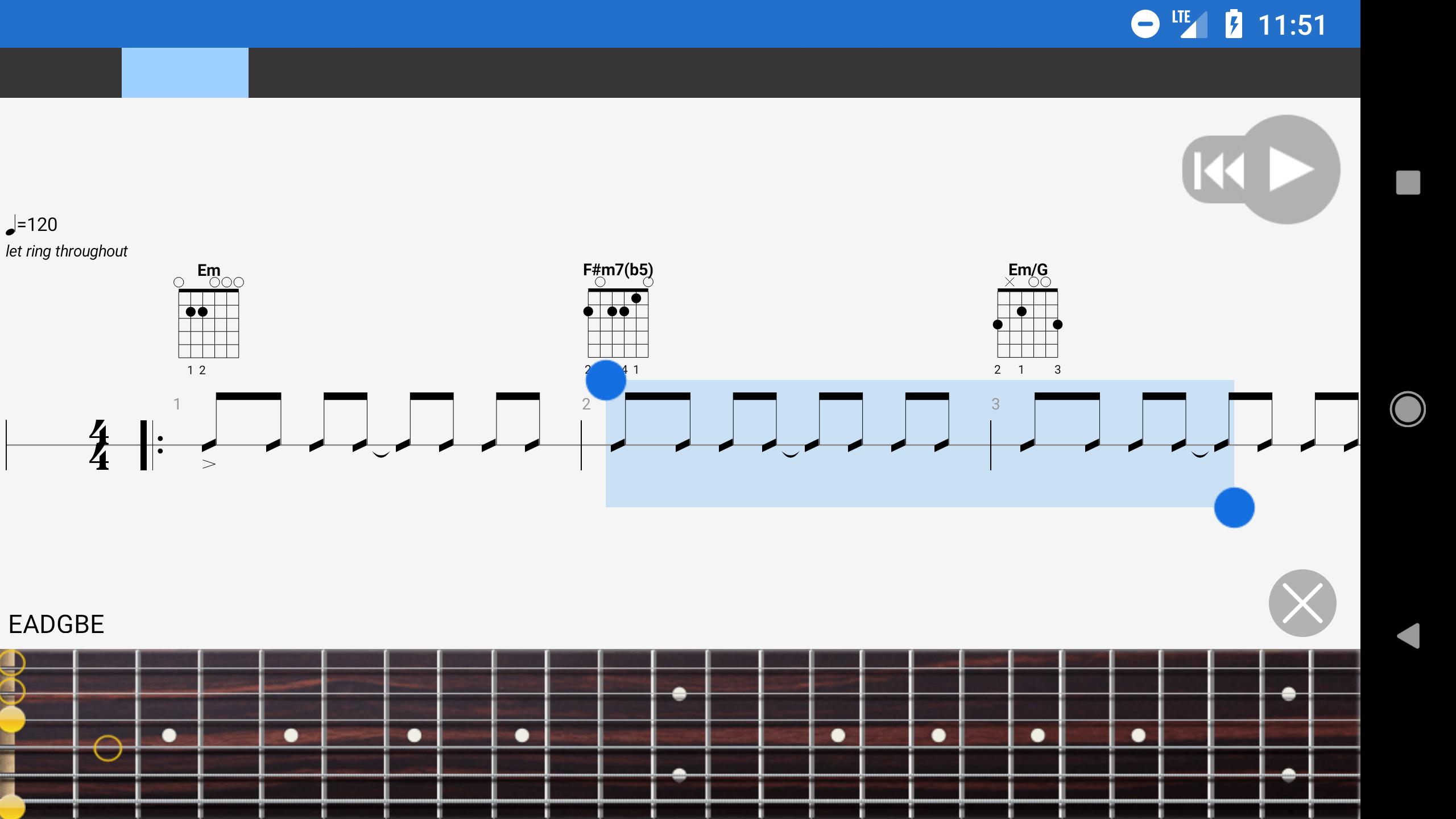
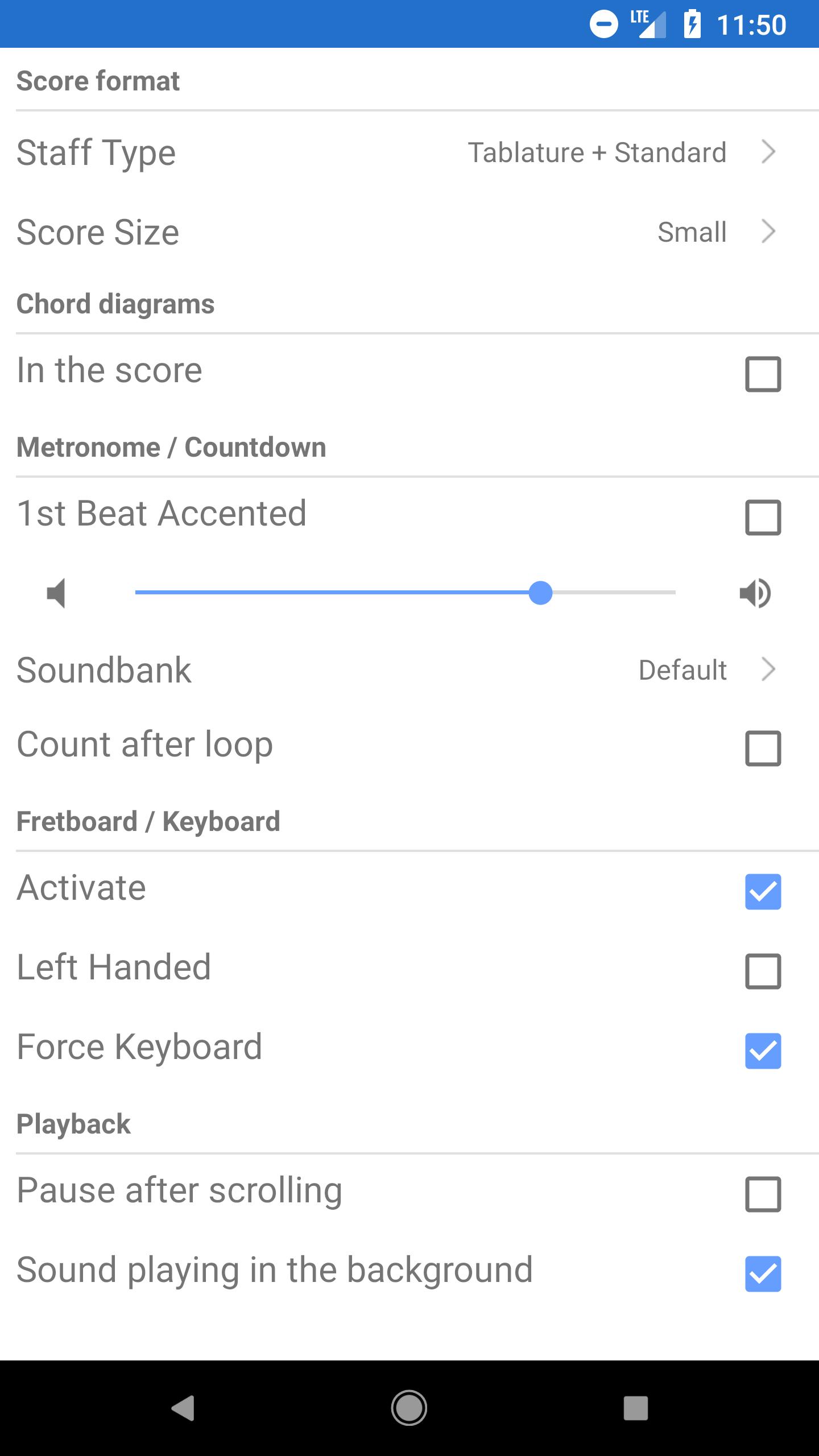
You get a metronome with a visual countdown to stay in time while you play. Loop any section to work on difficult passages, change the tempo on the fly, and transpose globally by semitones. Moreover, three zoom levels improve readability in different lighting or stage situations.
Interactive instrument views
Follow along on a virtual guitar or bass fretboard with right handed or left handed display. A built in keyboard view lets pianists and arrangers see the same lines on keys. This visual feedback supports both ear training and position shifts on your instrument.
Flexible import and library management
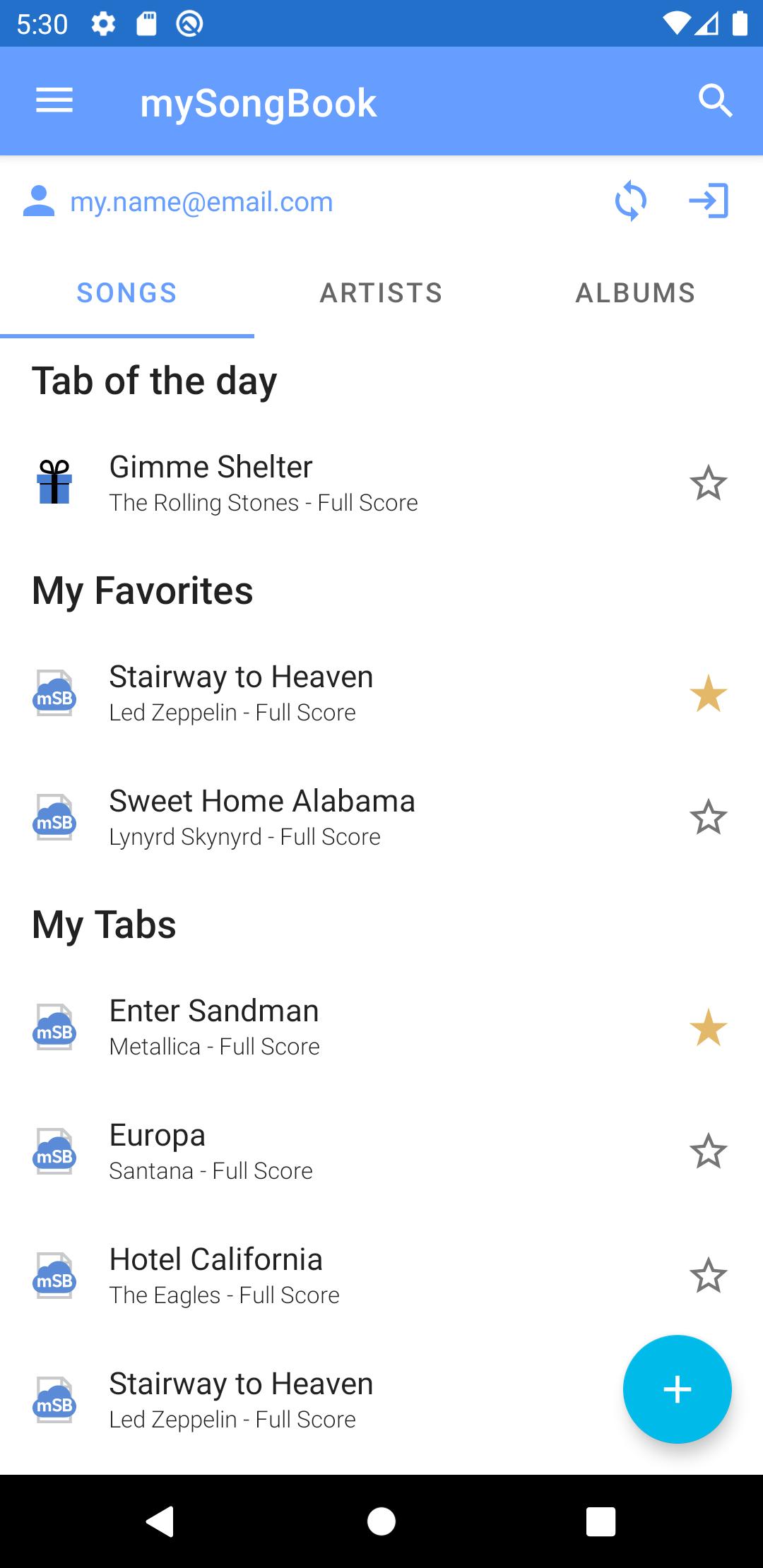
Import scores by WiFi transfer, through a web browser, or from email attachments. The integrated library includes search, filters, and favorites so you can find songs fast and keep a clean set list. In addition, you can share scores by email when you need to pass parts to bandmates.
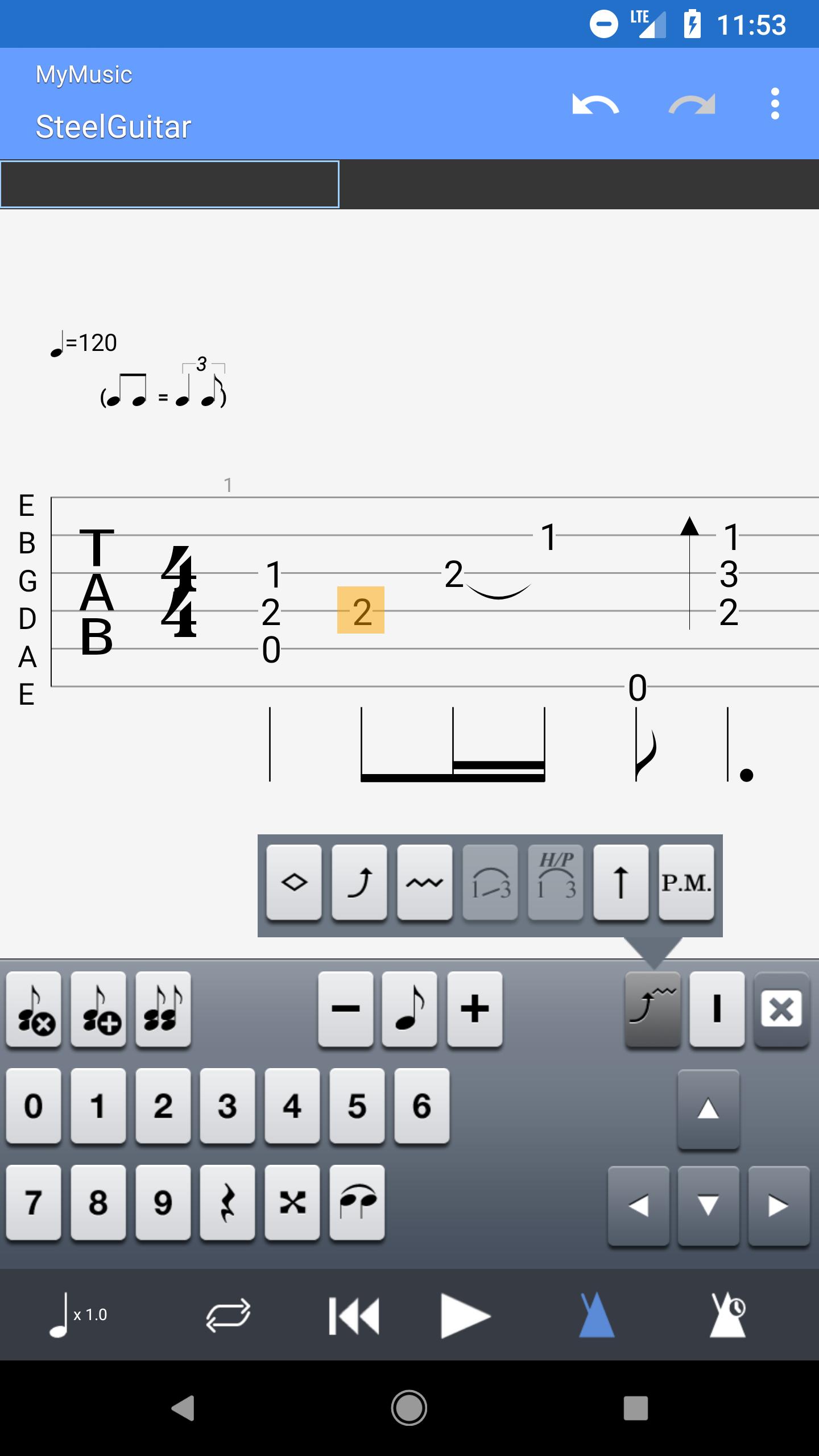
NotePad composing on mobile
Capture ideas with a single track NotePad for guitar, bass, banjo, ukulele, and mandolin across four to eight strings. Choose from nineteen built in sounds, set custom tuning and tempo, and export to GP6 or GP7 format for desktop editing. This way, a riff you write on the bus can become a full arrangement later.
Access to mySongBook catalog
Guitar Pro supports mySongBook so you can browse and play thousands of professionally made tabs. A mySongBook subscription is sold separately and is optional. Finally, this gives you a steady source of study pieces to improve technique and repertoire.
Guitar Pro mobile is a paid app, and regional pricing may vary by country. mySongBook access is not included with the app and requires a separate subscription. This separation lets you choose the content and tools that match your needs without extra purchases.
The Guitar Pro mobile app pairs with the desktop editor so you can move ideas between devices. Capture a single track line in NotePad on Android, then export and complete full score editing on desktop. The desktop edition offers a seven day free trial on the official site, which helps you evaluate the complete writing workflow before you commit.
Since 1997, the Guitar Pro software suite has earned trust from players and teachers, with more than fifteen million downloads worldwide. The team recently shared at NAMM 2025 that a redesigned mobile experience is in the works, with a smoother interface and a new homepage. Therefore, you can expect steady improvements to the Guitar Pro Android app over time.
Start by opening your scores and getting familiar with the Library and player controls. Then use the practice tools to slow down, loop, and isolate parts until they feel comfortable under your fingers.
Guitar Pro APK brings reliable tab playback, practical tools, and quick notation to Android. It reads native files and connects smoothly with the desktop editor and mySongBook content. Get the latest Guitar Pro APK on APKPure and keep your practice routine in one place.
For official resources and support, visit:
Is the Guitar Pro app free?
No, Guitar Pro on mobile is a paid download and pricing varies by region. mySongBook access is a separate subscription, which is optional. You can try the desktop edition free for seven days on the official site, then continue practicing the same scores in Guitar Pro Android.
How to open Guitar Pro files on Android?
First, get the Guitar Pro APK latest version on APKPure and install it on your device. Open the app, go to Import, then choose a .gp file from device storage, WiFi transfer, a browser download, or an email attachment. The score will appear in your Library and is ready to play with multitrack controls.
Is Guitar Pro on mobile?
Yes, Guitar Pro is available as a mobile app for Android and it also exists on iOS. On Android, you can view, play, and practice tabs, and you can jot down single track ideas with NotePad. For full multi track score editing, use the desktop editor and then send files back to your phone for practice.
Can I try Guitar Pro before buying?
Yes, the desktop editor offers a seven day free trial from the official website. Create or edit full scores there, export them, and practice the same files in the Guitar Pro Android app. This workflow helps you decide if the ecosystem fits your tab writing and learning needs.
Does Guitar Pro include mySongBook tabs?
No, mySongBook tabs are not included with the app. Guitar Pro supports mySongBook access for browsing and playing thousands of pro tabs, but it requires a separate subscription. After signing in, you can stream those scores inside the Guitar Pro mobile app.
Latest Version
1.9.0Uploaded by
Ziyu Wang
Requires Android
6.0
Category
Music & Audio AppContent Rating
Everyone
Security Report
Report
Flag as inappropriateLast updated on May 10, 2020
- Minor bug fixes


APKPure - A multi-platform app store primarily focused on Android, providing extensive app-related content. Discover the app you want easier, faster, and safer, with quick and efficient downloads and installations.