
An icon pack for GSam Battery Monitor (all editions). Currently 2 sets of icons, though others may be added in the future.
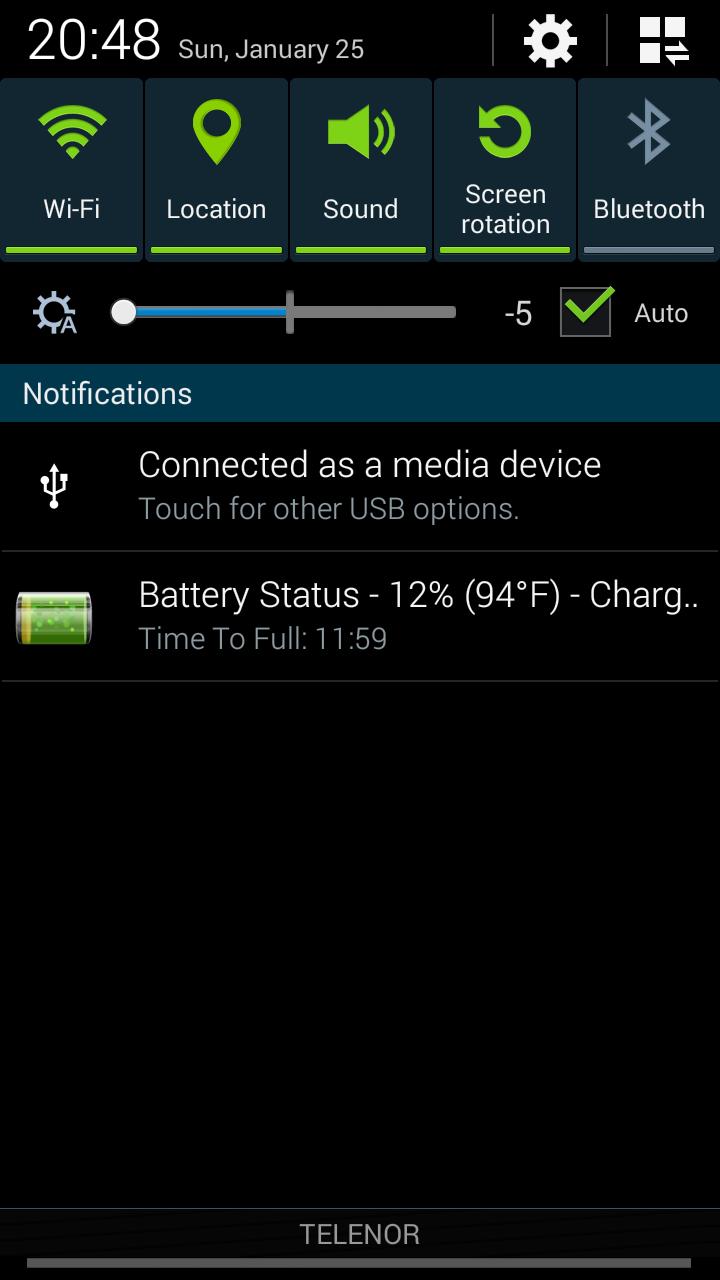
Set 1) Fancy Battery Icons (with charging animation)
Set 2) Fancy Battery Icons with numbers (with charging animation)
Once installed, you can configure the icon using the Battery Icon Theme preference in the GSam Battery Monitor preferences. Open GSam Battery Monitor > Select Preferences > Battery Icon Theme > and choose one of the icons from the icon pack. These will be listed underneath the 'Get More Themes' link.
Keyword: BadassBatteryMonitorTheme
Latest Version
1.0Uploaded by
Yee Wai Yan
Requires Android
Android 2.1+
Category
Free Personalization AppContent Rating
Everyone
Report
Flag as inappropriateLast updated on Mar 1, 2016
Minor bug fixes and improvements. Install or update to the newest version to check it out!




APKPure - A multi-platform app store primarily focused on Android, providing extensive app-related content. Discover the app you want easier, faster, and safer, with quick and efficient downloads and installations.










