GPS measurement is a tool that uses the latest Google Maps Android API v.2 to visualize and measure distance, area and perimeter with great accuracy.
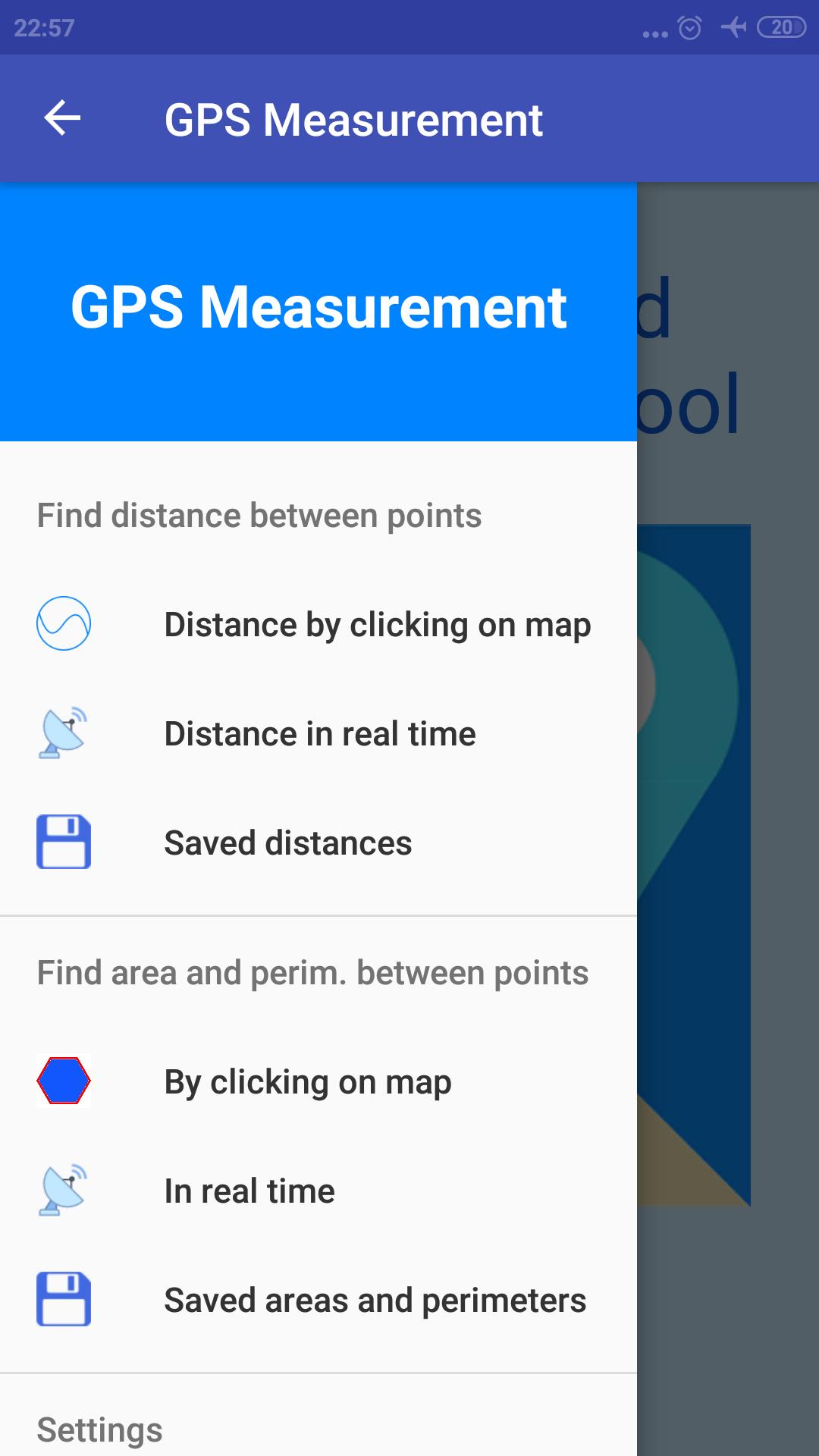
You can calculate the distance between two or more points by clicking on map or using GPS in real time by walking, driving, running etc. Also you can calculate the area and the perimeter of a field, a building, a forest area, your property or region, etc. by clicking on map or using GPS in real time by walking, driving, running etc. You can save the measurements and manage them. In the settings there are many choices to help you to adapt the application in your needs.
Features:
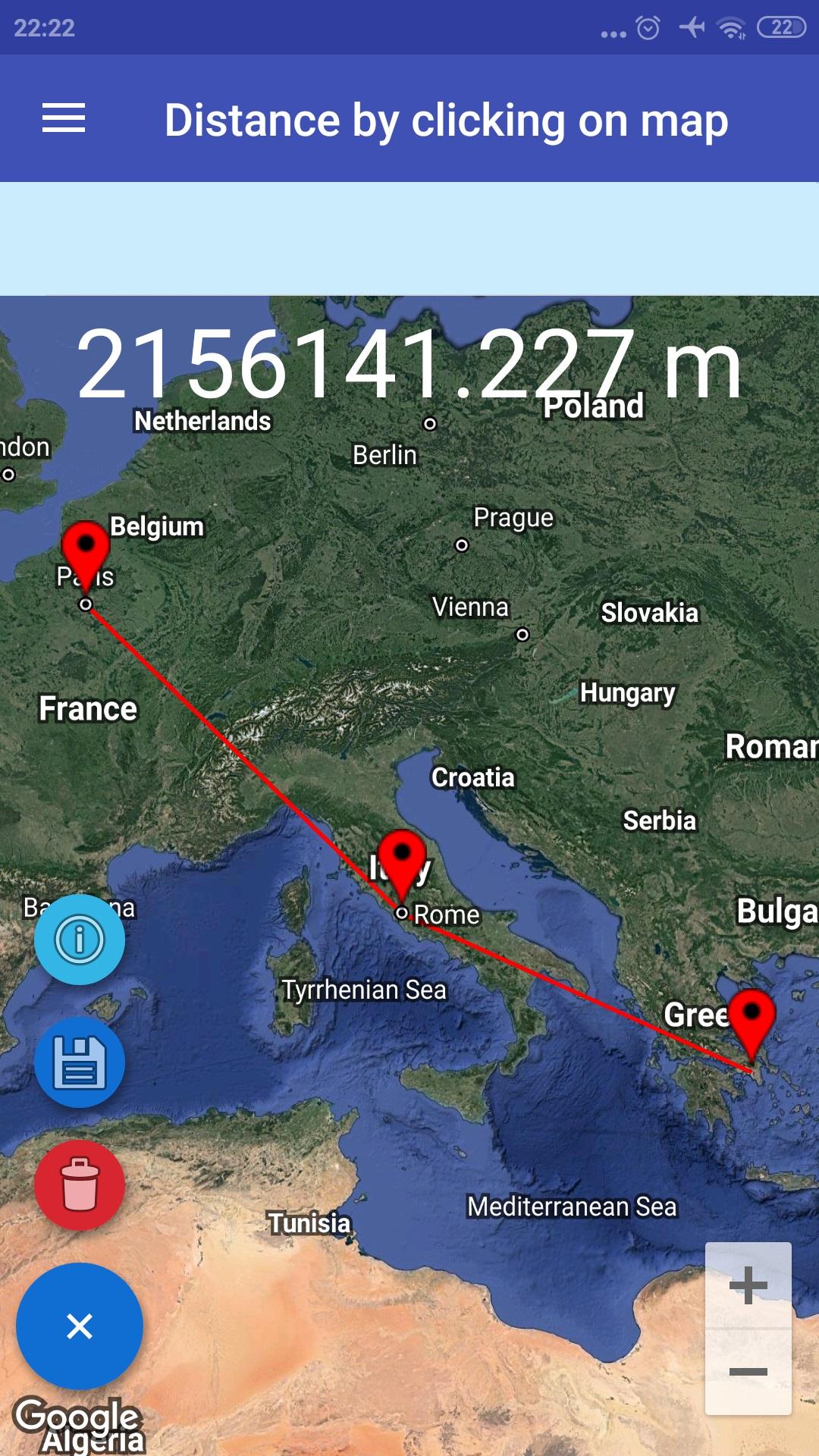
1. Calculate the distance between two or more points by clicking on map. Each time the application will display the distance. You can delete the last point every time you press delete button. You need at least two point to save the measurement. Also you have the choice to display the current location on map using network or GPS provider.
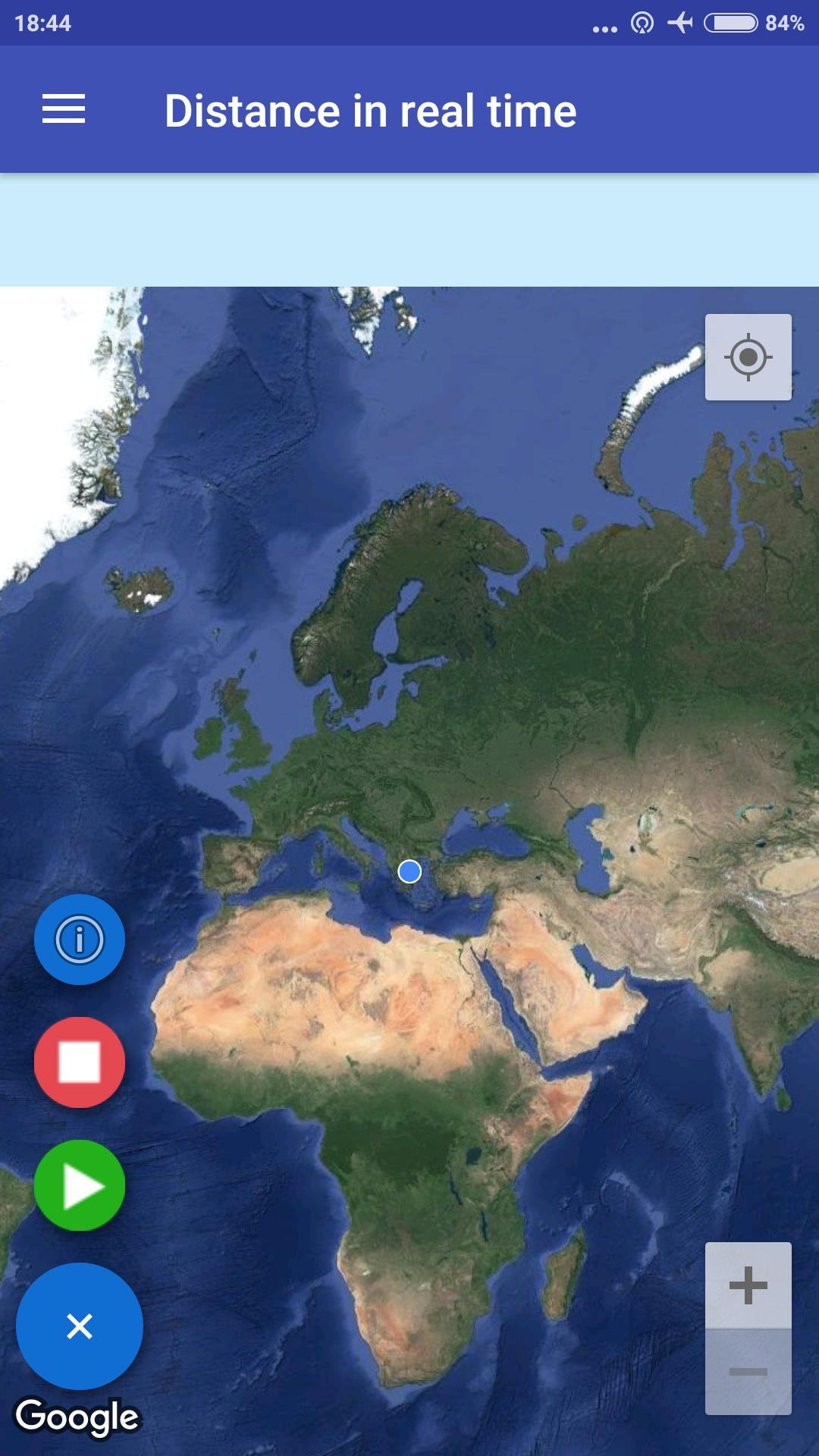
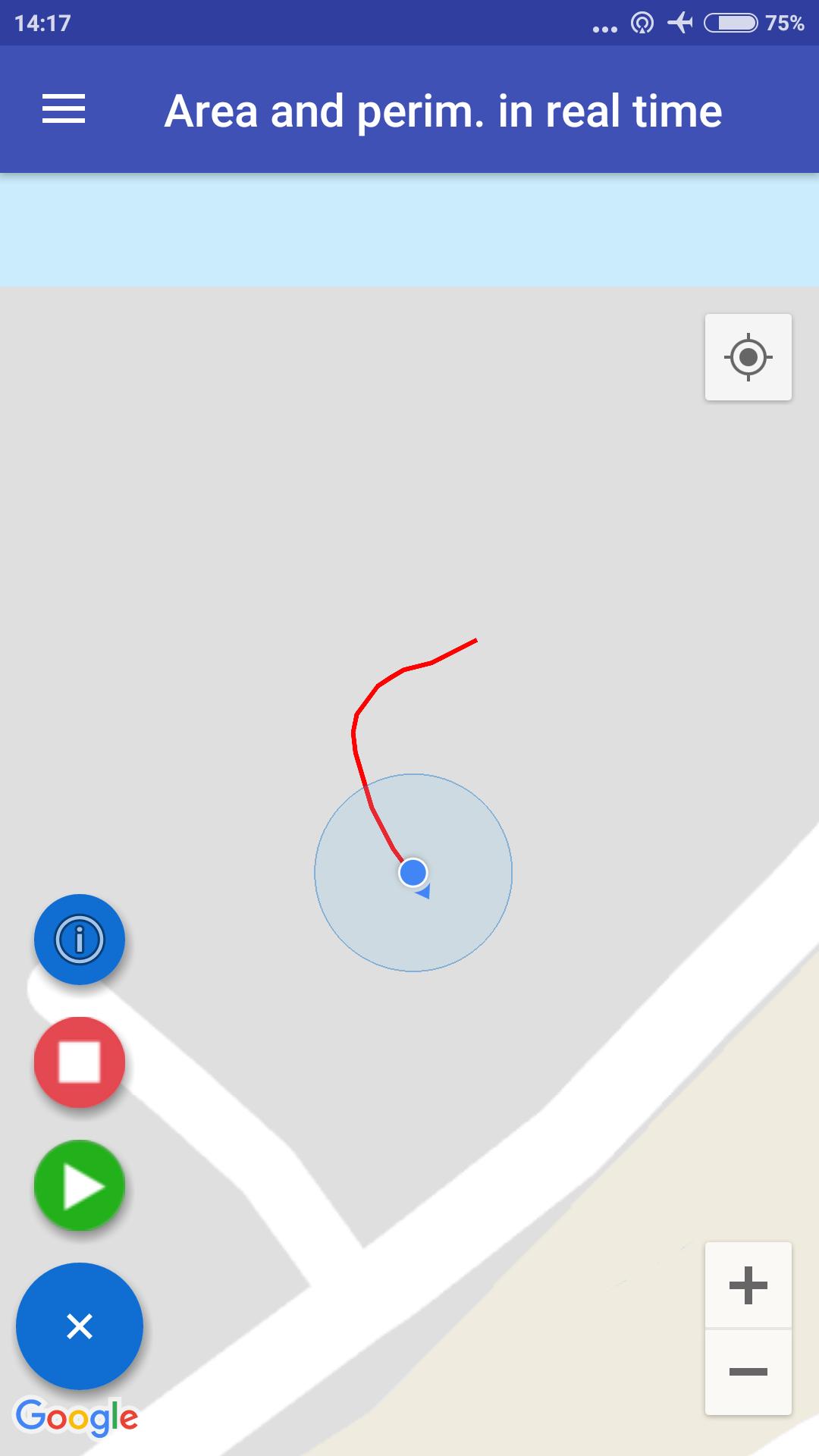
2. Calculate the distance in real-time using GPS by walking, driving, running etc. The application will track you displaying a line on map just press start record button and start moving. Press stop and save button to save the measurement.
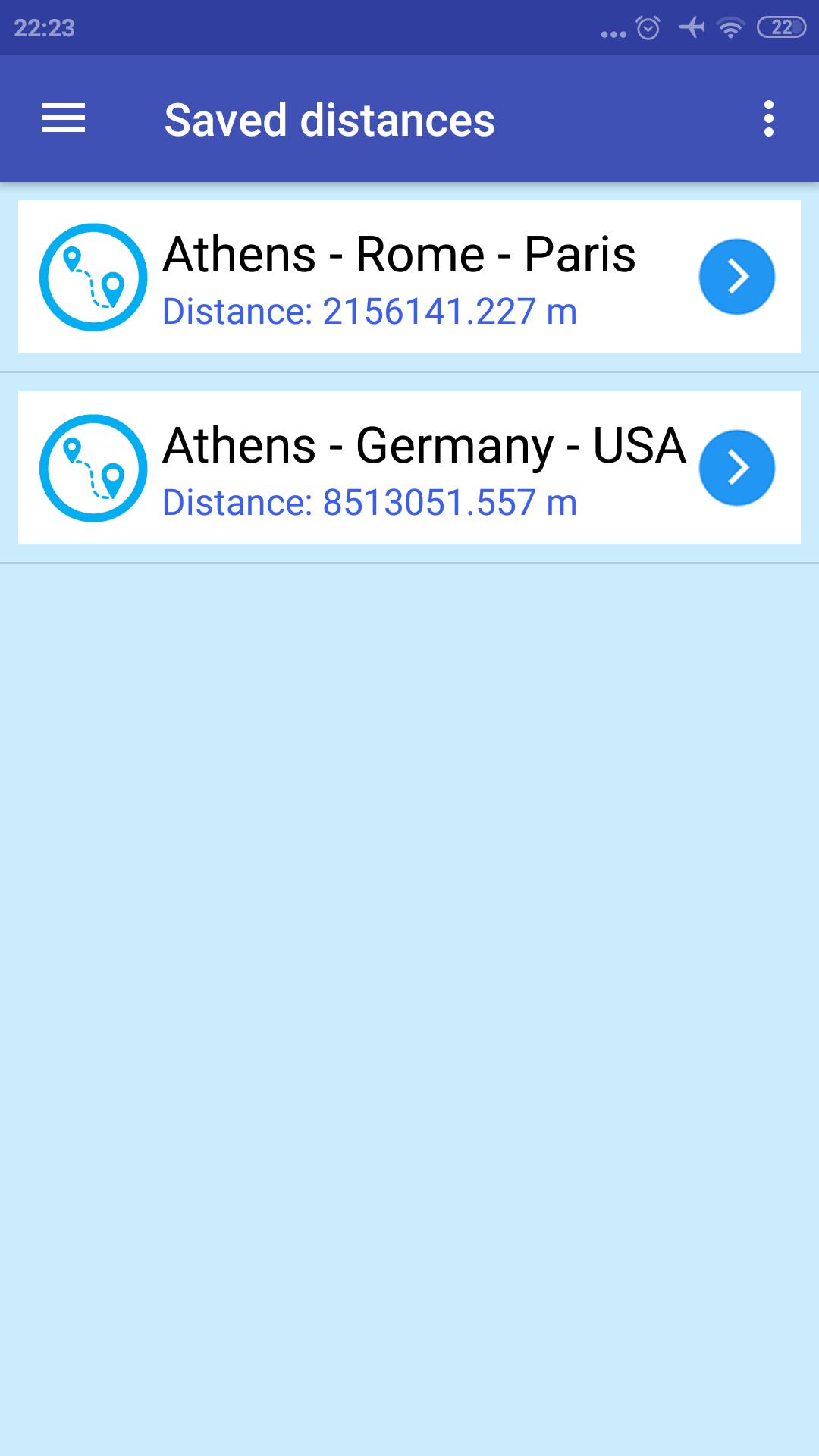
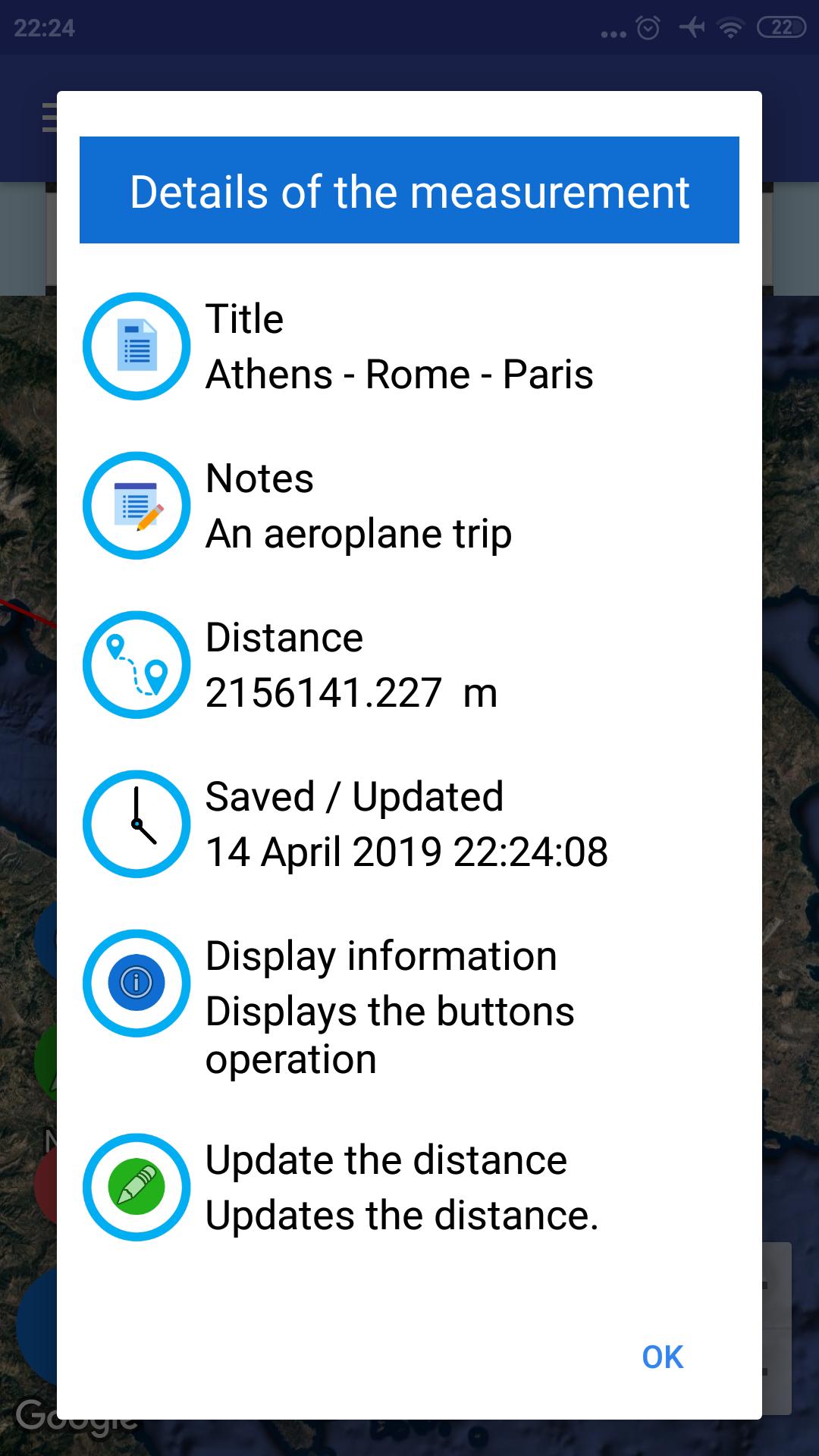
3. Saved measurements. See the saved measurements, update them or delete them.
4. Calculate the area and the perimeter between three or more points by clicking on map. Each time the application will display the area and the perimeter. You can delete the last point every time you press delete button. You need at least three points to save the measurement. Also you have the choice to display the current location on map using network or GPS provider.
5. Calculate the area and the perimeter in real-time using GPS by walking, driving, running etc. The application will track you displaying a line on map just press start record button and start moving. Press stop and save button to save the measurement.
6. Saved measurements. See the saved measurements, update them or delete them.
7. Settings
a) Select the type of the map.
b) Select the zoom level of the map.
c) Select the color of the line.
d) Select the width of the line.
e) Select the distance and the perimeter unit.
f) Select the area unit.
g) Select to display or not on the map the compass, the location button, the zoom level and the map toolbar.
h) Select the minimum time interval between location updates.
i) Select to keep the screen on or off when find the distance or find the perimeter and the area using GPS in real time.
j) Select to display or not the current location when find the distance or find the perimeter and the area by clicking on map (using network or GPS provider).
I used some icons from https://icons8.com
Enjoy GPS Measurement application.
Latest Version
1.166Uploaded by
Rehan Saputra
Requires Android
Android 5.0+
Category
Free Maps & Navigation AppContent Rating
Everyone
Report
Flag as inappropriateLast updated on Mar 8, 2024
v. 1.166:
1. Some improvements



APKPure - A multi-platform app store primarily focused on Android, providing extensive app-related content. Discover the app you want easier, faster, and safer, with quick and efficient downloads and installations.











