Real GPS Area Measure On Maps
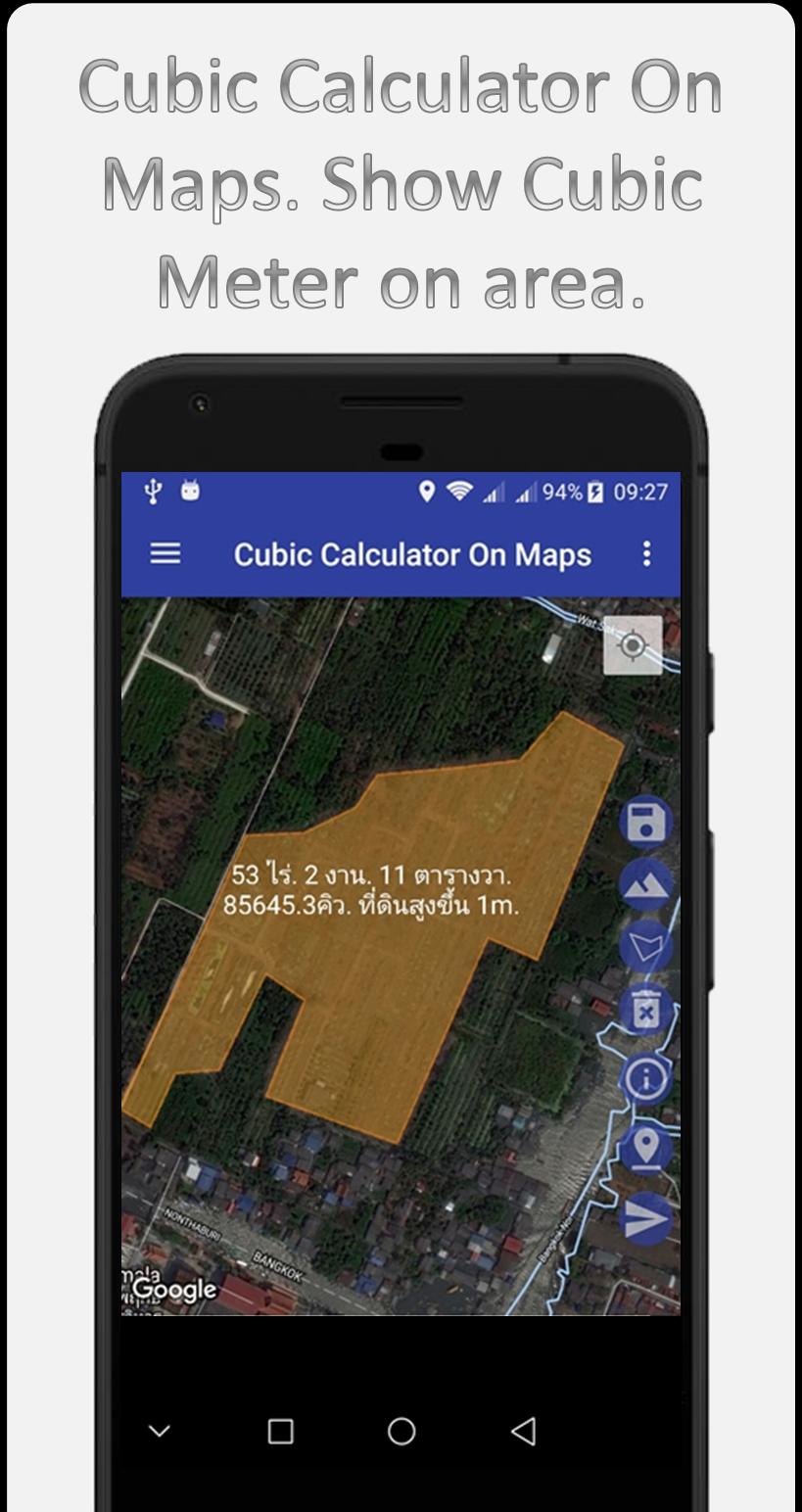
Calculate Area and volume base on Real GPS Location or add marker location.
Function.
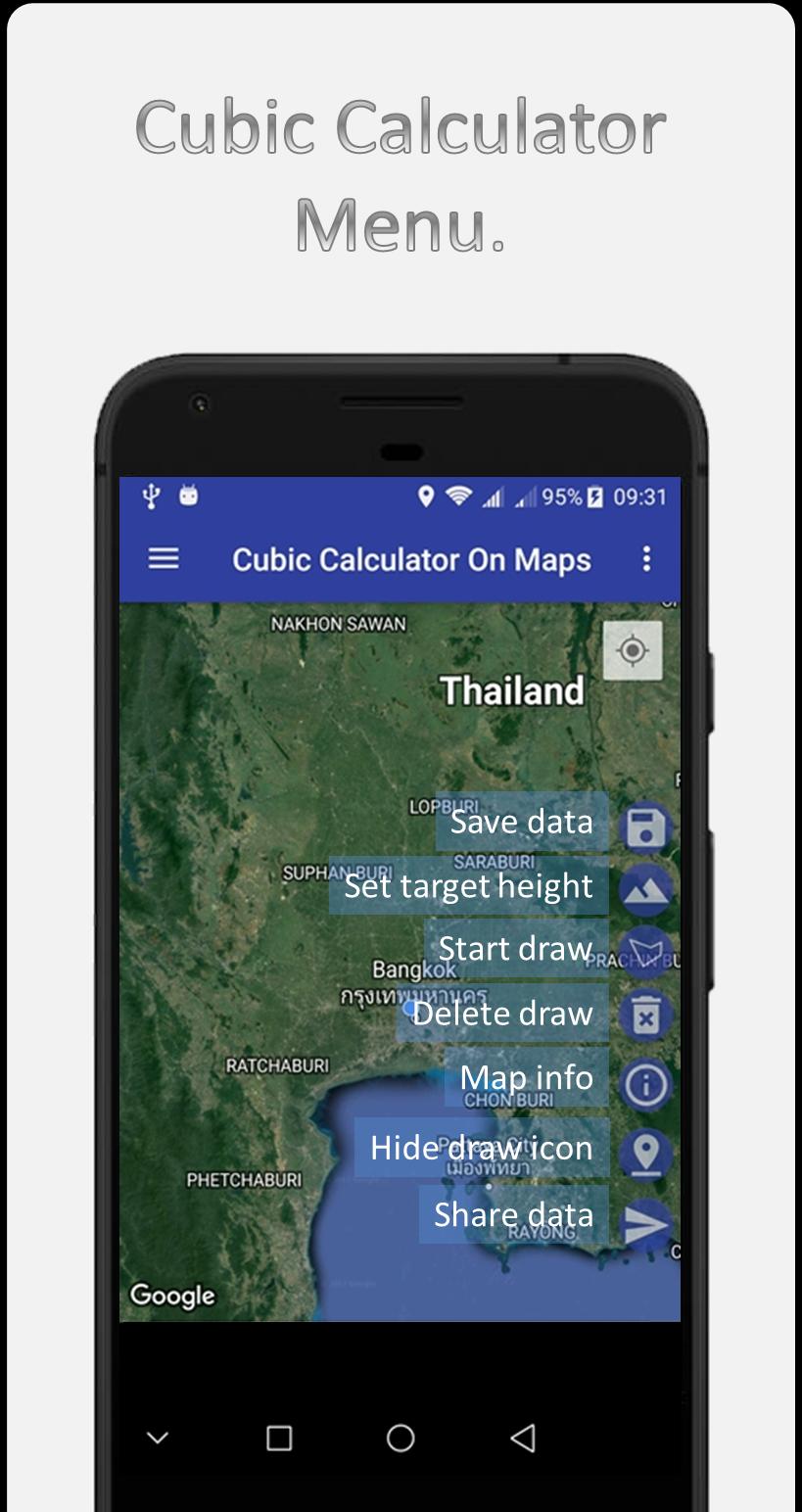
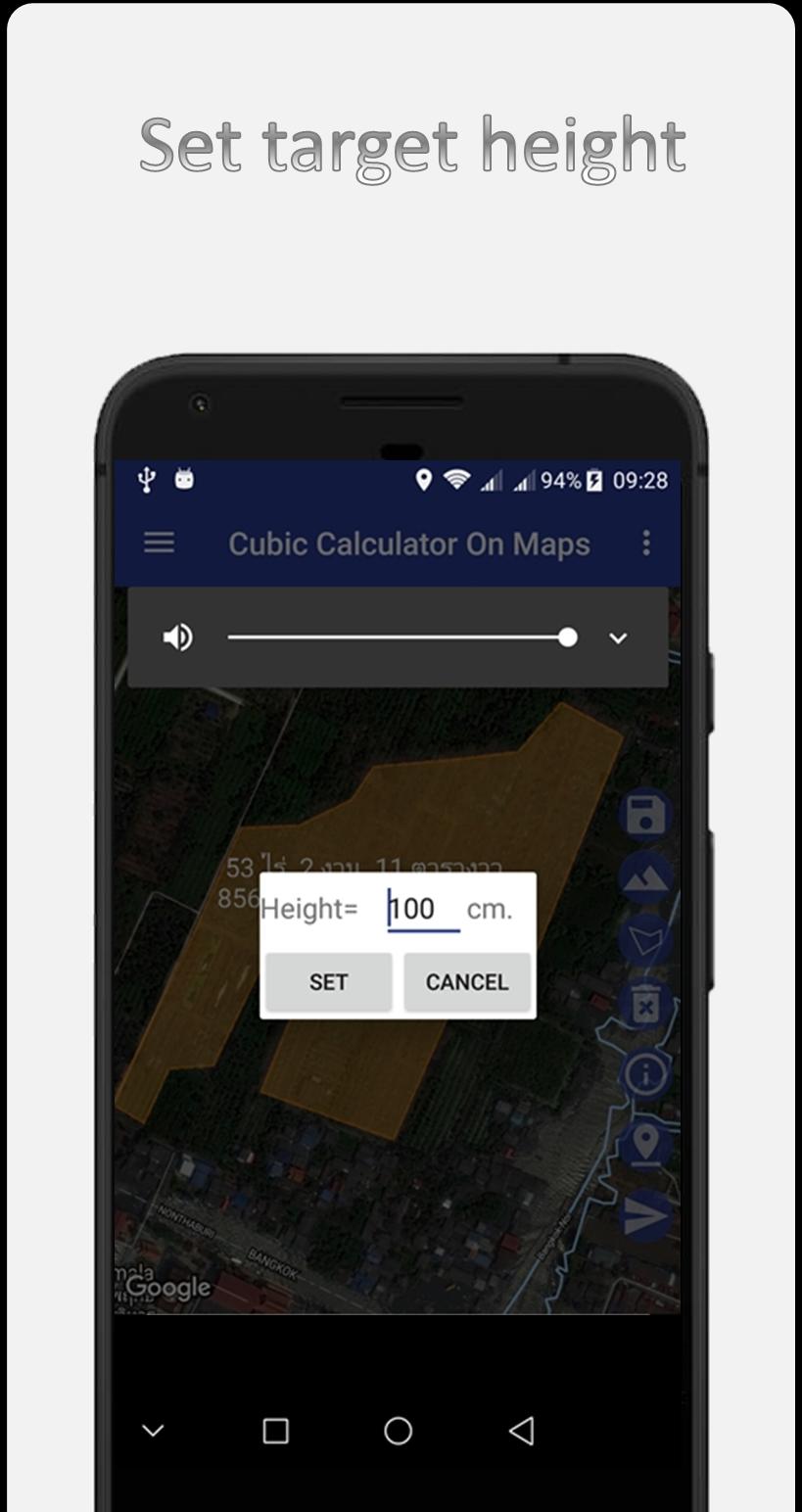
1. Measure the Cubic Meter for making land higher.
2. Measure the land area by Real GPS location or add marker location
3. Measure the distance.
4. Share information through the app.
5. Save image data.
6. Save measurement data. Can be retrieved later.
7. Get the address automatically.
How to use.
1. Select the map as desired.
2. Press and hold on the map at the point you want.
3. Press the finger icon to remove it.
4. Press the Finger icon directly to move the point.
5. Press the button> Send photos to line or Facebook.
ี่
For more information Or report a crash at
bunjong.yosapa@gmail.com
https://www.facebook.com/bysty/
Latest Version
1.0.3Uploaded by
John Patrick Ryan Rosanes
Requires Android
Android 4.1+
Category
Free Tools AppContent Rating
Everyone
Report
Flag as inappropriateLast updated on May 30, 2017
Minor bug fixes and improvements. Install or update to the newest version to check it out!

APKPure - A multi-platform app store primarily focused on Android, providing extensive app-related content. Discover the app you want easier, faster, and safer, with quick and efficient downloads and installations.