Gong Cha SG makes browsing for your favorite Gong Cha drink and locating the outlet nearest to you easy!
You will be able to place faster orders and not miss out on orders any longer! Here is how you do it:
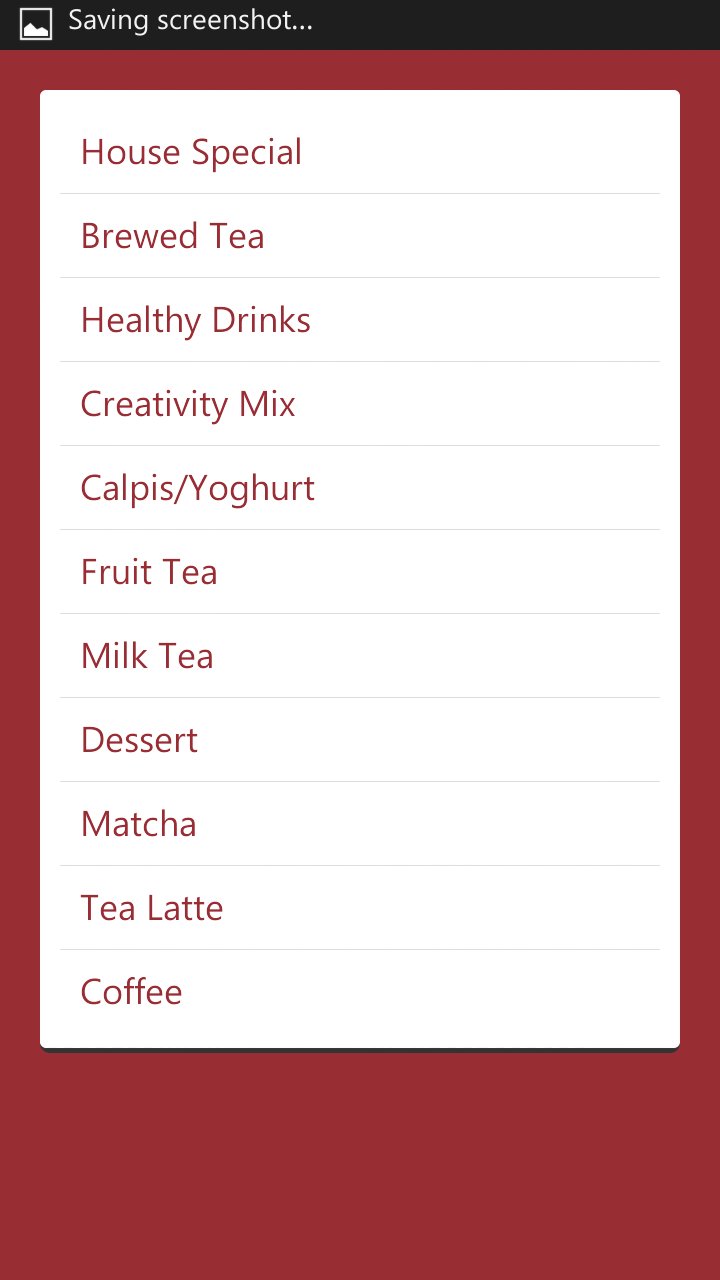
Step 1: View the drinks menu
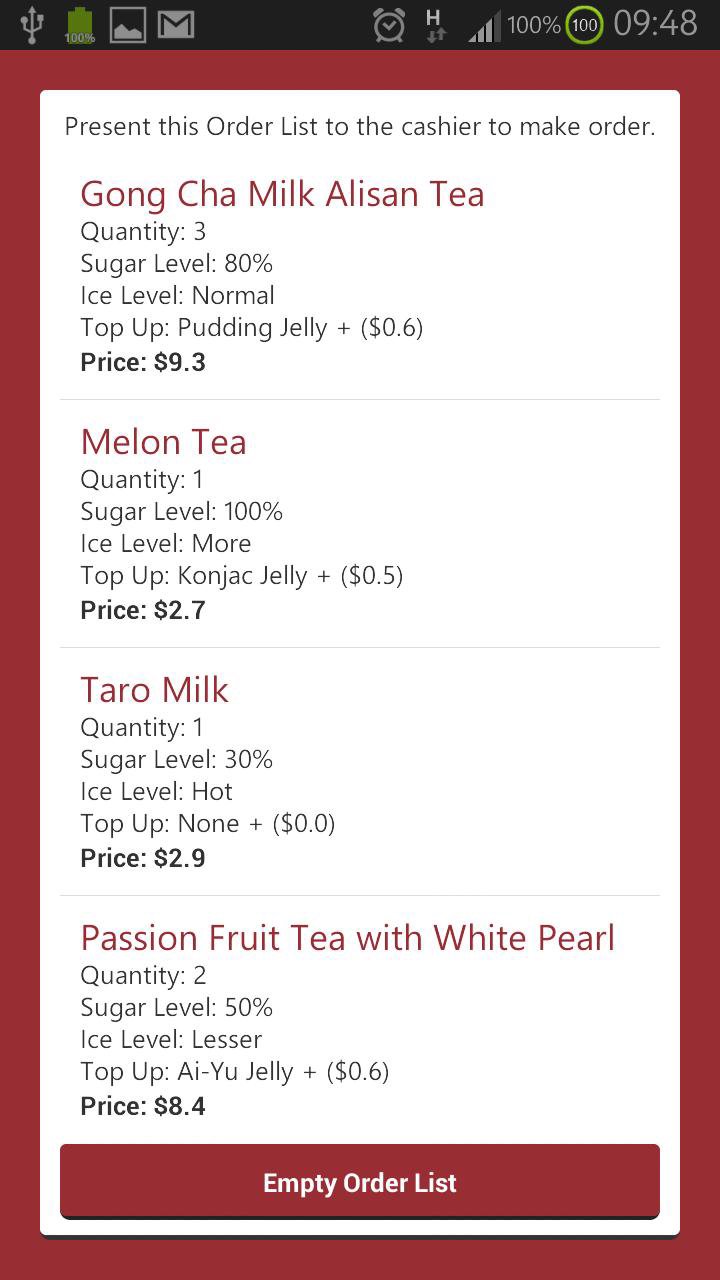
Step 2: Click on desired drink, choose desired sugar/ice level/additional toppings/quantity
Step 3: Click "Add to Order List"
Step 4: Present the list in the app to the cashier!
KEYWORDS:
GongCha, GongCha Singapore, Gong Cha SG, Gong Cha Singapore, Bubble Tea, Milk Tea, Juice
Disclaimer:
This app is only a fan app for Gong Cha. All of the information and resources contained in this app belong to and are the property of Gong Cha Pte Ltd.
Latest Version
3SG.2Uploaded by
ابومحمد محمد
Requires Android
Android 2.2+
Category
Free Tools AppContent Rating
Unrated · Warning – content has not yet been rated. Unrated apps may potentially contain content appropriate for mature audiences only.
Report
Flag as inappropriateLast updated on Oct 16, 2015
3SG.2:
• Fixed Order List not showing anything
3SG.1:
• Came out of "beta"
• Gong Cha outlets added
beta.1.3:
• Cleaned up some "dirty" codes
beta.1.2:
• Cleaned up some "dirty" codes
• Adjusted the UI design
beta.1.1:
• Updated with new icon
beta.1
• Enabled the Move To SD Card Feature
beta.0.9:
• Enabled emptying of OrderList
beta.0.7:
• Implemented OrderList
beta.0.3:
• Improved overall look
alpha.3:
• Solved crashing issue when accessing to product information page



APKPure - A multi-platform app store primarily focused on Android, providing extensive app-related content. Discover the app you want easier, faster, and safer, with quick and efficient downloads and installations.