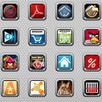
A Jelly Bean (Android 4.2) theme for GO Launcher EX with original icons and 10 HD wallpapers.
I hope you like it! Please rate ★★★★★ and leave your comments.
1. You must have GO Launcher installed (search "GO Launcher EX" to download).
2. To apply the theme within GO Launcher EX: Menu > Themes > Installed > Choose “Jelly Bean EX” theme.
3. To change icons: Long press an icon > Replace.
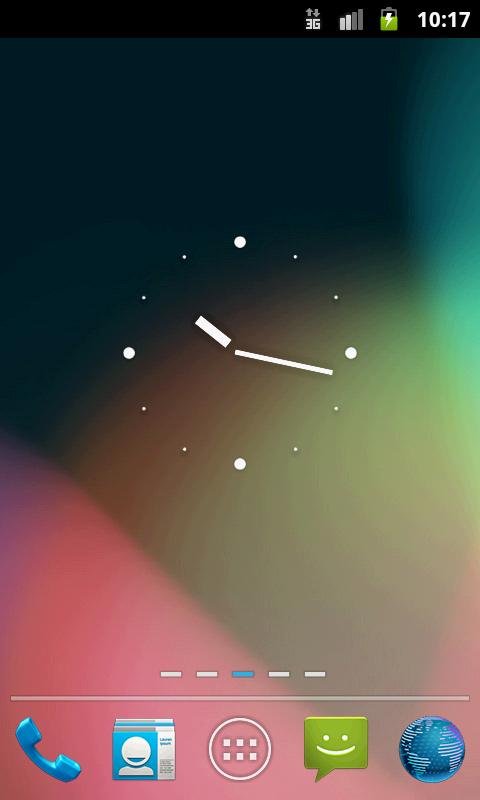
****Clock widget in screenshots is "Nexus ICS Minimal Analog Clock" by Factory Widgets****
*****EMAIL ME if you have any problems, questions or suggestions*****
Latest Version
1.0.2Uploaded by
Sulaeman Khaled
Requires Android
Android 2.0+
Category
Free Personalization AppContent Rating
Unrated · Warning – content has not yet been rated. Unrated apps may potentially contain content appropriate for mature audiences only.
Report
Flag as inappropriateLast updated on Aug 8, 2015
• Added new Maps icon.
• Changed some menu icons.



APKPure - A multi-platform app store primarily focused on Android, providing extensive app-related content. Discover the app you want easier, faster, and safer, with quick and efficient downloads and installations.