How to apply
Supported Device: Zenfone 2, Zenfone 2 Laser, Zenfone Selfie, Zenfone 2 Deluxe, Zenfone 5(firmware v3.24.40.78), Zenfone 6 (firmware v3.24.40.78),
1. Install Go Green.
2. Launch Themes > My themes.
3. Select and apply this theme.
Theme applies to:
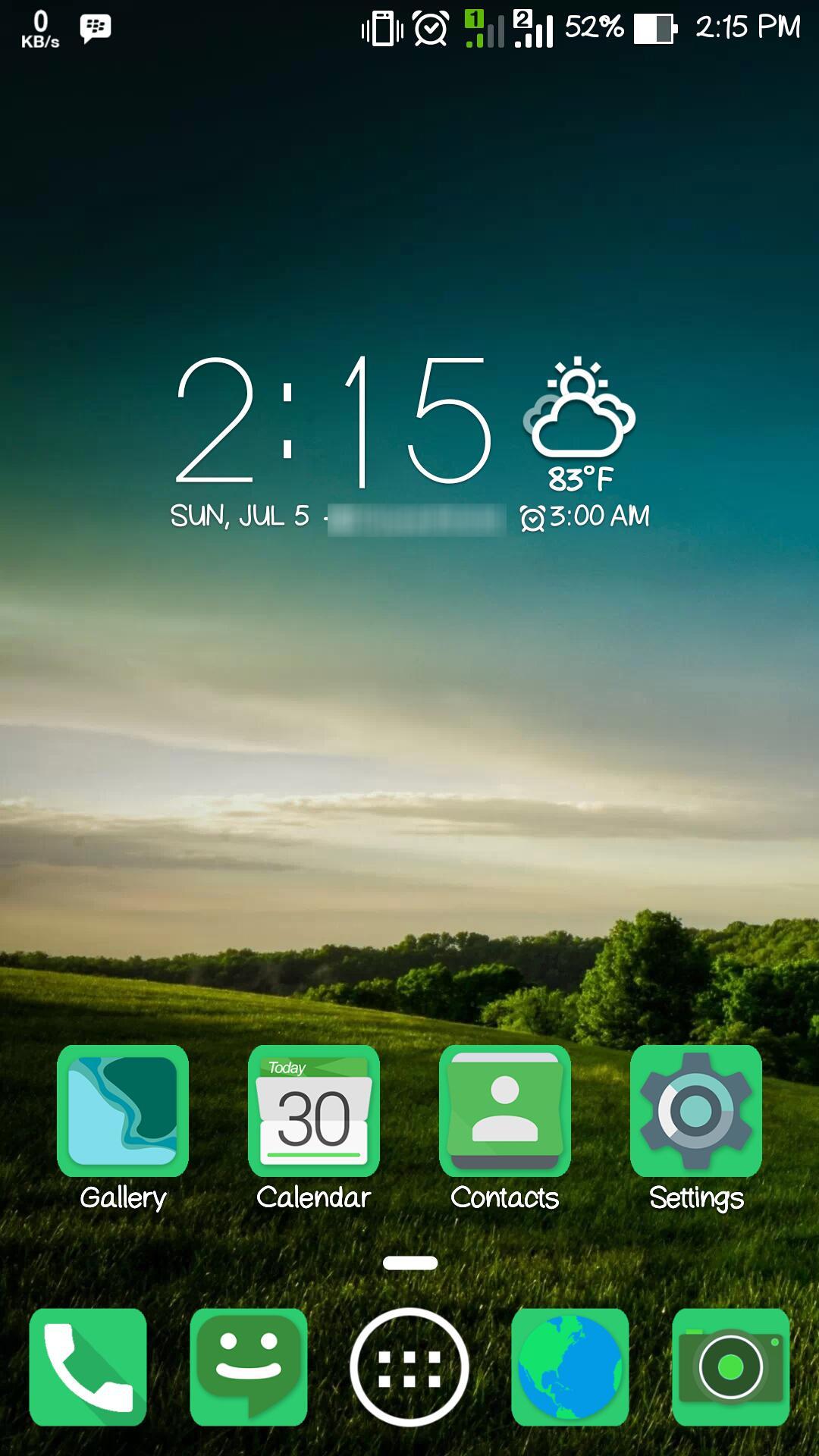
-- HomeScreen
-- LockScreen
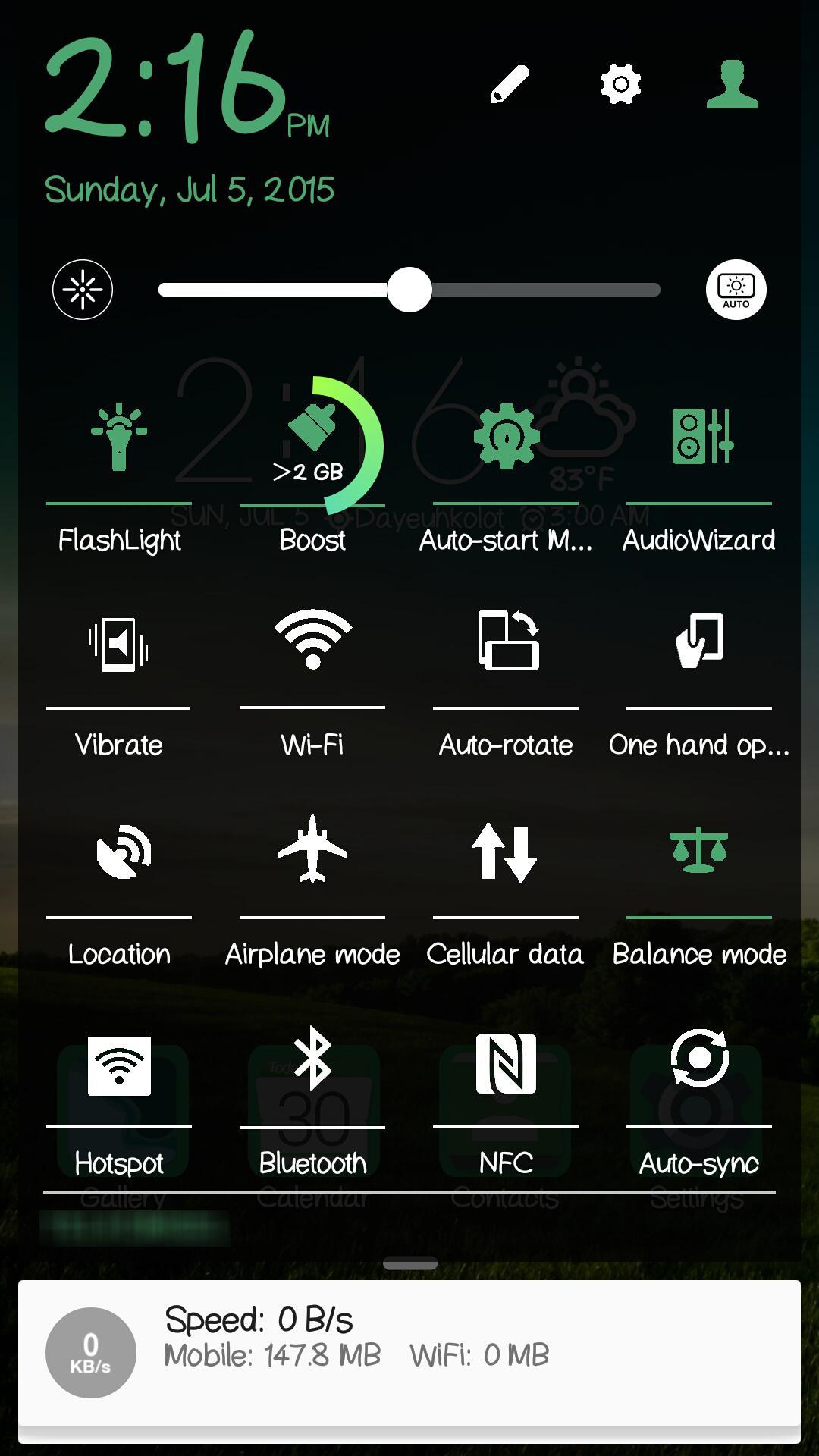
-- Quicksettings
-- Icons
Latest Version
1.0.0.0Uploaded by
Saku Al Rimas
Requires Android
Category
Free Personalization AppContent Rating
Everyone
Report
Flag as inappropriateLast updated on Jan 21, 2017
Minor bug fixes and improvements. Install or update to the newest version to check it out!



APKPure - A multi-platform app store primarily focused on Android, providing extensive app-related content. Discover the app you want easier, faster, and safer, with quick and efficient downloads and installations.