Scan Date:Jun 19, 2026
Show More
This app is for play Ingress more comfortably.
This app has many functions!
For example, count down function for cooldown after hack.
passcodes manage function.
glyph challenge function.
and so on...
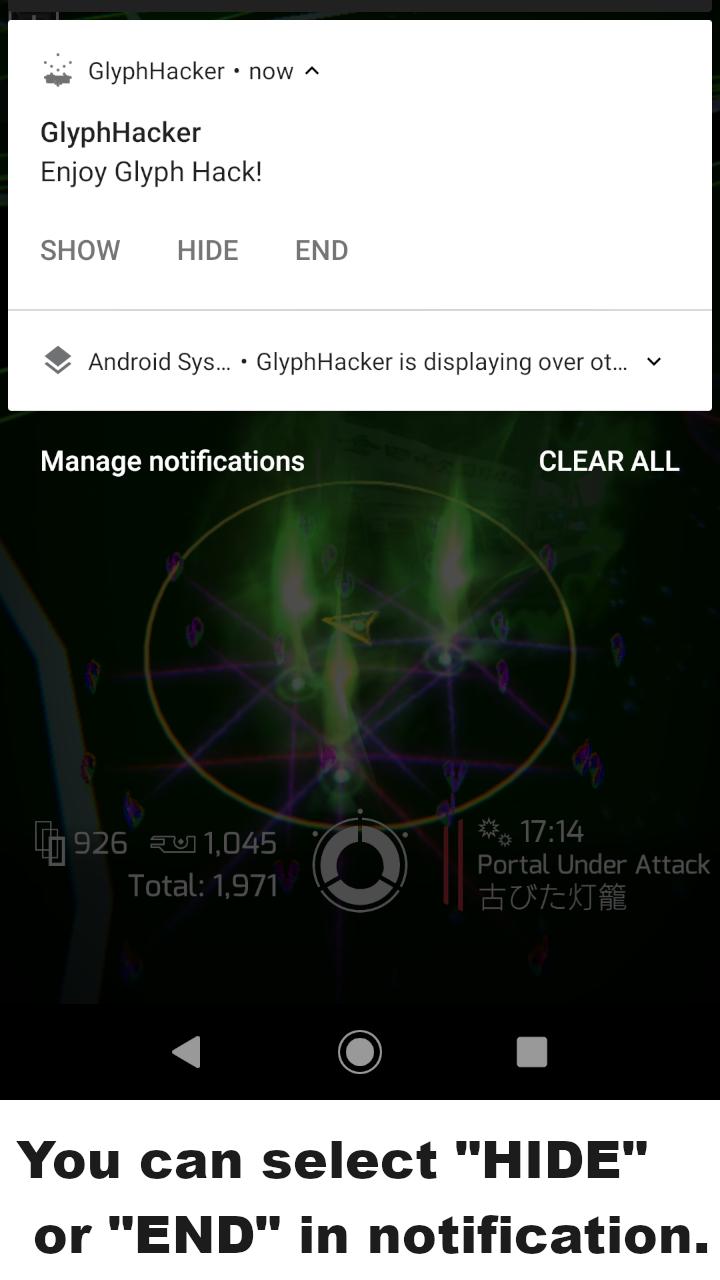
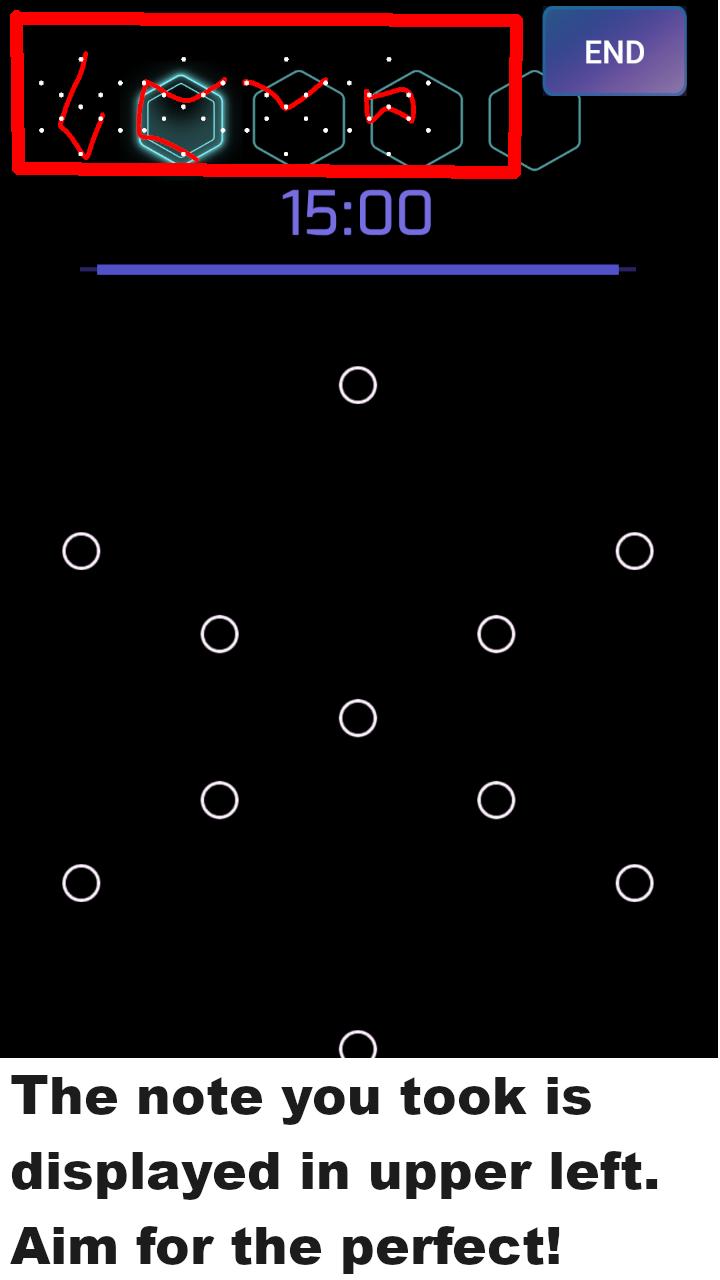
And this app supports glyph hack more powerful.
Recommended for you who are not good at glyph hack.
Of course, recommended for you who are good at glyph hack!
Glyph sequence is a message from Ingress.
If you understand glyph more deeply, you may reach the truth of Ingress.
My favorite sequence is it.
BEFORE - MYSTERY - AFTER - KNOWLEDGE
This app is a free version that display ads.
Please try a paid version with no ads(GlyphHackerOnyx) if you are interested.
Thank you!
Follow me on twitter.
@CreateDatMore
-----------------------------------------------------------------------------
[About a passcode register, display, share function]
(1)Transit to the passcode display screen by long tapping the timer button.
Display the registered unused passcodes on the screen.
・transit to the main screen by tapping the "×" button.
・display the registered passcodes in order by tapping the "↓" or "↑" button.
・the displayed passcode is maked used state by tapping the "used" button.
・the displayed passcode is maked invalid state by long tapping the "used" button.
・able to copy passcode by long tapping the passcode display area.
(2)Transit to the passcode registration screen by tapping the "Register" button on setting screen,
or long tapping the "↓" button on passcode display screen.
Passcode can be registered on the screen.
(3)Transit to the passcode list screen by tapping the "List" button on the passcode registration screen.
Able to manage registered passcodes on the screen.
・change passcode state(unused,used,invalid)
・delete passcode
・lock passcode(Only when unused)
※Locked passcodes are excluded from the following operations.
・status change by list operation
・share passcodes
(4)Transit to the communication screen by tapping the "Share" button on the passcode registration screen.
List of nearby devices by tapping "Search" button on the screen.
(5)Transit to the passcodes sharing screen to by tapping the device you want to connect to from the list and
"Connect" button.
You can send the passcodes of the displayed lsit to the connection partner by tapping the "Send" button on the screen.
[About a glyph challenge function]
(1)Transit to MODS screen by tapping MODS.
(2)There is a new button "CHALLENGE" at the bottom left of the screen.
(3)Transit to Glyph challenge screen by tapping "CHALLENGE" button.
(4)You can check glyph and challenge glyph questions(5questions in 1 set) on the Glyph challenge screen!
(5)It helps to understand glyph!
※Full screen ads are displayed with a certain probability when the glyph check screen is displayed or the trace mode ends.
However, if you try the glyph questions, the ads display probability will change from 10% to 90% according to the correct answer rate.
[About a glyph learning function]
On trace mode if you let the function learn traced glyph, the function will be able to infer glyph sequence.
(1)Please enable the glyph learning function on the setting screen.
(2)On trace mode if you tap end button on the trace result screen, the glyph learning screen is displayed.
(3)If the infer is wrong or unpredictable, tap the infer area to set the correct answer.
(4)A sequence list is created by entering the correct answer and learning it.
(5)The sequence list can be transitioned from the glyph learning function item on the setting screen or from the glyph challenge screen.
(6)The function will be able to infer sequences from fragmentary glyphs by repeated learning.
(7)If inferable, tap the first glyph to switch between trace result and infer on trace result screen.
Latest Version
1.15.7Uploaded by
Prathmesh Dhore
Requires Android
Android 7.0+
Category
Free Tools AppContent Rating
Everyone
Security Report
Report
Flag as inappropriateLast updated on Nov 29, 2024
- Added new glyphs, SPEED and REFRESH.




APKPure - A multi-platform app store primarily focused on Android, providing extensive app-related content. Discover the app you want easier, faster, and safer, with quick and efficient downloads and installations.