Scan Date:May 22, 2017
Show More
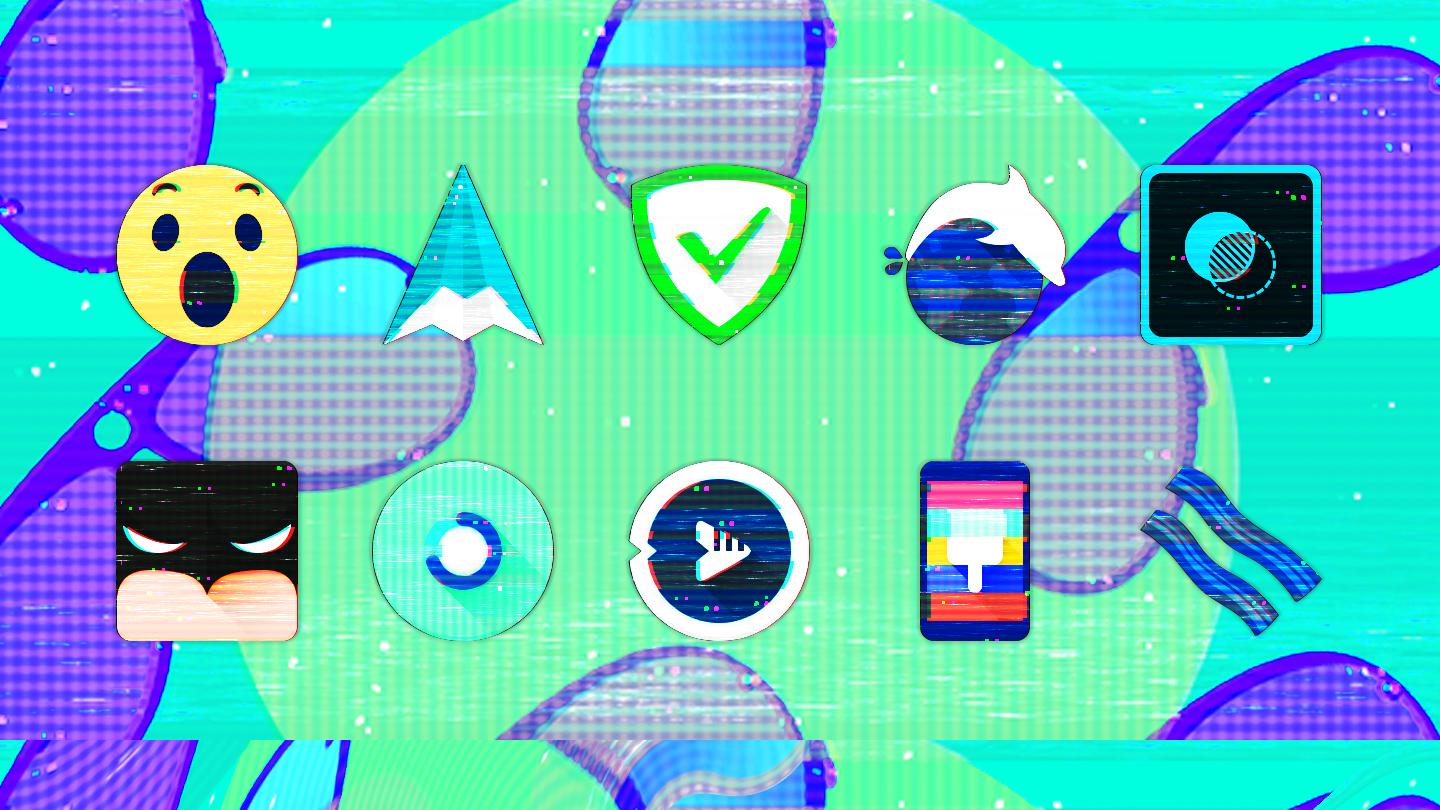
A unique glitched-out busted style using individually modified distortion patterns, hundreds of wallpapers included, with support for all popular launchers.
Glitch Icon Pack
• Over 5000 true-to-stock shapeless icon designs
• Glitched-out icon effects unique to each icon!
• Dynamic calendar support (icon changes each day)
• Multiple alternate colors and icon styles available
• Alternate system icon designs: OnePlus, Pixel, Samsung, Moto, HTC, Asus, LG and many more to choose from!
• Send any missing icon requests to complete your look
Easy-to-use Glitch Dashboard App:
• Auto-apply icons to most popular launchers
• Icon showcase with category support
• Quickly switch between icon designs with built-in icon search
• Tap to send missing icon requests directly to request server
• Over 400 matching wallpapers included
• Apply (or save) a huge assortment of exclusive custom wallpapers
• Easily copy color swatches from wallpaper collection
Even more!
• Includes built-in matching Kustom widgets
• Donate options available to support future releases
Over 20+ launchers supported:
- Nova, Pixel (via Awesome Shortcuts), ADW / ADW EX, Action, Apex, GO, Google Now, Holo, LG Home, Lawnchair, LineageOS, Lucid, Niagara, OnePlus, Posidon, Smart, Solo, Square Home, and TSF 3D
- Most other launchers can apply icon pack from your launcher settings
- You can use Adapticons or similar app to apply icons to launchers without icon support
★ ★ ★ ★ ★ Thank you for your support! ★ ★ ★ ★ ★
Tips:
- Auto apply to supported launchers, open Glitch App - Apply - Choose launcher
- Send an icon request, open Glitch App - Request - Select Apps - Tap Request Icons
- For wallpaper, open Glitch App - Wallpapers - Choose - Save or Apply. New wallpapers added frequently!
- Search or find an alternate icon:
1. Long press icon to replace on homescreen - Edit/Icon options - Tap icon - Select theme Glitch App - Press arrow at top right to open Icons
2. Tap to access different categories or use search bar to find alternate icon, tap to replace, done
Email any issues or questions you may have or contact me on:
- DDT Discord Channel https://discord.gg/pccZGwW
- Drum Destroyer Twitter https://twitter.com/drumdestroyer
Latest Version
16.0.1Uploaded by
Thanh Pham
Requires Android
5.0
Category
Personalization AppContent Rating
Everyone
Security Report
Report
Flag as inappropriateLast updated on May 23, 2017
Its NEW!! Get it while its HOT!




APKPure - A multi-platform app store primarily focused on Android, providing extensive app-related content. Discover the app you want easier, faster, and safer, with quick and efficient downloads and installations.