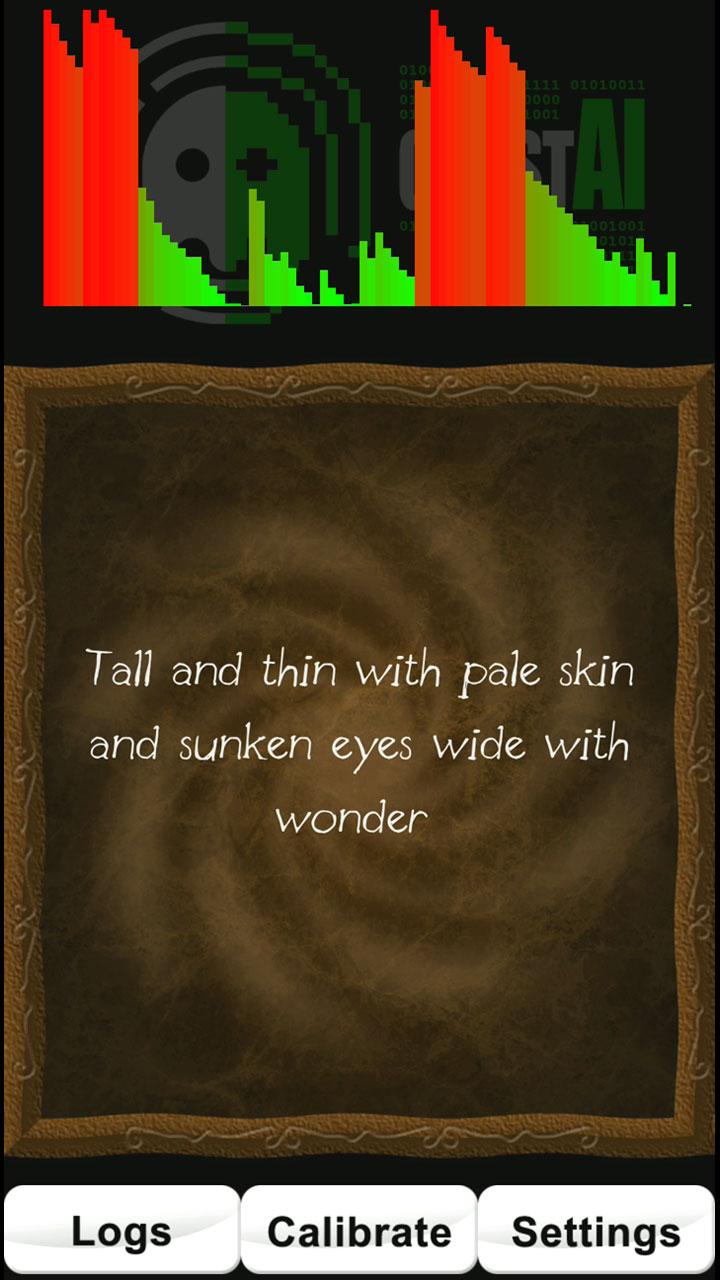
Use all available sensors in your device to detect vibration, movement, rotation, and changes in magnetic fields, proximity, light etc. along with custom-built Artificial Intelligence (a neural network) to build sentences.
Suitable for professional and amateur paranormal investigators, it is simple enough to use by everyone - even just for fun.
NOTE: Do NOT hold, shake or tap your device when using GhostAI. It is specifically designed to detect the tiniest of vibrations.
FEATURES include:
+ Uses the REAL raw sensor data and custom A.I. to build sentences.
+ Speaks the sentences (using text-to-speech) and logs the sentences to access later.
+ Includes a built-in log viewer.
+ Export logs in text/CSV format to use or share in other apps. For example spreadsheets, email, cloud storage.
+ Turn individual sensors on/off if they receive too much interference or are faulty.
+ No adverts or in-app purchases.
+ Does NOT require an internet connection to work.
+ Does not require any special permissions, apart from GPS access to read changes in movement and storage access to save log files.
IMPORTANT INFORMATION to remember:
+ No information on your device is used to teach the neural net.
+ Do not expect perfect grammar or sentence structure. By using the real raw sensor data from your device it may not always make sense so you will need to interpret what it says and decide if it is relevant.
+ Do NOT believe everything that it displays.
+ If it says anything offensive or bad, consider it interference.
+ If you are at all worried, turn the app off and take a break. You can always try again later.
TIPS:
+ If it starts to trigger sentences constantly you may be getting interference from something close by. This can include electrical wiring which can cause electromagnetic interference. Try moving the device somewhere else or tap the ‘Calibrate’ button to get it to tune out background variance (although you will lose some sensitivity).
+ If your sensors continue to trigger too much, you can try switching your device into ‘flight’ mode. This will disable all networking features (which GhostAI does not require) but should leave local sensors enabled.
+ You can see which sensors are being triggered by tapping the “Settings” button. The ones that turn blue are seeing changes above the threshold. If you think a sensor may be faulty or too sensitive, you can tap it to disable/enable it.
Latest Version
1.0.2Requires Android
4.2
Category
Lifestyle AppContent Rating
Everyone
Report
Flag as inappropriateLast updated on Aug 7, 2024
This release includes minor bug fixes and general improvements. Update to the latest version for the best experience.



APKPure - A multi-platform app store primarily focused on Android, providing extensive app-related content. Discover the app you want easier, faster, and safer, with quick and efficient downloads and installations.