
Features:
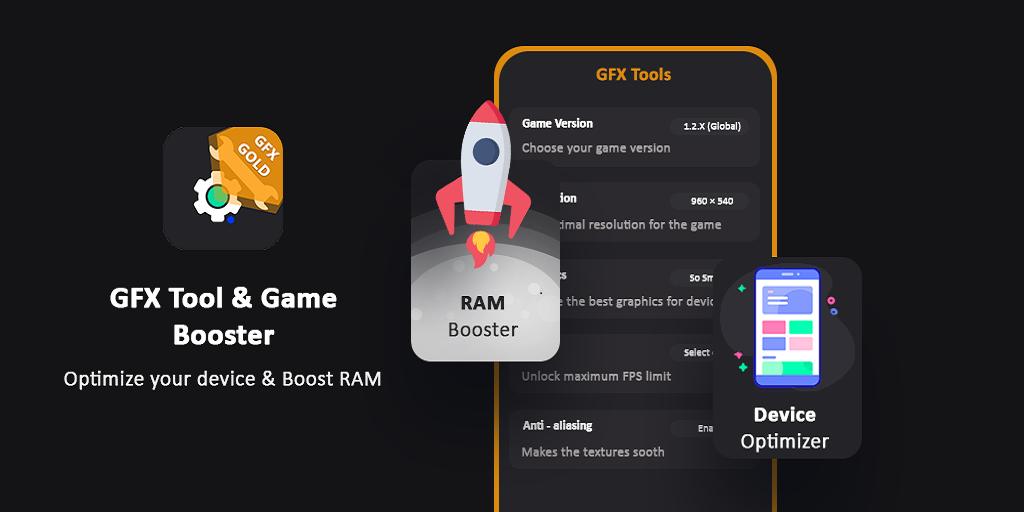
✅ Change low resolution to high resolution
✅ Unlock HDR graphics on lower configure devices
✅ Unlock the extreme FPS levels and use high power fps
✅ Change graphics style from low level to high level settings
✅ Enable or disable shadow by simply check - uncheck
✅ Enable or disable Anti-aliasing ands use high definition graphics or make it even better by X2, X4
✅ Enable or disable GPU optimization for good battery health
How to use GFX Tool
• Close all running game if you are currently running before starting GFX Tool
• Choose the game version which you are running in your device
• Customize the best resolution for graphics according to your desires and device capabilities.
• whenever you done each setting, Just click on Accept and Run Game
Latest Version
1.4Uploaded by
Aung Kyaw Khant
Requires Android
Android 4.4+
Category
Free Tools AppContent Rating
Everyone
Report
Flag as inappropriateLast updated on Nov 7, 2022
Minor bug fixes and improvements. Install or update to the newest version to check it out!




APKPure - A multi-platform app store primarily focused on Android, providing extensive app-related content. Discover the app you want easier, faster, and safer, with quick and efficient downloads and installations.











