

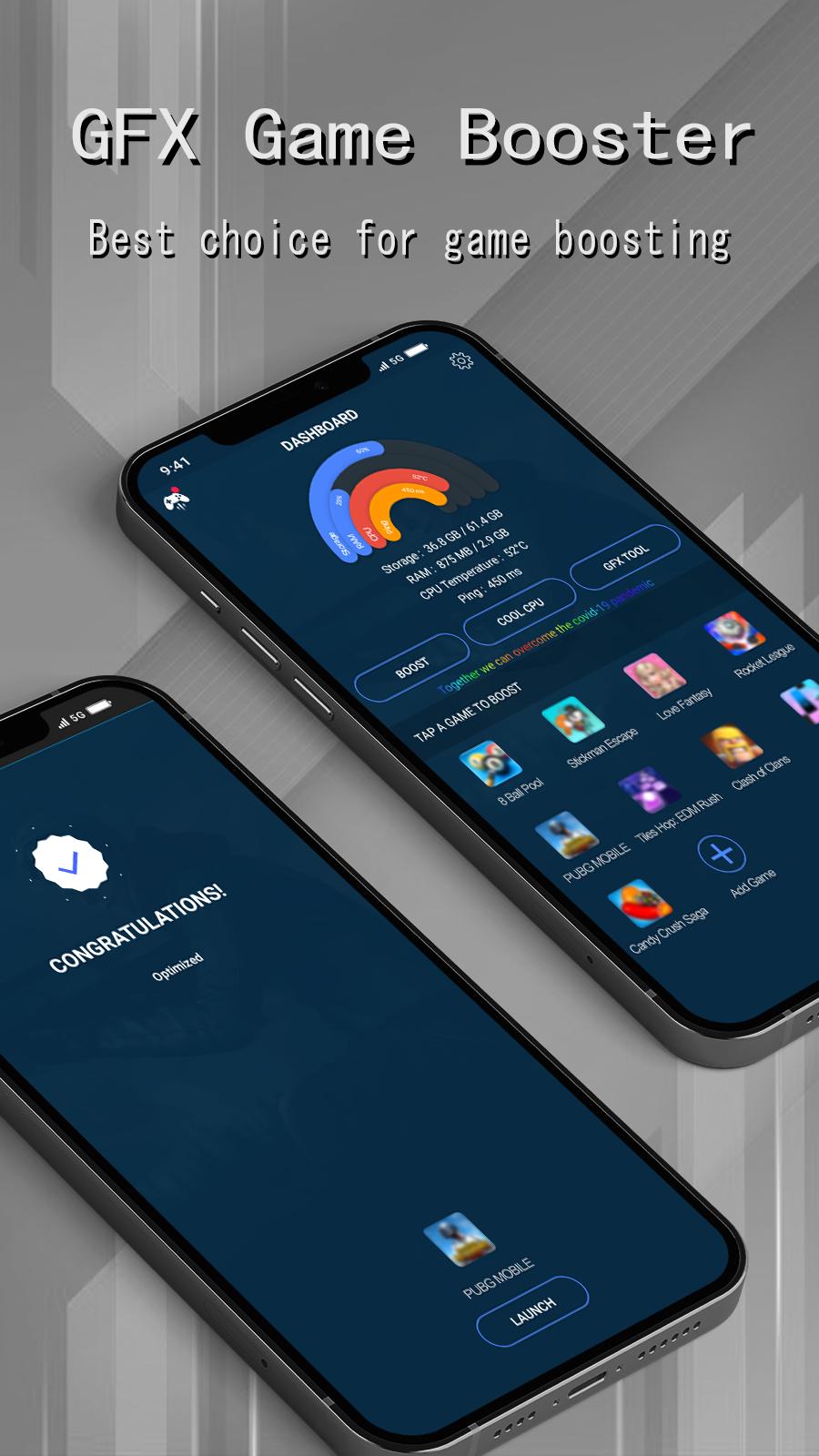
GFX Game Booster helps when games feel slow, frames stutter, or the phone heats under load. It focuses on system resources and stability so your device can run games with fewer interruptions. The layout is simple and quick to understand, so you can act before a match or during a session. Many users search for the GFX Game Booster latest version to keep a reliable tool on hand, and this app aims to provide a straightforward solution.
One-touch boost
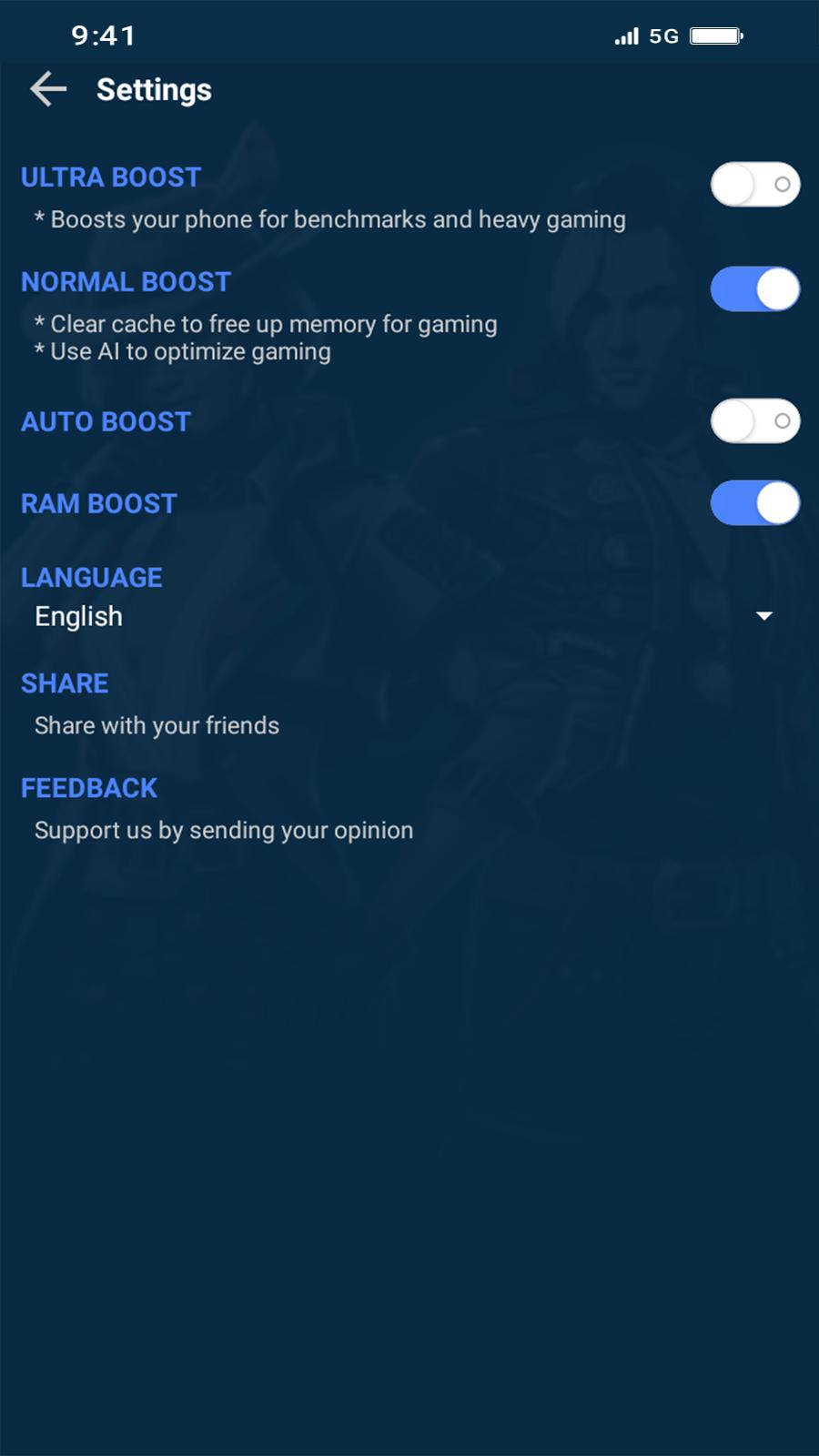
GFX Game Booster lets you stop background services and free RAM with a single tap. This can reduce bug and lag during gameplay and may improve device speed. Use it before launching a game or when you notice stutter to stabilize performance.
Ping monitor
Watch your ping as you play to see network delays. If the number rises, you can pause, refresh your connection, or switch networks. This quick insight helps you time actions when matches feel slow.
Gfx Manager
GFX Game Booster includes a Gfx Manager tool. Storage permission may be required for this feature to operate. Open it alongside the boost controls to keep related settings organized before starting a session.
Play with fewer delays
Clearing memory can help games start faster and feel steadier. When bugs or lag appear, using the boost again may ease the load on your phone. Combined with ping monitoring, you can react to both device and network issues during play.
Use the boost and monitoring tools before launching a game to help sessions run smoother. To begin, download GFX Game Booster and open the controls to manage memory and ping.
Latest Version
2.02.31Uploaded by
Caua Godoi
Requires Android
Android 4.4+
Category
Free Tools AppContent Rating
Everyone
Report
Flag as inappropriateLast updated on Jan 28, 2023
- added wifi security feature
- improved performance
- fixed some issues on Android 11 or above




APKPure - A multi-platform app store primarily focused on Android, providing extensive app-related content. Discover the app you want easier, faster, and safer, with quick and efficient downloads and installations.