Scan Date:Feb 8, 2026
Show More

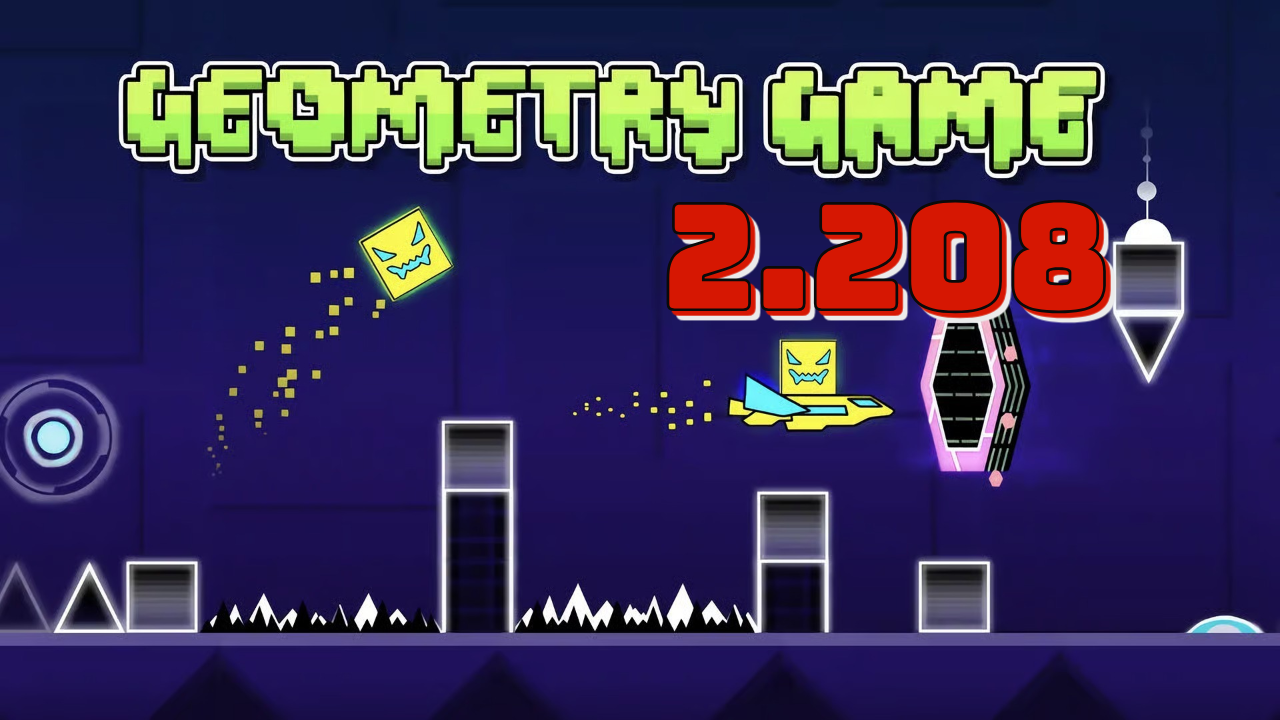
Geometry Dash Lite suits quick play sessions when you want a focused challenge without setup. It centers on timing jumps and switches to match the soundtrack, so each run feels tight and responsive. With short attempts and instant restarts, it gives you a clear loop to learn patterns and improve. You can pick it up anywhere and play offline, then pause without losing progress. If you want to download Geometry Dash Lite for Android, the Lite release keeps things simple and direct.
Tap to the music
Geometry Dash Lite maps your tap, hold, and flip actions to the beat. The level layouts and hazards align with the soundtrack, which helps you feel the timing while you play. You keep attention on rhythm, then react with quick taps to keep a steady run.
Practice with checkpoints
You can enter Practice Mode to place checkpoints and work through hard sections at your own pace. This mode lets you repeat tricky parts and adjust your timing until the pattern makes sense. After learning the route, you switch back to a full attempt and apply what you practiced.
Instant restart flow
Every miss restarts you right away, so there is almost no downtime. This steady loop helps build timing and muscle memory because you try the same sequence again while it is fresh. As you repeat clean runs, you spot where to jump earlier or later and refine your inputs.
Customize icons and colors
Geometry Dash Lite includes unlockable icons and color sets for your cube and vehicles. You can choose high contrast palettes to make your character stand out against busy backgrounds. Clear visibility supports quick reactions when segments speed up or add new hazards.
Start with a level that matches your comfort, then use the soundtrack to guide your timing. The Geometry Dash Lite latest version keeps controls simple so you focus on learning patterns across short attempts.
Open Geometry Dash Lite on your phone and pick a level from the list.
Tap to jump and hold when the rocket appears, listening for music cues to time actions.
Enter Practice Mode and place checkpoints to learn tough sections until the route feels consistent.
Return to normal mode and attempt a full run without aids, applying the timing you learned.
Set icon colors to a high contrast palette for better visibility, then repeat runs with instant restarts.
Geometry Dash Lite delivers quick, rhythm based platforming with focused levels and fast restarts. For a straightforward install on Android, use the Geometry Dash Lite APK and begin practicing with short runs.
For official information or support, use the contacts below.
Website: http://www.robtopgames.com/
Email: support@robtopgames.com
Latest Version
2.2.147Uploaded by
Андрей Иванов
Requires Android
Android 6.0+
Category
Free Arcade GameContent Rating
Everyone 10+ · Fantasy Violence, Mild Blood
Security Report
Report
Flag as inappropriateLast updated on Jan 30, 2026
Update Patch Notes:
• New Level "Fingerdash"!
• New Demon Level "Deadlocked"!
• More precise gameplay options: Click Between / On Steps
• Leaderboards for Moons, Demons, and User Coins
• Unlockable Gauntlets
• Improved networking
• Bug fixes and other smaller additions
/RubRub





APKPure - A multi-platform app store primarily focused on Android, providing extensive app-related content. Discover the app you want easier, faster, and safer, with quick and efficient downloads and installations.