


Scan Date:Apr 27, 2026
Show More


Genspark suits users who manage research, content, and data under tight timelines. You enter a prompt, then it handles the steps to collect information, arrange outputs, and keep work organized. This helps cut repetitive edits and handoffs, so you can focus on results. To start on Android, install the Genspark APK and set up your workspace.
Prompt based creation
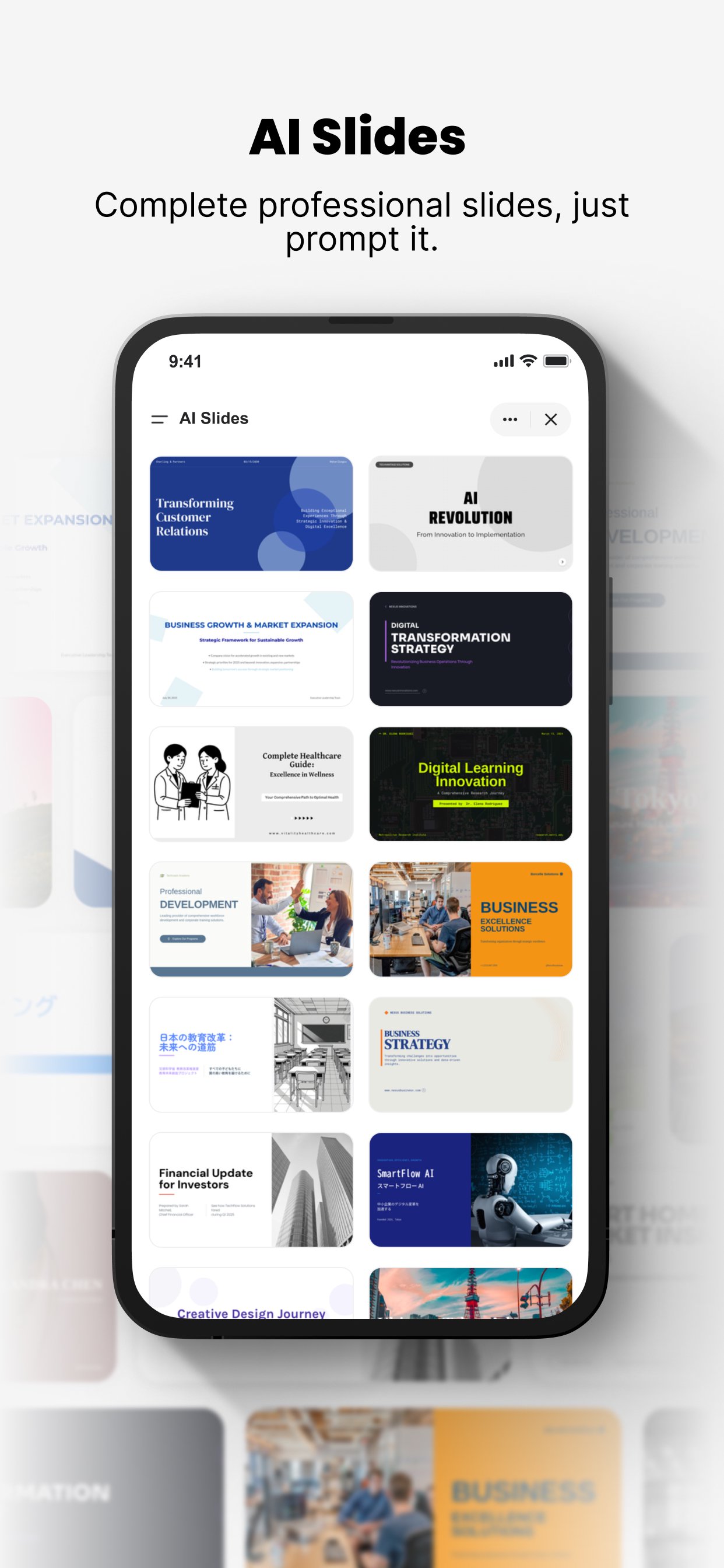
Genspark turns short prompts into structured materials. You can produce slides, documents, and spreadsheets without building everything by hand. It assembles text, layouts, and formulas so content is ready to review and adjust.
Research and meeting notes
Genspark can research topics and compile findings into organized summaries. During meetings, it transcribes audio and generates notes, then shares them with participants. This keeps everyone aligned and reduces follow up work after calls.
Developer workflows
Genspark supports building websites, apps, and games from a prompt. It integrates with GitHub for code editing and pull requests, helping you move from idea to repository without juggling multiple tools.
Media and chat models
Genspark lets you create images and videos from prompts and chat with various AI models in one place. This makes it easier to test ideas, refine visuals, and get quick answers alongside your documents and code.
Genspark brings prompt driven work together across documents, slides, data, code, media, and notes. It reduces manual steps and helps you keep projects moving. To begin, download Genspark and sign in to create your workspace on Android.
Latest Version
2.8.4Uploaded by
Saisons Mobilia
Requires Android
Android 9.0+
Category
Free Tools AppContent Rating
Everyone
Security Report
Report
Flag as inappropriateLast updated on Apr 27, 2026
Fixed some known issues.





APKPure - A multi-platform app store primarily focused on Android, providing extensive app-related content. Discover the app you want easier, faster, and safer, with quick and efficient downloads and installations.





