Package Name:com.nvidia.geforcenow
SHA-256:4139a7132c213b082d92543649cff58c03aa74aa908daea3354cd8737e8bb4ed
Show More


GeForce NOW helps when you want to play PC titles on Android without waiting for downloads. It streams gameplay from NVIDIA servers while your device handles inputs and video. This suits quick sessions at home or on the go, and it keeps storage free. After a simple sign in, you can start playing through the cloud. For access on Android, install the GeForce NOW APK and create a membership.
GeForce NOW connects to your game accounts from Steam, Epic Games Store, Ubisoft Connect, and EA. After linking, you can launch supported titles you already own on your Android device. This keeps progress tied to your original accounts and avoids reinstalling games.
Access a growing libraryYou can browse more than 1,500 supported titles, including over 100 free to play hits such as Fortnite, Apex Legends, and Destiny 2. New games are added regularly through GFN Thursday updates, so the library continues to evolve. The GeForce NOW app organizes supported games to make discovery straightforward.
Launch instantlyThere are no downloads, installs, patches, or manual updates. You tap to play and use your existing game accounts where needed. Because games run on NVIDIA servers, sessions start quickly when a stable connection is available.
Flexible membershipsYou can try the Free plan or upgrade to premium tiers, including Ultimate, for added benefits. Premium tiers provide RTX features, higher frame rates, priority server access, and longer session lengths. Pick the plan that matches how often you play and the performance you want.
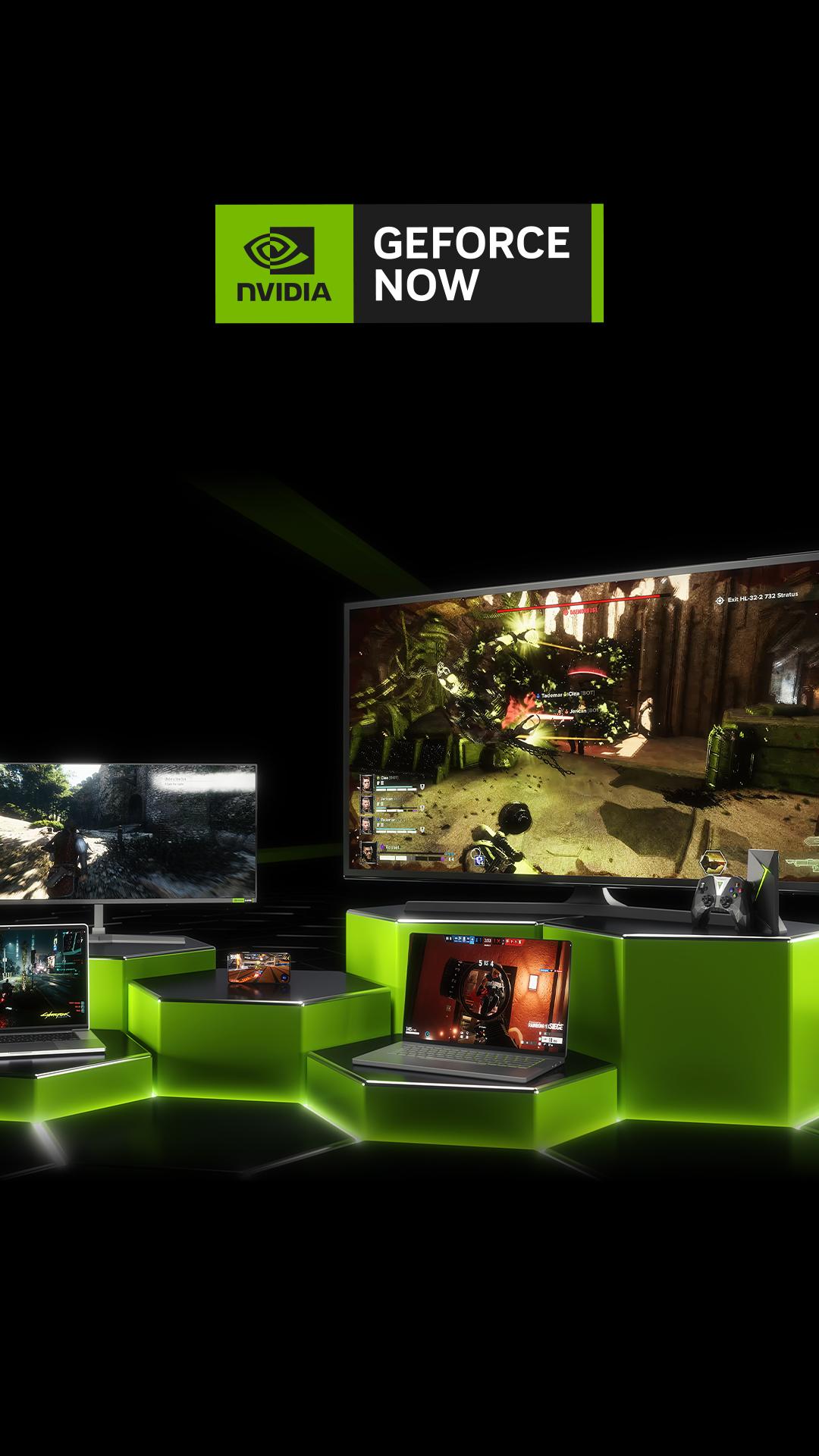
Play on many devices or your browserGeForce NOW supports Android phones, tablets, and TVs, along with Chromebooks, Windows, macOS, and Linux in beta. Selected smart TVs and handheld devices are supported, and some devices come with the app pre installed. If you prefer not to install, you can use Launch on Browser to try GeForce NOW in a supported mobile browser.
Downloading the app does not grant access to the service by itself. A membership sign up is required, and you will need to sign in to use cloud gaming features. The Free plan is available, and you can decide later if an upgrade fits your usage.
Availability may vary by region. Queue times and connectivity can change based on demand. If sessions are delayed or connections fluctuate, check the official Server Status for current information before troubleshooting.
Support varies by title and changes over time. Not every store game is supported, even if you own it. Free to play games may require an account sign in for that specific title. You play with your existing accounts and progress when the title is supported on the service.
Use GeForce NOW to stream your PC games to your phone without local installs. To begin, download GeForce NOW and sign in with your membership. Then follow the steps below for a smooth start.
GeForce NOW streams PC gaming to Android with quick launches and flexible membership options. To try the GeForce NOW latest version, install the app, sign in, and link your game accounts to start playing supported titles.
For official details and support, visit the following pages:
Latest Version
6.35.37998737Uploaded by
Kha Nguyễn
Requires Android
Android 6.0+
Category
Free Entertainment AppContent Rating
Teen · Diverse Content: Discretion Advised
Security Report
Check Now
Report
Flag as inappropriateLast updated on May 19, 2026
Various bug fixes and performance enhancements. For more details, go to “Settings” and select “Release Highlights”.






APKPure - A multi-platform app store primarily focused on Android, providing extensive app-related content. Discover the app you want easier, faster, and safer, with quick and efficient downloads and installations.