
Garena brings players into a unified hub for discovering games, keeping profiles organized, and staying close to active communities. It connects mobile and PC experiences across selected regions, so you always know what to play and who is online. The platform was established in 2009 and is part of Sea Limited, with a footprint that spans more than 160 markets. Therefore, you get a consistent experience designed for regional needs, community events, and publisher news. Within Garena, you can explore key titles such as Free Fire, Arena of Valor, and Call of Duty: Mobile.
Regional access to Garena titles
Garena organizes available games by region so you see titles that are officially supported where you live. You can browse, follow, and launch supported games from one place. Moreover, you get localized announcements and event information tied to your selected market.
Game Assist for stats and match records
Through Game Assist, you can check your personal stats, match history, and performance snapshots. You can view your own data and compare trends with friends or recent opponents. In addition, sharing options help you post achievements to your circles with a few taps.
Magic Spin rewards across games
Garena offers players Magic Spin, so you can spin for rewards that are usable in supported titles. The reward pool and redemption options vary by region and event schedule. Therefore, you can check the app regularly to see current spins and claim items when available.
Chats that follow you between mobile and PC
Your buddy list and messages in one chat hub. You can message friends who are on Garena PC while you are on mobile and continue conversations when you switch devices. This helps teams coordinate sessions without leaving the app.
Social play and discovery
Garena helps you discover teammates, groups, and communities related to your favorite titles. You can find new friends through shared interests and recent matches. Also, moderated spaces make it easier to join events or discuss tactics without noise.
Stay informed with game updates and events
Garena surfaces updates from the games you follow so you see patch notes, event calendars, and schedule reminders. You can review timely alerts before a session and plan ahead with your squad. As a result, you do not miss limited time activities.
Game availability in Garena differs by market. You can confirm your region inside the app so the catalog, events, and support match your location. Examples of supported markets include Singapore, Indonesia, Malaysia, the Philippines, Taiwan, Thailand, Korea, Vietnam, and Mexico.
Content and rewards may vary by region and time period. Therefore, you should check the app regularly for local updates, tournament notices, and region-specific events.
Garena works together with Garena PC so your chats and social presence can move across devices. You can chat with friends who are on desktop while you are away from your computer and receive notifications on your phone.
In addition, certain rewards and activities can be accessed from mobile and used in selected games on PC or mobile, depending on regional rules. This creates a simple bridge between your play sessions at home and on the go.
The following steps help you set up Garena and get into your games faster. You only need a few minutes to sign in, choose your region, and connect with friends. Then you can track progress and rewards in one place.
Download Garena APK latest version from APKPure.
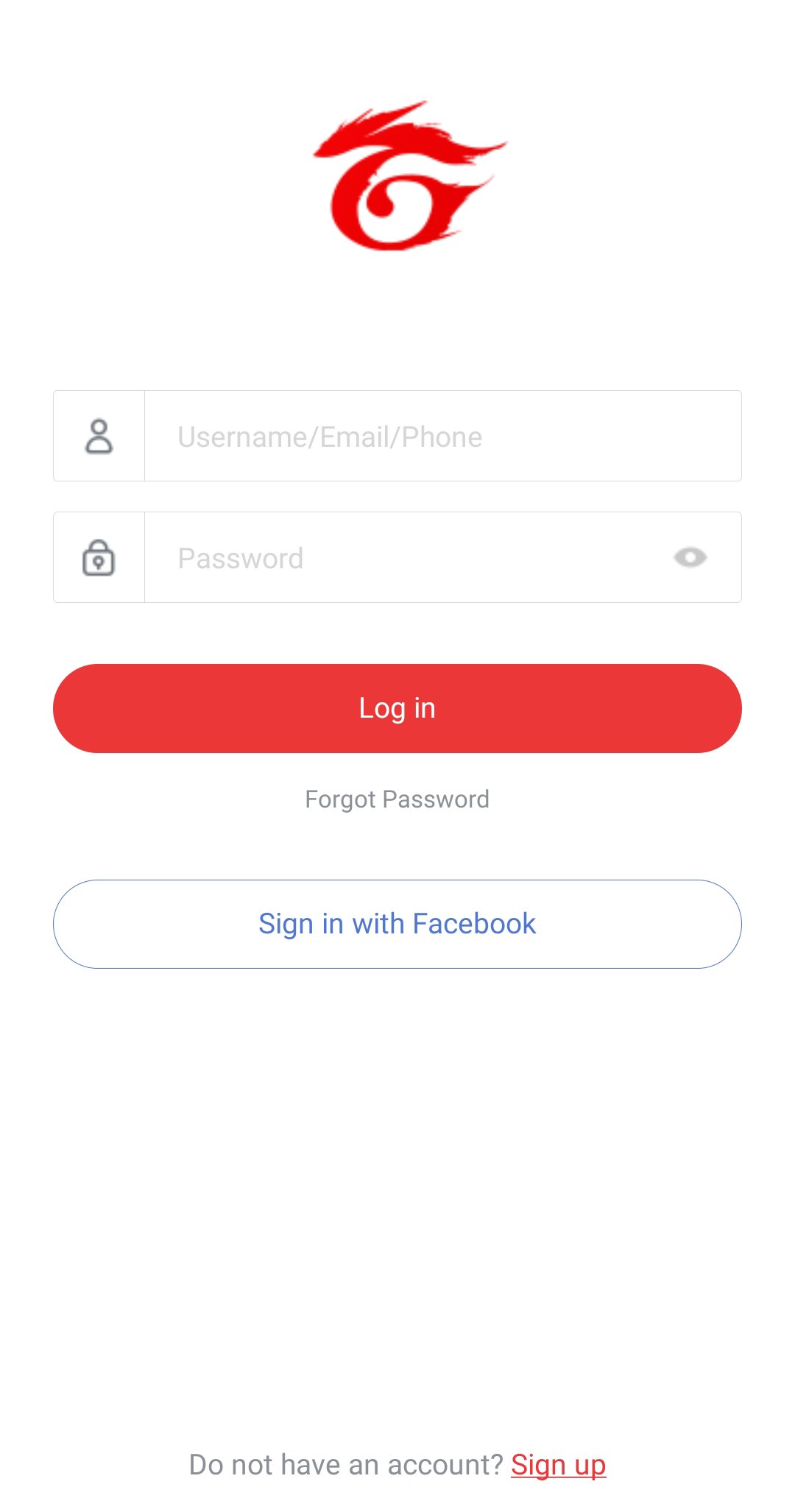
Install and open Garena, then sign in with your account or create a new one.
Open Profile or Settings and confirm your region so the app shows the correct catalog and events for your market.
After that, browse the game list, follow your favorite titles, and open a game page to see news and highlights.
Open Game Assist on a supported title to view stats, match records, and recent achievements, then share results with friends.
Then go to the Chat tab to find your buddies, create groups, and message friends who are on Garena PC or mobile.
Download Garena APK latest version on APKPure to access supported games, stats, rewards, and chats in one app. Download Garena now to keep your play and friends within reach.
Which games can I access through Garena?
Available games vary by region in Garena, and examples include Free Fire, Arena of Valor, Call of Duty: Mobile (Garena), Speed Drifters, Garena Undawn, HAIKYU!! FLY HIGH, Free City, and Garena Delta Force. Open the app, set your region, and the catalog will reflect titles supported in your market.
Can I chat with friends on Garena PC from the mobile app?
Yes, Garena supports mobile to PC continuity for chats. You can message friends who are on Garena PC from your phone and continue the same conversation when you switch devices. This helps teams coordinate without leaving the app.
How do I change regions in Garena?
Garena offers a region selector inside the app. Open Profile or Settings, choose your region, and confirm the change so your catalog and events refresh. After switching, the list of games and promotions will update to match that market.
Latest Version
2.4.6.107Uploaded by
Nowaf Uotter
Requires Android
Android 4.1+
Category
Free Entertainment AppContent Rating
Everyone
Report
Flag as inappropriateLast updated on Dec 21, 2022
Upgrade account registration services and update customer service link.





APKPure - A multi-platform app store primarily focused on Android, providing extensive app-related content. Discover the app you want easier, faster, and safer, with quick and efficient downloads and installations.