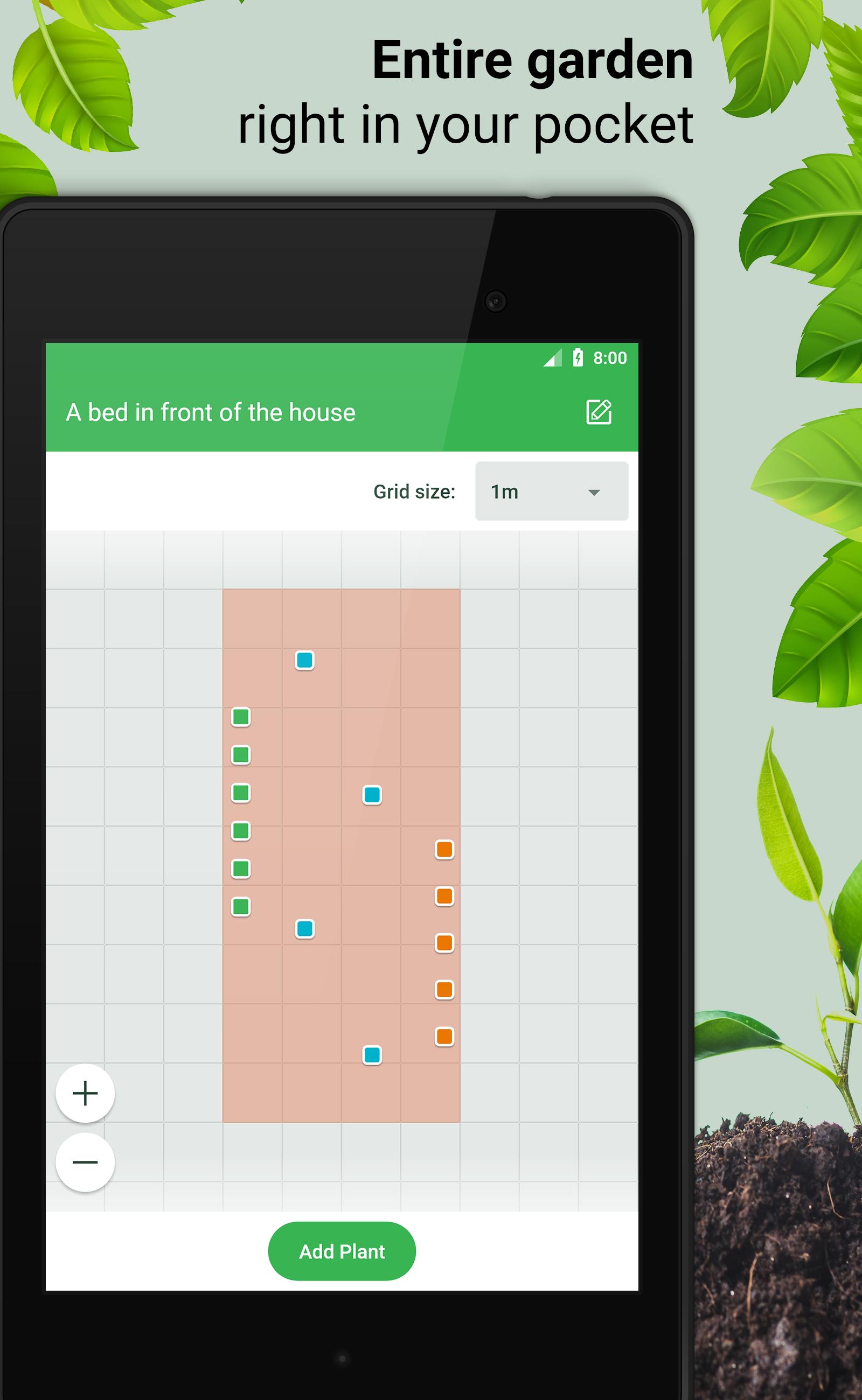
This is a new garden management app! Locate your plants on virtual garden beds. Add comments. The entire garden in your phone! No need to create plastic markers and put them into the ground. You'll never forget what cultivars you have planted, where, and when.
HOW TO USE
1. Create a list of your vegetable beds.
Just press «Add Bed» and set its dimensions.
2. When the beds are created you can place plants on them.
– Open a bed and click «Add Plant».
– Click the bed scheme to add markers.
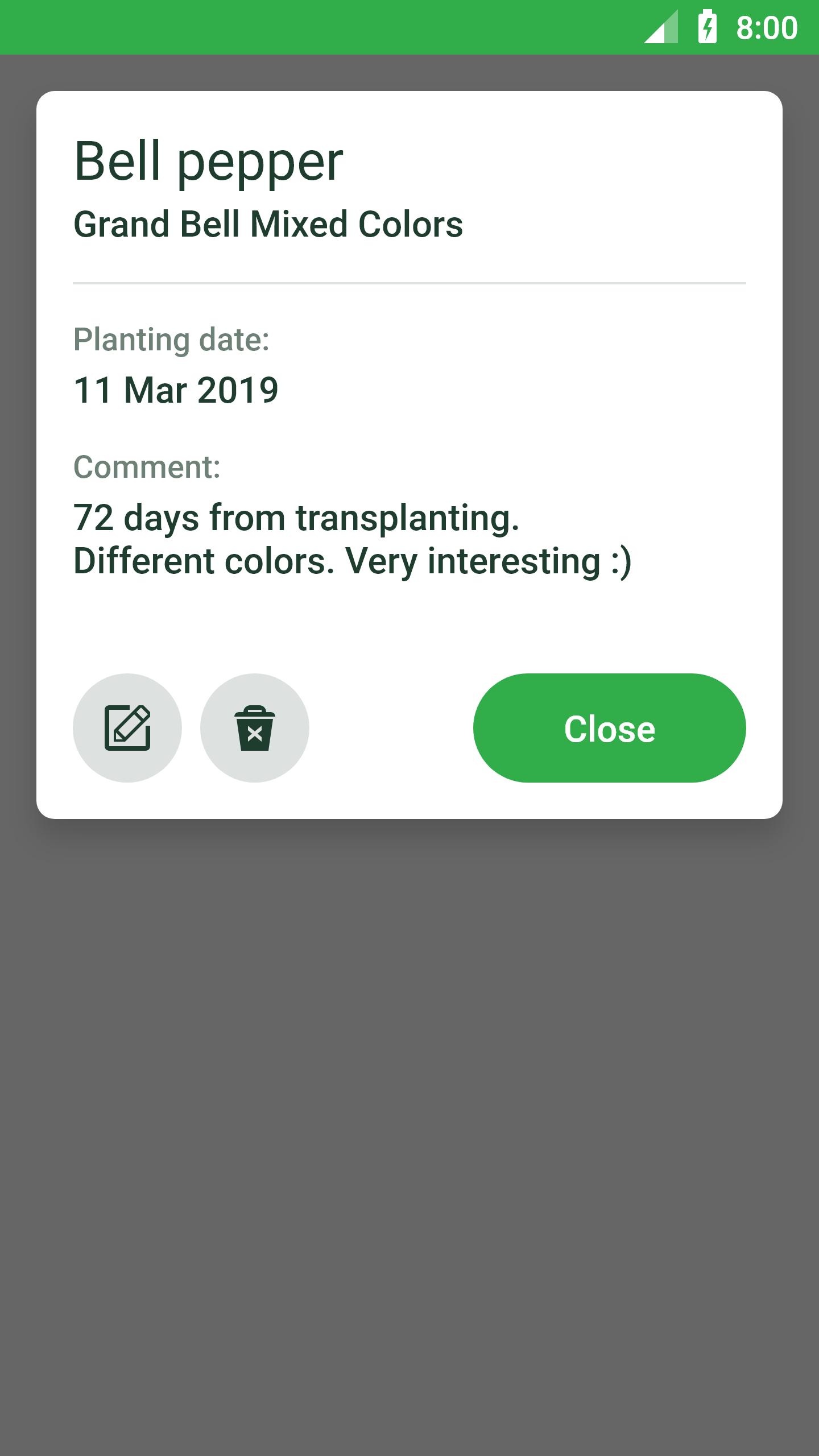
– Press «Proceed» to fill the details about the plant (name, cultivar, planting date, etc.).
Done!
From now you have all detailled information about the gerden right in your pocket.
Latest Version
1.2.1Uploaded by
Thar Chit
Requires Android
Android 4.0.3+
Category
Free Lifestyle AppContent Rating
Everyone
Report
Flag as inappropriateLast updated on Jan 10, 2020
★ Locate plants on virtual garden beds.
★ Keep journal of plants on your plot.




APKPure - A multi-platform app store primarily focused on Android, providing extensive app-related content. Discover the app you want easier, faster, and safer, with quick and efficient downloads and installations.












