GamePad by Fishstix is a free input method for Android that overlays a digital D-pad and action buttons mapped to keyboard keys. It runs as a standard Android keyboard so you can place virtual controls on top of any app that accepts keyboard input, including popular emulators such as DosBox Turbo. It also helps in cloud or remote desktop sessions like OnLive and Splashtop when those apps pass through key presses. You can keep it accessible through a permanent notification and adjust transparency to see the game underneath. Get the GamePad APK latest version on APKPure to start mapping controls quickly.
Customizable 8-way D-pad
GamePad provides a true or emulated 8-way D-pad with custom mapping for precise movement. You choose which keyboard keys the directions send, so controls match each game. This flexibility helps when different emulators expect different arrow or letter keys.
Mappable action buttons and function keys
You can add four or six extra buttons labeled A, B, X, Y, C, and Z. GamePad also includes Esc and full Function keys from F1 to F12. Therefore it covers classic PC controls and quick actions that many retro titles and emulators rely on.
Broad support across emulators and games
GamePad works with Android apps that accept keyboard input, including DosBox Turbo and other emulator frontends. It also plays well with setups that mimic common controller layouts, such as Xbox 360 style mappings, when those apps read key codes. This gives you one virtual layout that fits many use cases.
Permanent notification and quick switching
You can pin GamePad in the notification shade for always-on access. Swipe left or right to switch between the keyboard and the gamepad view, then swipe down within the panel to open settings. This design keeps controls within reach without leaving your game.
Multi-touch and transparent overlay
GamePad supports multi-touch on capable devices, so you can press several buttons at once. You can also use the built-in transparent keyboard and adjust opacity to your preference. In addition, you can place controls where they do not block important on-screen elements.
Runs as a standard Android IME
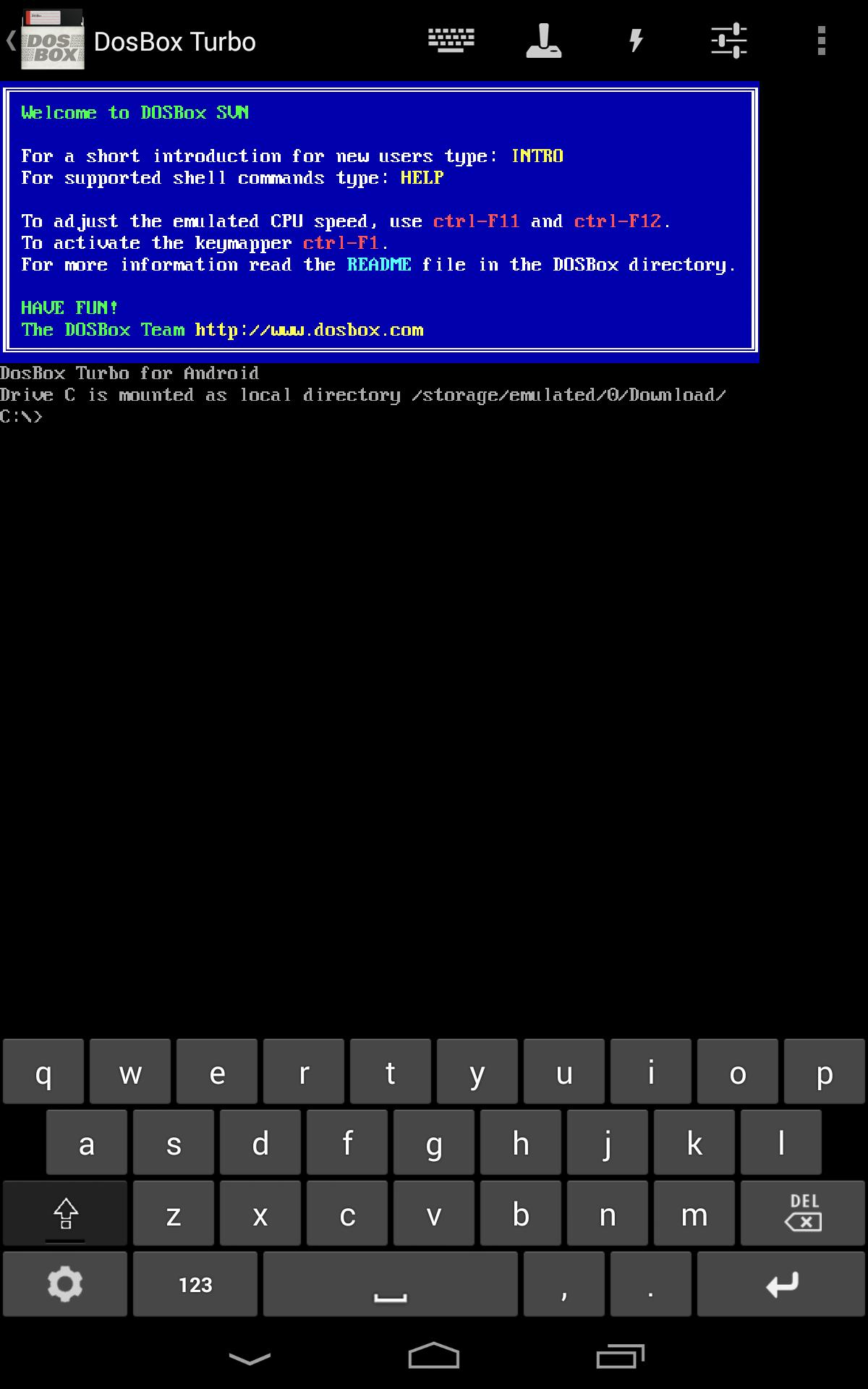
Because GamePad uses the Android input method framework, it overlays virtual controls without extra hardware. You simply select it as your current keyboard to send key inputs to the foreground app. This approach keeps setup simple and avoids driver installs.
GamePad is an Android IME based virtual controller that sends keyboard keys to apps on your device. It is not a hardware gamepad and it does not pair over Bluetooth, WiFi, or USB. Moreover, GamePad is not a remote PC controller; it does not control games running on a Windows or Mac computer.
Some users search for remote control tools that target a computer over a network. Those alternatives focus on WiFi, USB, or Bluetooth PC control and often include shareable custom layouts. In contrast, GamePad stays on your Android device and works only with apps that accept keyboard input.
GamePad is designed for phones and tablets where you can freely switch input methods. Support on Android TV can vary because some TV launchers limit third party keyboard overlays during games. If your TV lets you enable additional keyboards and select them as input, GamePad may work, although behavior depends on the specific app and device.
For PC gaming, GamePad does not send inputs to a desktop over the network. If you stream a PC to Android and the streaming app passes keyboard input through, GamePad can send keys to that Android client. Results differ by streaming solution and game settings.
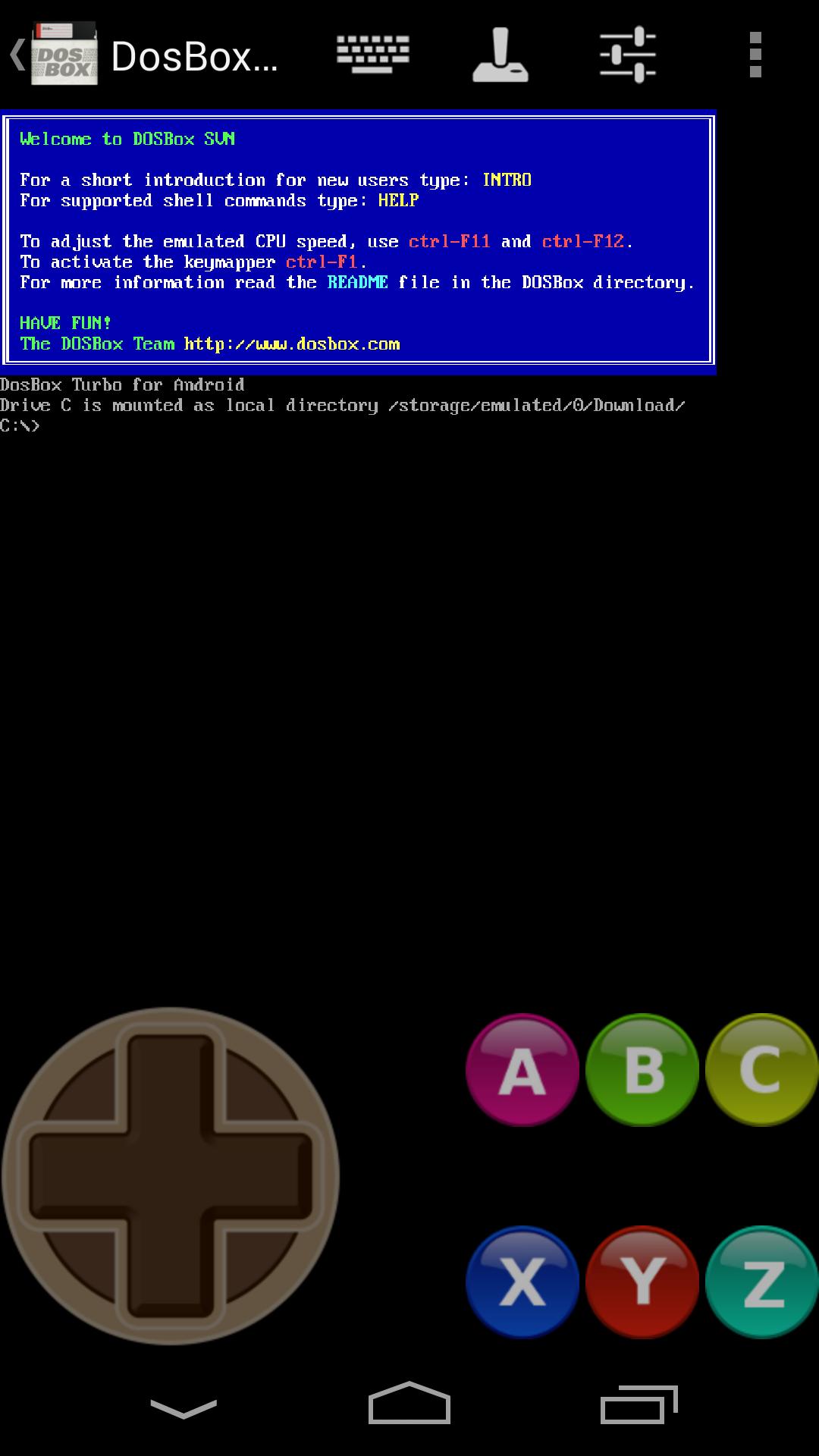
If you use DosBox Turbo, a quick starting layout is: D-pad mapped to Arrow keys, A to Z, B to X, X to C, Y to A, Start to Enter, Select to Space, and Esc to Esc. Function keys from F1 to F12 are available for emulator menus. You can save this as a profile and clone it for other PC-style games.
For action platformers, try D-pad on the left with A and B on the right for primary and secondary actions. In addition, keep Esc and Space near the top edge for pause or special actions. Adjust transparency until you can see character positions clearly while still tapping accurately.
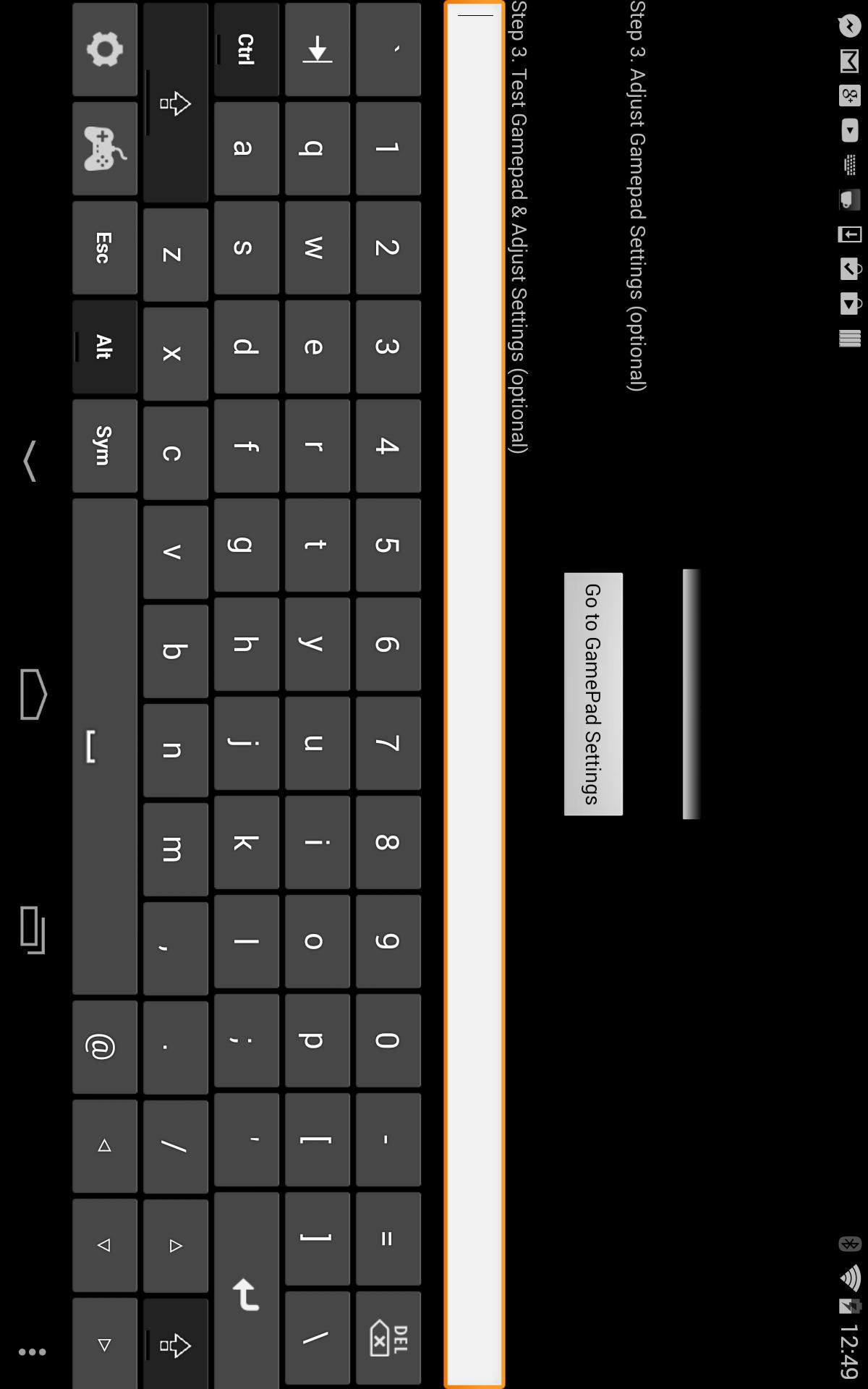
Follow this quick guide to enable GamePad and start playing with virtual controls. The process uses standard Android settings and takes only a moment.
GamePad turns your screen into a practical control surface for apps that read keyboard input. It is free, light, and easy to keep within reach while you play. Get the GamePad APK latest version on APKPure and start mapping controls that fit your favorite emulator or game.
Is GamePad a Bluetooth or hardware controller?
No, GamePad is a virtual keyboard based controller that runs as an Android input method. It does not pair over Bluetooth, WiFi, or USB, and it does not register as a hardware gamepad. GamePad sends key codes to the foreground app on your device.
Can GamePad control games on a PC or Mac?
No, GamePad is not a remote PC controller and it does not send inputs to a desktop. GamePad only works on Android and targets apps that accept keyboard input. Remote control tools focus on WiFi, USB, or Bluetooth PC control and use different technology.
Why does my game not respond to GamePad buttons?
The most common reason is that the game does not accept keyboard input. Ensure GamePad is enabled and selected as the active input method, then test in a text field to confirm keys are sent. If the app still ignores input, that title likely does not support IME key events.
Does GamePad work on Android TV?
GamePad can work on Android TV when the device allows third party keyboards and IME switching during gameplay. Many TV launchers restrict overlays, so results vary by model and app. For consistent behavior, use GamePad on phones or tablets that permit input method changes at any time.
How do I download or update the GamePad APK latest version?
To download GamePad or update to the GamePad APK latest version, use APKPure. Open this page on APKPure, tap Download, and install the update when it is available. You can revisit the page to check for newer builds from Fishstix.
Latest Version
1.7Uploaded by
Wiktor Szostak
Requires Android
Android 4.0+
Category
Free Tools AppContent Rating
Everyone
Report
Flag as inappropriateLast updated on Sep 12, 2018
Update notification to support Android 7.0/8.0+
Add option for Keypress Previews
Fix permanent notification bugs.
Add border around QWERTY keys for better differentiation.
Change minimum required Android version to 4.0 (Ice Cream Sandwich).




APKPure - A multi-platform app store primarily focused on Android, providing extensive app-related content. Discover the app you want easier, faster, and safer, with quick and efficient downloads and installations.