

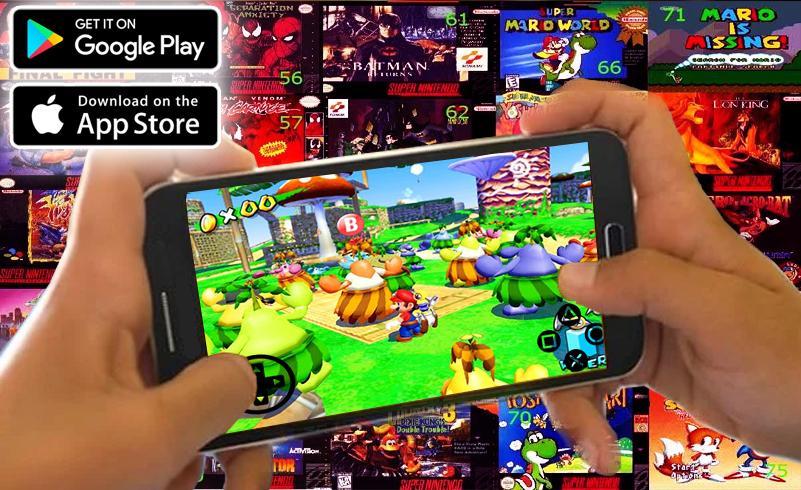
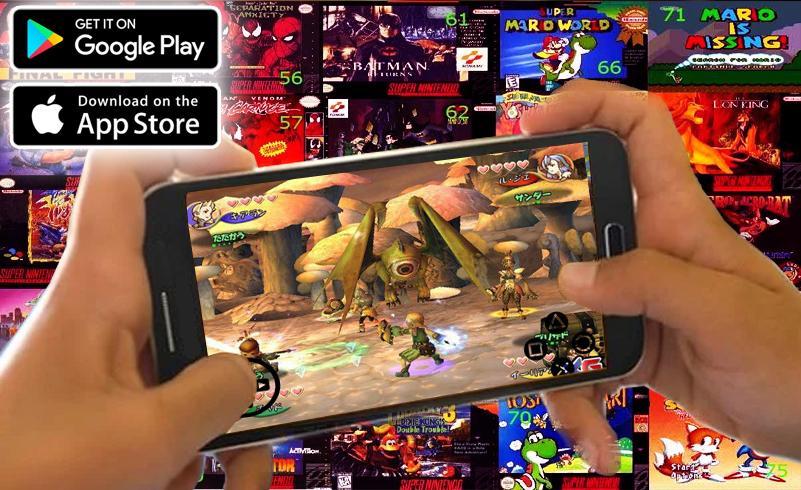
Gamecube Emulator PRO: Full Games helps players who want a straightforward way to enjoy classic GameCube games on Android without complex setup. It brings the emulator and content browsing into one place, so you can move from install to gameplay in fewer steps. Visuals focus on clarity and smooth motion, while controls adapt to touch or external pads. As your time allows, you can expand your library through the integrated catalog. For easy access on mobile, Gamecube Emulator PRO: Full Games APK aims to reduce the usual hassle.
You browse available GameCube titles in the integrated catalog and start downloads inside the app. After a download finishes, you launch games from the same interface, which cuts out extra file management. This helps new users get started quickly and keeps everything in one place.
Full HD focus and smooth playbackGamecube Emulator PRO: Full Games targets clear visuals on supported phones. Simple display controls let you match settings to your device so frame pacing stays steady. If performance drops, you can lower visual intensity to maintain stability during longer sessions.
Simple setup on most Android phonesThe app is designed for a short setup path. After installation, basic prompts take you to the main library, so the first session is straightforward. From there, starting a game takes only a few taps.
Controller support and flexible inputsYou can connect supported Bluetooth or USB controllers for a console-like layout. Inside settings, you map buttons and sticks, then fine tune sensitivity for comfortable play. Touch controls remain available, and players can rearrange on-screen elements for reach and visibility.
Updated catalog and curationGamecube Emulator PRO: Full Games updates its content catalog on a regular basis. New and popular picks are curated to simplify access, so finding something to play feels more direct. Regular improvements also refine settings and overall app behavior.
Emulation software itself is generally allowed in many regions, but copyright rules for games still apply. Only download or use game data if you own the original or have the legal right to use it in your area. If you are searching for a GameCube games download inside the app, confirm that your use complies with local laws and your own rights. This information is provided for general guidance and is not legal advice.
Dolphin Emulator is a well known option where players add and manage their own game files. By contrast, Gamecube Emulator PRO: Full Games combines emulation with an integrated catalog to reduce setup steps and keep content access inside a single interface. If you are looking for a GameCube emulator Android download with a shorter path from install to play, this app centers on in-app browsing and quick start. Feature sets and performance can differ by device, so choose based on your preferred workflow.
This quick guide covers setup, library access, controllers, and display basics so you can get playing with minimal friction. Follow the steps in order, then adjust settings as needed for your device. For best results, use the Gamecube Emulator PRO: Full Games latest version.
Gamecube Emulator PRO: Full Games combines a GameCube emulator with an integrated catalog for quick setup, clear visuals, and flexible control options. To begin playing on your phone, download Gamecube Emulator PRO: Full Games and follow the simple steps above.
Latest Version
2.0Uploaded by
Kyaw Lay
Requires Android
Android 4.1+
Category
Free Books & Reference AppContent Rating
Teen · Suggestive Themes
Report
Flag as inappropriateLast updated on Apr 7, 2019
Fix Bug Cannot Download
Fix SDK

APKPure - A multi-platform app store primarily focused on Android, providing extensive app-related content. Discover the app you want easier, faster, and safer, with quick and efficient downloads and installations.