When phone display or screen size is very large like tab or tablet, the back button assistive touch is useful for those people.
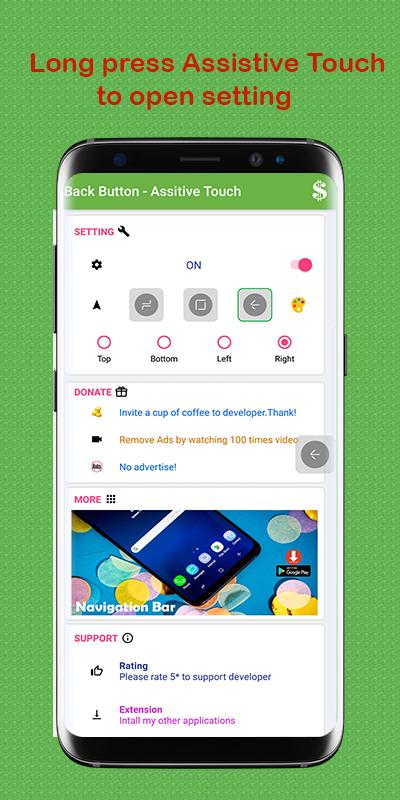
back button allows user to use back key function more easily.
user can easy move on HD phone screen the back function assistive touch.
followings are fast back button functions and controls.
1. Simple and fast with Note9 Assistive Touch.
2. On long press open app settings for change touch background theme, size, alpha etc.
3. Drag & Drop Assistive Touch.
4. Support many different style for Back , Home, Recent
- This Back Button does not required root.
- This app uses Accessibility services.
if you have any suggestions please feel free to mail us.
Thank you.
Latest Version
1.1.1Uploaded by
Daniel Ristow de Oliveira
Requires Android
Android 4.1+
Category
Free Tools AppContent Rating
Everyone
Report
Flag as inappropriateLast updated on Oct 5, 2018
Update private policy




APKPure - A multi-platform app store primarily focused on Android, providing extensive app-related content. Discover the app you want easier, faster, and safer, with quick and efficient downloads and installations.