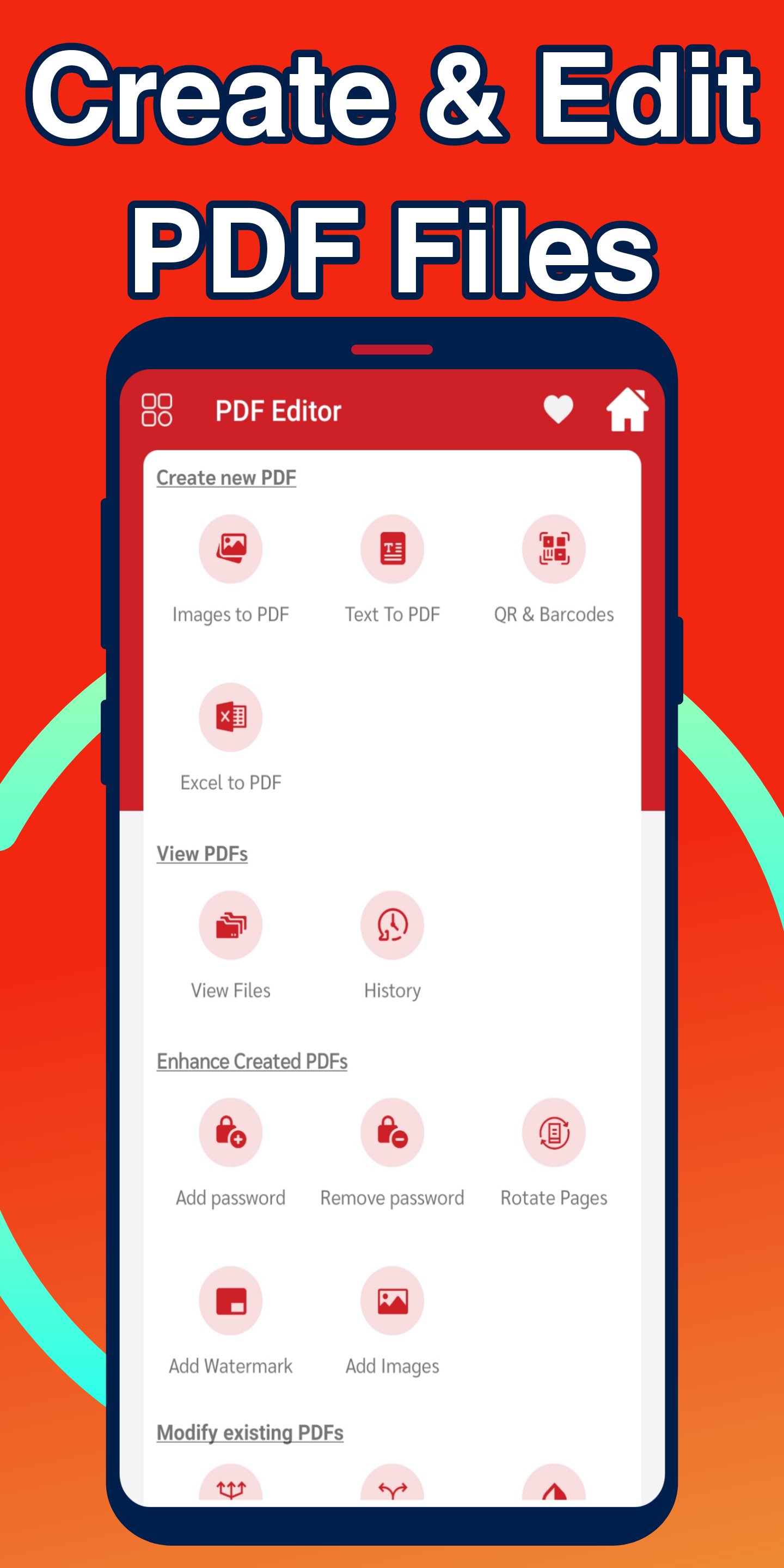
All PDF editing tools are now available in our app, 100% free to edit PDF documents, the ability to add your signature on PDF files. (Free PDF Editor - image to PDF, Sign, Split, Merge) app is the best app to get a free PDF reader, PDF editor and portable scanner that will save you a lot of time.
The app (Free PDF Editor - image to PDF, Sign, Split, Merge) includes:
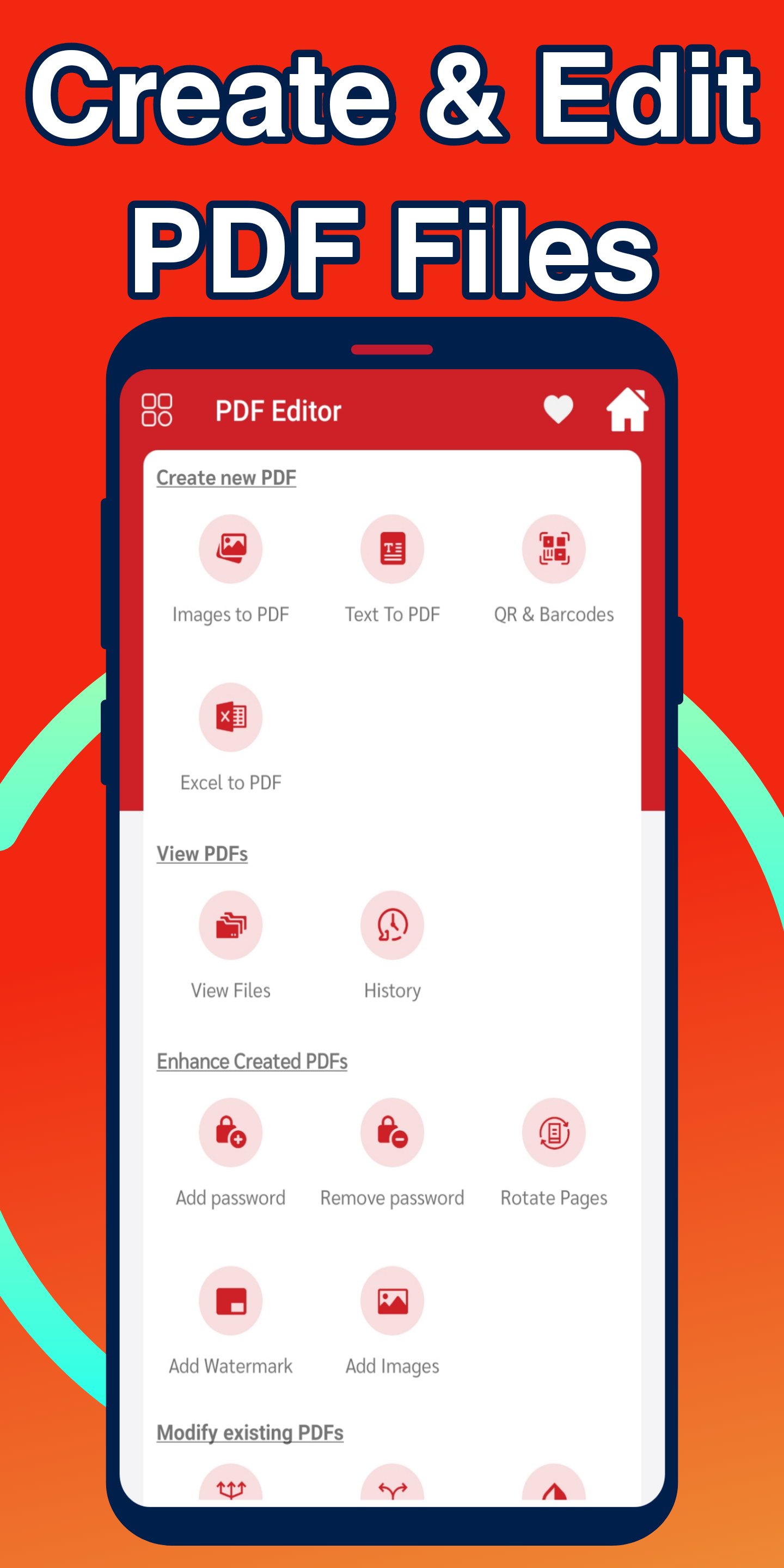
⭐ The ability to sign on PDF: Add your own signature on the PDF file directly from and quite easily.
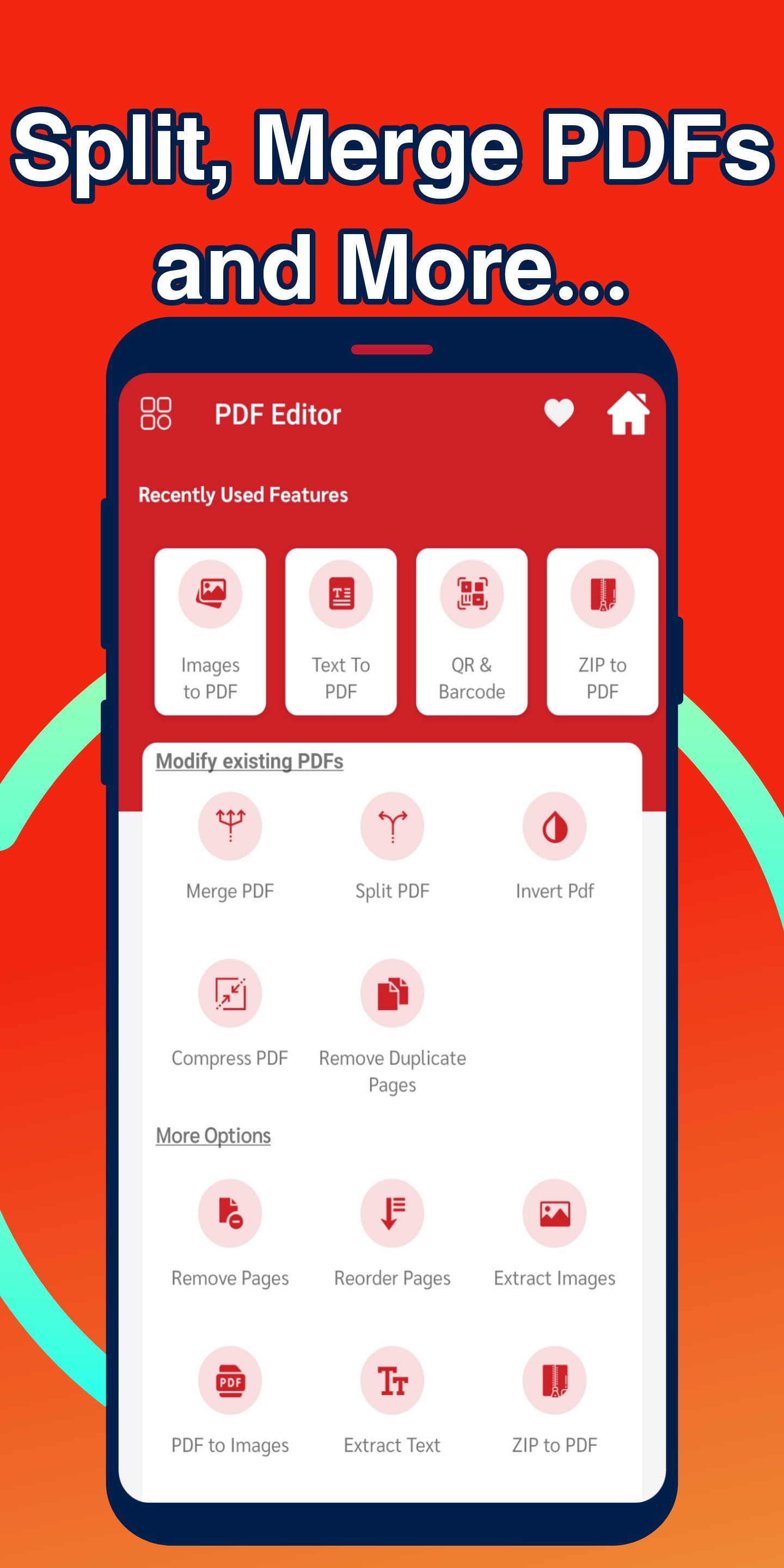
⭐ Combine PDF files together: Select multiple PDF documents and combine them into one PDF file.
⭐ Split PDF documents: You can split PDF pages or extract pages from the document to make separate PDF files with ease and effortlessly.
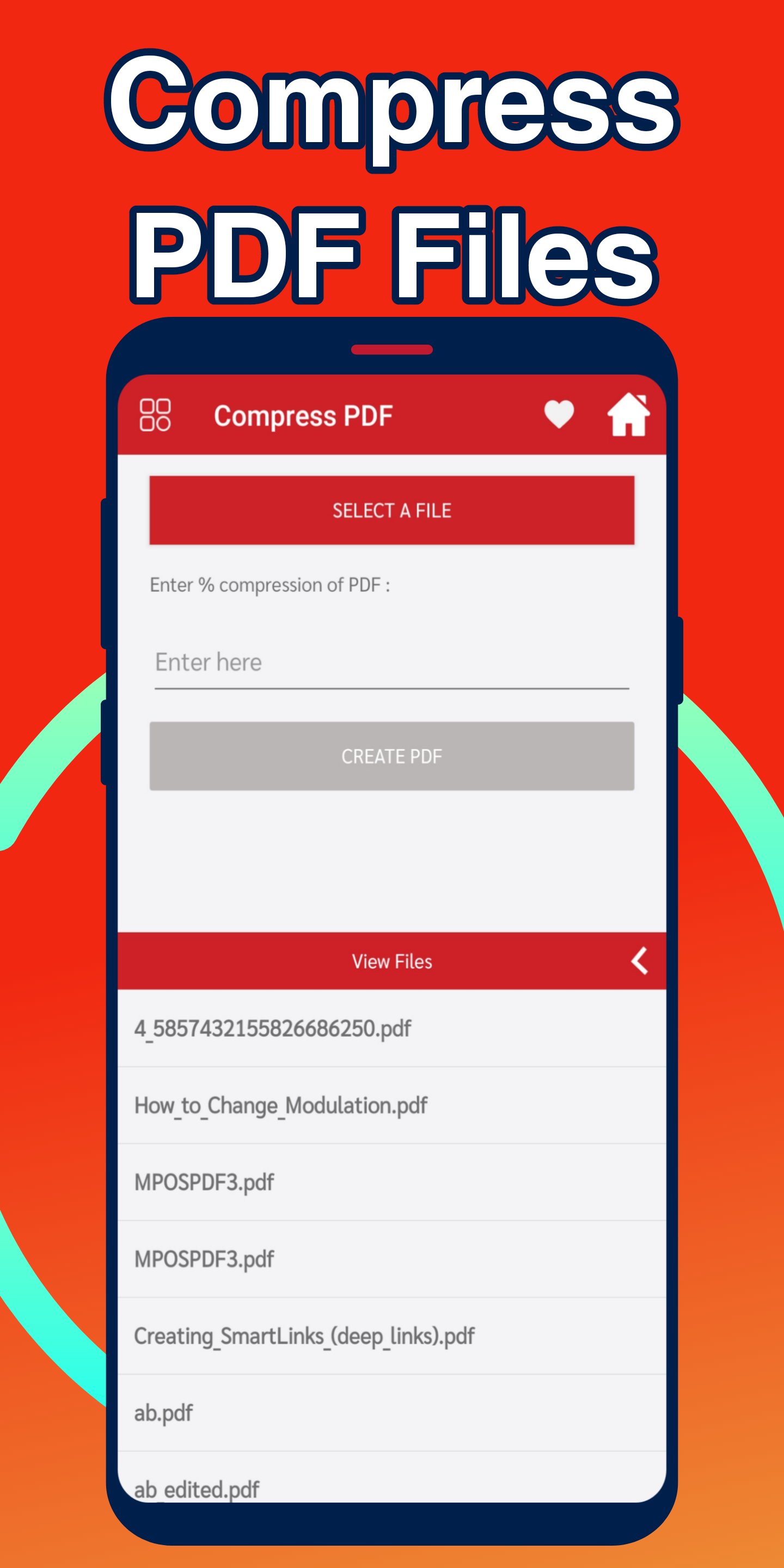
⭐ Compress PDF Files: Using PDF Compressor. Reduce the size of your files and maintain high quality content.
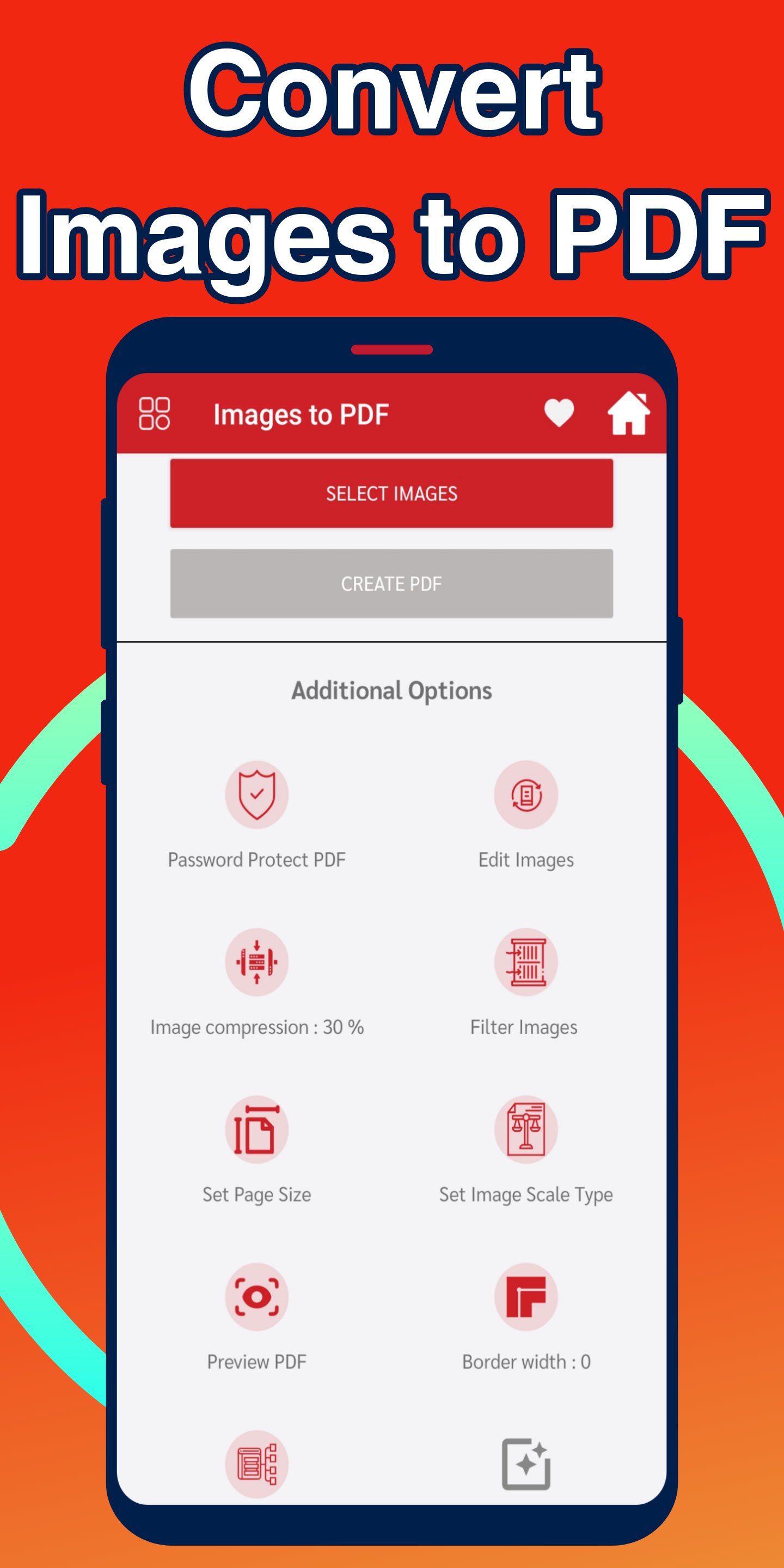
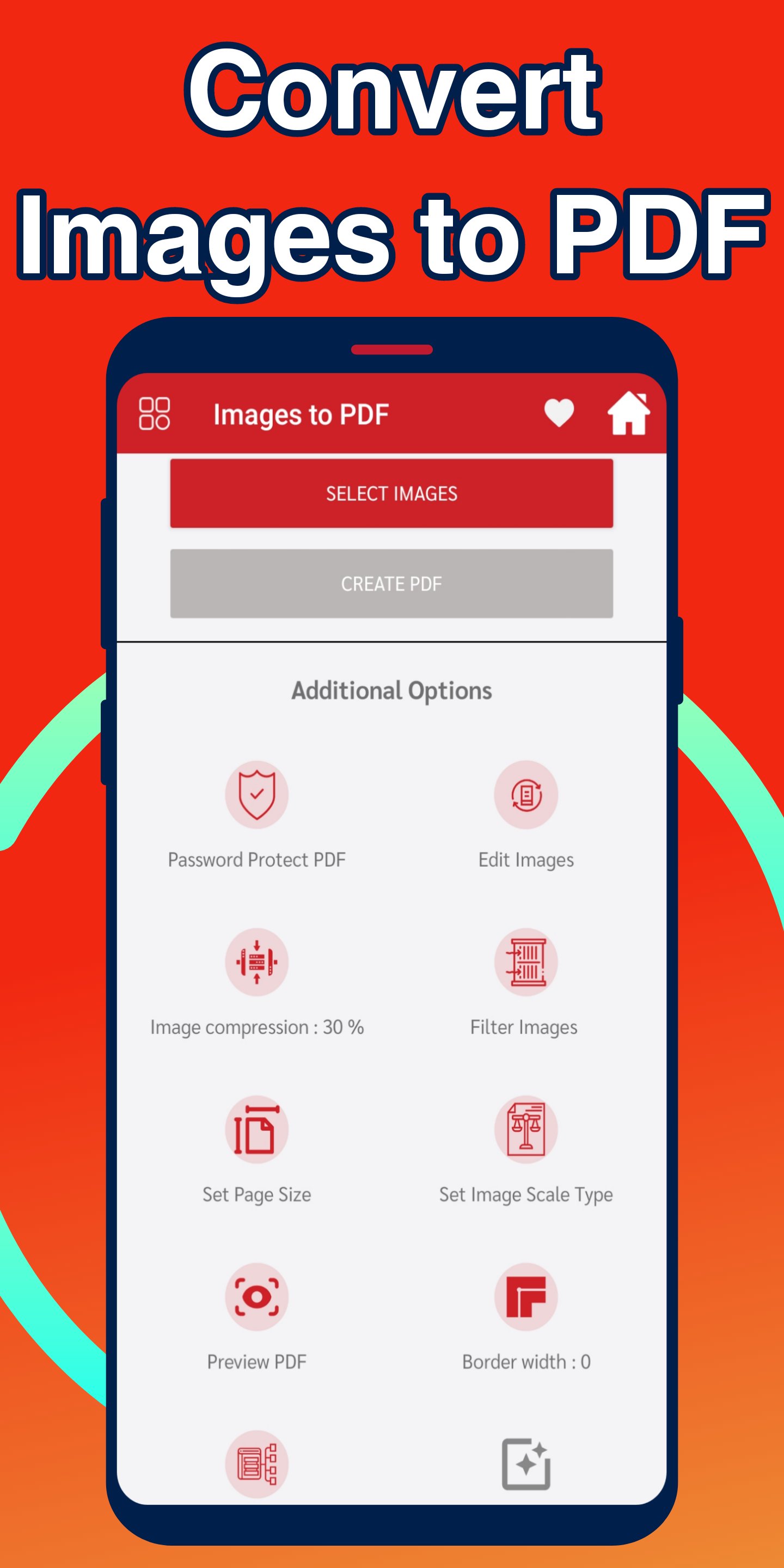
⭐ Convert JPG or PNG image files to PDF: Convert your jpg or png image files to PDF quickly and easily with our image to PDF converter tool. Just choose the appropriate PDF converter and convert your file from jpg, png or any other format to PDF.
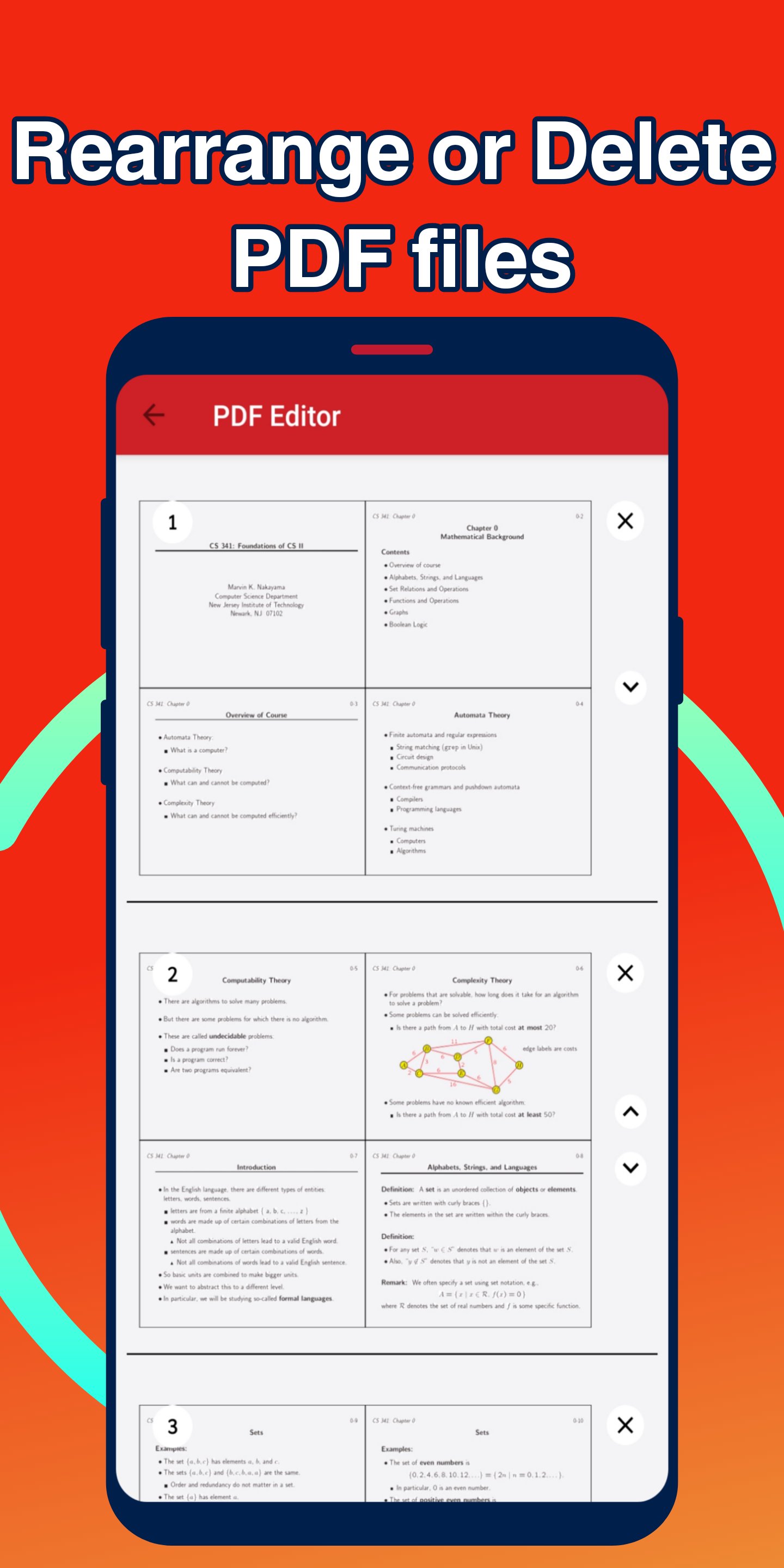
⭐ Delete pages from PDF: With this tool you can easily rearrange, rotate or remove one or multiple pages.
⭐ Convert files to PDF: Convert Office files to PDF files such as Word, Excel or PowerPoint.
⭐ Extract images from PDF: Extract images from PDF files in HD quality, convert your images to a single PDF file or multiple files.
⭐ Rotate PDF files: You can rotate specific pages of a PDF document and adjust their size and display inside the document.
⭐ Unlock and lock PDF files: Choose a password-protected PDF file and erase the password from it using the PDF password cracker, and you can also lock the PDF file with a password of your choice.
⭐ PDF Watermark: Choose text to add to PDF document. Choose the location, transparency, and font type of the watermark to get the best result.
⭐ Convert Excel files to PDF: Convert Excel files to PDF easily with our Excel to PDF converter, select the appropriate PDF converter and then convert your file from Excel to PDF format.
Also available features are:
⭐ Rearrange PDF file pages.
⭐ Delete duplicate pages from pdf file.
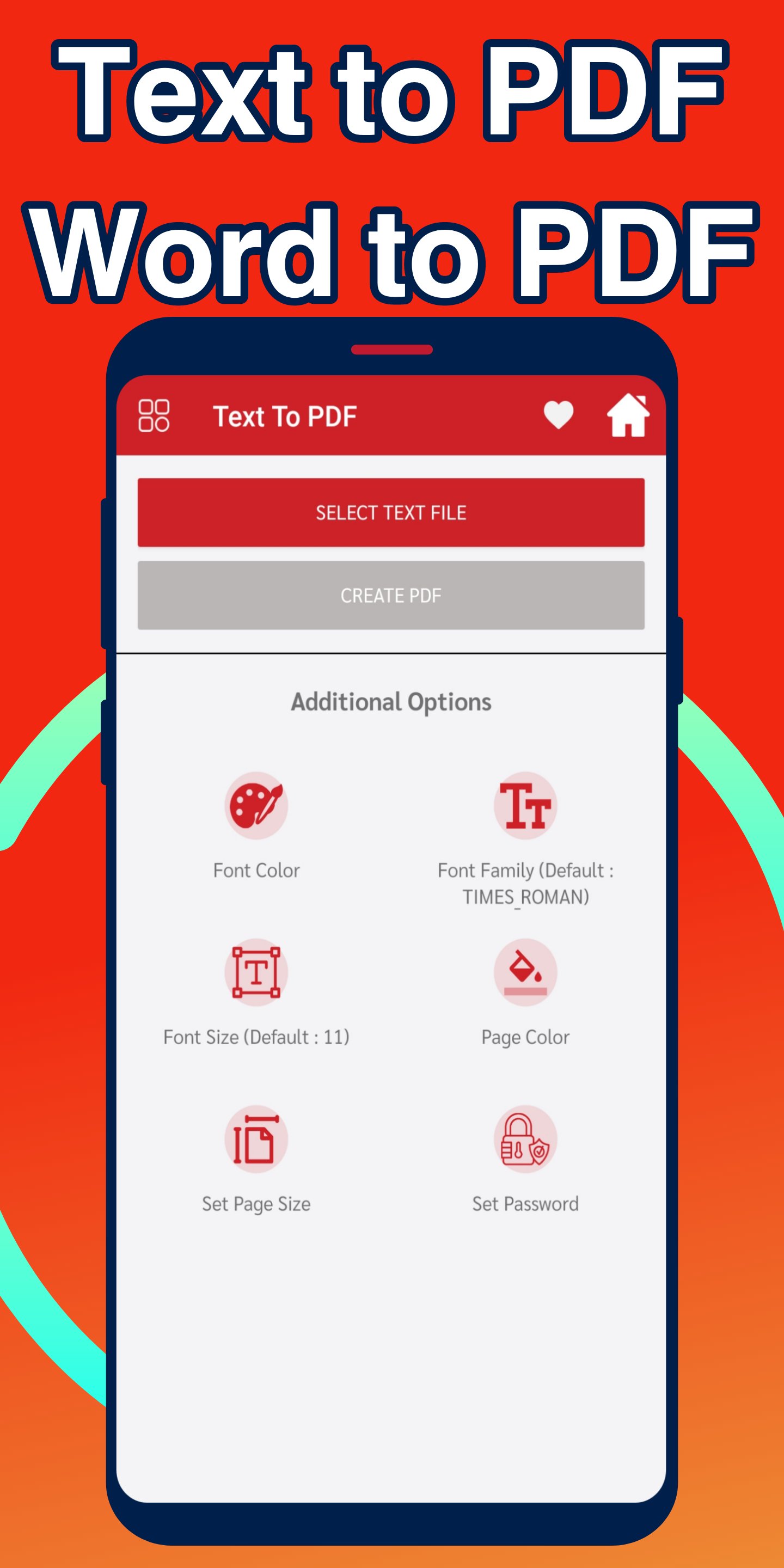
⭐ Word to PDF
⭐ Reverse PDF.
⭐ Convert Zip to PDF
⭐ Add text to PDF.
⭐ PDF preview.
⭐ Make margins for the pdf file.
⭐ QR and barcode scanner to create pdf files.
And a lot of other features await you in the app.
Latest Version
1.0Uploaded by
Mirko Karadzic
Requires Android
Android 5.0+
Category
Free Tools AppContent Rating
Everyone
Report
Flag as inappropriateLast updated on Oct 13, 2021
Minor bug fixes and improvements. Install or update to the newest version to check it out!

APKPure - A multi-platform app store primarily focused on Android, providing extensive app-related content. Discover the app you want easier, faster, and safer, with quick and efficient downloads and installations.