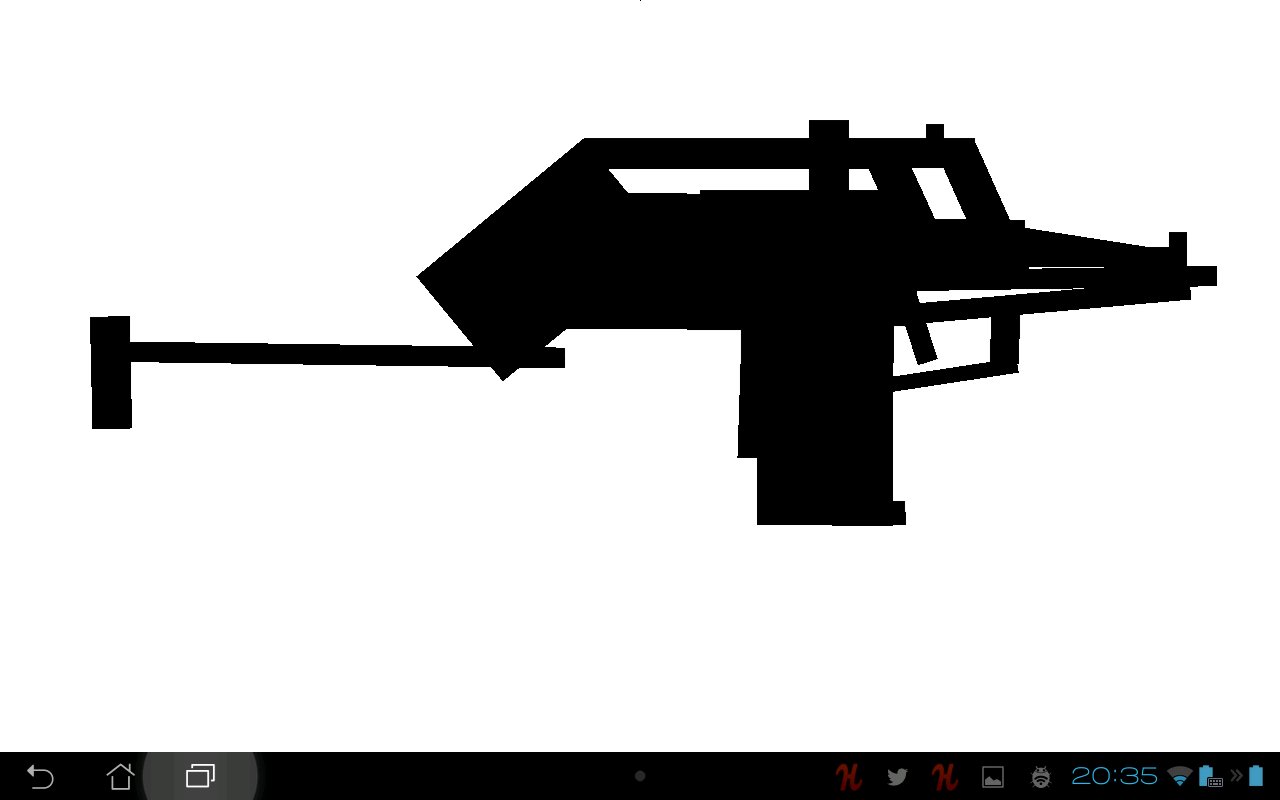
Shufflette is a free artist's tool for making improvised silhouettes from randomly selected shapes to be used as a starting point for design/illustration.
QUICK START GUIDE: http://youtu.be/TUYIF7W2_uY
Pinch-zoom and Pinch rotate.
Multi-select: Press and hold on the Smudge (upper left hand corner)
Tap objects while holding on the Smudge to toggle their selection, or, swipe over multiple objects to spread the selection/deselection.
Tap the Smudge to deselect.
Selected objects are moved/rotated as a group.
Recommended for tablets.
Press BACK to reshuffle parts.
Use android's built-in screenshot button to take screenshots. (you have to enable it yourself in settings - long-press on appswitch)
No ads or nag screens or nothin'. Maybe later I'll make a simple in-app-purchase for a totally optional $1 donation. We'll see how this thing does first, though. Reviews appreciated.
1.0.17: Massive update
- Shape tabs (smudge sideways, tear off tab)
- EZ Move Mode (smudge down, release over EZ button to toggle)
- Duplicate objects (double-tap smudge while moving objects)
- Delete objects (move/carry objects, hold smudge to activate clutch, then drag objects to the X, release them and then tap the X once more.)
- Movable Smudge (drag it into any corner)
- Select All objects (double-tap Smudge)
- Auto-shuffle when last object is deleted
- BACK saves state and exits app.
Dernière version
1.0.22Telechargé par
Yu Yu Lin
Nécessite Android
Android 2.1+
Catégories
Gratuit Productivité APPLICATIONClassification du contenu
Unrated · Warning – content has not yet been rated. Unrated apps may potentially contain content appropriate for mature audiences only.
Signaler
Signaler comme inappropriéLast updated on Sep 29, 2015
(PENDING UPDATE UNTIL GOOGLE GETS THEIR AAPT-DUMP-BADGING ISSUE FIXED, UGH!!!!!)
1.0.22:
- Rotational Snap + 4px Grid Snap (tap EZ button during object drag to toggle)
- Symmetry (pull last tab to toggle)
1.0.18:
- EZ Mode Scaling is constrained
(See end of description for 1.0.17 update since it won't fit here)





APKPure - Une boutique d'applications multi-plateforme principalement axée sur Android, offrant un vaste contenu lié aux applications. Découvrez l'application que vous souhaitez plus facilement, plus rapidement et en toute sécurité, avec des téléchargements et des installations rapides et efficaces.
















![Comment télécharger la dernière version de Google Play Store APK 42.0.20-23 [0] [PR] 654119317 pour Android 2024](https://image.winudf.com/v2/image/YWRtaW5fR29vZ2xlLVBsYXktU3RvcmUtNi4xLjEyLUFQSy5wbmdfMTUxMzA2Nzg1ODQzOQ/banner.jpg?fakeurl=1&w=192)