Best contacts backup, sharing app fulfilling all your sharing needs.
Contacts Backup is providing a combined solution to transferall your contacts from any android device to another Android device using your own gmail or sd card.
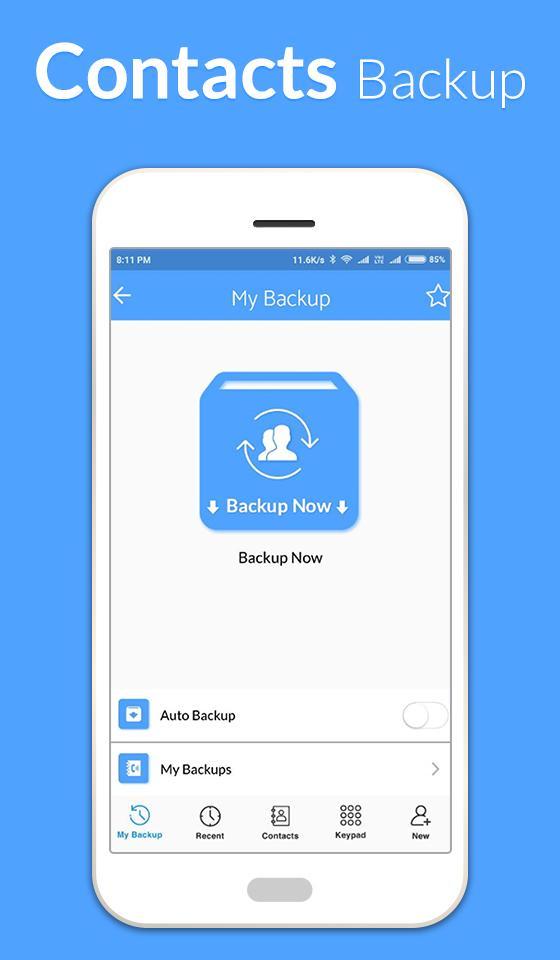
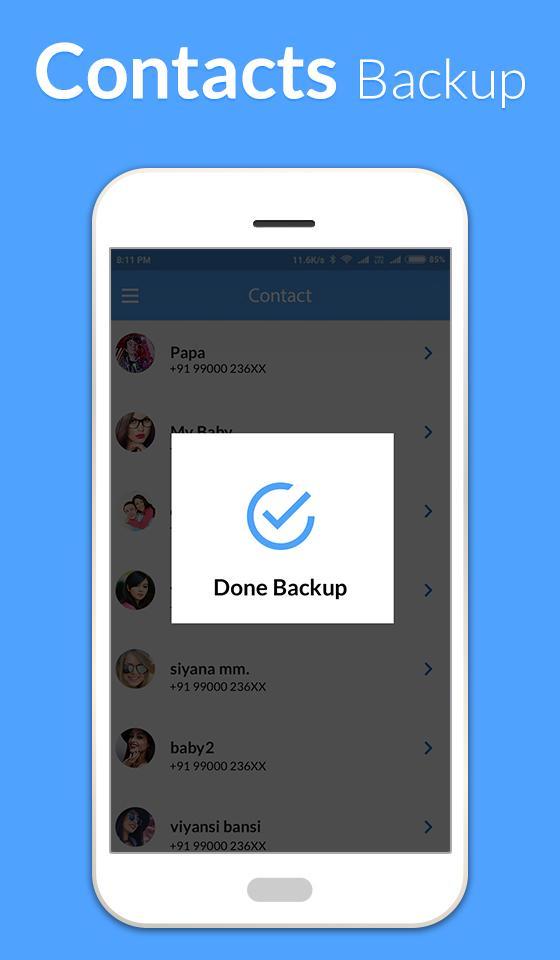
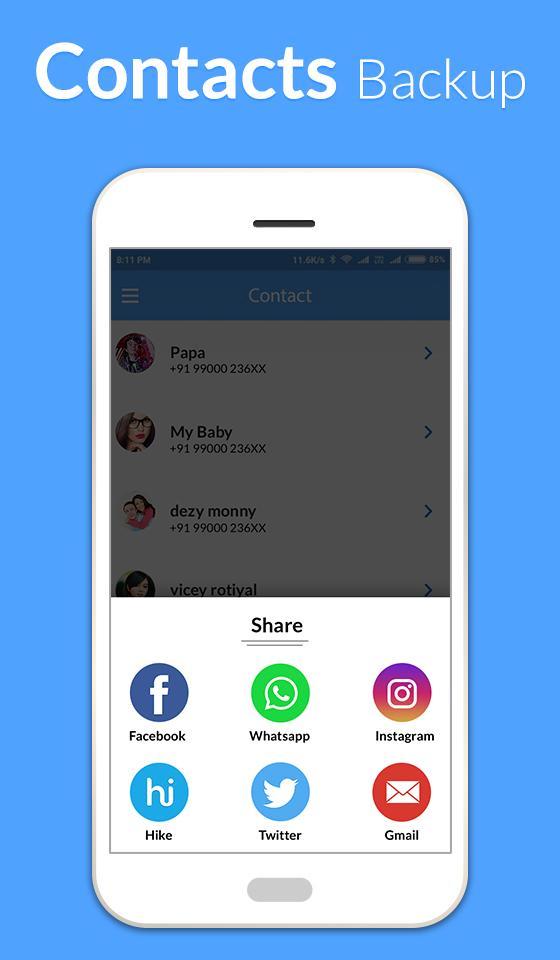
JUST take a backup and send to your own gmail. Open the attachment from your Android device.
Just choose a contacts Backup, then choose which contacts Backupinformation you want to share, and send it!
--Transfer Contacts from an Android to Android
--Transfer Contacts from to Android
-- Move contacts from Android to Android
--Contacts backup and restore
All contacts can then easily be restored any time by simply opening .vcf file from mail attachment.
Features-
Key Features:
► OfflineContacts Backup. No need to sync to any server. Just email the backup file to yourself.
► Your address book is secure and safe. We don't access or store your contacts.
► Easy restore. No need to any app to restorebackup file. Just tap on the *.vcf backupfile in the Android mail client.
► Easily transfer contacts between Android devices using just email client.
► Copy backup file to your computer via USB cable feature.
► Backup Contacts as VCF (VCard)
-- Backup all Contacts to another Android device / sdcard / gmail / drop-box.
-- Restore vcf from sd card / gmail / drop-box without duplicate / overlap contacts.
-- Restore all information in a contacts, even the images
- -User friendly user interface
-- Contacts backup, restore & Transfer
-- Backup Notification after certain contacts limit
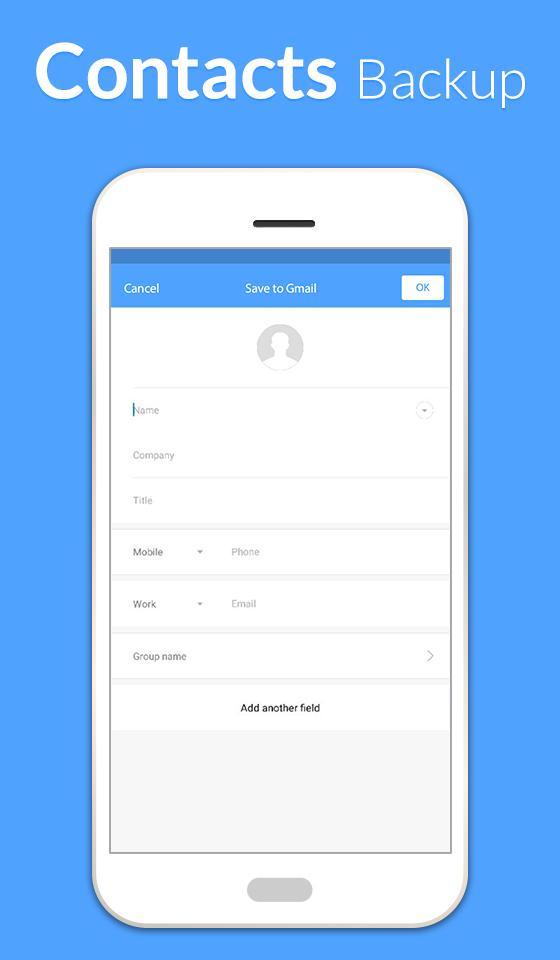
-- Add contacts from Business card QR scanning
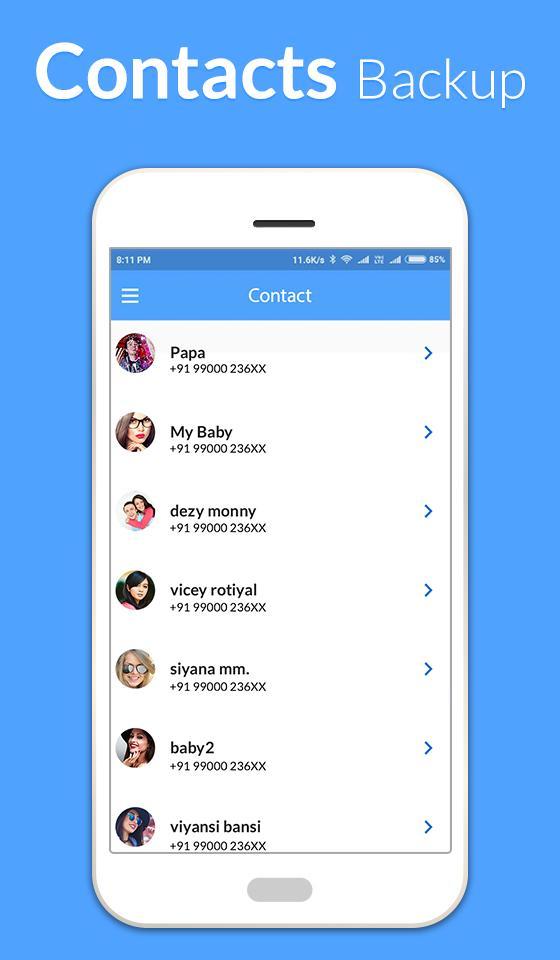
-- Searching options on Contacts
----------
IMPORTANT NOTE:
After sending backup file (*.vcf) to yourself, please check your inbox if message arrived and contains attachment (backup file). Sometimes email providers block attachments if attachment size is too large. Try with another mail account if possible, to send your backup file. Or copy backup file (on SD card) to your computer via USB cable.
Pros:
--Offline Backup. No need to sync to any server. Just email the backup file to yourself.
--Restoring and backing up is very easy.
--It is easy to use. Free of cost.
--The interface and design is neat and user friendly.
--Transfer your contacts easily, quickly and safely.
Dernière version
1.3Telechargé par
Septian Heru
Nécessite Android
Android 4.0.3+
Catégories
Gratuit Outils APPLICATIONClassification du contenu
Teen
Signaler
Signaler comme inappropriéLast updated on Sep 27, 2018
Nougat Crash issue Solve...
Improve Performance...
Solve Minor Issues....


APKPure - Une boutique d'applications multi-plateforme principalement axée sur Android, offrant un vaste contenu lié aux applications. Découvrez l'application que vous souhaitez plus facilement, plus rapidement et en toute sécurité, avec des téléchargements et des installations rapides et efficaces.