Scan Date:Dec 7, 2025
Show More
Please read this description:
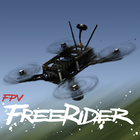
This is a RC flight simulator, not a game. You might find that the controls are hard, but that's because it's made to mimic flying a real life racing quadcopter.
Supports physical controllers. It is HIGHLY RECOMMENDED to use a good physical controller, it makes flying so much easier and more enjoyable compared to using touchscreen controls.
Fly (and crash!) all you want regardless of rain, wind, sleet or snow.
Supports first person view (FPV) and line of sight (LOS) flying.
Includes self-leveling and acro mode.
This simulator requires a powerful device. You will get best performance if you select low resolution and low graphics quality on the main menu. Also, if possible activate "Performance Mode" or similar in your phone settings to get the best performance.
Note: This demo is just so you can try if it works on your setup. The drone in this demo has deliberately sluggish settings. In the full version you can tune the settings precisely to your liking.
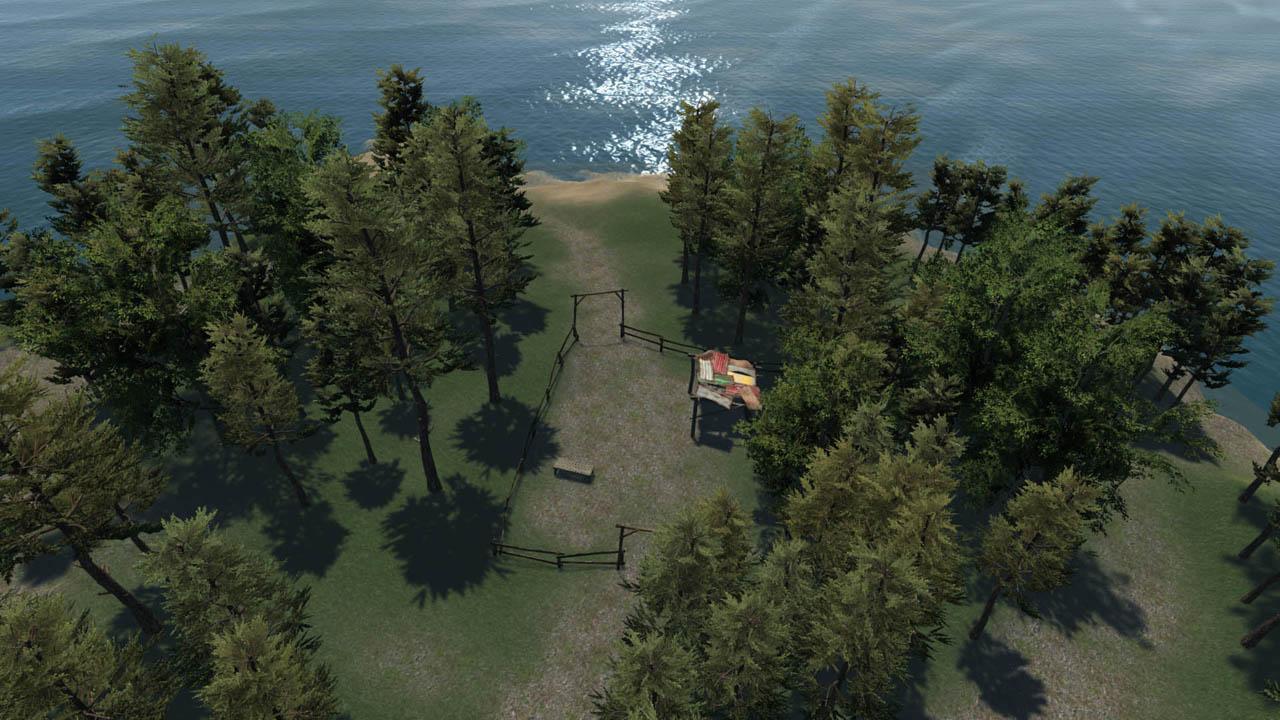
This demo includes one scene (the desert). The full version of FPV Freerider includes six sceneries as well as a racetrack generator that can generate millions of tracks by procedural generation. The full version also has setup options for rates, camera and physics, as well as 3D flight mode for inverted flying. The full version also supports Google Cardboard style VR goggles.
Touchscreen controls support mode 1, 2, 3 and 4.
Mode 2 is default input:
Left stick - Throttle/Yaw
Right stick - Pitch/Roll
If the simulator doesn't work on your device, it doesn't work, simple as that. Most probably nothing to be done about it. Giving a low rating does not help.
If your device supports USB OTG and you have the right cable you can try to use a USB gamepad/RC controller for better control.
Physical controllers are configurable between mode 1,2,3 and 4.
There is no guarantee that it will work with your device/controller, please try this free demo first to see.
Controllers that have been successfully used include FrSKY Taranis, Spektrum, Devo, DJI FPV, Turnigy, Flysky, Jumper, Radiomaster, Eachine, Detrum, Graupner and Futaba RC radios, Realflight and Esky USB Controllers, Logitech, Moga, Xbox and Playstation gamepads. Please try this free demo version to see if it will work with your particular setup.
User manual (PDF)
https://drive.google.com/file/d/0BwSDHIR7yDwSelpqMlhaSzZOa1k/view?usp=sharing
Latest Version
3.7Uploaded by
Hoang Ky Anh Nguyen
Requires Android
Android 5.1+
Category
Free Simulation GameContent Rating
Everyone
Security Report
Report
Flag as inappropriateLast updated on Oct 10, 2025
Updated to adhere to the latest requirements



APKPure - A multi-platform app store primarily focused on Android, providing extensive app-related content. Discover the app you want easier, faster, and safer, with quick and efficient downloads and installations.