


Scan Date:May 2, 2026
Show More

Screen Refresh Rate Tools – Hz & FPS Monitor
Get complete control and insights into your device’s screen refresh rate. This app offers everything you need to monitor, analyze, and (if supported) adjust your display’s Hz and FPS in real time. Perfect for Gamers, Tech enthusiasts, or regular users who wants to optimize their screen performance.
(**PLEASE NOTE that the control feature works only on some supported devices like Galaxy S20/S20+**)
Main Features:
📊 Real-Time Dashboard – Instantly view your current screen refresh rate. Detect whether your display is static (single frequency) or dynamic (multi-frequency, e.g., 60Hz/120Hz/144Hz).
🔔 Notification Hz Monitor – Always see your display’s refresh rate in the notification bar.
🎮 OSD Overlay (Paid) – On-screen display of FPS/Hz while gaming or navigating.
ℹ️ Display Info – Detailed display specifications and features.
🚀 Optimize Mode – Cleans unused processes to help achieve smoother FPS.
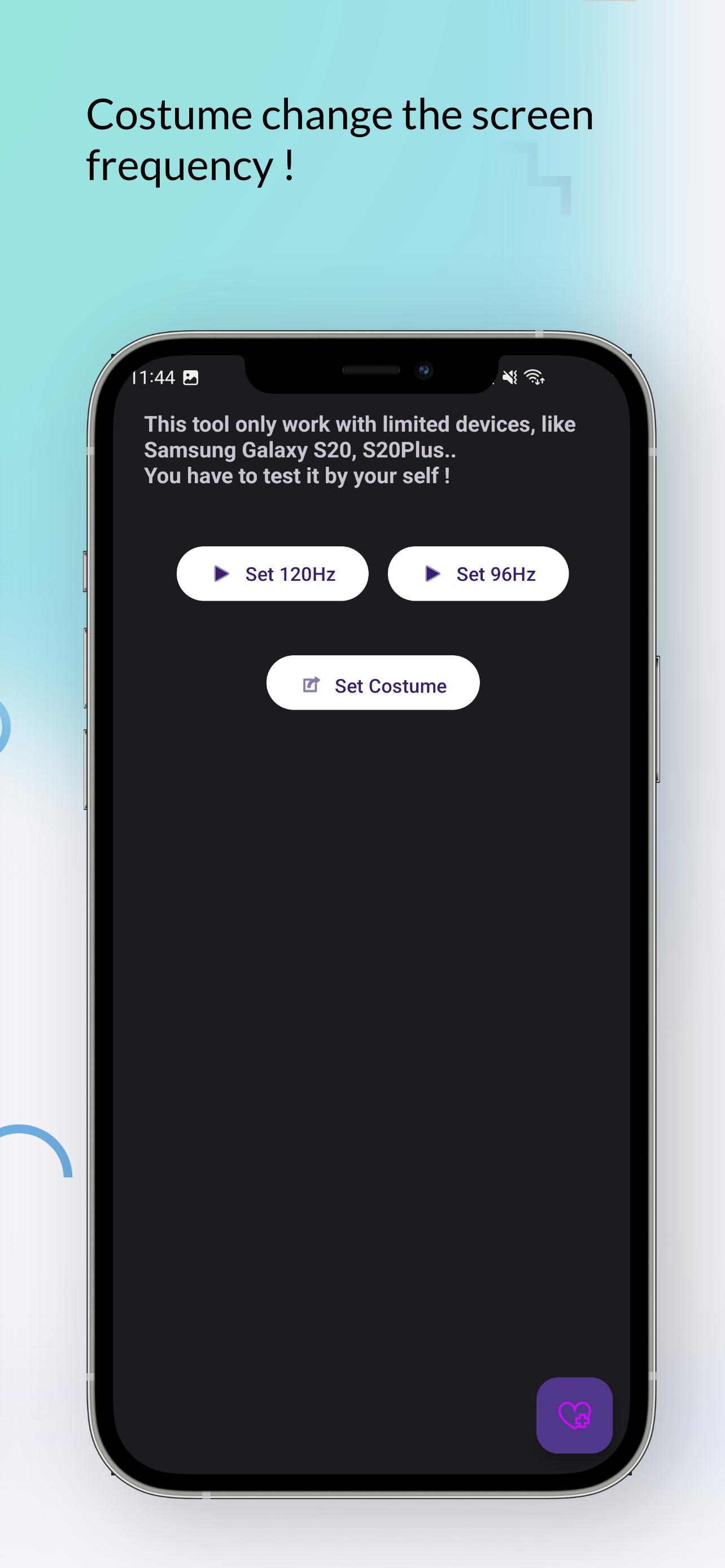
⚙️ Custom Refresh Rate – Force your screen to a specific Hz value (PLEASE NOTE that the control feature works only on some supported devices like Galaxy S20/S20+).
Extra Benefits:
- Works with high-refresh-rate displays (90Hz, 120Hz, 144Hz, and higher.).
- Helps detect if your device is game-ready.
- Useful for benchmarking and testing display and device performance.
Note: Some features (like Custom Refresh Rate) are supported only on specific devices and may require additional permissions.
More tools and features are coming soon – stay tuned!
Latest Version
1.3.0Uploaded by
Kyawthet Win
Requires Android
Android 6.0+
Category
Free Tools AppContent Rating
Everyone
Security Report
Report
Flag as inappropriateLast updated on May 2, 2026
Major update with new design, features and fixes !
New advanced UI
More tools and stats for the display
Clear FPS stats for gaming stats
Improved Costume HZ mood







APKPure - A multi-platform app store primarily focused on Android, providing extensive app-related content. Discover the app you want easier, faster, and safer, with quick and efficient downloads and installations.










