Package Name:app.foldy.widgets
SHA-256:6d4b3e9f26fef388356847040e4bf0ae4fde76bfe8c53fa74625e941f72712b9
Show More

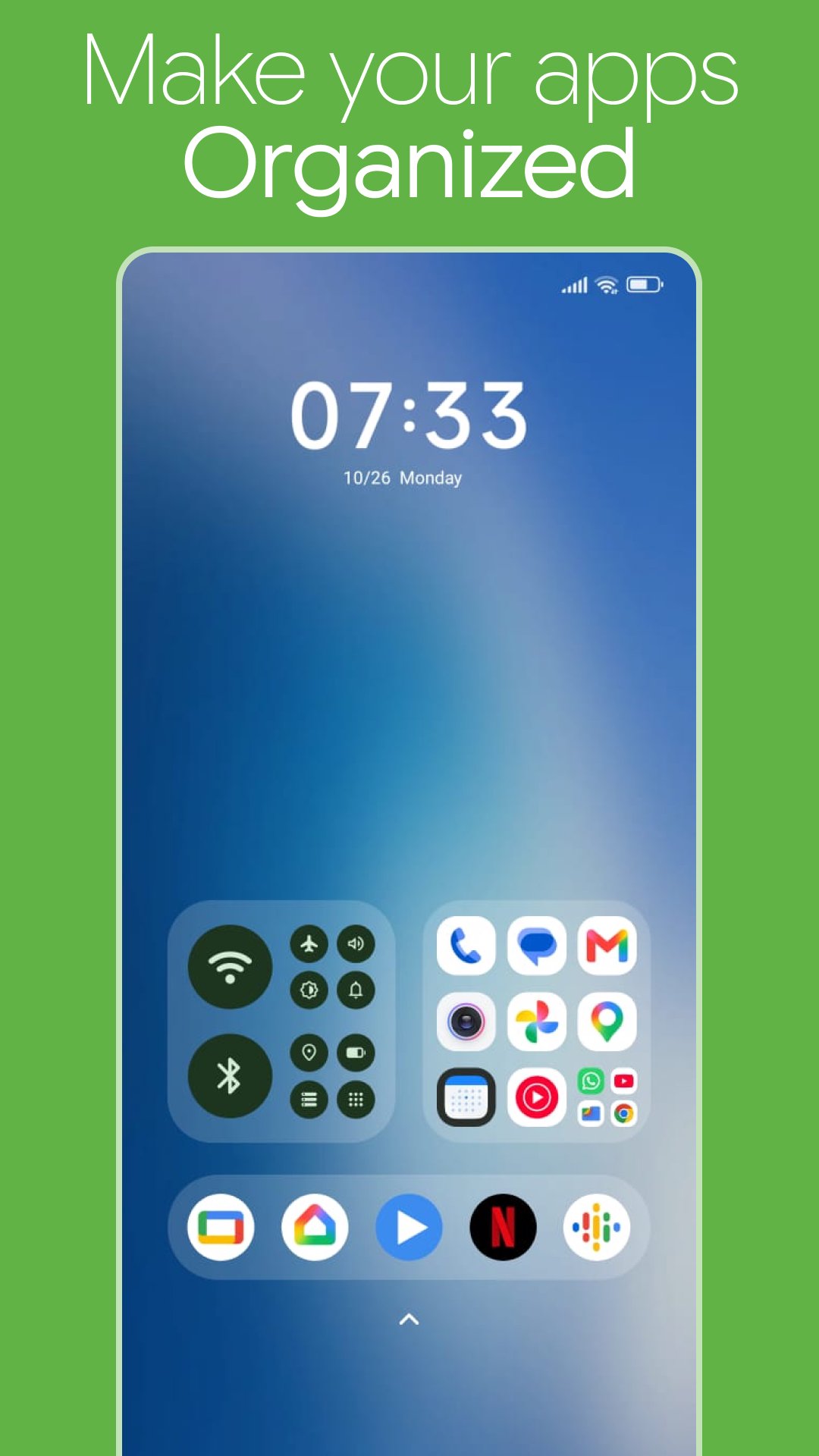
Foldy turns your home screen into neat, good-looking folder widgets, and adds a floating sidebar so your favorite apps are one swipe away from anywhere.
FOLDER WIDGETS FOR YOUR HOME SCREEN
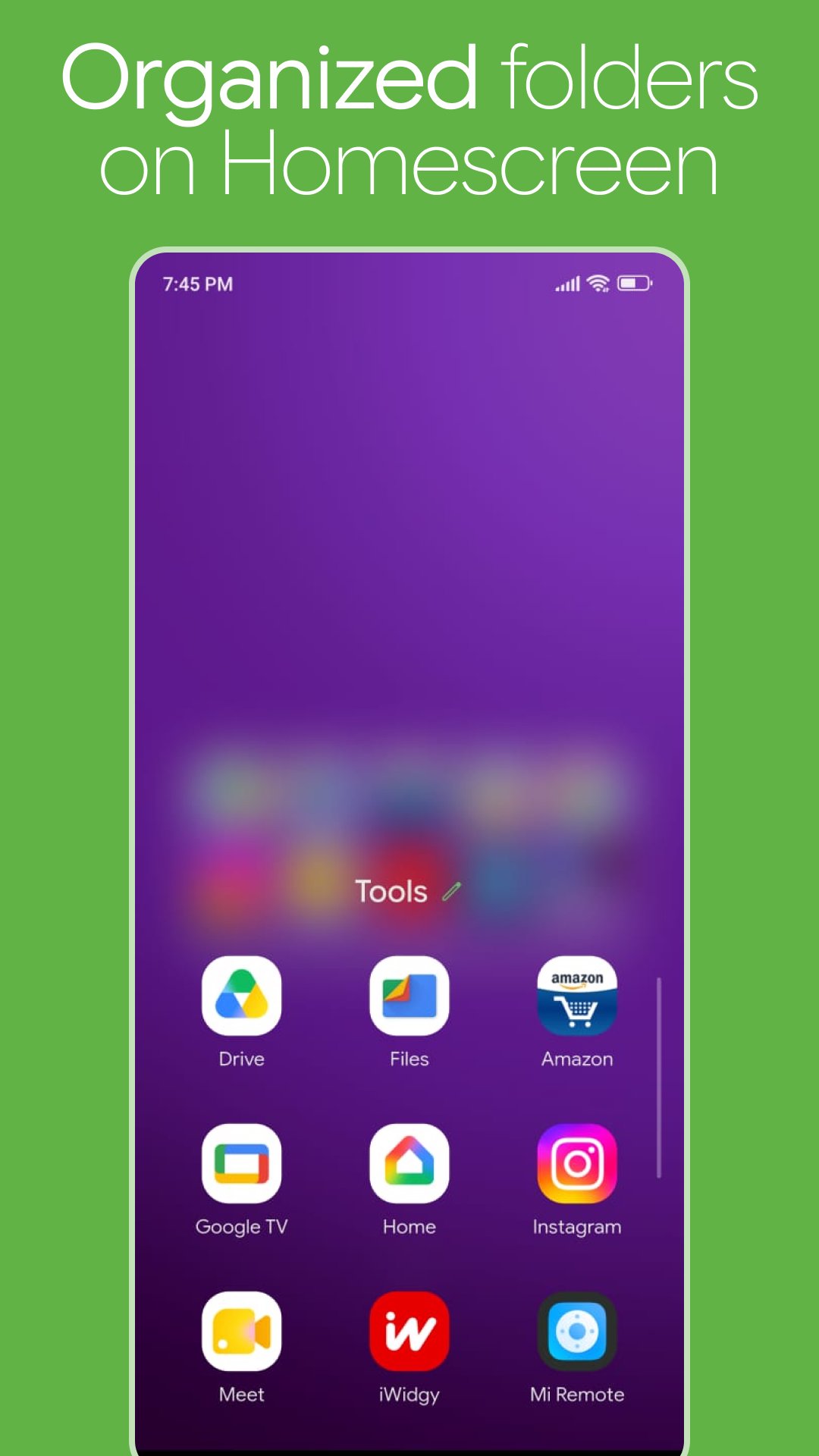
• Group apps into a folder widget and open them right from your home screen
• Add more than apps: websites, contacts (call or text in one tap), app shortcuts, activities and Settings pages
• Set the layout your way: columns, rows, spacing, margins and padding
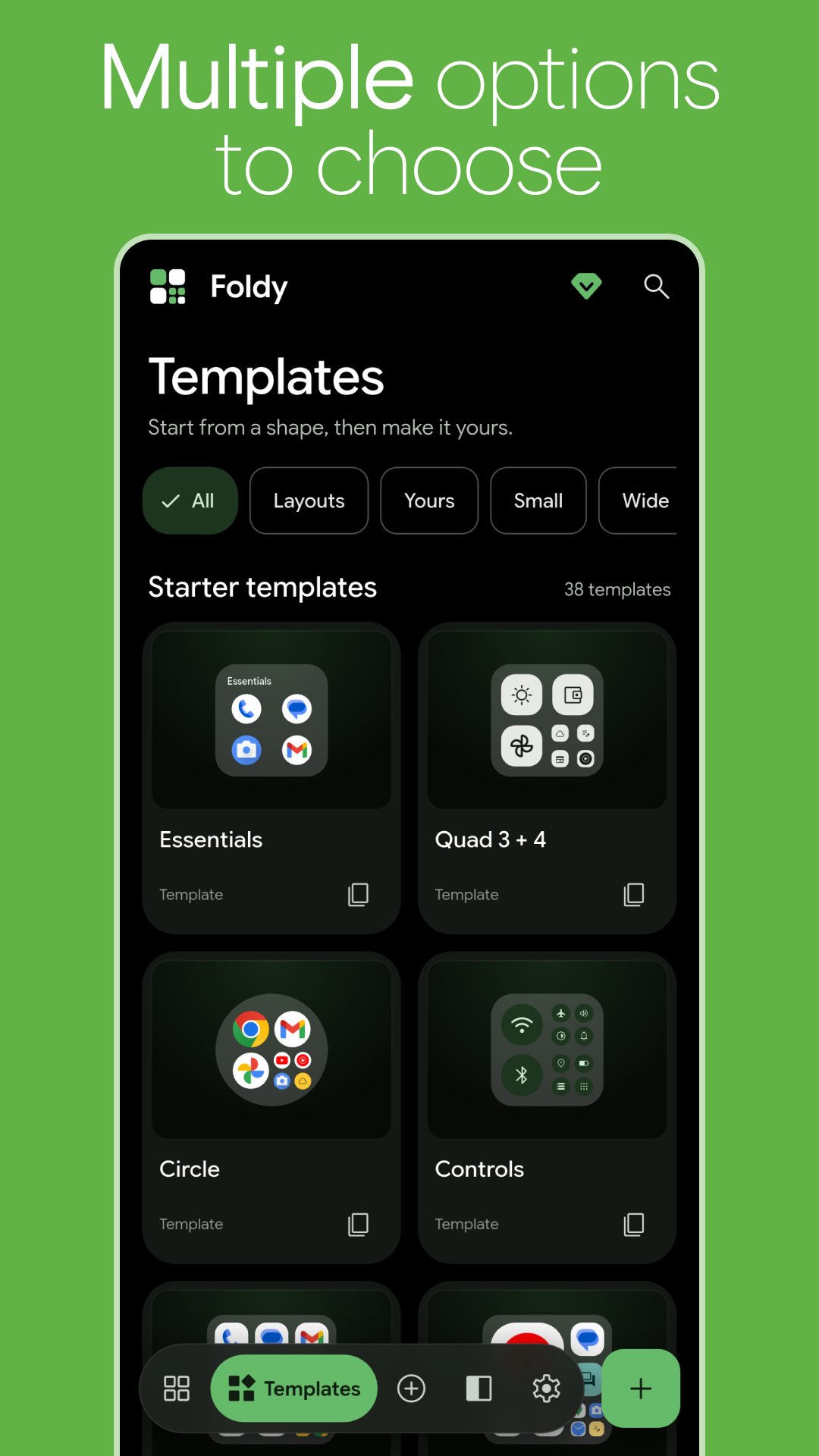
• Start from ready-made templates, then make them yours
A SIDEBAR OVER ANY APP
• A floating side bar on the edge of your screen, over any app
• Swipe or tap the handle to open it
• Launch apps without going back to your home screen, or open them in a mini window where your phone supports it
• Choose the side, handle length, icon size, spacing, corners, opacity and labels
DESIGN IT YOUR WAY
• Backgrounds: Material You colors, glass, gradients or your own picture
• Dozens of icon shapes, from circles and squircles to cookies, clovers and hearts
• Use your favorite icon pack, or set your own icon pictures
• Glassy borders, rounded corners and padding on every side
• Notification dots, plus time, battery and RAM right on the widget
MADE FOR EVERY DAY
• Change a placed widget any time from the Widgets tab, or double-tap it on your home screen
• Back up your folders and move them to a new phone
• Available in 21 languages
• No account needed. Your contacts and notification counts never leave your phone
FOLDY PRO: PAY ONCE, UNLOCK EVERYTHING
A one-time purchase, no subscription:
• Unlimited folder widgets and sidebar apps
• Every icon shape, icon packs and custom icon pictures
• Borders, notification dots, time, battery and RAM
• Sidebar designs and effects
• No ads
The free version includes up to 4 folder widgets, 6 sidebar apps and 7 icon shapes.
HOW TO ADD A FOLDER WIDGET
1. Create a folder in Foldy and tap Add to home screen
2. Or long-press your home screen, open Widgets, find Foldy and drag it out
Organize your home screen, declutter your apps and keep everything you use most in one tap with Foldy.
Latest Version
1.0.5Uploaded by
Julian Hoàng
Requires Android
Android 10.0+
Category
Free Personalization AppContent Rating
Everyone
Security Report
Check Now
Report
Flag as inappropriateLast updated on Nov 5, 2026
New Widgets & Fixes
- Added New widgets
- Fixed a bugs and other issues






APKPure - A multi-platform app store primarily focused on Android, providing extensive app-related content. Discover the app you want easier, faster, and safer, with quick and efficient downloads and installations.