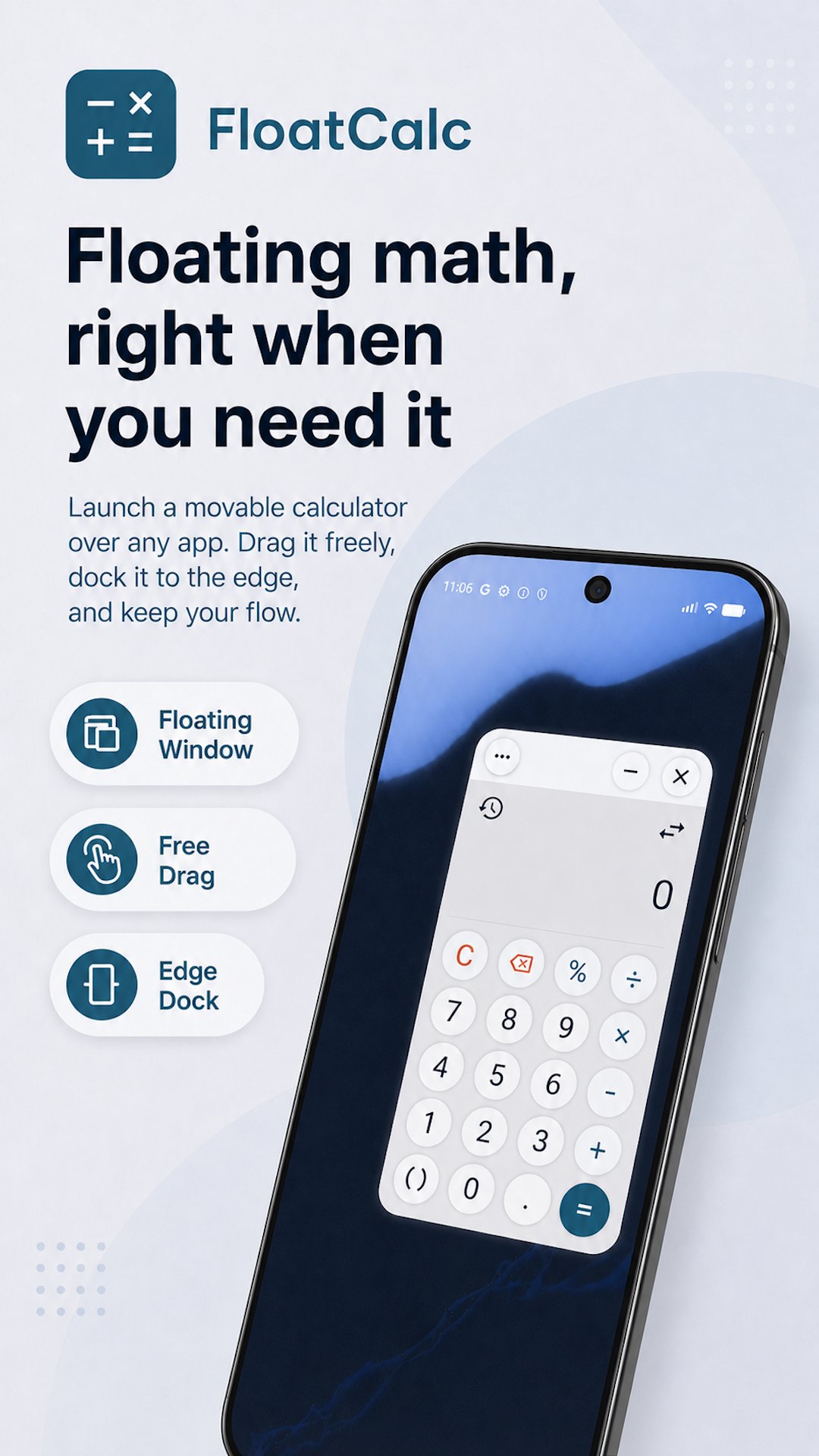
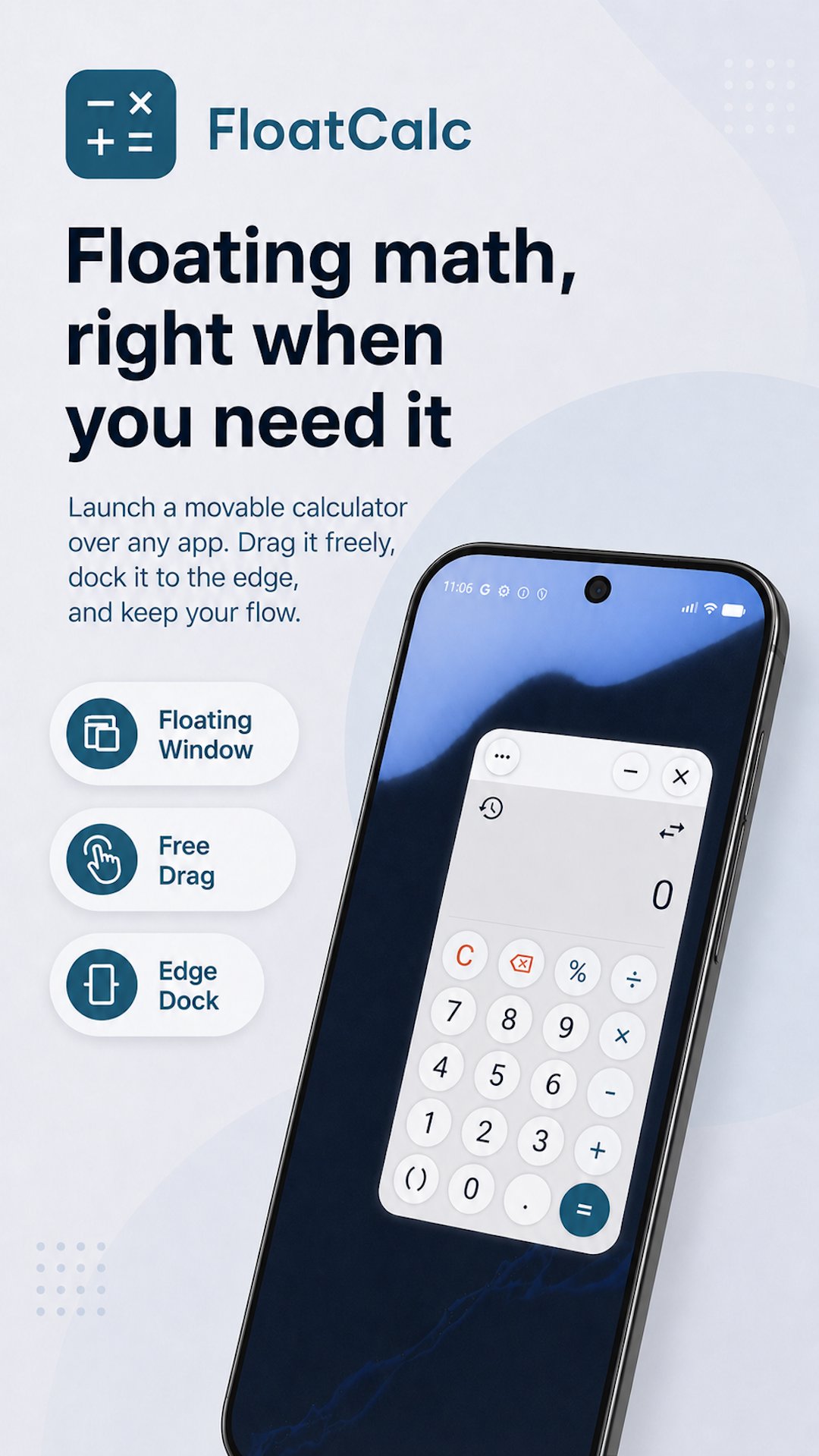
FloatCalc is a floating calculator designed for Android multitasking. Keep a calculator within reach while you browse, chat, study, shop, compare prices, or work with numbers across different apps.
Instead of repeatedly switching screens, open FloatCalc above the app you are already using. Move it anywhere, resize it to suit your task, adjust its transparency, or dock it at the edge of the screen when you need more space.
KEY FEATURES
• Floating calculator over other apps
Calculate without leaving the app you are currently using. FloatCalc stays in a compact floating window above your other content.
• Movable and resizable window
Drag the calculator freely around the screen and resize it to match your workflow.
• Edge docking and quick minimization
Move FloatCalc to the side of the screen or minimize it when you want to keep it nearby without covering your content.
• Everyday calculation tools
Handle basic arithmetic, percentages, parentheses, decimal values, and editable expressions in a clean, focused interface.
• Persistent calculation and conversion history
Review previous calculations, currency conversions, unit conversions, and time zone conversions without losing your current work.
• Organized history
Browse records grouped by date, select multiple entries, and delete items in batches.
• Reuse previous results
Select a previous history entry and bring it back into the calculator when you need to continue, reuse, or compare calculations and conversions.
• Adjustable transparency
Fine-tune the floating window opacity so you can see the calculator and the content underneath at the same time.
• Voice feedback
Enable spoken results when listening is more convenient than checking the display.
• Quick Settings access
Add the FloatCalc tile to Android Quick Settings for faster access to the floating calculator.
FLOATCALC PRO
Upgrade to FloatCalc Pro to unlock additional tools:
• Currency, unit, and time zone conversions
Switch from regular calculations to conversions within the same floating window.
Convert between currencies and commonly used units for:
– Length
– Area
– Volume
– Speed
– Energy
– Weight
– Temperature
Quickly convert time between major cities worldwide. Search time zones by city or country, return to recently used locations, swap the source and target time zones, or set the current time with one tap.
Search currencies by name or code, quickly return to recently used currencies, and swap the source and target units. Conversion results are saved together with your calculation history, making them easy to review and reuse later.
• Advanced history tools
Search your calculation and conversion history by expression, result, unit, location, or note. Pin important entries and add notes to keep useful records easier to find.
• Premium themes
Personalize FloatCalc with additional visual themes while keeping the same compact floating workflow.
PERMISSION INFORMATION
FloatCalc uses Android’s “Display over other apps” permission to show the calculator as a floating window. This permission is required for the app’s primary floating-calculator functionality.
FloatCalc is built to keep everyday calculations and conversions fast, accessible, and out of the way—right where you need them.
Latest Version
4.0.0Uploaded by
Tân Đinh Quang
Requires Android
Category
Free Tools AppContent Rating
Everyone
Report
Flag as inappropriateLast updated on Jun 8, 2026
- Use a floating calculator over other apps
- Supports calculation history, opacity adjustment, speech output, window movement, and minimization





APKPure - A multi-platform app store primarily focused on Android, providing extensive app-related content. Discover the app you want easier, faster, and safer, with quick and efficient downloads and installations.