The Flashlight / Disco lights App is made for people who love to party.
You can follow this link for downloading the same on a windows mobile: https://napkforpc.com/apk/ankit.inventory.ankitarora.flashlight/
The app is designed to provide easy controls to the user with a solid looking background to give a premium look.
The Flash Light button turns on/off your camera LED light. Camera permissions are required to access the camera hardware for switching on/off the camera LED light. Tip: In very rare scenarios in old android versions when the app is not properly closed, the app might not release the camera - "this is normal" and the way to close the flashlight is to click on the apps running (normally denoted by a square in most devices) - find this app and swipe it to close it. The app will then release the camera.
The White Light makes your screen white. A BACK button is given at the top to go back to the Control Panel.
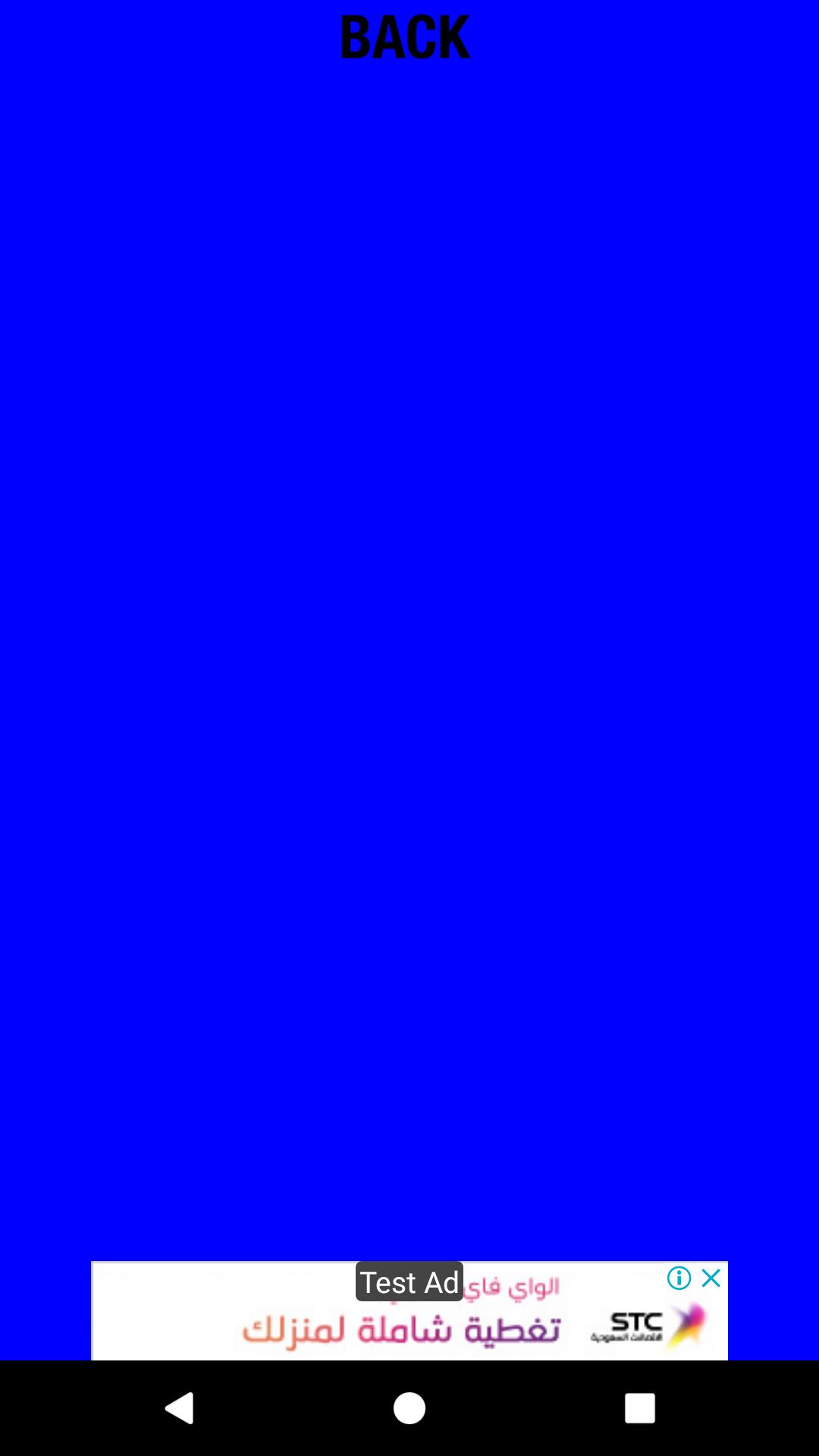
The other Lights are Red/Blue/Green and Disco Lights. When on the light screen, you can click on the screen to change the frequency of lights. This effect gives better control to the user.
So, turn on the disco lights and some music to enjoy the app. Increase the screen brightness for better lighting.
Warning: Flashing lights may be dangerous to some people. Please use the app with caution.
Latest Version
1.4.2Uploaded by
Ye Zaw Zaw
Requires Android
Android 4.4+
Category
Free Productivity AppContent Rating
Everyone
Report
Flag as inappropriateLast updated on Mar 15, 2020
Note: The camera permissions are required to access the camera hardware for switching on/off the camera LED light.
1. Flashlight.
2. White Light on screen.
3. The other Lights provided are Red/Blue/Green and Disco Lights. On the light screen, you can click on the screen to change the frequency of lights. Screen will remain on in version 1.4.
4. Privacy Policy/Help Section.
5. Removed ads on light screens/optimised content on main screen.





APKPure - A multi-platform app store primarily focused on Android, providing extensive app-related content. Discover the app you want easier, faster, and safer, with quick and efficient downloads and installations.











