
790T:
1.Long press “Charging” button till “CONN”shows on the LED display.
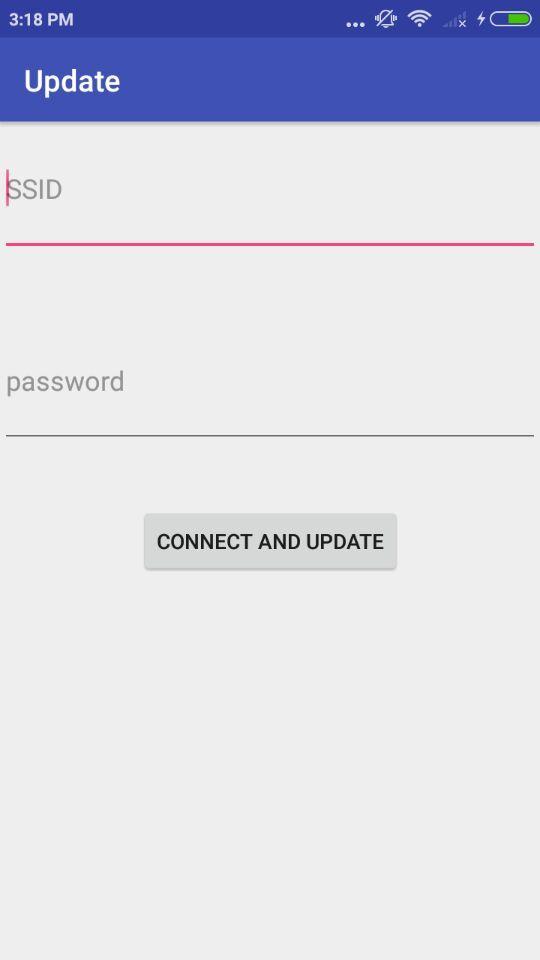
2.Click “update”.
3.Input password of the WIFI.
4.Click “Connect and update”.
811GB(Only for European countries):
1.Long press “power” button 3 second till the WIFI flash slowly.
2.Click “update”.
3.Input password of the WIFI.
4.Click “Connect and update”.
Latest Version
1.0Uploaded by
James Delgado
Requires Android
Android 4.0+
Category
Free Tools AppContent Rating
Everyone
Report
Flag as inappropriateLast updated on Mar 19, 2018
The Firmware version is 236.



APKPure - A multi-platform app store primarily focused on Android, providing extensive app-related content. Discover the app you want easier, faster, and safer, with quick and efficient downloads and installations.