
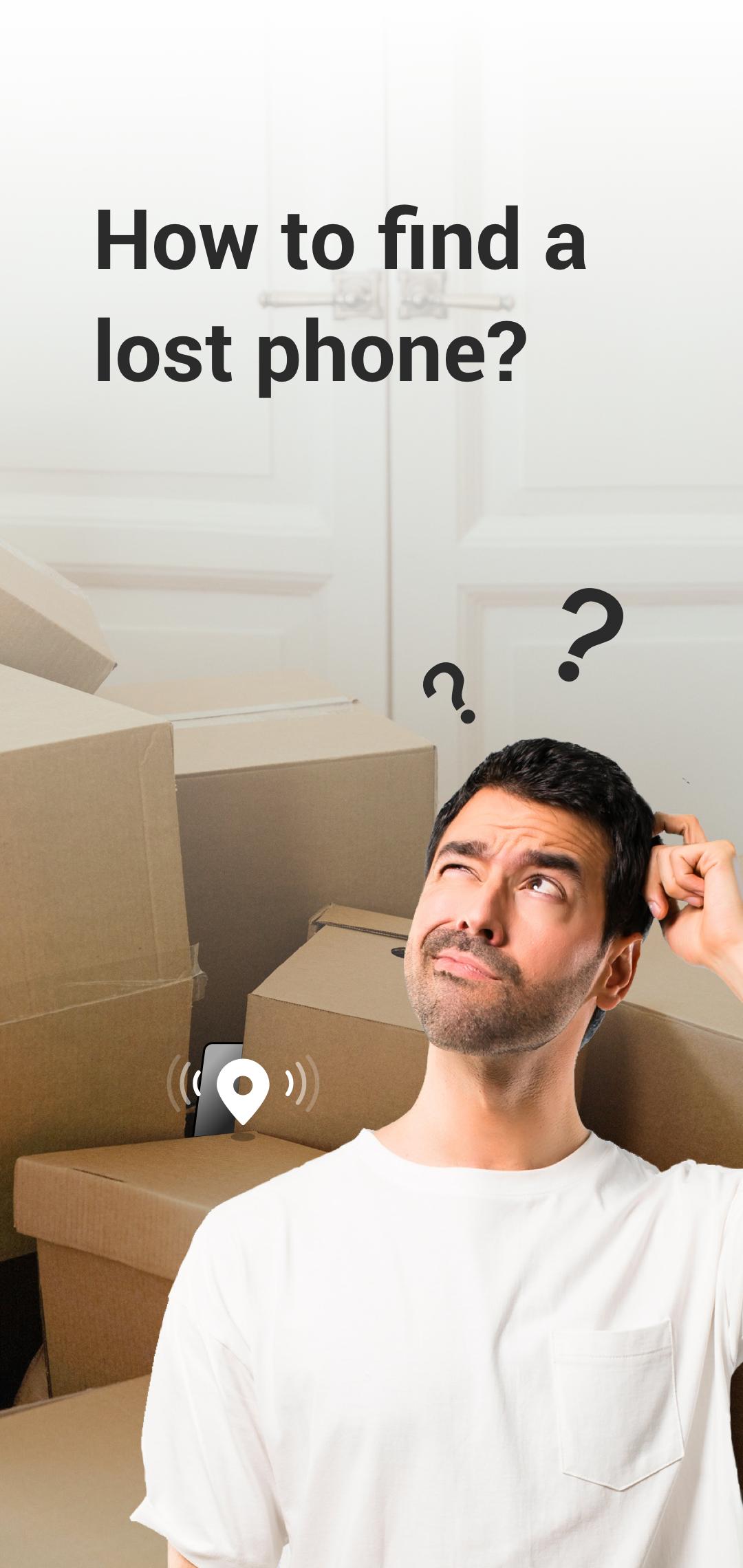
Are you currently trying to locate your phone?
I can't seem to find my phone. Do you know where it is?
You can use an application that helps you find your phone by detecting clapping sounds.
By turning on the "Find My Phone" feature, you can locate your lost phone by clapping your hands or whistling.
The app will react to the sound and start ringing, flashing, or vibrating, making it quick for you to find your phone.
Here's how to use the "Find My Phone" app:
1. Open the application.
2. Click on the [Tap to Active] button.
3. The app will listen for clapping sounds.
4. Once it detects the clapping or whistling sound, it will trigger your phone to ring, flash, or vibrate.
NOTE:
1. Recording permission: only used to listen to the sound of clapping, which triggers an alarm to help users find the phone.
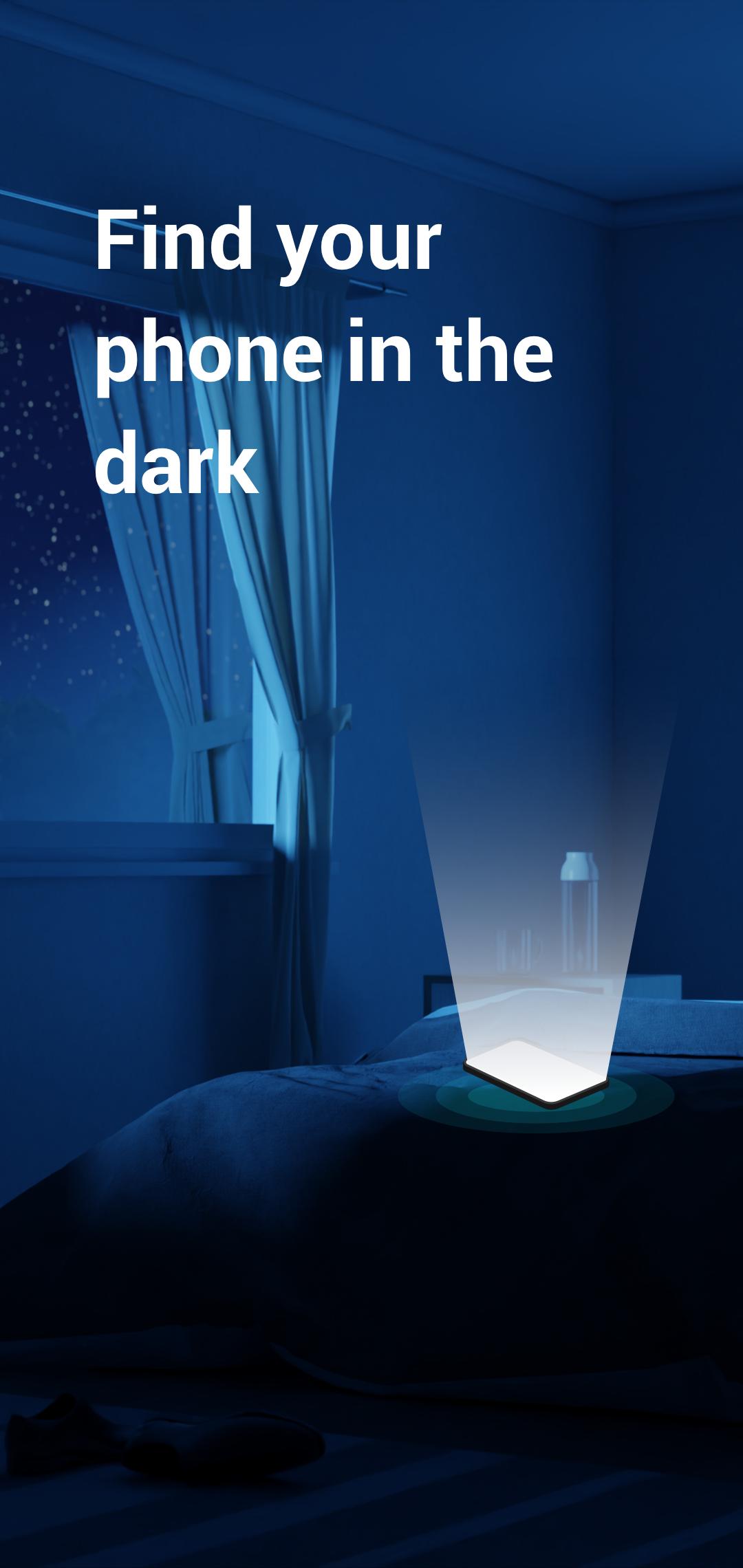
2. Camera permission: only for flash function to help users find the phone in dark environment.
Latest Version
5.0.5Uploaded by
Kenny Vindas
Requires Android
Android 7.0+
Category
Free Lifestyle AppContent Rating
Everyone
Report
Flag as inappropriateLast updated on Oct 20, 2024
Minor bug fixes and improvements. Install or update to the newest version to check it out!



APKPure - A multi-platform app store primarily focused on Android, providing extensive app-related content. Discover the app you want easier, faster, and safer, with quick and efficient downloads and installations.