
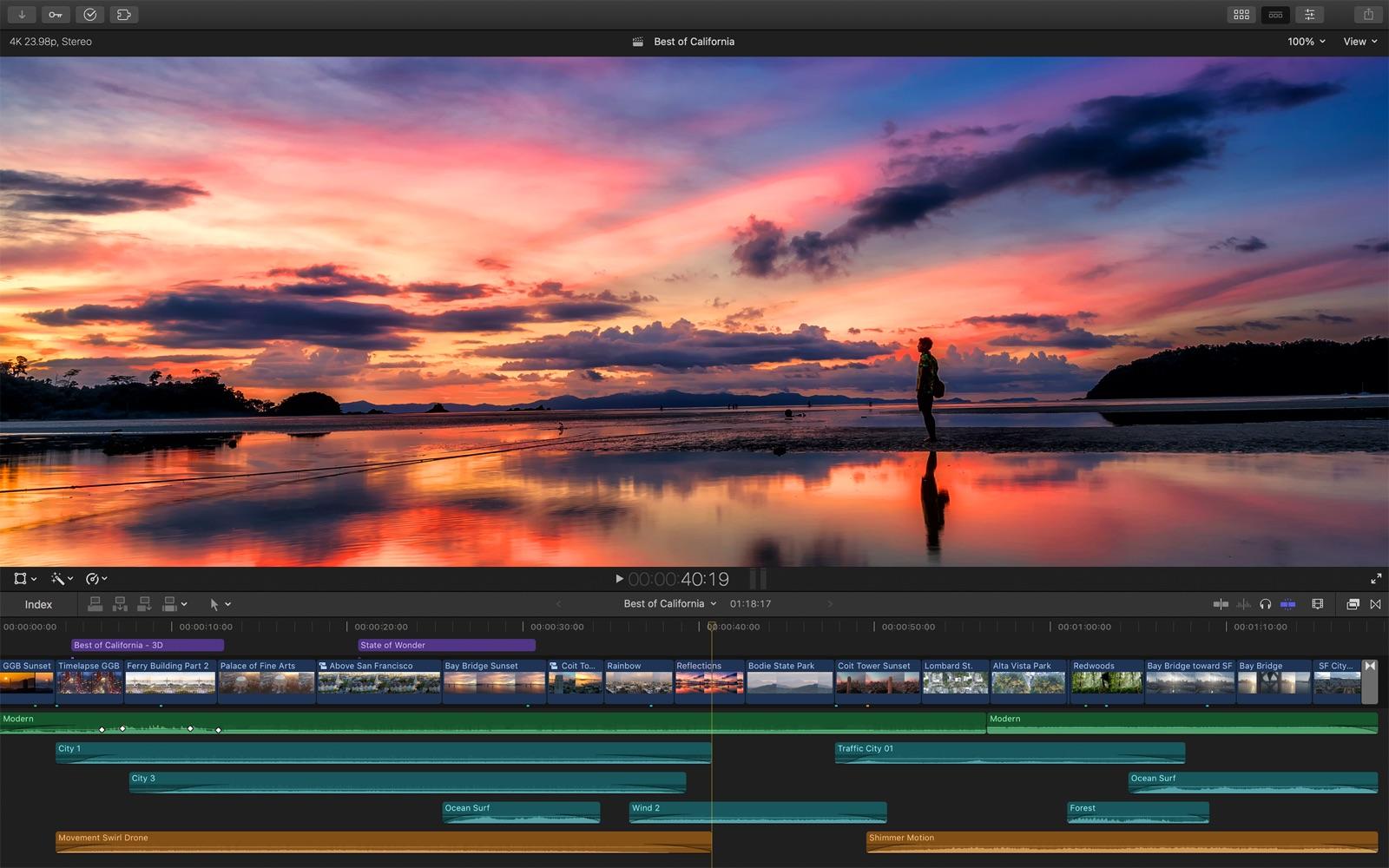
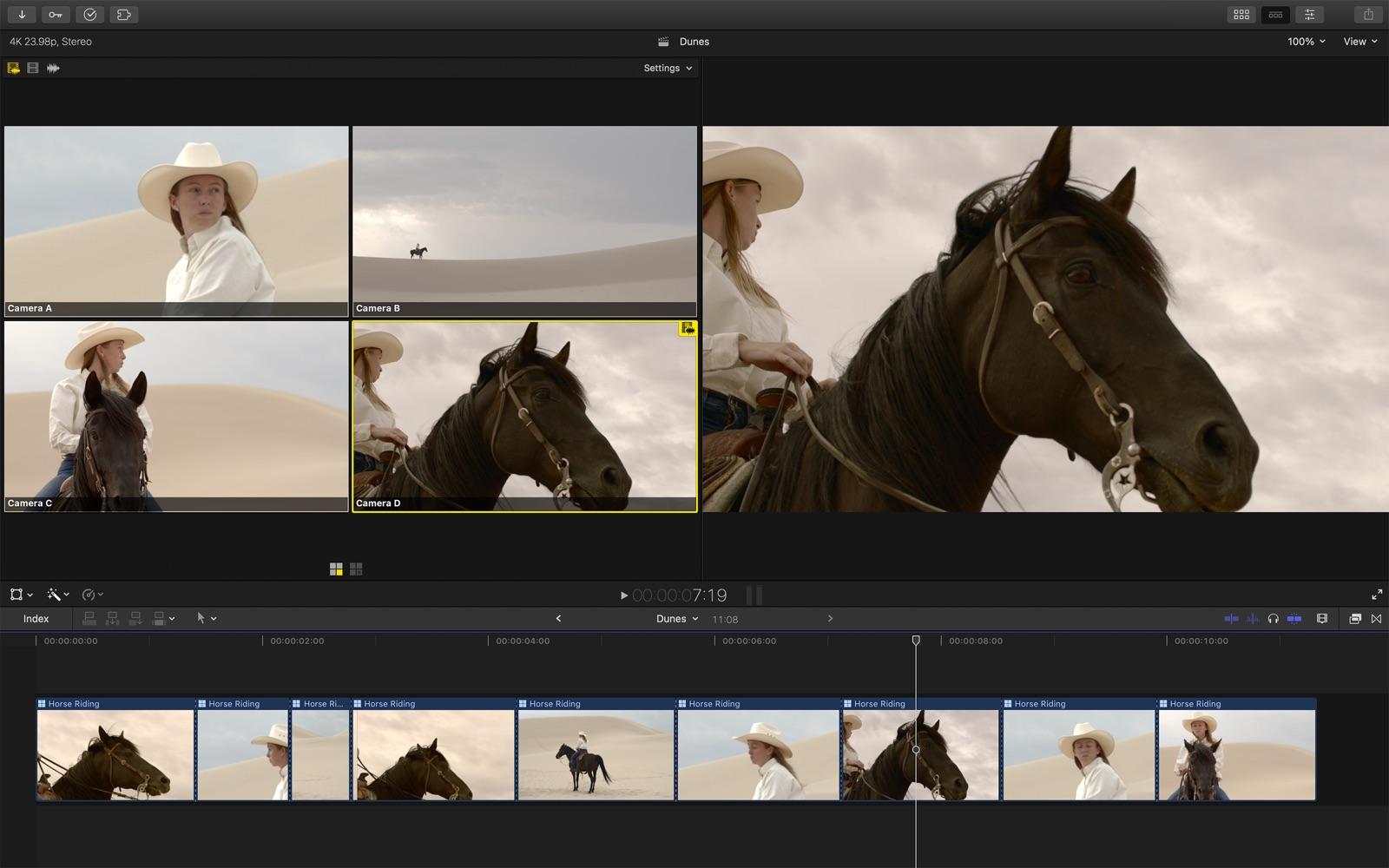
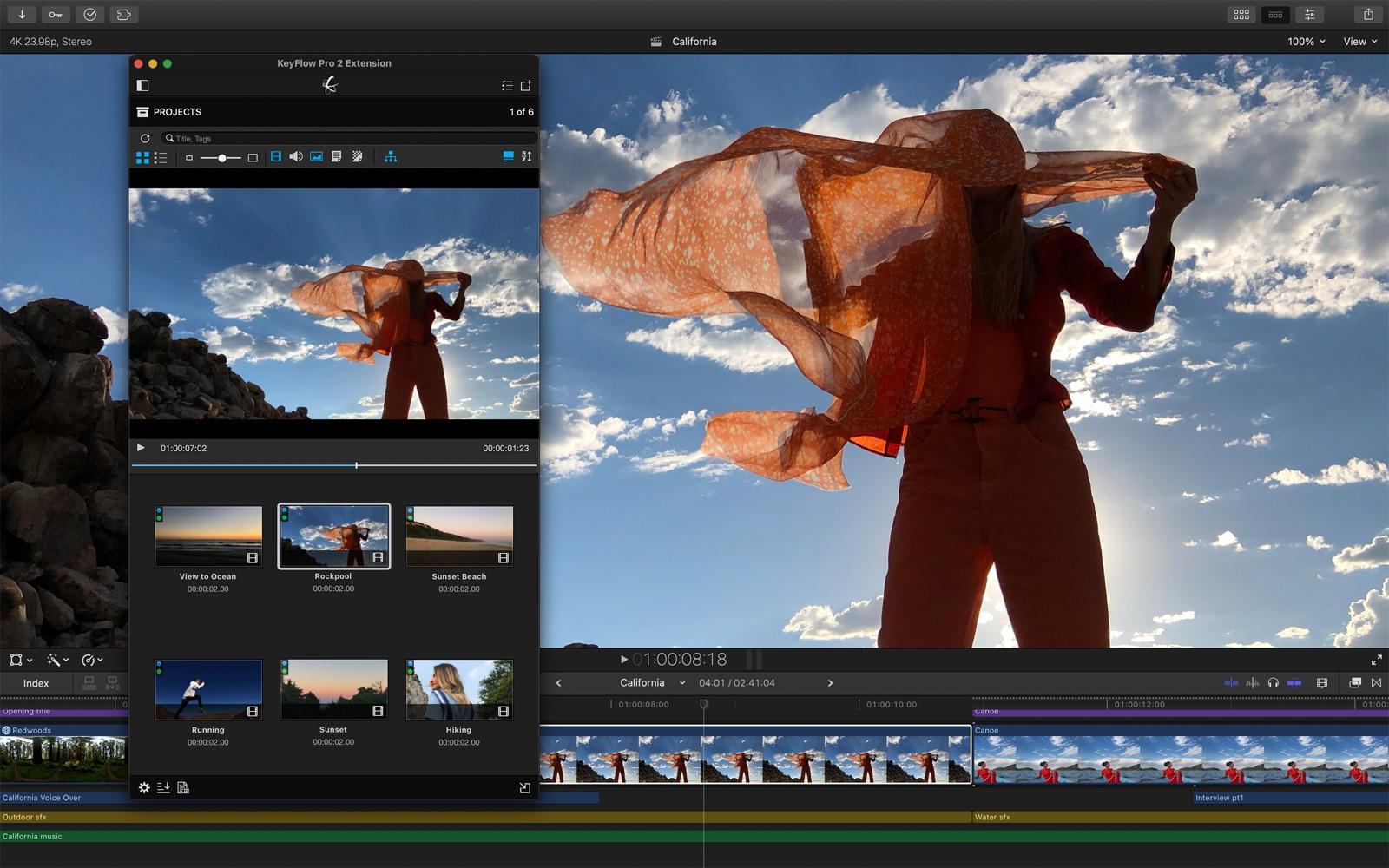
final cut pro x - Pro Video Editor fits users who need quick edits on a phone or tablet. It works for short clips for social posts, family videos, or simple drafts for sharing. The layout keeps controls clear, so you can make cuts, adjust the look, and arrange clips without long setup. It also supports layered visuals for when you want more detail. If you want a handy mobile toolkit, download final cut pro x - Pro Video Editor and keep projects moving.
Trim and basic adjustments
Start with precise trims, cuts, and crops. You can refine the look by adjusting exposure, contrast, and saturation. Orientation and background color settings help match different aspect ratios or canvases.
Speed control and motion
Once the basics are set, control playback speed for fast or slow motion, including speed ramping for smooth changes. Animate stills or video with the Ken Burns effect, and use pan and zoom for slideshows.
Overlays, masks, and background removal
When you want layered visuals, overlay photos or videos and apply masks to combine elements. A Chroma Key tool can remove a background so subjects sit cleanly over new scenes.
Effects, transitions, and text
To finish, apply filters and effects such as glitch, chroma, and vintage. Choose a transition style and control the speed between transitions for the right pacing. Add title slides, text overlays, and a custom outro to complete the sequence.
This app provides practical tools for trimming, color adjustment, speed control, overlays, effects, and titles. It supports quick social clips and longer edits on your device. To install on Android, get the final cut pro x - Pro Video Editor APK and start editing your next video. Settings remain easy to reach while you work.
Latest Version
1.0.1Uploaded by
ညီညီ ညီညီ
Requires Android
Android 5.0+
Category
Free Video Players & Editors AppContent Rating
Everyone
Report
Flag as inappropriateLast updated on Jun 2, 2021
Minor bug fixes and improvements. Install or update to the newest version to check it out!





APKPure - A multi-platform app store primarily focused on Android, providing extensive app-related content. Discover the app you want easier, faster, and safer, with quick and efficient downloads and installations.