Files and SD Card manager
Simple tool to manage resource: File manager, folder manager and SD card manager
Want to manage resources and data on your mobile phone?
Do you have any difficulty managing files and folders in the phone memory?
Do you want to back up data from SD card to phone memory?
Do you want to increase the storage capacity of your phone?
... Here, install and use the "Files and SD Card manager" application, it will help you to manage the file and data resources in the folders of your phone and SD card in the best way.
Core features:
1. Folder manager: Create folders, delete folders and rename folders according to the folder tree in the phone memory or SD card.
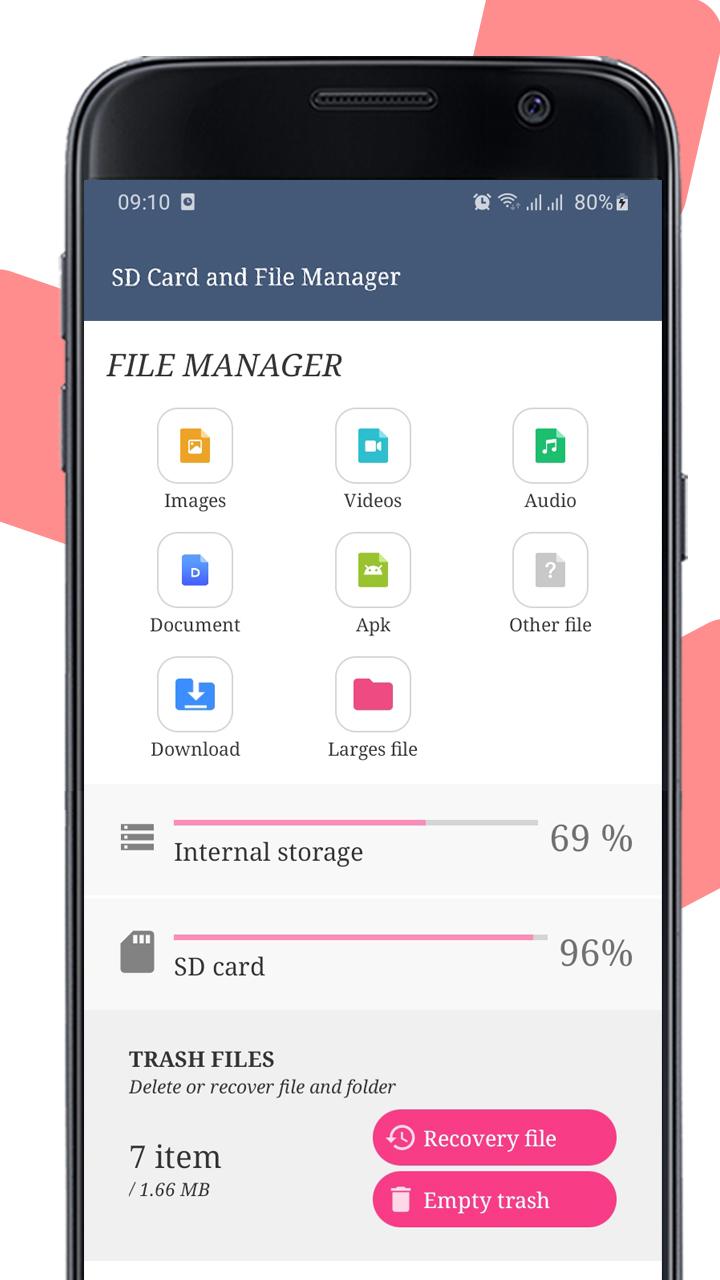
2. "Files manager" will be easier for users when sorting files by category to delete files and restore files in Trash by: photo, video, audio, document, apk and other files.
3. Function of "simple manage files": copy/move files and paste files, find file, open file and share file in folders. Also copy and move files between the phone memory via SD card OR from the SD card to the phone's internal storage easily, delete file and restore deted files in Trash folder.
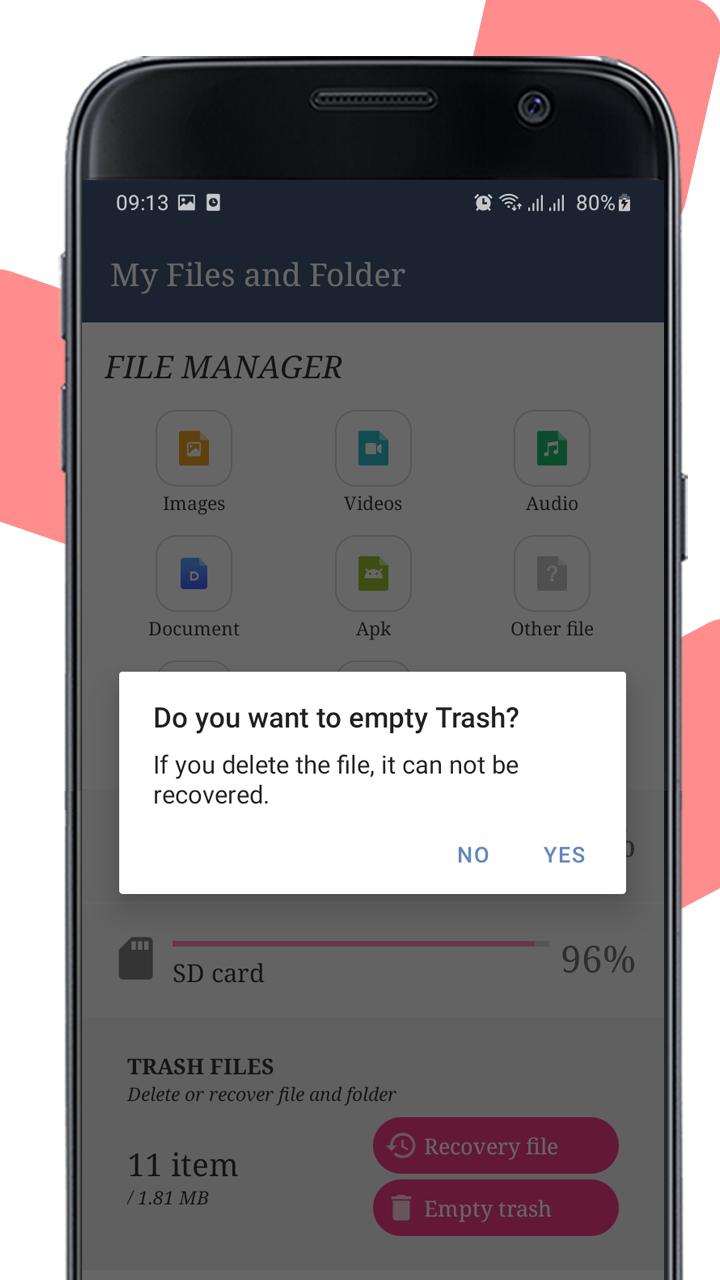
Note "delete files": When the user deletes the file, it will be moved to the Trash folder for storage so that the user can restore it when needed.
4. Manage Download folder: Lists all the files that you have previously downloaded from the internet for easy management.
5. Manage large media files: filtered by media file size from 30MB, 50MB and 100MB.
6. Manage Trash folder: This is where all the files you deleted earlier are located. This section will support users with 2 important main functions:
(a) Select all files in this folder and delete it permanently.
(b) Select all the files in this folder to restore the files to the folder before they were deleted.
7. Manage files and folder in internal storage
This is a file and folder manager in the phone, resources are displayed in an easy-to-see and interactive directory tree that allows us to manipulate functions such as "files manager" and "folder manager"
8. Manage files and folder in SD Card memory: Managing files in SD card is the same as managing files in the phone's internal memory.
(*) The problem here is that if you want to back up data from the SD card, you need to select the files in SD Card and back up them by move file to phone's memory.
(*) Or vice versa, if you want to get more space for internal memory then move large files from internal memory to SD card.
9. Support users to search files quickly by file name.
Besides, the "Files and SD Card manager" application also helps users to backup data or increase storage space by moving files easily from external storage to internal storage or from internal storage to device. peripherals like SD cards on Android phones:
Thanks so much.
Latest Version
1.7Uploaded by
Khalifa Aldrie
Requires Android
Android 5.0+
Category
Free Tools AppContent Rating
Everyone
Report
Flag as inappropriateLast updated on May 4, 2023
V1.7
- Re-integrate native ads
V1.6
- Remove some function from V1.0-V1.3
V1.4-1.4
- Internal storage manager
- SD Card manager
- File manager
- Folder manager
- Delete large files
- Deleted files recovery on Trash
V1.0-13
- WiFi hotspot
- WiFi scanner
- Internet speed test meter for WiFi, 5G, 4G, 3G, 2G






APKPure - A multi-platform app store primarily focused on Android, providing extensive app-related content. Discover the app you want easier, faster, and safer, with quick and efficient downloads and installations.