
[DEPRECATED]
This app is too old so it's now deprecated.
I released a new version and it's support Android Oreo now.
Please try it.
(It is NOT compatible with the old app.)
https://play.google.com/store/apps/details?id=com.nagopy.android.fileshortcut
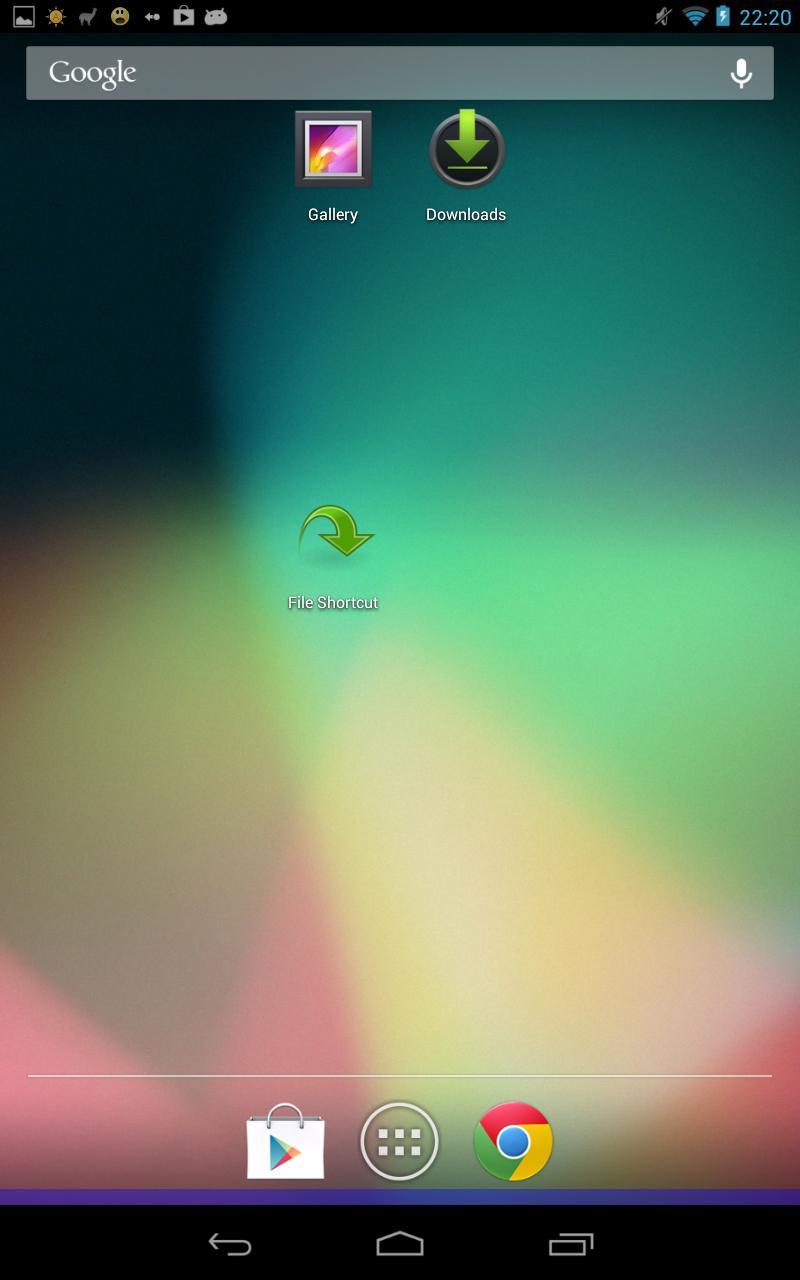
It is an app to create a shortcut to open the file.
You can choose any files such as images, videos, or PDF.
Caution
- You need a separate application that corresponds to the format so you can open the file. For example, PDF files can not be opened without PDF readers such as Adobe Reader.
Latest Version
2.1.1Uploaded by
Ye Yint
Requires Android
Android 2.2+
Category
Free Tools AppContent Rating
Everyone
Report
Flag as inappropriateLast updated on Aug 30, 2015
v2.1.1 2012/12/24
Fixed bug with cropping.
v2.1.0 2012/12/19
Enabled to crop the icon by your gallery apps
Enabled to edit a target file path
Add some options (kill process, hide from launchers)
Bug fix about the icon size and so on
v2.0.1 2012/11/26
Bug fix (enable to press OK Button in landscape. )
If you want to use stable old version, please download it.
http://ux.getuploader.com/75py/download/1/File_Shortcut_1.1.0.apk





APKPure - A multi-platform app store primarily focused on Android, providing extensive app-related content. Discover the app you want easier, faster, and safer, with quick and efficient downloads and installations.













