
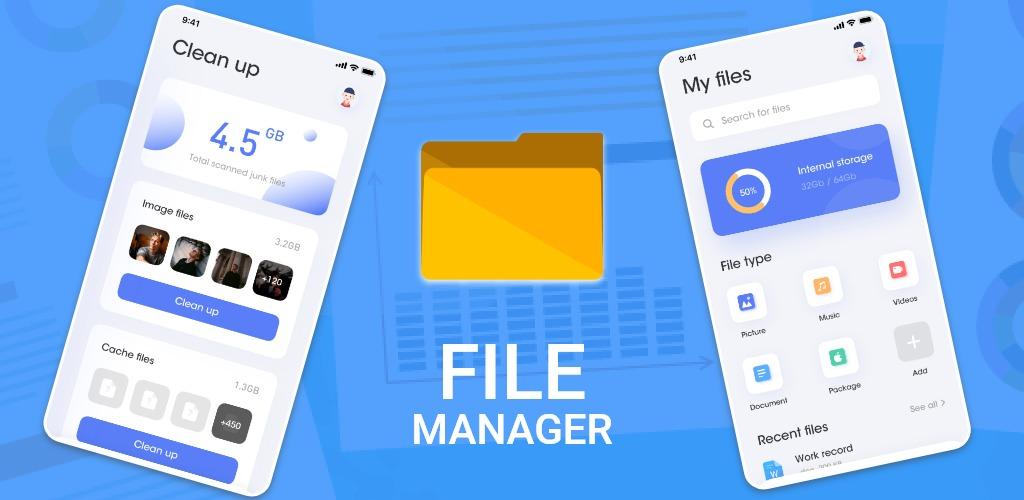
The File Management Master is a powerful, easy-to-use, simple and smooth file management app for Android phones.
Support a variety of common operations, including fast search, copy, paste, move, delete, open, send, rename, decompress and other operations. It also supports formats for various media and popular files, including music, videos, pictures, documents, APKs, and archives. You can use it to easily manage your Android phone files.
The main function:
Main memory: On your device's memory, all files and folders can be managed according to the directory.
Download: Manage downloaded data in the download folder. Includes Android installation package and ZIP archive to support file compression or decompression.
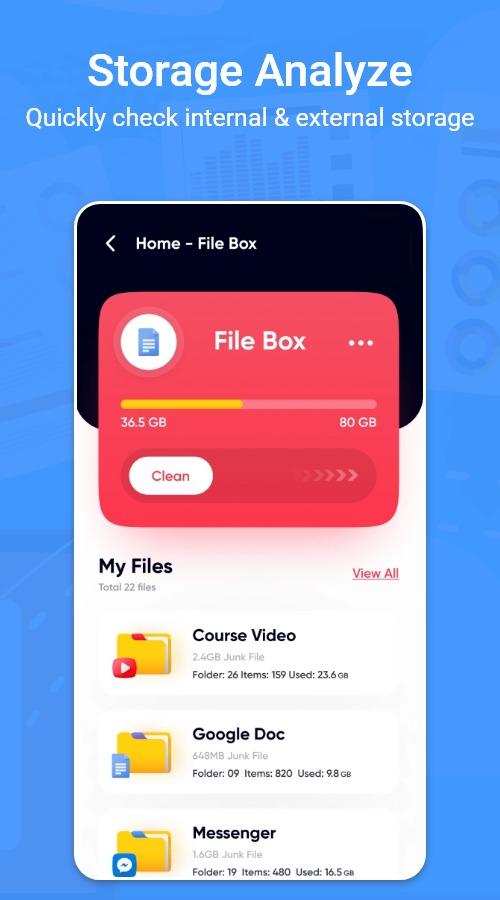
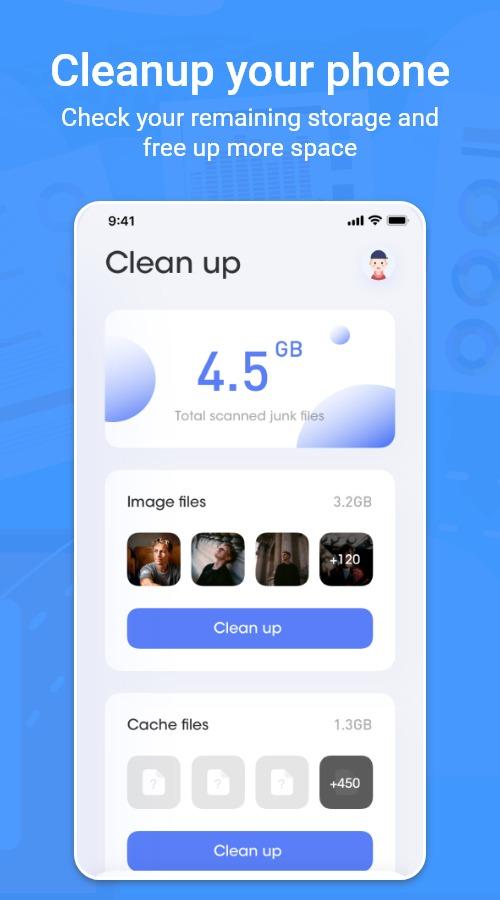
Clean up: One-click to clean up the junk files in your phone and release your memory.
Booster : One click to boost your phone instantly.
File sharing : Easily share any file and documents with this app.
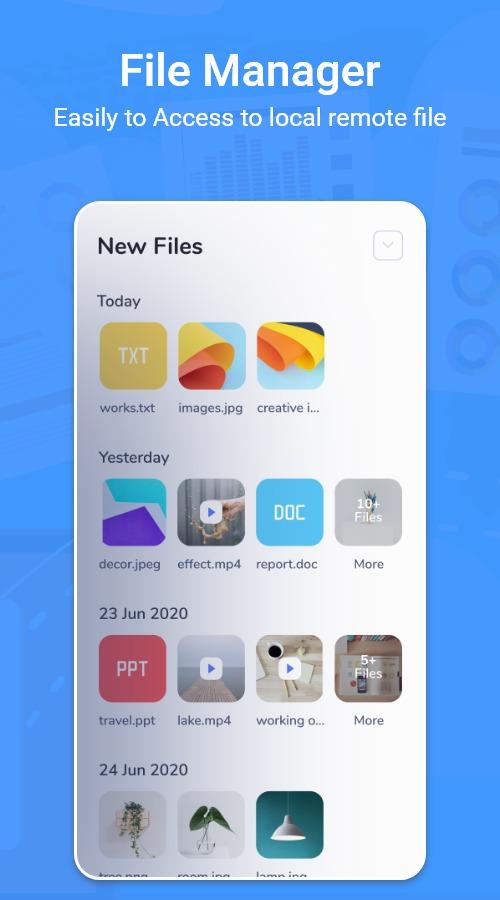
Classification: Sort all media and frequently used files by file type.
Global search: Quickly find files with keywords.
Multiple selection: Support multiple selection operations, which can process files in batches.
Image: Manage the images in the store (multiple views). Support for image preview. Supported formats: bmp, gif, jpg, png, etc.
Music: Manage files in all music and sound formats. Supported formats: mp3, ogg, flac, m4p, wav, wma, etc.
Video: Manage all video files stored in it. Supported formats: asf, avi, flv, mp4, mpeg, wmv, etc.
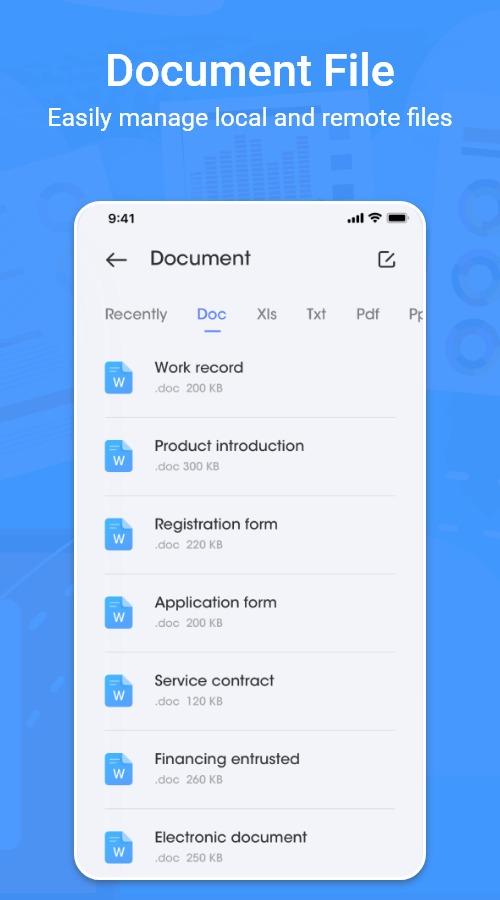
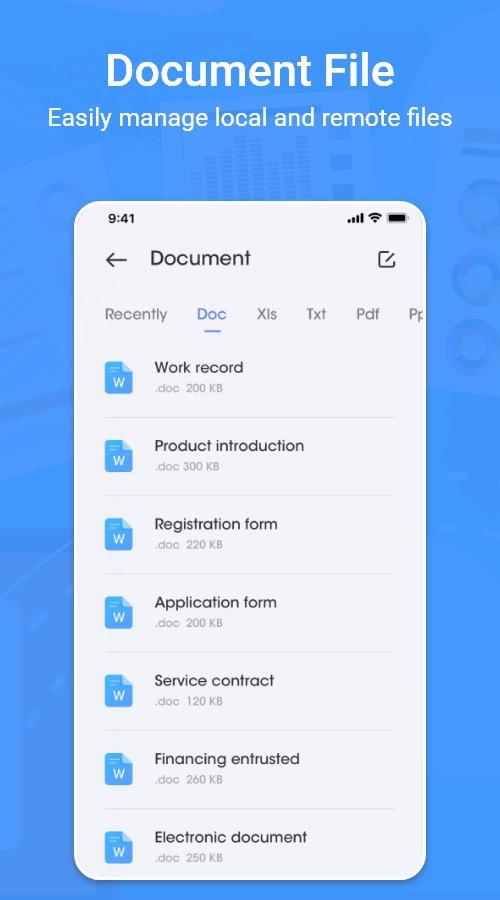
Document: Manage the documents in the store. Support formats: doc, ppt, pdf, etc.
Latest Version
2.0Uploaded by
Santha Ram
Requires Android
Android 5.0+
Category
Free Tools AppContent Rating
Everyone
Report
Flag as inappropriateLast updated on Oct 14, 2021
Minor bug fixes and improvements. Install or update to the newest version to check it out!



APKPure - A multi-platform app store primarily focused on Android, providing extensive app-related content. Discover the app you want easier, faster, and safer, with quick and efficient downloads and installations.