Scan Date:Mar 14, 2026
Show More

Fancy Signature Maker allows you to create a signature from text and, additionally, a signature from handwriting or painting. Which is meant for the purpose of entertainment and customization. The Fancy Signature Maker is NOT intended for any type of legal use (you may NOT use it to sign your value load, payday advance, loan, and so on and so forth).
Fancy Signature Maker App will create a stylish signature. You need to pick a signature font, a signature style or design, color, size, and draw your signature by handwriting. When you need to show the result of writing text, tapping on the 'Create' button will create a distinctive style of signature. If the result looks great and if you want to save this signature image. You can also share the current signature image with your friends and family via social media, and much more.
You may use different apps related to signatures, like the digital signature or other scanned signature maker mobile app for a signature maker. But this app is one of the entertainment app you will enjoy.
Feature of Signature Maker:
✔ Fancy and High Definition Graphics
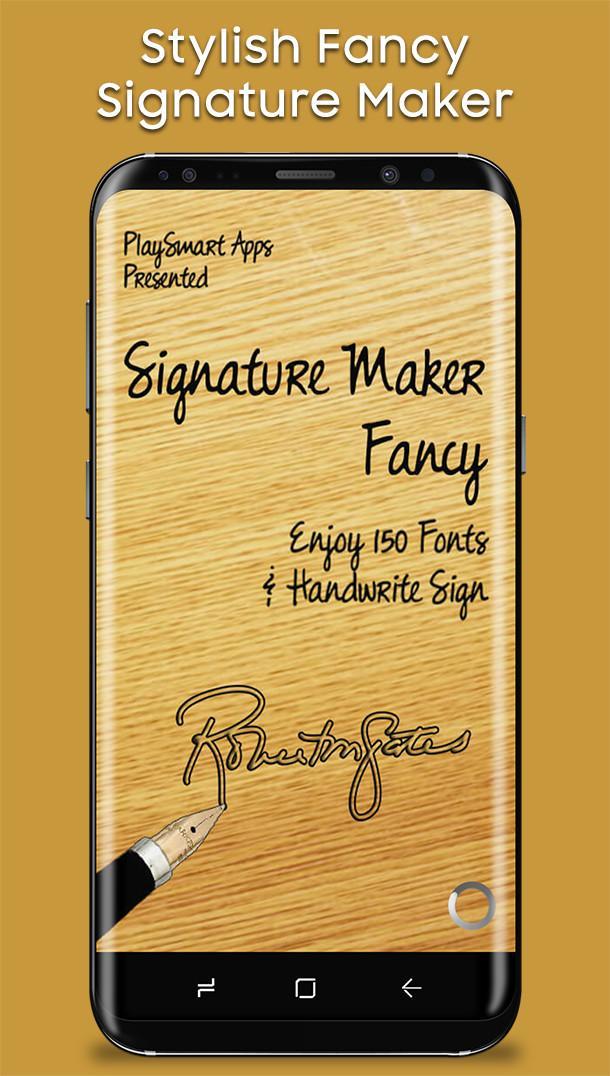
✔ More the 150 signature Fonts.
✔ Support Handwriting Drawing Signature.
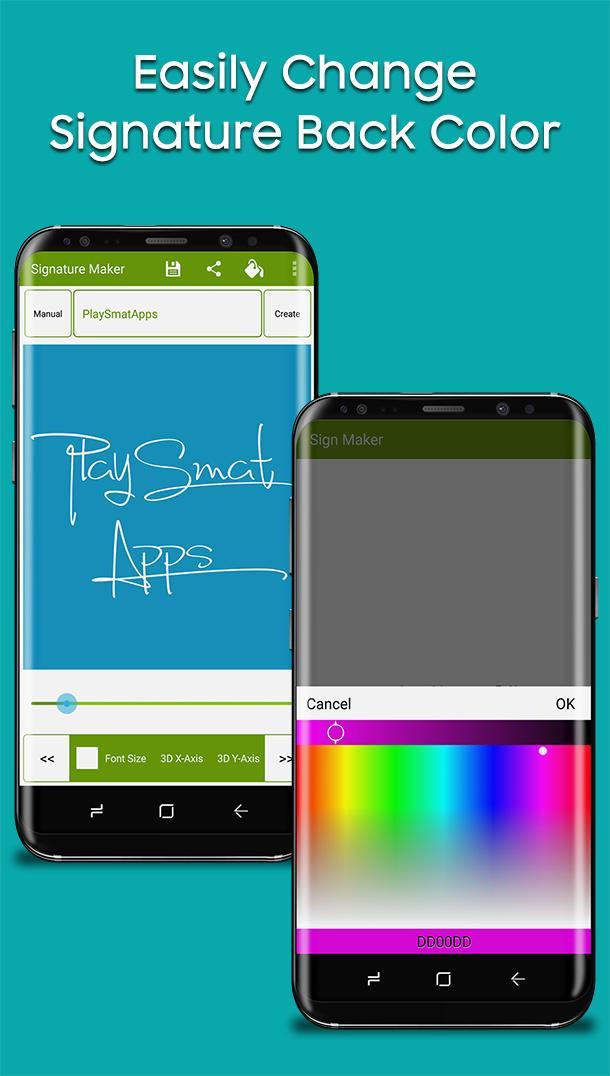
✔ Multiple Color Picker for Text and Background.
✔ Support Smart Workplace for Save Signatures.
✔ You can easily share your created Signature with friends.
✔ Supported all screen sizes and android devices.
How to create a stylish signature.
✔ Enter your Name/Text in the Text box.
✔ Click/Tap on Create Button.
✔ Choose a Signature Style/Font (You can also Change Signature Size, Color from the menu).
✔ Style of Signature is a change in different ways it can be changed from CREATE button, << Back >> Next buttons or it can be changed by simply touching Signature, by long tap on Signature it will save current Signature in external SD-Card/ Phone Memory within a folder having the name of "SignedMaker".
✔ If you want to make a paint or handwriting signature Click/Tap on the manual button, choose color along with pen size, and then paint/draw your signature.
✔ If you want to share the currently created Signature by clicking/tapping the share button and share it with your friends via social media or Message then use the title of the app (share button is on the Top of the Screen).
Note:
Signature Maker is a free entertainment app and has some ads come so you need not worry about that. In case of any problems with the effect Fancy Signature Maker, please send us an e-mail and review briefly about the problem, we will be very thankful for such kinds of feedback.
Share the Fancy Signature Maker app and share great fun among your friends.
Latest Version
1.14Uploaded by
Sonya Lyskova
Requires Android
Android 5.0+
Category
Free Entertainment AppContent Rating
Everyone
Security Report
Report
Flag as inappropriateLast updated on Oct 6, 2025
* Drawing signature improved.
* Compatible with new devices.
* Performance is improved.
* Reduced ads ratio.
* Issues are fixed.





APKPure - A multi-platform app store primarily focused on Android, providing extensive app-related content. Discover the app you want easier, faster, and safer, with quick and efficient downloads and installations.