Scan Date:Feb 12, 2026
Show More

Download FaceCam Screen Recorder now and unlock the power to record, create, and share your screen and face like never before.
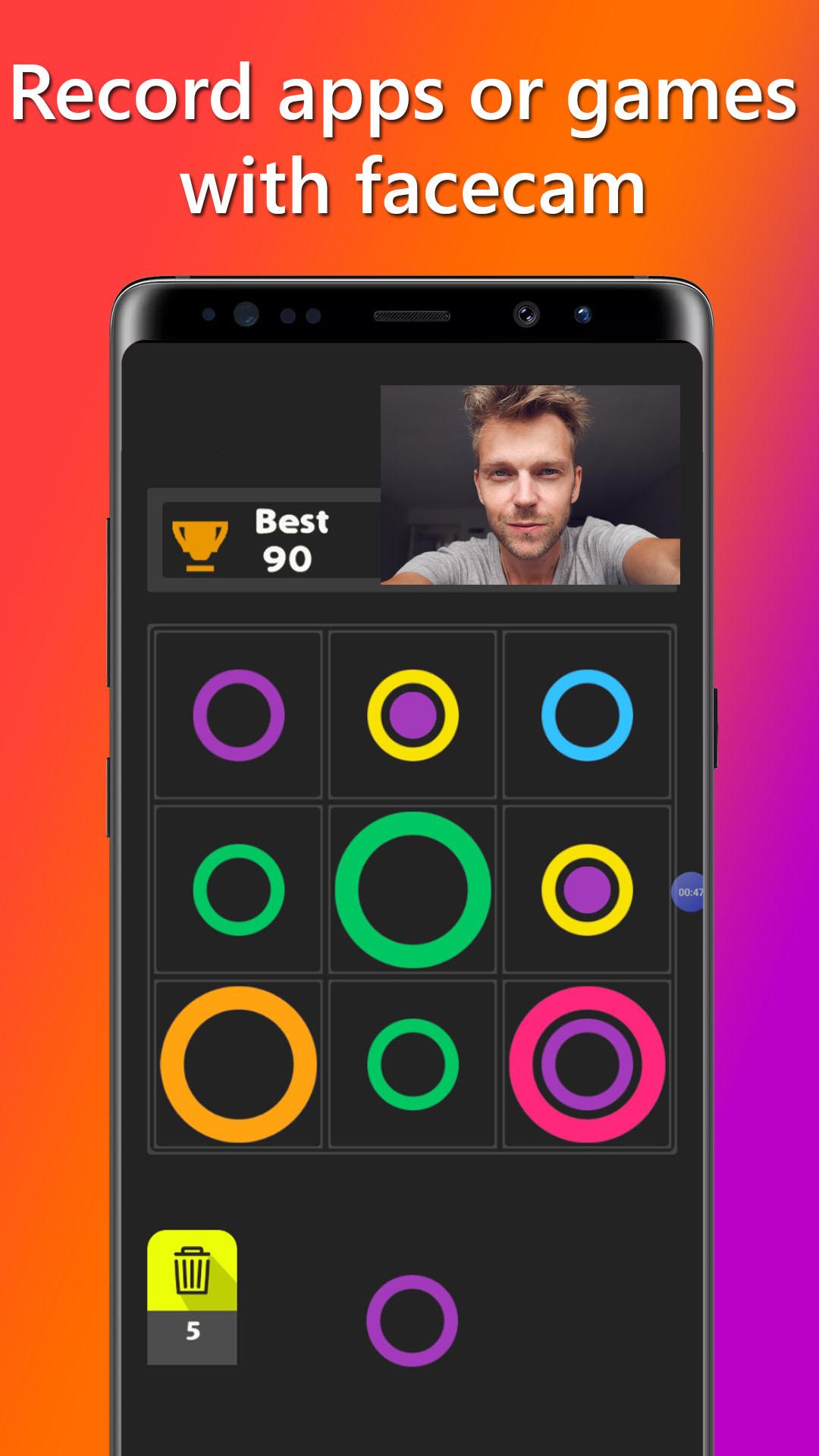
Introducing FaceCam Screen Recorder, the ultimate app for live streamers, gamers, and content creators who want to record their phone's screen along with their face using the front camera. With its powerful features and user-friendly interface, you can create engaging videos and share your gaming experiences with the world.
FaceCam Feature
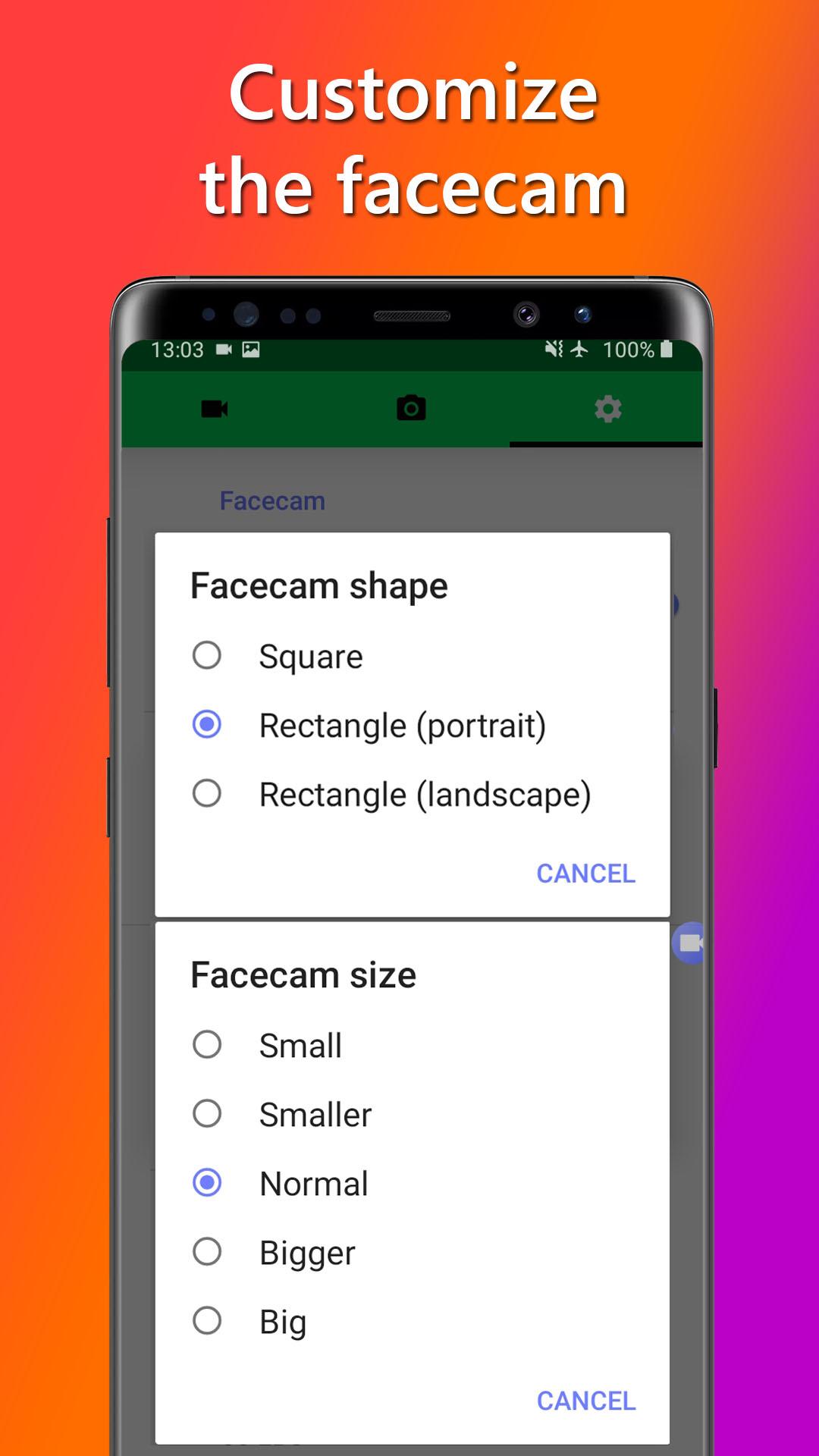
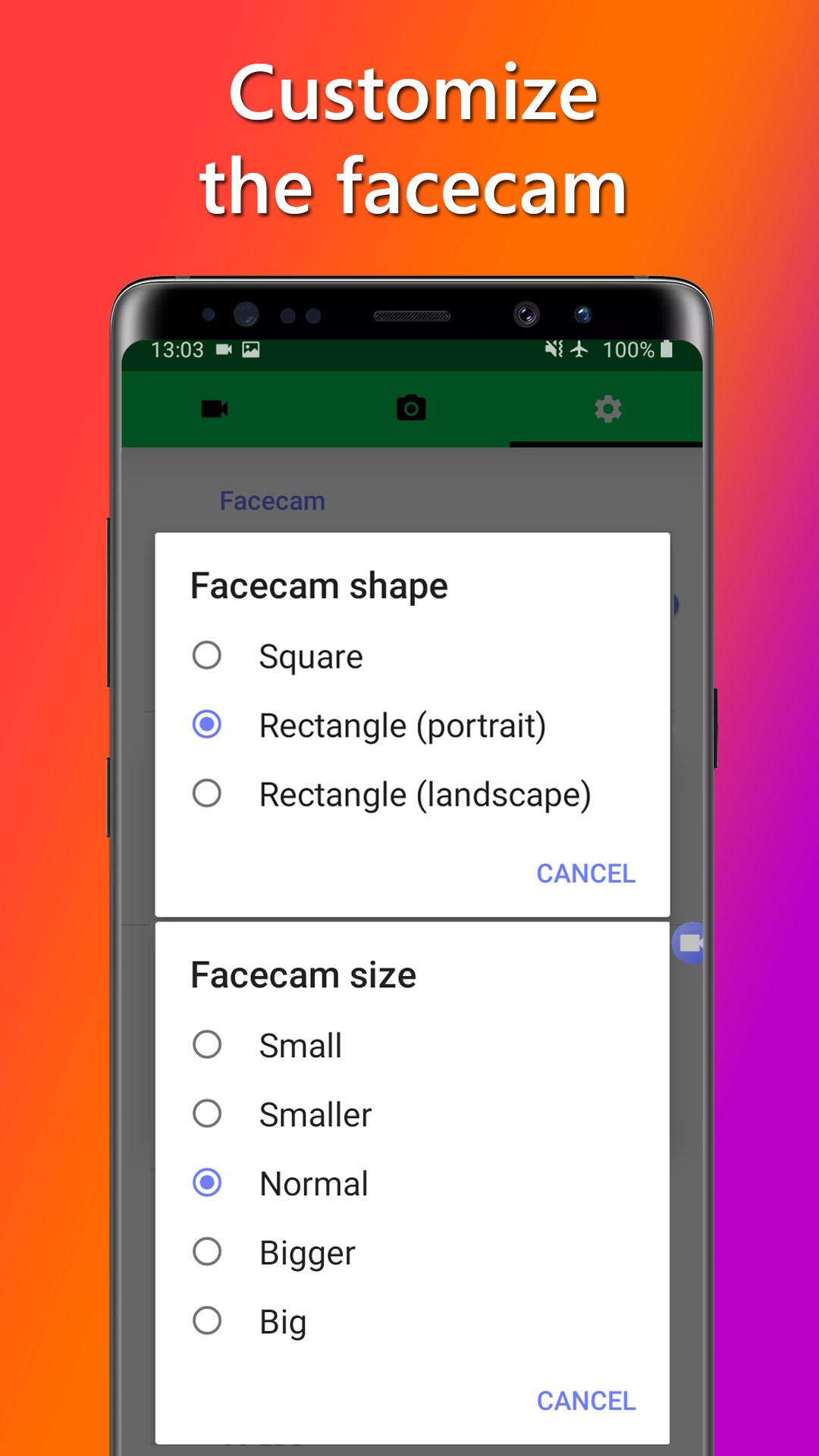
Customize the position, size, and aspect ratio of the face camera to suit your streaming or recording setup. Whether you're a live streamer, gamer, or content creator, you have full control over how your face appears on the screen. Move the face camera anywhere you like to provide your viewers with a personalized and immersive experience.
Adjust Video Quality
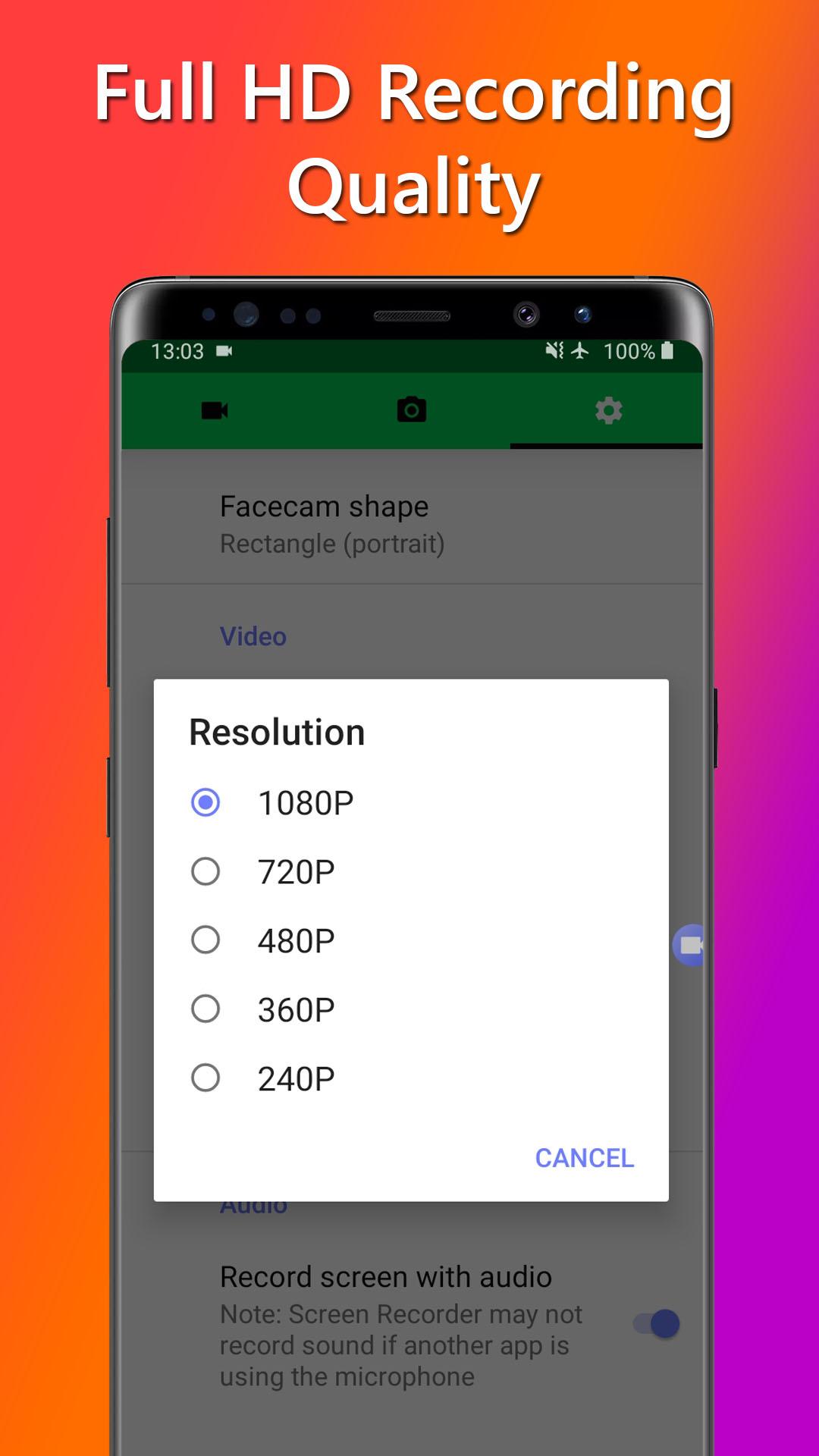
Tailor your videos for optimal streaming and uploading to platforms like YouTube or Twitch. Adjust the video resolution and frame rate to capture your gameplay in stunning detail. Choose from popular options like 720p or 1080p, or customize the settings to match your desired quality and compatibility.
Audio Customization
Enhance your gaming videos with crystal-clear audio. Choose to record in-game sounds and commentary or keep it silent for added flexibility. Select the audio source from your Android device's microphone or internal audio* to capture the excitement of your gameplay.
*(requires Android 10 or above)
Built-in Screenshot Editor
Capture and highlight the best moments of your gaming sessions using the built-in screenshot editor. Add text, crop, rotate, adjust brightness, and change saturation levels to create eye-catching thumbnails or share your achievements on social media.
Seamless Sharing
Share your recorded videos effortlessly with your gaming community or online followers. Open them in popular apps for editing or directly share them on social media platforms. Long-press the video or screenshot to access sharing options and connect with your audience in just a few taps.
Please note that FaceCam Screen Recorder should not be used to record copyrighted audio, video, music, or movies without proper authorization. We emphasize responsible usage and disclaim any responsibility for misuse. By installing and using this app, you agree to take full responsibility for your actions.
Unlock Additional Features: Elevate your streaming and recording capabilities with in-app purchases or subscriptions. Unlock features such as ad removal, advanced video editing tools, facecam functionality, and internal audio recording for a seamless content creation experience.
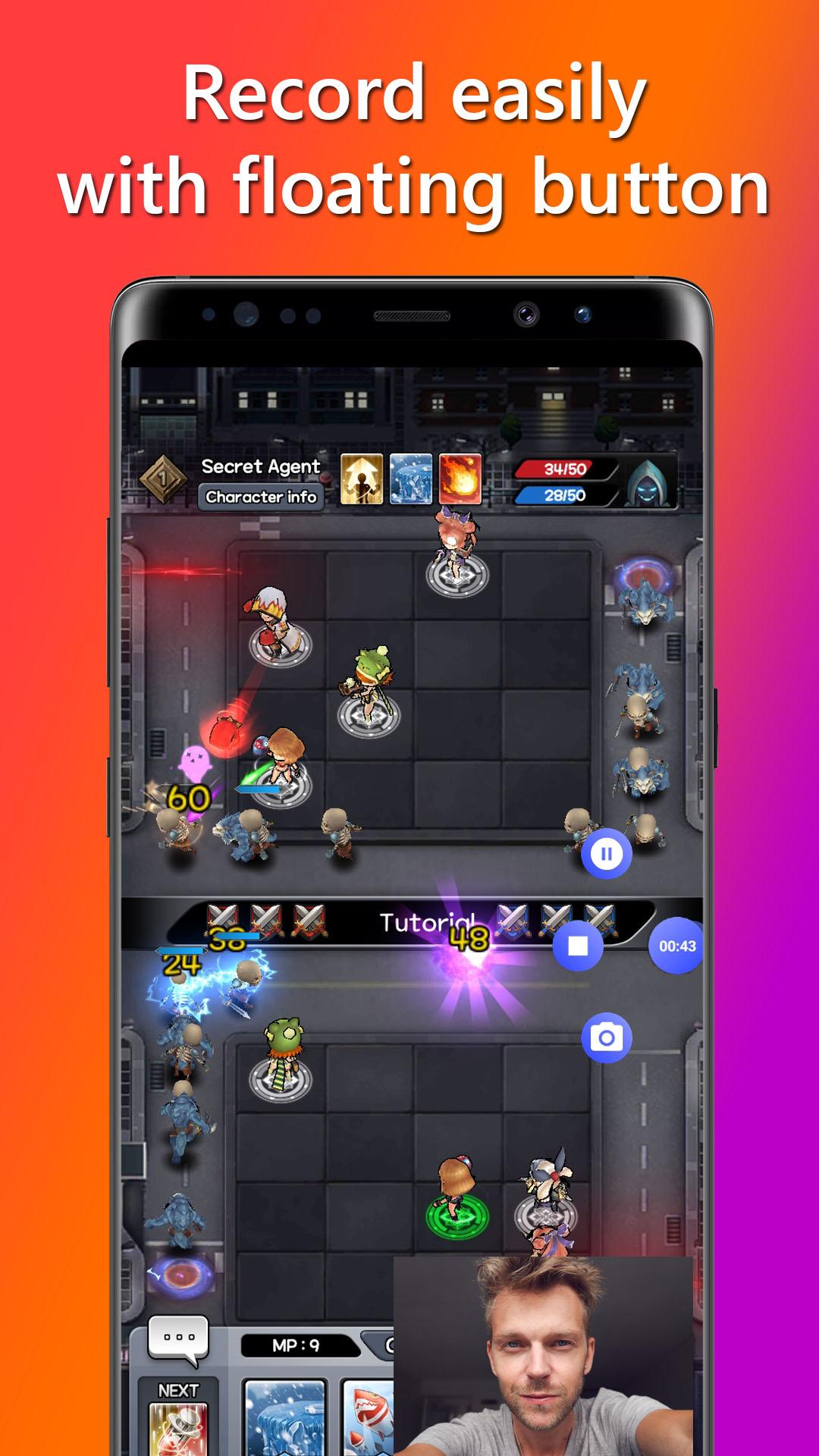
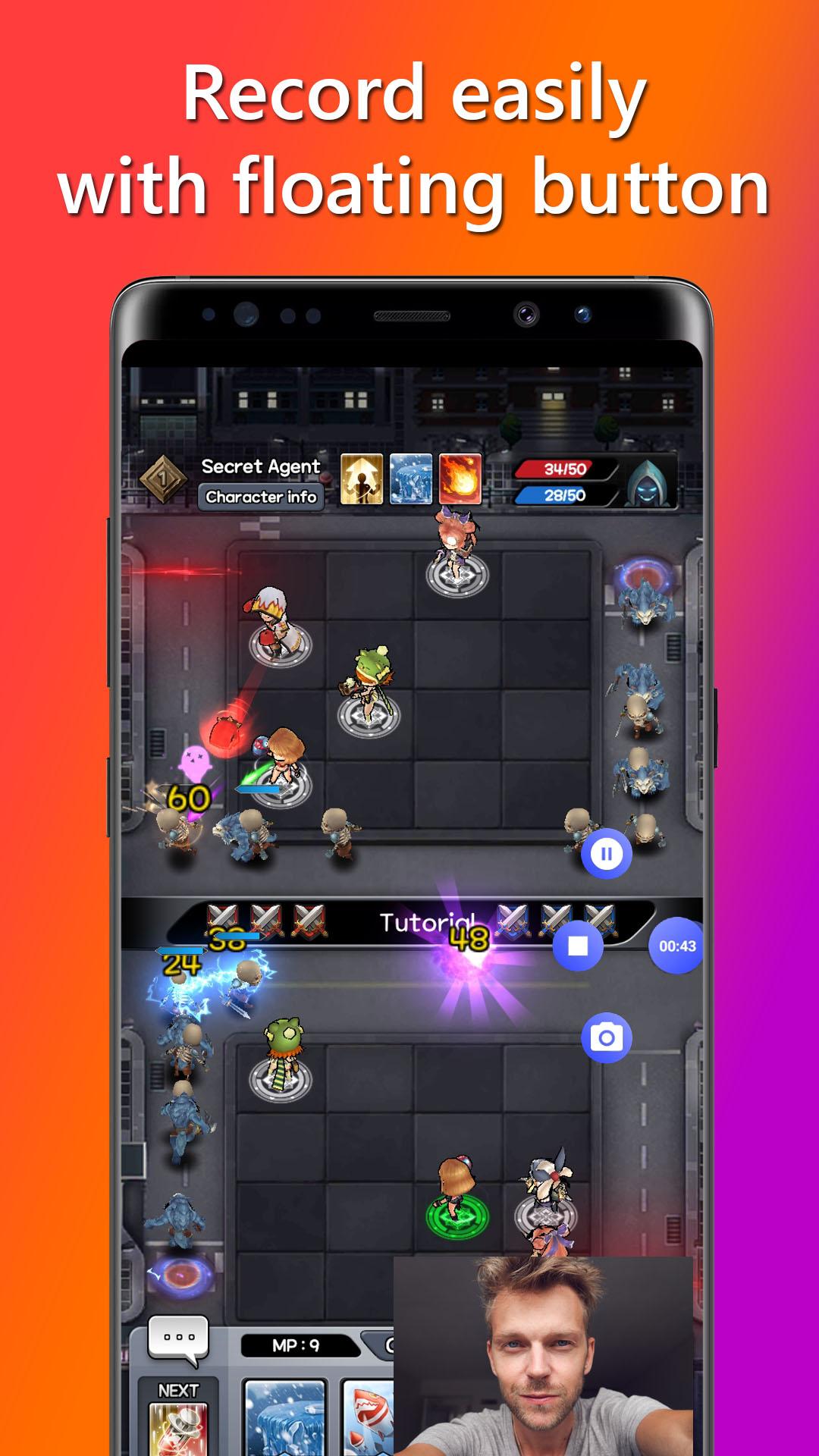
Capture Moments Anywhere: Access the screen recording features even while playing games or using other apps. The floating button remains visible on your screen, allowing you to start or pause recordings, take screenshots, or stop the recording process without interruption. Alternatively, control your recording and screenshot functions from the notification panel.
We value your feedback and are committed to supporting your streaming and recording needs. If you have any questions or suggestions, please contact us via email, and our dedicated team will be happy to assist you.
Download FaceCam Screen Recorder now and unlock the power to record, create, and share your gaming adventures with your audience. Start streaming, gain followers, and make your mark in the gaming community with FaceCam Screen Recorder.
Latest Version
1.1.2Uploaded by
Blockbuster Bhargav
Requires Android
Android 7.0+
Category
Free Tools AppContent Rating
Everyone
Security Report
Report
Flag as inappropriateLast updated on Dec 5, 2025
Performance improvements for FaceCam Screen Recorder


APKPure - A multi-platform app store primarily focused on Android, providing extensive app-related content. Discover the app you want easier, faster, and safer, with quick and efficient downloads and installations.